Free trial
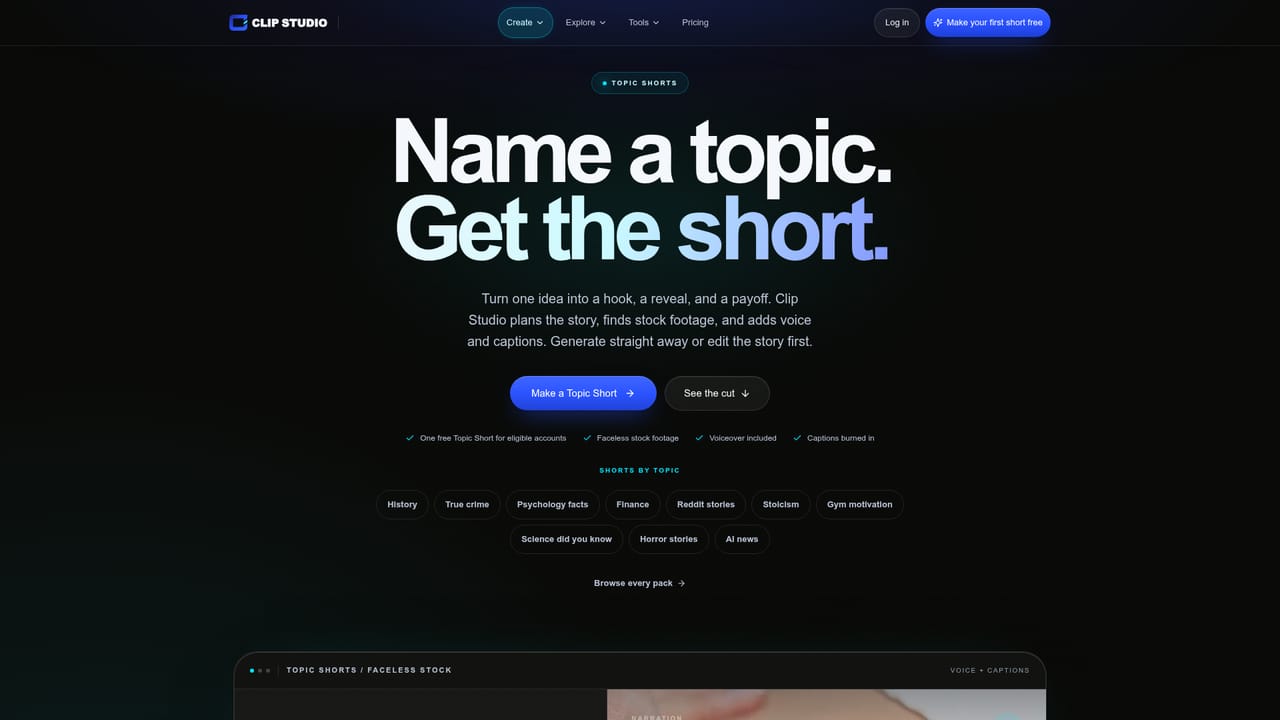
Eligible new accounts receive one free Topic Short, so the faceless short format can be tested at no cost before choosing a plan.
Learn moreOne studio for faceless shorts, character films, talking heads and voice
Own Clip Studio AI? Verify ownership to get a dofollow link

Clip Studio AI is an AI video talk tool. A multi mode AI video studio best known for faceless Topic Shorts, with character films, talking head clips, prompt driven product spots, image models and built in voice under one account.
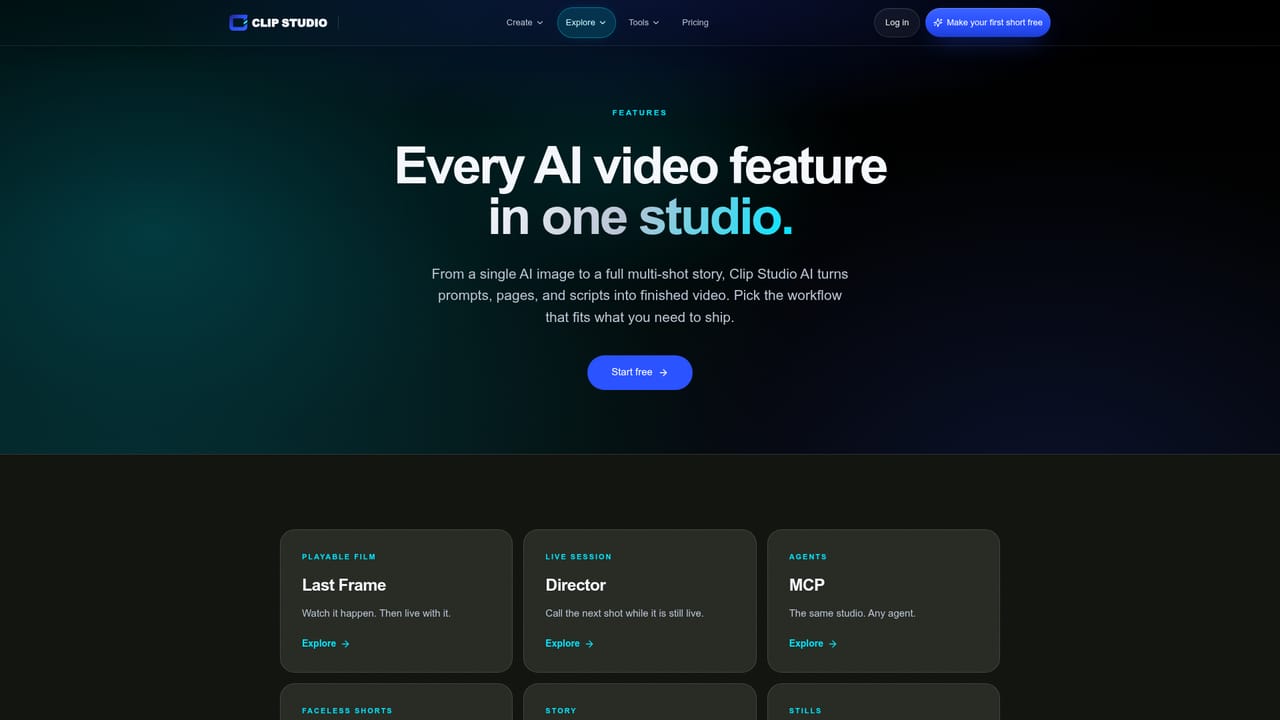
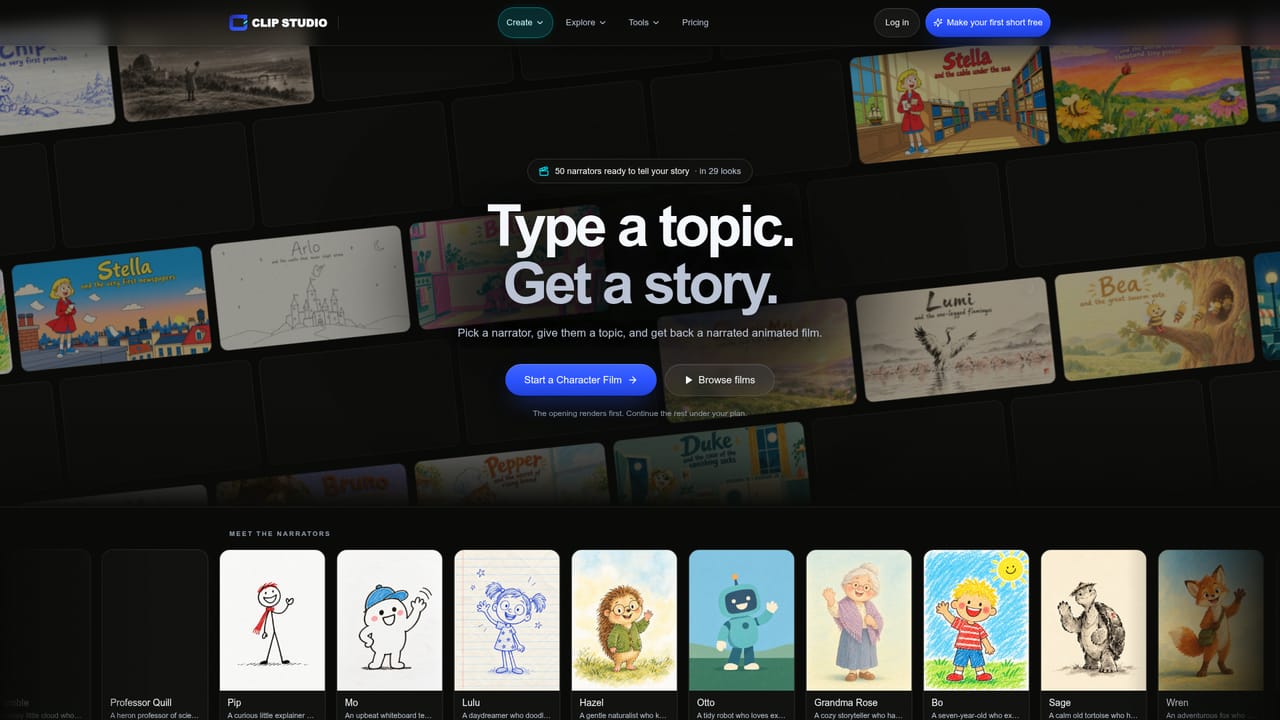
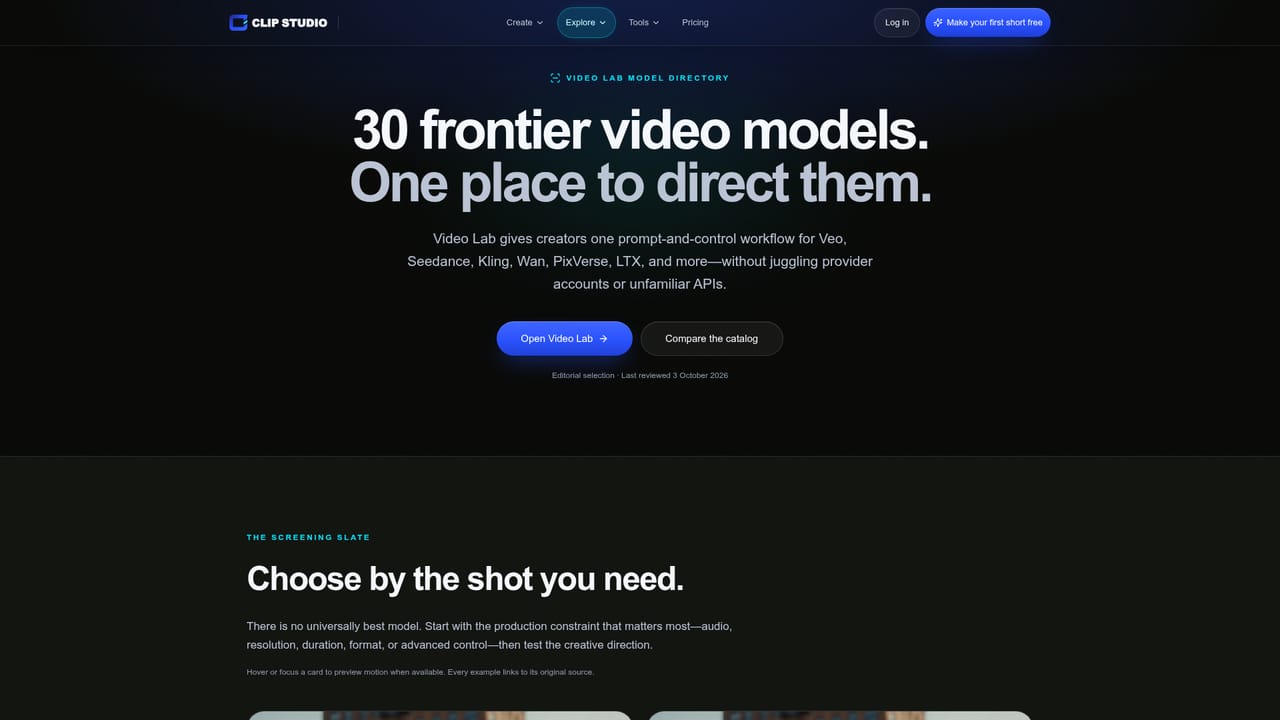
Clip Studio AI is a browser based video production studio that bundles several distinct creation modes into one workspace. The headline format for faceless creators is Topic Shorts: short narrated explainer clips built around a topic rather than a visible presenter. The site uses a ten second ocean explainer as its sample, which gives a fair sense of the register: compact, voice led, and built for scroll-stopping feeds. Adjacent modes cover Character Films (narrated story clips with a recurring cast, shown in a public library of titles like Kai and the secret of the wind), Talking Shorts for presenter led clips, Video Lab for prompt driven product spots, and Paint Lab, which turns a pencil sketch into finished concept art. The tool is aimed at solo creators and small teams who need finished video without a shoot. It suits faceless channel operators, children's story producers, and marketers who want a talking head ad or a product spot without booking talent. Behind the scenes the studio gives access to roughly 30 frontier video models plus a separate roster of image models, including named options such as GPT Image 2.5, Nano Banana and Flux 2 Pro. That model layer matters: it means the workflow is not locked to a single generator, and stills for thumbnails or scene frames can come from the same account. In practice a session follows a predictable arc. Pick a format, supply the idea or script, let the studio assemble scenes and narration, then review and export. Voice is handled inside the product, so narration does not require a separate text to speech subscription. An MCP page suggests the team also supports connecting the studio to external AI assistants, which points at users who already work inside chat clients and want to trigger generation from there. Where it sits among alternatives: most competitors do one thing, either avatar talking heads or text to video. Clip Studio AI's pitch is breadth under one login. The trade off is that breadth invites a learning curve across six modes, and the site says little about export formats, commercial licensing, or how much control you get over individual scenes. Buyers should test the free Topic Short before committing.
Eligible new accounts receive one free Topic Short, so the faceless short format can be tested at no cost before choosing a plan.
Learn moreAn MCP page indicates the studio can be connected to external AI assistants, letting users trigger generation from supported chat clients.
Learn moreModes include Topic Shorts for faceless narrated clips, Character Films with a recurring cast, Talking Shorts for presenter led video, Video Lab for prompt driven product spots, and Paint Lab for finishing sketches into concept art. Around 30 frontier video models and a separate image model roster (GPT Image 2.5, Nano Banana, Flux 2 Pro) are selectable, with built in voice and narration.
Learn more AI Angels400+ customizable AI girlfriends for NSFW chat, voice calls, and roleplay
 Candy AIExperience the future of companionship with AI friends who chat, role-play, and connect with you on a human level.
 ourdream.aiA vast AI roleplay platform with millions of characters for chat, images, video and voiceAI Angels400+ customizable AI girlfriends for NSFW chat, voice calls, and roleplayCandy AIExperience the future of companionship with AI friends who chat, role-play, and connect with you on a human level.ourdream.aiA vast AI roleplay platform with millions of characters for chat, images, video and voice