Free trial
The homepage invites users to start animating for free and offers a Google sign up, and it lists credit costs for some actions (image generation is 4 credits). No trial length or free tier limits are stated.
Learn moreText to 3D animation with rigged, talking avatars

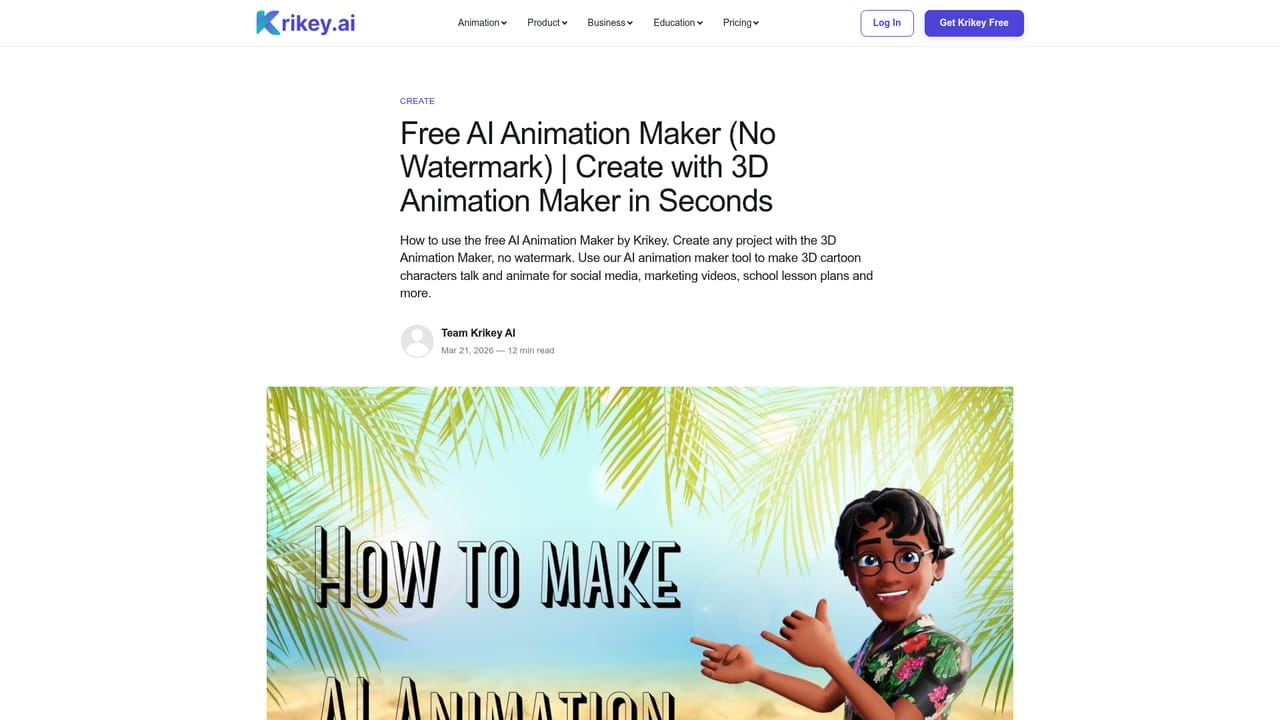
Krikey AI generates rigged 3D characters and talking avatar videos from text prompts, uploaded photos or blog links. It targets marketers, teachers and social creators who need cartoon motion clips without rigging or keyframing, and it runs as an app plus inside Canva, ChatGPT and Adobe Express.
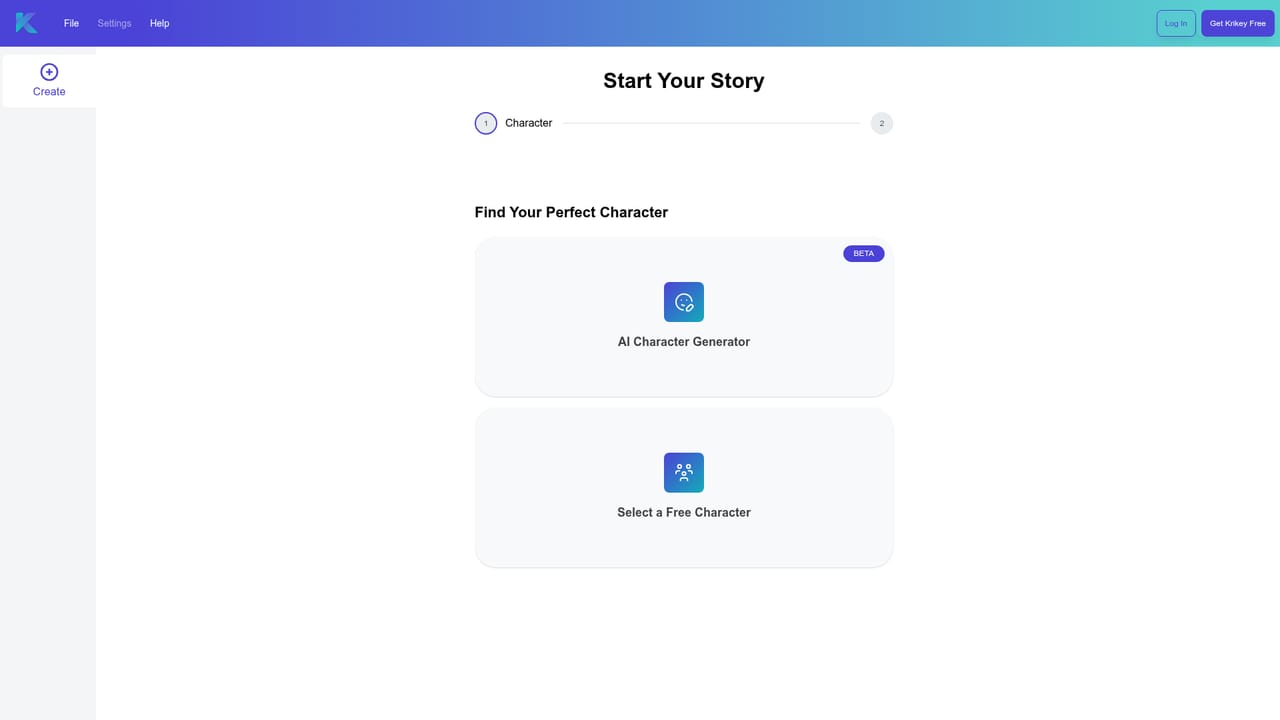
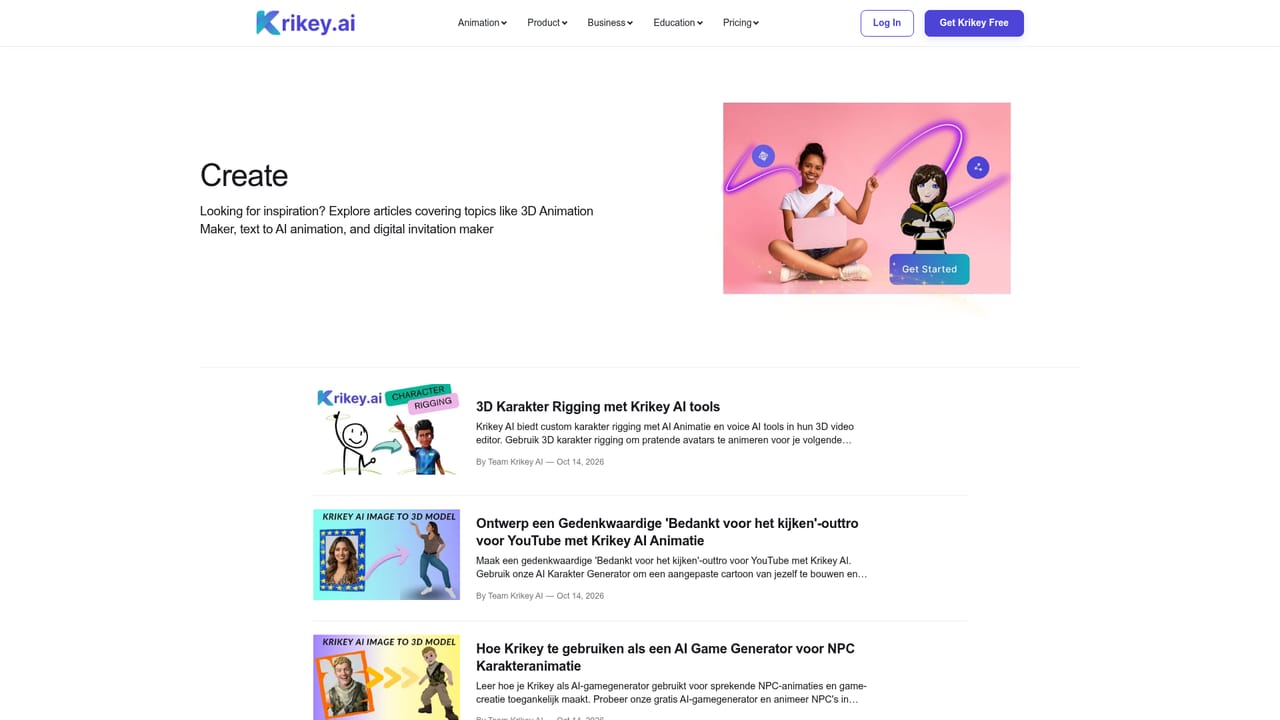
Krikey AI is a browser based 3D animation studio that turns text prompts or uploaded photos into animated characters. The pitch is simple: no rigging, no keyframing, no motion capture gear. A user types a line of dialogue, picks a voice and a character, and the platform returns a rendered clip of that character speaking and moving. The same engine drives a music video generator (specify a genre and a lyric topic, get a singing 3D performer), a podcast clip tool that accepts a prompt or a blog link, and a transparent GIF export that loops without a background at resolutions up to 4K. Character creation is the other half of the product. Uploading a photo and choosing a style (Mini-Me, K-Pop, Cartoon, Anime) produces a 3D model that is automatically rigged for full body motion and lip sync. A built in character gallery and a 3D cartoon character store cover users who would rather skip the upload step. Exports run across marketing videos, explainers, lesson plans, birthday cards, animated resumes, pitch videos, brand mascots and NPC clips, and the site displays a wide template wall drawn from real editor output. Day to day, the workflow suits people who need motion footage but do not work in a 3D package. Marketing teams, teachers, social creators, video editors adding animated inserts and small studios prototyping characters are the obvious fits. Because Krikey also runs inside Canva, ChatGPT and Adobe Express, much of the animation work happens without opening the standalone editor at all. An augmented reality mode places a character in the room through a phone camera, and a separate motion capture dataset line is sold to robotics and research buyers rather than video teams. The honest positioning: this is a fast character animation layer, not a general purpose video editor or a replacement for Blender or Maya. Camera work, scene composition and asset import appear limited to what the templates and editor expose. Buyers who need precise control over a full 3D pipeline will outgrow it, while anyone producing talking head explainers or cartoon social clips will find the turnaround hard to match.
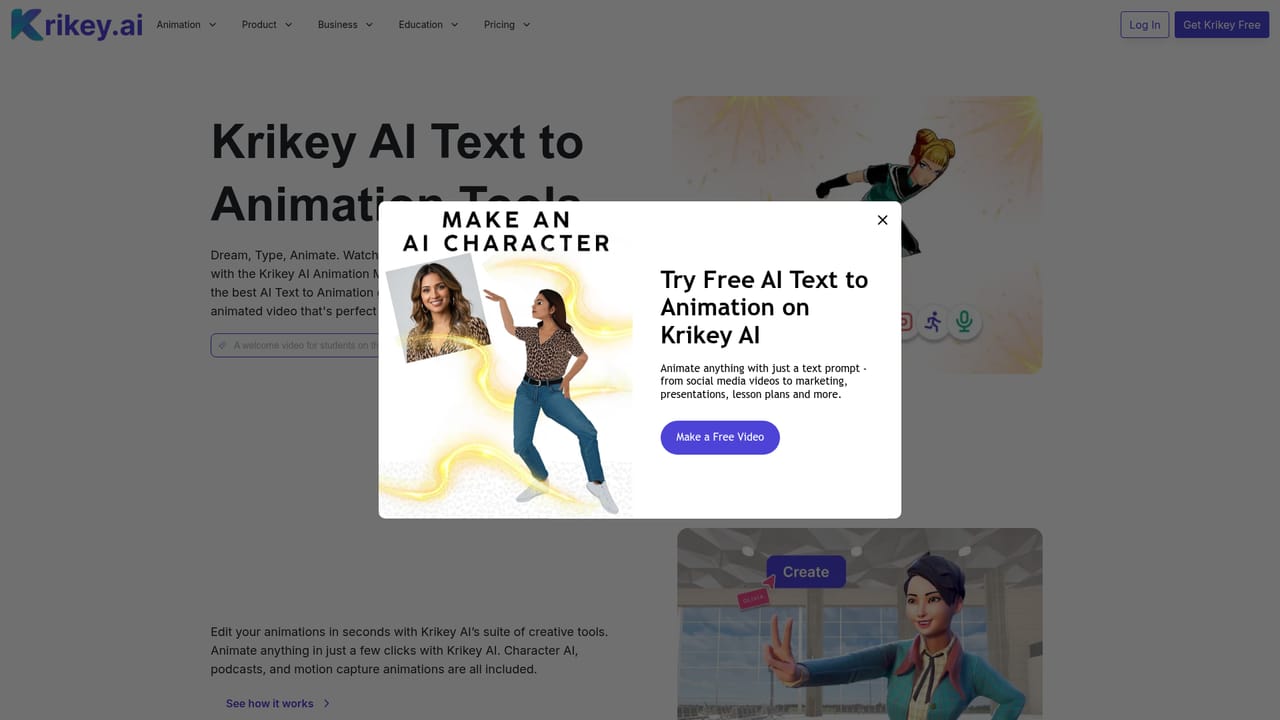
The homepage invites users to start animating for free and offers a Google sign up, and it lists credit costs for some actions (image generation is 4 credits). No trial length or free tier limits are stated.
Learn moreA help section, a frequently asked questions page and a sales contact form are linked from the site. No live chat or phone support is described on the homepage.
Learn moreKrikey runs inside Canva, ChatGPT and Adobe Express. The homepage also shows partner logos for NVIDIA, ElevenLabs and Amazon Web Services.
Talking avatar videos from text, 3D character creation from an uploaded photo with automatic rigging and lip sync, an AI music video generator, an AI podcast clip generator, transparent GIF export up to 4K, an augmented reality character mode, a character gallery and store, and a motion capture dataset sold separately for robotics and research.
Learn more AI Angels400+ customizable AI girlfriends for NSFW chat, voice calls, and roleplay
 Candy AIExperience the future of companionship with AI friends who chat, role-play, and connect with you on a human level.
 ourdream.aiA vast AI roleplay platform with millions of characters for chat, images, video and voiceAI Angels400+ customizable AI girlfriends for NSFW chat, voice calls, and roleplayCandy AIExperience the future of companionship with AI friends who chat, role-play, and connect with you on a human level.ourdream.aiA vast AI roleplay platform with millions of characters for chat, images, video and voice