
Clipfly AI Kissing Video Generator

Generate kissing videos from text or a single photo with multi-model AI

Beginner
Screenshot of Clipfly AI Kissing Video Generator, Generate kissing videos from text or a single photo with multi-model AI

What is Clipfly AI Kissing Video Generator?

Clipfly AI Kissing Video Generator is an AI french kissing generator tool that generates kissing videos from text or a single photo with multi-model AI. A browser-based kissing video generator built on Clipfly's multi-model AI video platform.

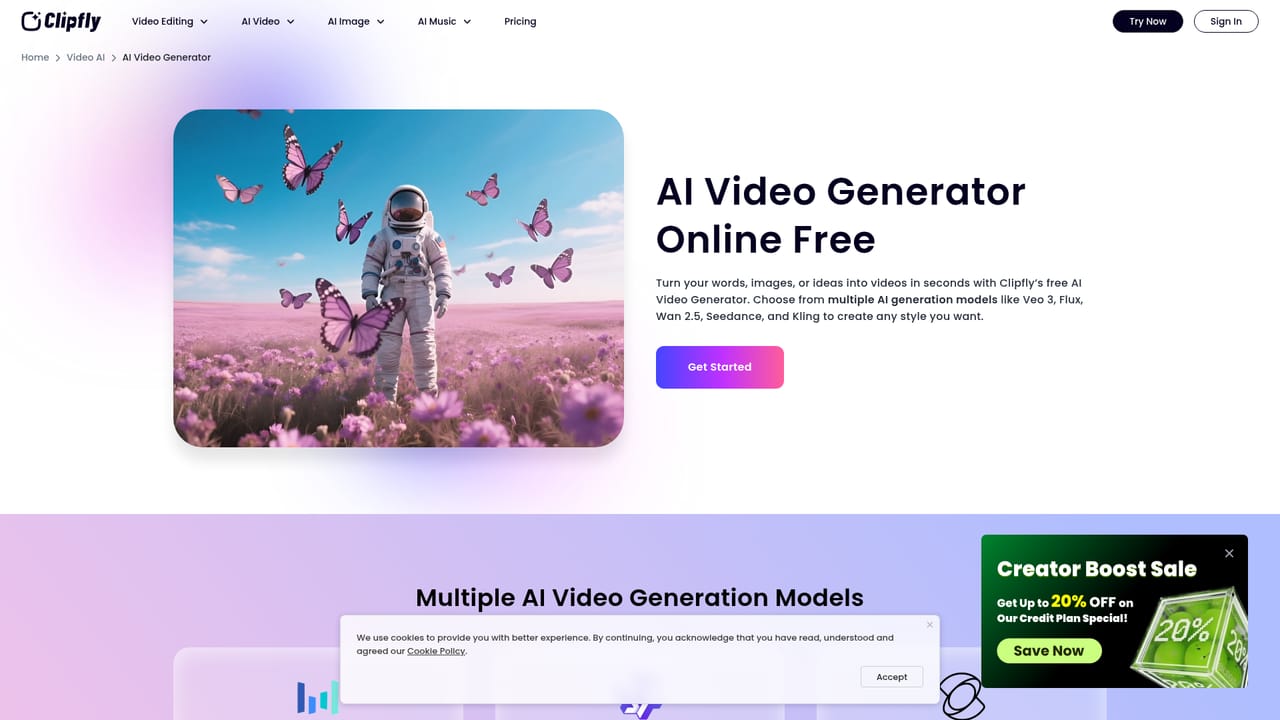
Clipfly's kissing video generator is a task inside the broader Clipfly AI video platform, which lets you produce short clips from a written prompt or from a still image. For kissing scenes, the practical route is the image to video mode: you supply a photo of two people, describe the motion you want, and the model animates the frame into a short moving clip. The site does not publish a dedicated kissing template page, so the tool is best understood as a general motion generator that happens to suit romantic and couple-themed clips. What separates Clipfly from single-model competitors is the model roster behind the generator. Users pick between Seedance 2.0, Wan 2.7, Kling 3.0, Veo 3.1, Pixverse V6 and HappyHorse 1.0. Clip lengths, resolution and audio support vary by model: Seedance and Wan offer clips from 2 to 15 seconds, Kling is positioned for detailed visuals and complex motion at 1080p to 4K, Veo 3.1 adds integrated audio creation, and Pixverse advertises more than 20 camera controls. That choice matters for kissing clips, where subtle facial motion and natural lip contact are exactly the details models handle with varying success. It is aimed at social media creators, couples making personal videos, and marketers producing romantic-themed content who lack editing skills. The workflow is prompt-first and browser-based: type a subject, scene, movement and camera angle, or upload an image with a descriptive prompt, then generate and refine. Everything runs online with no software install. Against rivals, Clipfly wins on model variety and on bundling generation with a full editing suite (trimming, subtitles, audio tools, lip sync and talking avatars), so a generated clip can be finished in the same place. The trade-off is that close-up intimate footage is a weak spot for most current video models, and the site gives no dedicated guidance for this use case.

How do you use Clipfly AI Kissing Video Generator?

  1. 1Open the AI video generator
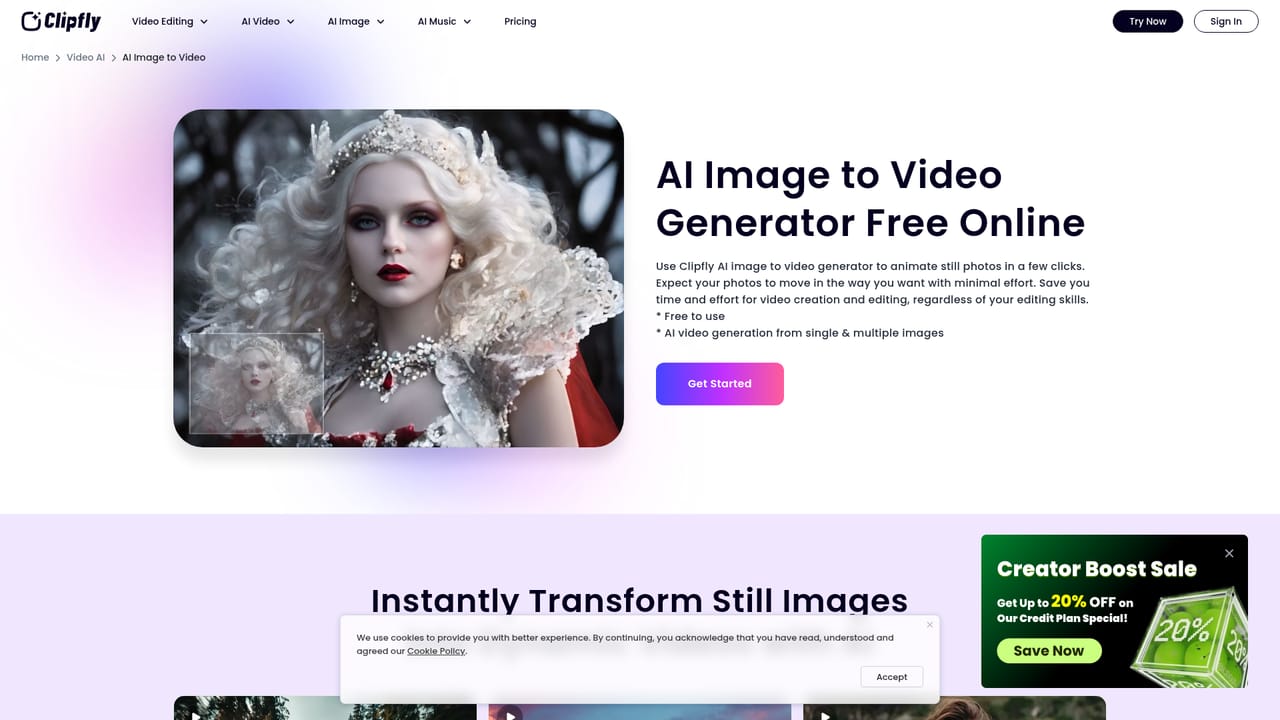
    Go to the generator entry point on Clipfly and choose the image to video mode, which gives more control over who appears in the kissing scene than a pure text prompt.
    Clipfly AI Kissing Video Generator — Open the AI video generator
  2. 2Upload your source photo
    Upload a still showing the two people you want animated. A clear, well-lit frame with visible faces produces far better motion than a cropped or blurry image.
  3. 3Pick a generation model
    Choose from Seedance, Wan, Kling, Veo, Pixverse or HappyHorse. Models differ in clip length, resolution and whether they generate audio, so test the same prompt across two or three.
    Clipfly AI Kissing Video Generator — Pick a generation model
  4. 4Write a motion prompt
    Describe the action in plain language: who moves, how they lean in, the camera angle and the mood. Keep it specific but short, and avoid stacking conflicting instructions.
  5. 5Generate and review
    Run the generation, then watch closely for distorted faces or unnatural contact. Regenerate with a reworded prompt or switch models if the first result falls short.
  6. 6Finish in the editor
    Send the clip to Clipfly's video editor to trim the length, add music or subtitles, and export a version ready for sharing.
    Clipfly AI Kissing Video Generator — Finish in the editor

Pros and cons

Pros

  • Six generation models in one place, so you can retry the same prompt across different enginesAI
  • Supports both text to video and image to video, the latter being the more reliable route for couple photosAI
  • No installation needed, everything runs in the browser alongside Clipfly's editing suiteAI
  • Clip lengths and resolutions vary by model, letting you trade speed against fidelityAI
  • Finishing tools (trimming, subtitles, audio, lip sync) live on the same platformAI

Cons

  • No dedicated kissing page or preset; you are using a general motion generator and writing your own promptsAI
  • Close-up facial contact is a known weak point for AI video models, so expect retries and artifactsAI
  • Animated results depend heavily on the uploaded photo's angle and lighting, with no on-site guidance for thisAI
  • The homepage lists model names but not credit costs, so per-clip pricing is unclear before signing upAI
  • Realistic intimate footage of recognizable people raises consent questions the site does not addressAI

How much does Clipfly AI Kissing Video Generator cost?

Features

Text to video and image to video generation with a choice of six models: Seedance 2.0, Wan 2.7, Kling 3.0, Veo 3.1, Pixverse V6 and HappyHorse 1.0. Clip lengths range from 2 to 15 seconds depending on model, with 1080p up to 4K output on some, native audio on Veo, Seedance, Pixverse and HappyHorse, and over 20 camera controls on Pixverse. Generated clips can move into Clipfly's editor for trimming, subtitles, audio work and lip sync.

Learn more

Frequently asked questions about Clipfly AI Kissing Video Generator

  • How do you use Clipfly AI Kissing Video Generator?
    The walkthrough on this page covers 6 steps: 1. Open the AI video generator 2. Upload your source photo 3. Pick a generation model 4. Write a motion prompt 5. Generate and review 6. Finish in the editor.
  • What platforms does Clipfly AI Kissing Video Generator support?
    Clipfly AI Kissing Video Generator is available on Web App.
  • What are the limitations of Clipfly AI Kissing Video Generator?
    No dedicated kissing page or preset; you are using a general motion generator and writing your own prompts. Close-up facial contact is a known weak point for AI video models, so expect retries and artifacts. Animated results depend heavily on the uploaded photo's angle and lighting, with no on-site guidance for this.

Status

StatusActive
Views0
Outbound clicks0
Added10/21/2026

Platforms

Web App

Pricing

Freemium