Free trial
The homepage lists no credit card required alongside the Start Pentest button, which implies a no-card entry point. It does not state a trial length or which features are included.
Learn moreAgentic pentesting that proves exploits before you ship

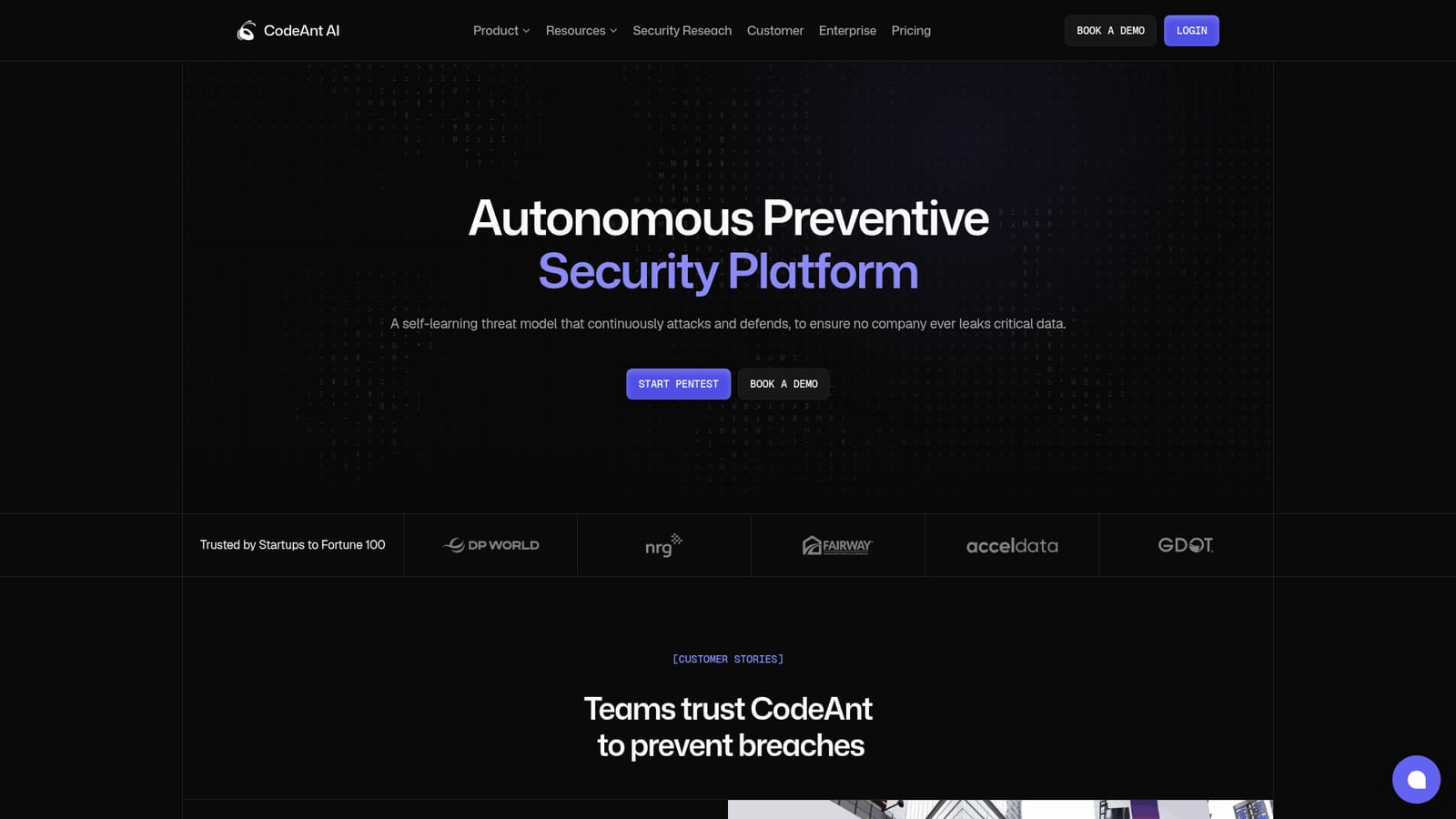
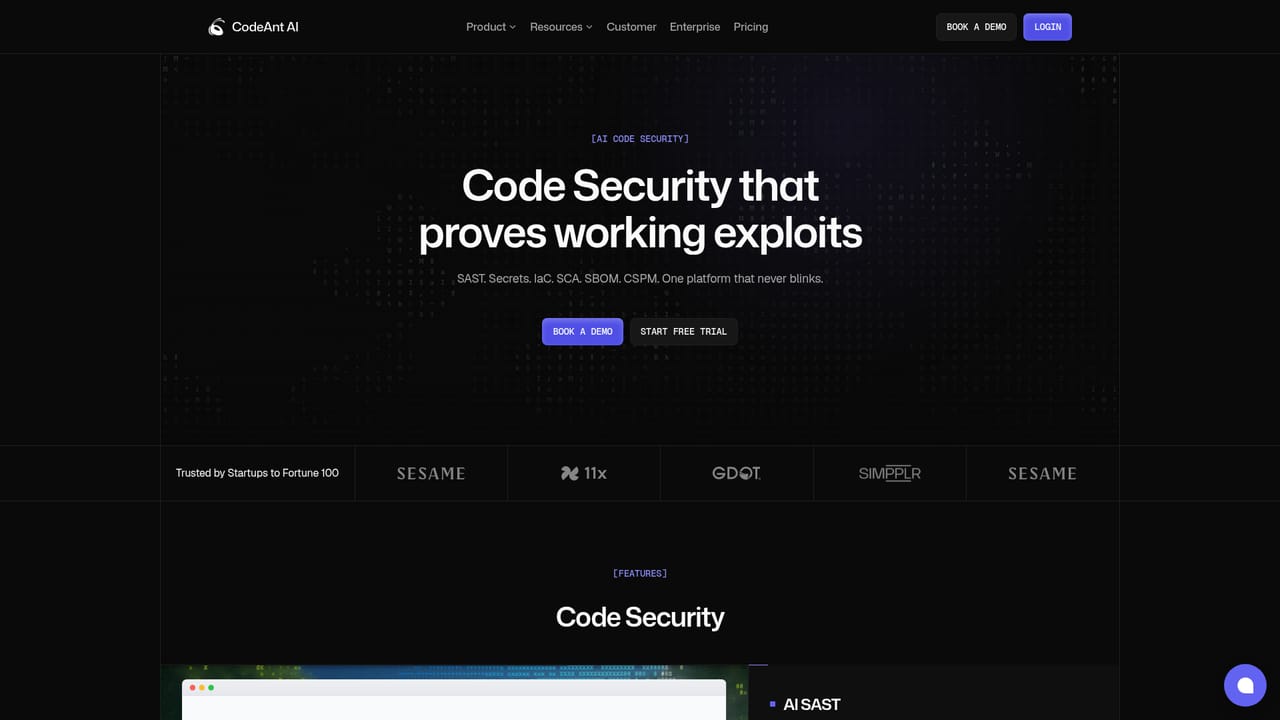
CodeAnt AI is an agentic security platform that builds a context graph from code, cloud and runtime, then runs hundreds of agents to attack the live application. Only proven exploits with request and response evidence are reported, covering blackbox, whitebox and graybox pentesting plus DAST, cloud attack simulation and CSPM.
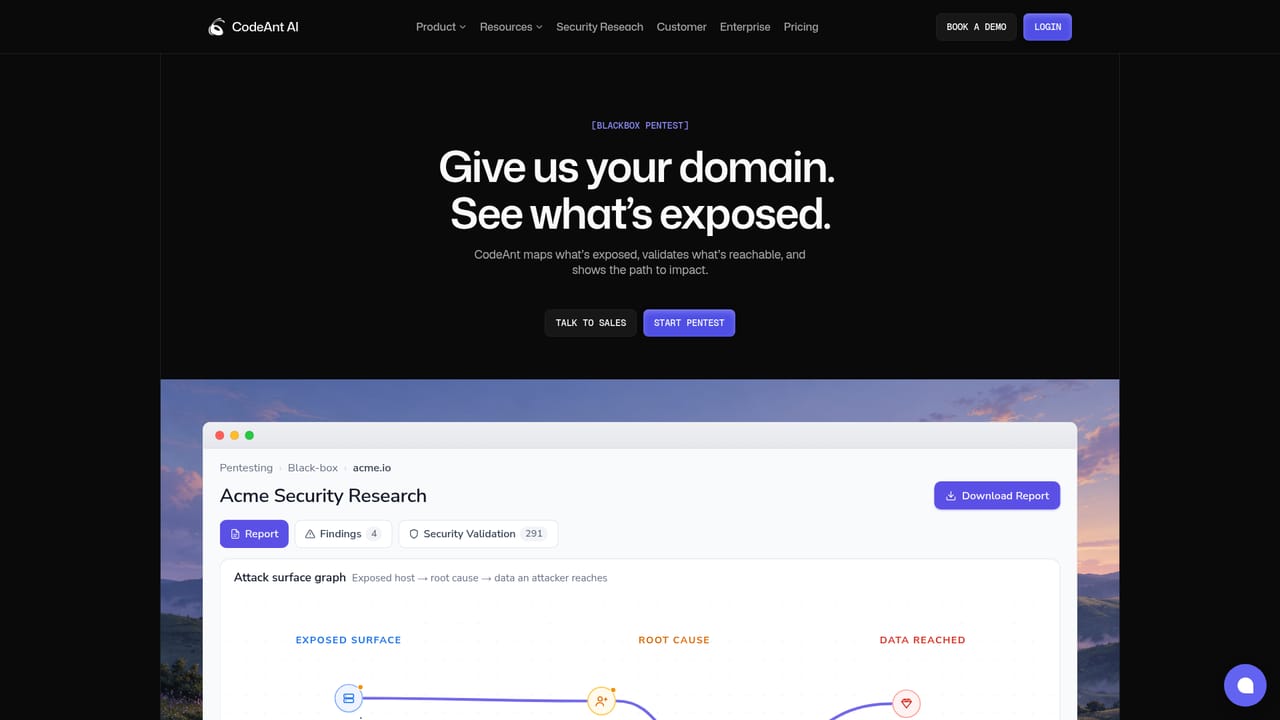
CodeAnt AI is an agentic security platform that turns offensive testing into a continuous, evidence-based process. Rather than handing you a list of suspected weaknesses, it reasons across source code, infrastructure as code, dependencies, secrets, live endpoints, cloud configuration and commit history, builds a context graph of how those pieces connect, and then sends hundreds of agents to attack the running application along the paths that the graph ranks as most promising. Only findings that were actually exploited reach the report, each one paired with the request, the response that proved it and the steps to reproduce. The product covers the full lifecycle in one place. Blackbox pentesting starts from a domain alone, mapping the exposed surface and chaining real exploits. Whitebox pentesting reads your repository and Git history to catch what outside-in testing misses. Graybox testing logs in as a real user and attacks the way someone who has already read the code would. On the defensive side there is DAST for running apps and APIs even behind login, cloud attack simulation from misconfiguration to breach, and CSPM that ties cloud misconfigurations to actual attack paths. An attack surface graph shows exposed hosts, root causes and the company data an attacker could reach, so triage becomes a review task instead of an investigation. The audience is security and engineering teams that already run periodic pentests and want something continuous between them, plus platform teams that want cloud and code risk expressed in the same language. Startups through Fortune 100 companies appear in the trust section, and the vendor publishes SOC 2 Type II, HIPAA and Gartner Cool Vendor 2026 markers. In practice you click through to the app, kick off a scan, and work from a findings table that separates confirmed exploitable issues from potential ones, with severity, location, status and fix time alongside each row. Where it sits among alternatives: traditional pentest firms deliver a point-in-time report and a retest weeks later, while static scanners produce volume without proof. CodeAnt occupies the middle ground, using AI agents to simulate an attacker continuously while insisting on exploit evidence. That reduces noise but also means the tool is opinionated about what counts as a finding, so teams used to broad scanner coverage may find the confirmed-only view narrower than expected.
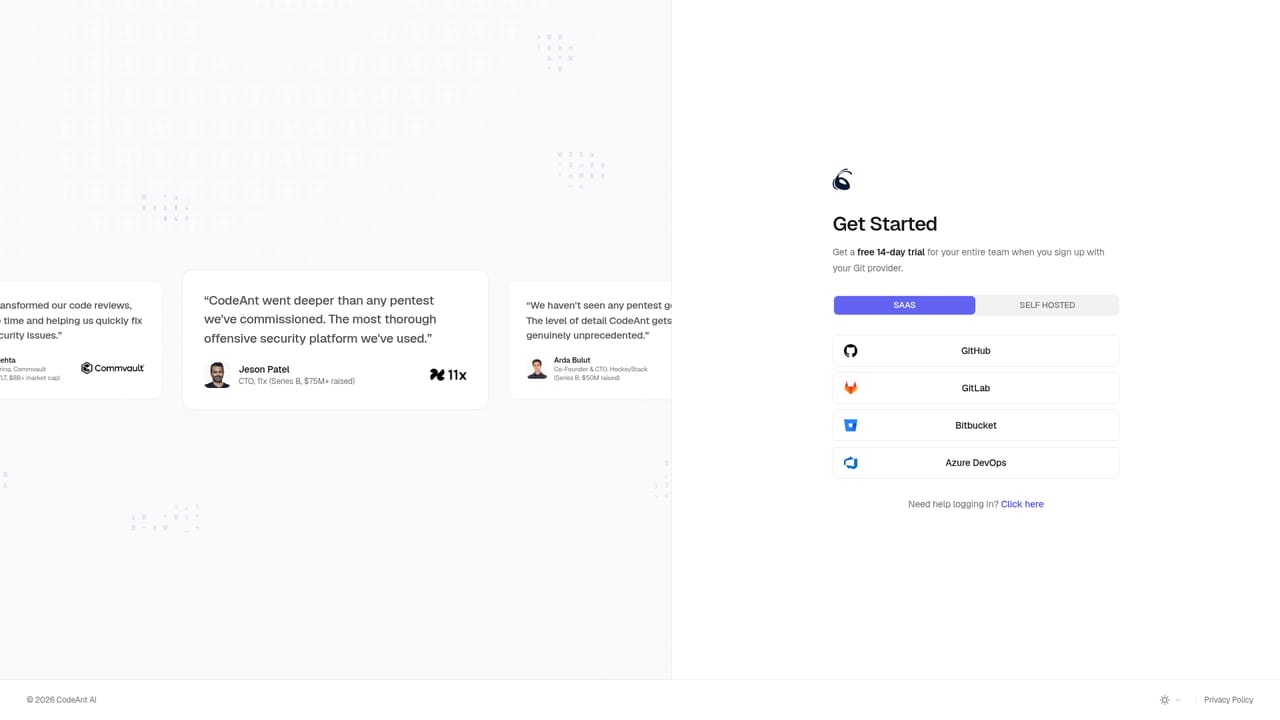
The homepage lists no credit card required alongside the Start Pentest button, which implies a no-card entry point. It does not state a trial length or which features are included.
Learn moreSupport runs through a documentation portal, a public system status page, a sales contact form and an in-site chat widget. The homepage does not list support tiers or response time commitments.
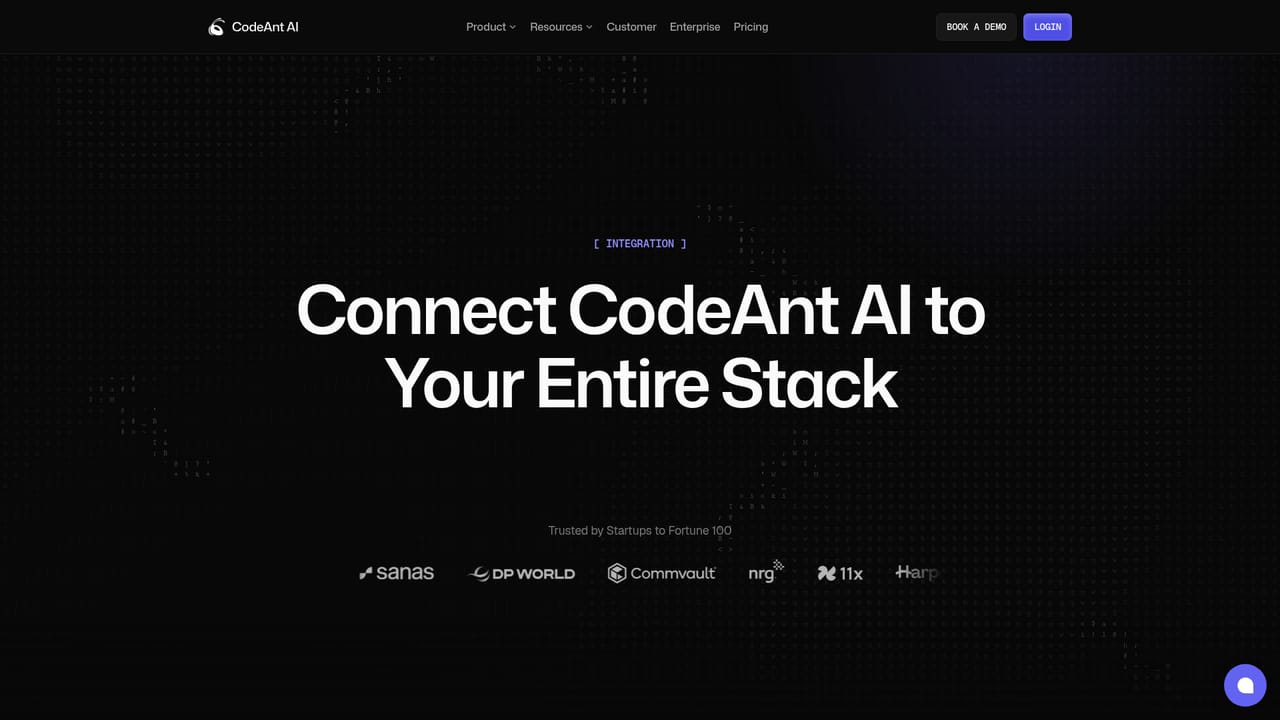
Learn moreA dedicated integrations page shows a large logo wall spanning source control, cloud, CI and issue tracking tools. The homepage does not name individual connectors or describe how each one syncs.
Learn moreContext graph built from repositories, IaC and Terraform, dependencies and SBOM, secrets, live endpoints, cloud config and commit history. AI threat modelling ranks exploit paths and maps auth boundaries and data flows. Over 500 agents chain recon, injection, access control and business logic attacks. Blackbox, whitebox and graybox pentesting plus DAST, cloud threat actor simulation and CSPM, with an attack surface graph and confirmed-only findings.
Learn more AI Angels400+ customizable AI girlfriends for NSFW chat, voice calls, and roleplay
 Candy AIExperience the future of companionship with AI friends who chat, role-play, and connect with you on a human level.
 ourdream.aiA vast AI roleplay platform with millions of characters for chat, images, video and voiceAI Angels400+ customizable AI girlfriends for NSFW chat, voice calls, and roleplayCandy AIExperience the future of companionship with AI friends who chat, role-play, and connect with you on a human level.ourdream.aiA vast AI roleplay platform with millions of characters for chat, images, video and voice