Free trial
The first scan is free with no card required: up to 25 pages, 60+ checks, the security score, severity breakdown, affected URLs and one prioritized fix where an actionable finding exists.
Learn moreScan a live SaaS site or public repo for exposed files and weak headers
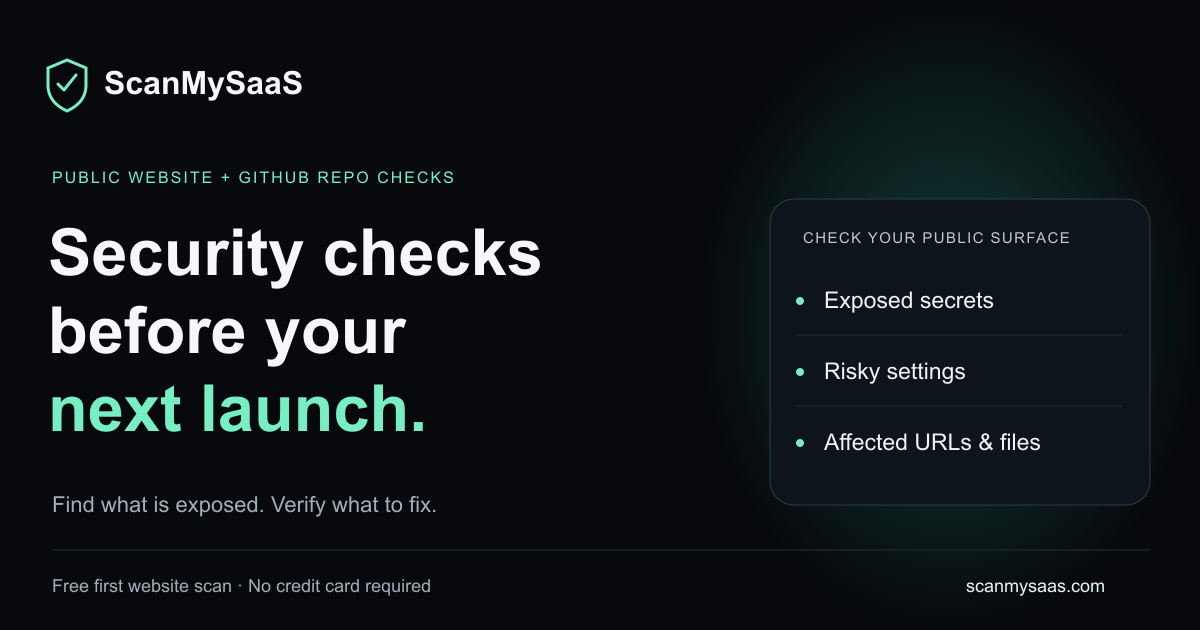
SecureSaaS is a cybersecurity tool. A browser-based security scanner for deployed SaaS apps and public GitHub repos. It runs 60+ checks across up to 25 pages, reports findings by severity with affected URLs, and includes one free remediation step. Built for founders shipping with AI coding tools who need a quick check before launch.
SecureSaaS, published at scanmysaas.com under the ScanMySaaS name, is an outside-in security scanner aimed at small product teams that ship fast. You give it a public URL you own or are authorized to test, and the crawler works through up to 25 reachable pages running more than 60 automated checks across roughly 15 categories. The output is a severity-ranked report that ties every finding back to the exact page where it was observed, so a developer can open the affected route instead of hunting through logs. Coverage splits into two scanners. The website scanner inspects the public surface: SSL and TLS behavior, HTTPS redirects, HSTS, mixed content, security headers such as CSP and framing protection, cookie flags (Secure, HttpOnly, SameSite), observable CSRF gaps, exposed environment files, Git metadata, backups, logs, source maps, technology leakage, CORS mistakes, open redirects, and a crawl readiness group covering robots.txt, XML sitemaps, canonicals and security.txt. It also reports llms.txt availability. The repository scanner handles public GitHub repos without cloning or executing anything, flagging committed environment files, secret patterns, risky GitHub Actions configuration, exposed client keys, missing Supabase row level security signals, and production source maps. Findings can be copied as fix prompts for a coding agent. The product is clearly positioned for founders and product teams building with AI coding tools such as Cursor, Claude, Codex or Lovable, where deployment speed outpaces security review. Reports are readable by non-specialists: severity ordering, plain descriptions, and one actionable remediation in the free report, with the rest reserved for paid plans. Saved scan history and rescans let a team track the score release over release. Field guides on headers, TLS, robots.txt and launch checklists connect each finding to a fix plan. The limits are explicit. The scanner never logs in, never exploits a target, and is not a substitute for Burp Suite, Nikto, manual penetration testing or a professional review. It is a fast first pass, not an audit.
The first scan is free with no card required: up to 25 pages, 60+ checks, the security score, severity breakdown, affected URLs and one prioritized fix where an actionable finding exists.
Learn moreThe first scan is free and requires no credit card. Paid plans are referenced for full remediation steps, monthly scan credits, rescans, saved history and score trends, but the homepage does not publish plan names or prices.
Learn moreSupport is provided through the site's field guides covering launch security, security headers, TLS, robots.txt and sitemaps, and llms.txt. No dedicated help centre, contact channel or SLA is described on the homepage.
Learn moreThe repository scanner connects to public GitHub repositories without cloning or executing code. Findings can be exported as technical fix prompts for AI coding agents such as Cursor, Claude, Codex or Lovable.
Learn more60+ automated checks across about 15 categories: SSL and transport, security headers, exposed files, cookie and form flags, client-side risk, app exposure including CORS and open redirects, AI discovery via llms.txt, and crawl readiness. Reports prioritize findings with affected URLs, one free remediation, saved history and score trends on paid plans. A separate scanner reviews public GitHub repos read-only.
Learn more AI Angels400+ customizable AI girlfriends for NSFW chat, voice calls, and roleplay
 Candy AIExperience the future of companionship with AI friends who chat, role-play, and connect with you on a human level.
 ourdream.aiA vast AI roleplay platform with millions of characters for chat, images, video and voiceAI Angels400+ customizable AI girlfriends for NSFW chat, voice calls, and roleplayCandy AIExperience the future of companionship with AI friends who chat, role-play, and connect with you on a human level.ourdream.aiA vast AI roleplay platform with millions of characters for chat, images, video and voice


