Free trial
The homepage invites visitors to start learning for free, and the Linux Journey section states that material is always free with no sign-up required. Paid plan details and any trial length are not stated on the homepage.
Learn moreHands-on Linux, DevOps and cybersecurity labs in the browser

LabEx is a courses tool. LabEx teaches Linux, DevOps, cybersecurity, programming and data science through interactive browser labs and structured skill trees, with AI chatbot assistance and lab environments aimed at ten Linux and DevOps certifications including RHCSA, CKA and CompTIA.
LabEx is a browser-based training platform built around doing rather than watching. Instead of recorded lectures, learners work inside live online environments: a Linux terminal, container labs, cloud consoles and security sandboxes that run directly in the browser with nothing to install. The catalog spans Linux, DevOps, cybersecurity, programming, data science and AWS, with more than 6000 hands-on labs and over 2000 skills listed on the homepage. The structure is what separates LabEx from a pile of loose exercises. Each topic is organised as a skill tree, a graded path where one lab unlocks the next, so a beginner can move from basic shell commands to running containers without guessing what to study next. Alongside the trees sit real-world projects that consolidate several skills at once. An AI chatbot called Labby, powered by ChatGPT, sits inside the labs to explain errors, debug commands and answer technical questions in context, which partially replaces the human mentor a self-taught learner usually lacks. Certification candidates are a clear target audience. LabEx advertises lab environments mapped to ten Linux and DevOps exams: RHCSA and RHCE on RHEL, CompTIA Linux+, A+, Network+ and Security+, the Kubernetes trio CKA, CKAD and CKS, and LFCS. The Linux Journey material, formerly linuxjourney.com, remains free and open source, hosted on GitHub, and needs no account, which makes it a reasonable entry point before committing to a structured path. Against alternatives, LabEx leans on practice volume and certification alignment rather than video libraries or instructor-led cohorts. Learners who need a syllabus, exam-shaped environments and instant AI feedback will find the fit natural. Those who prefer a comprehensive video course or formal classroom instruction should treat it as a supplement. The homepage reports more than 1.2 million learners.
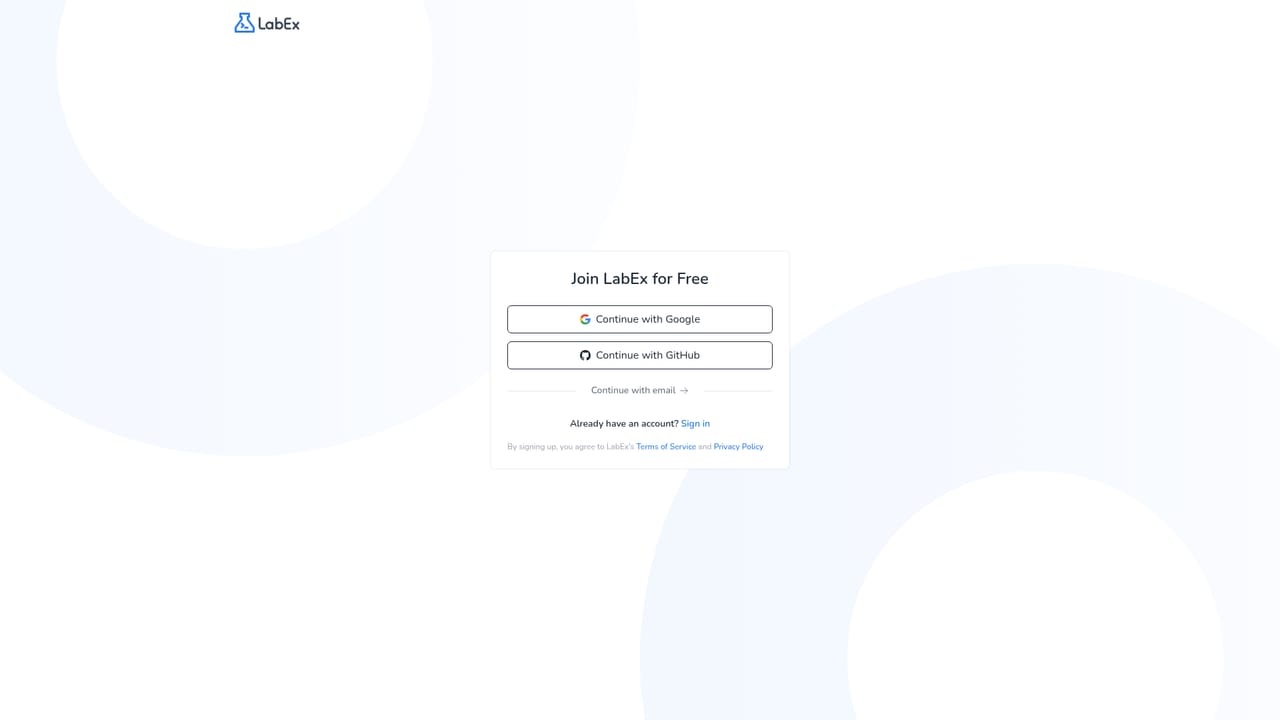
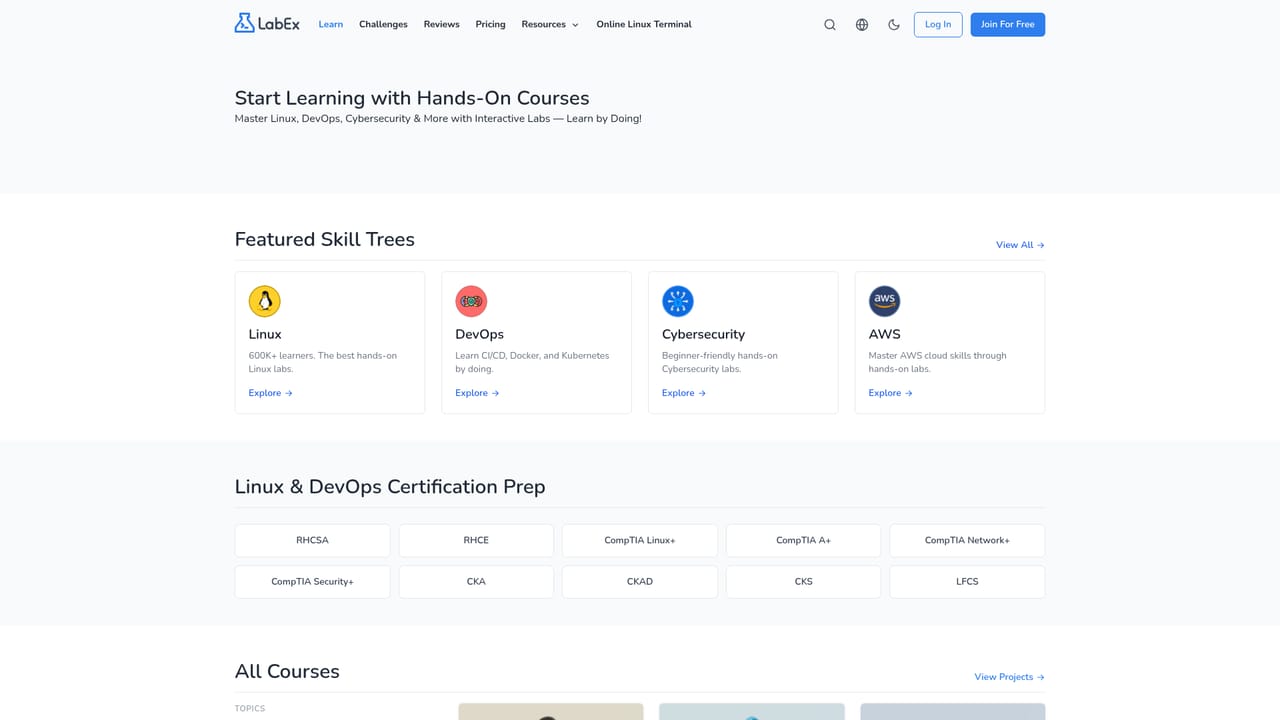
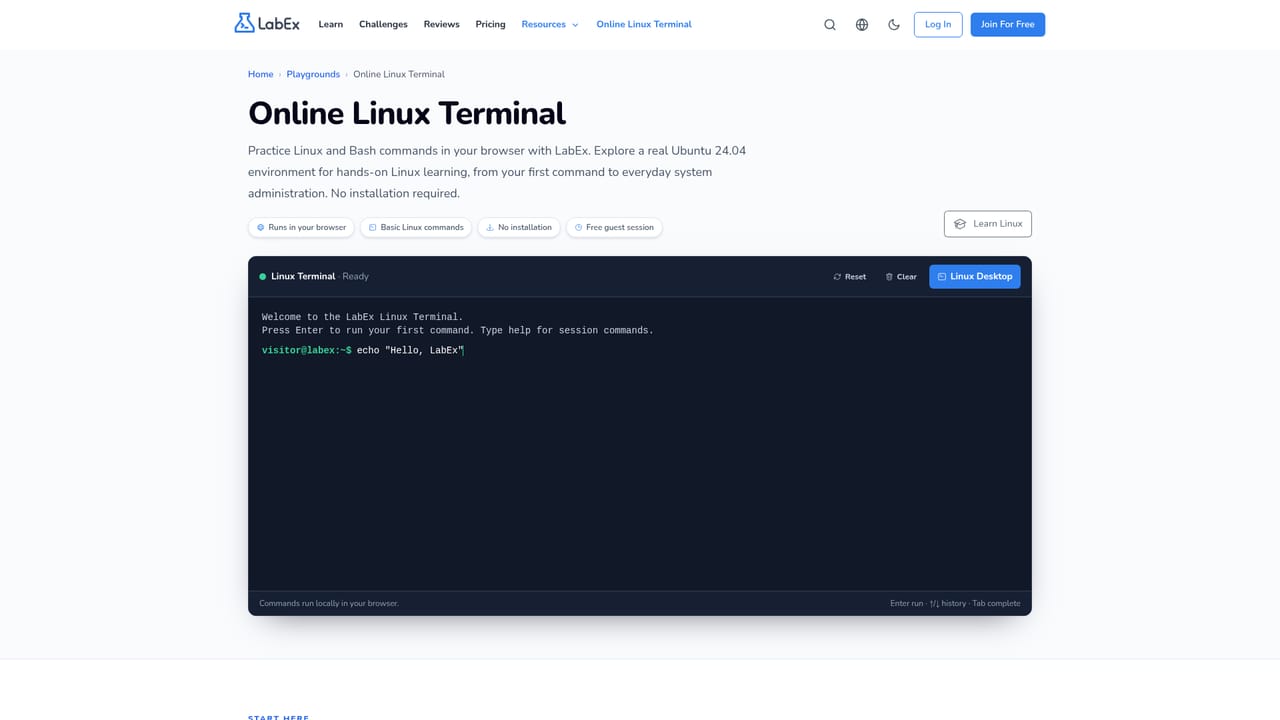
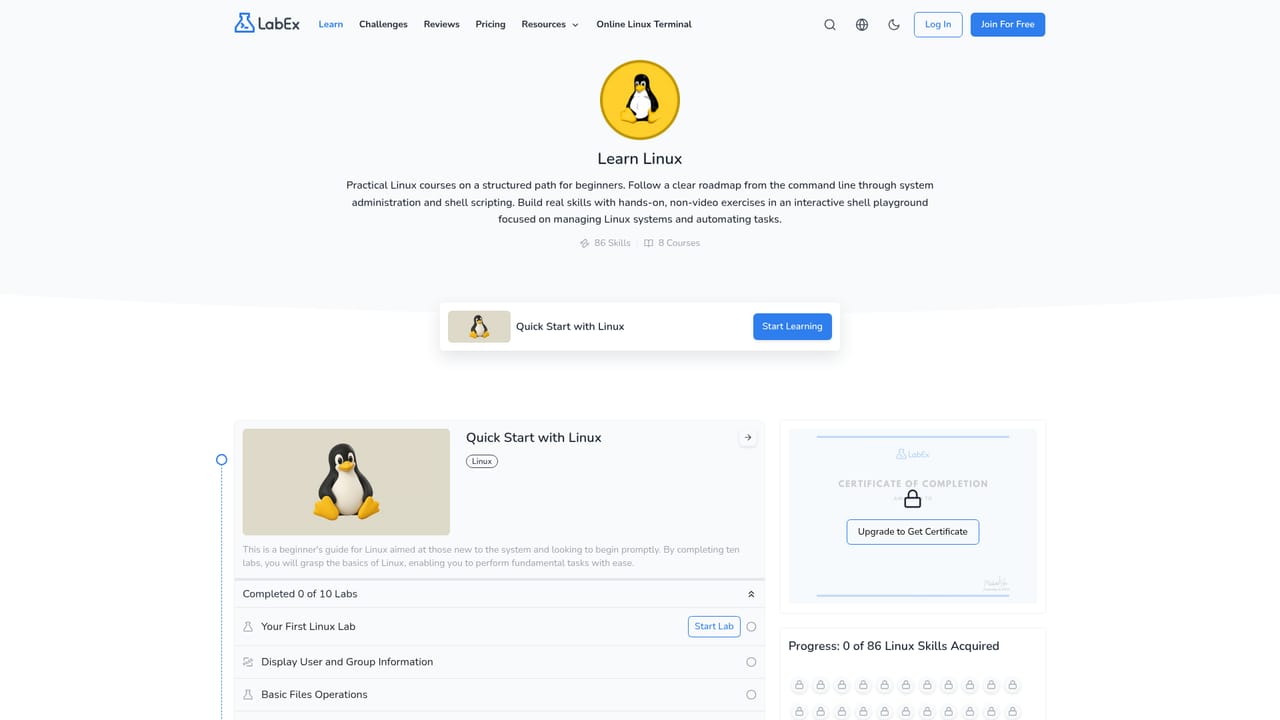
The homepage invites visitors to start learning for free, and the Linux Journey section states that material is always free with no sign-up required. Paid plan details and any trial length are not stated on the homepage.
Learn moreInteractive online lab environments for Linux, DevOps, cybersecurity, programming, data science and AWS; structured skill trees; real-world projects; the Labby AI chatbot powered by ChatGPT; certification-oriented labs for RHCSA, RHCE, CompTIA Linux+, A+, Network+, Security+, CKA, CKAD, CKS and LFCS; and the open source Linux Journey course.
Learn more AI Angels400+ customizable AI girlfriends for NSFW chat, voice calls, and roleplay
 Candy AIExperience the future of companionship with AI friends who chat, role-play, and connect with you on a human level.
 ourdream.aiA vast AI roleplay platform with millions of characters for chat, images, video and voiceAI Angels400+ customizable AI girlfriends for NSFW chat, voice calls, and roleplayCandy AIExperience the future of companionship with AI friends who chat, role-play, and connect with you on a human level.ourdream.aiA vast AI roleplay platform with millions of characters for chat, images, video and voice


