Support
Documentation is split into a help guide for install and getting started questions and an advanced guide on codebase indexing and editing behaviour.
Learn moreAn AI coding agent that lives in your terminal and edits whole codebases

Codebuff is a terminal based AI coding agent that indexes your whole project, then edits files and runs commands from plain English instructions. It installs via npm and works with any stack, positioning itself against editor-bound assistants and agentic CLIs.
Codebuff is a command line coding agent that takes natural language instructions and turns them into file edits and terminal commands across an existing project. Instead of pasting snippets into a chat window, you install it as a global npm package, point it at your repository, and describe the change you want. The agent reads and writes files inside that directory, runs shell commands, and reports back, which means package installs, refactors and multi-file changes can happen in one pass rather than as a chain of manual copy and paste steps. The core of the product is codebase awareness. Codebuff indexes a project in roughly two seconds according to the site and builds a map that includes hidden dependencies, not just the files you happen to have open. That context is used to make targeted edits that follow the conventions already present in the repository, so the output matches the existing structure and style rather than introducing a parallel pattern. The vendor positions this as the reason its output differs from general purpose assistants, and it is the feature that matters most for anyone working in a large or unfamiliar codebase. It is aimed at working developers and small engineering teams who already live in a terminal and do not want a new editor or a hosted IDE. There is no special environment to configure and no editor lock-in: the tool sits on top of whatever stack the project already uses. Codebuff also publishes its own benchmark, BuffBench, which reconstructs commits from open source repositories and scores completion, efficiency and code quality across multi-turn conversations. Those numbers are vendor produced, so treat the Claude Code comparison on the homepage as a claim to verify on your own tasks. Compared with inline autocomplete tools and AI-native editors, Codebuff is less about suggesting the next line and more about executing whole tasks, including the commands around them. That makes it a closer alternative to other agentic CLIs than to a code completion plugin. Teams that prefer graphical diffs, granular per-file approval or visual context will find those habits harder to keep here.
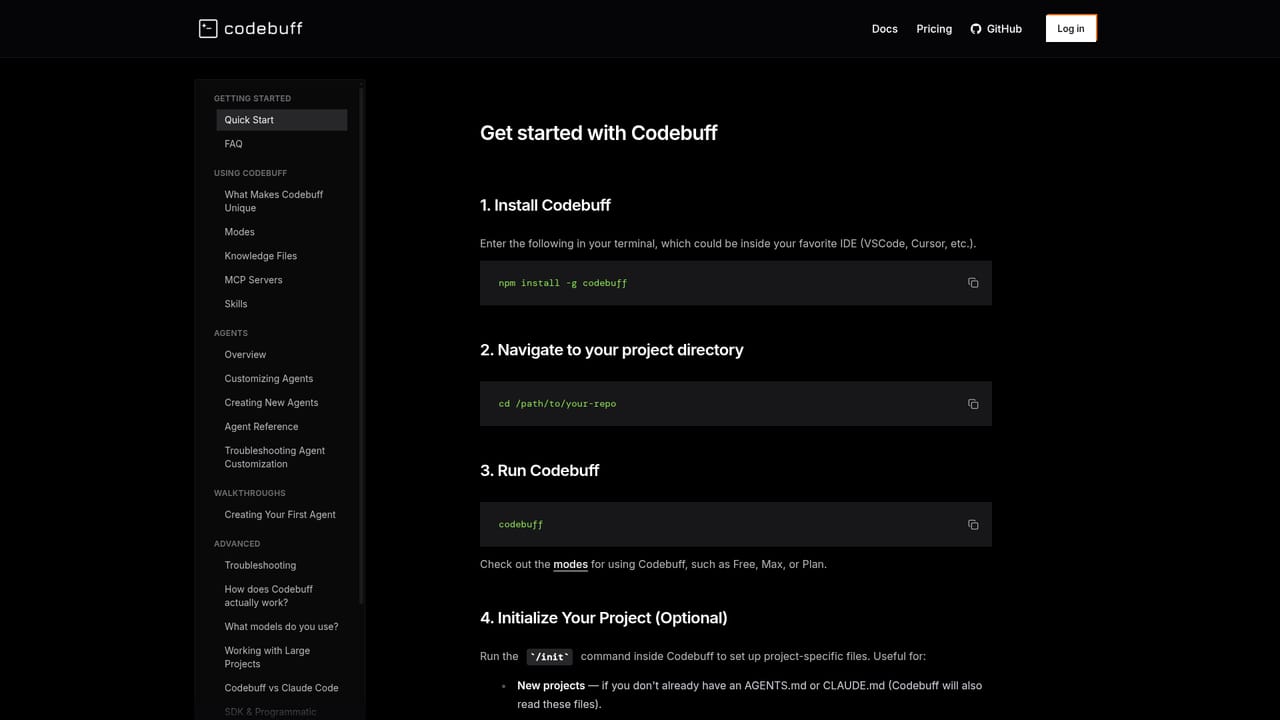
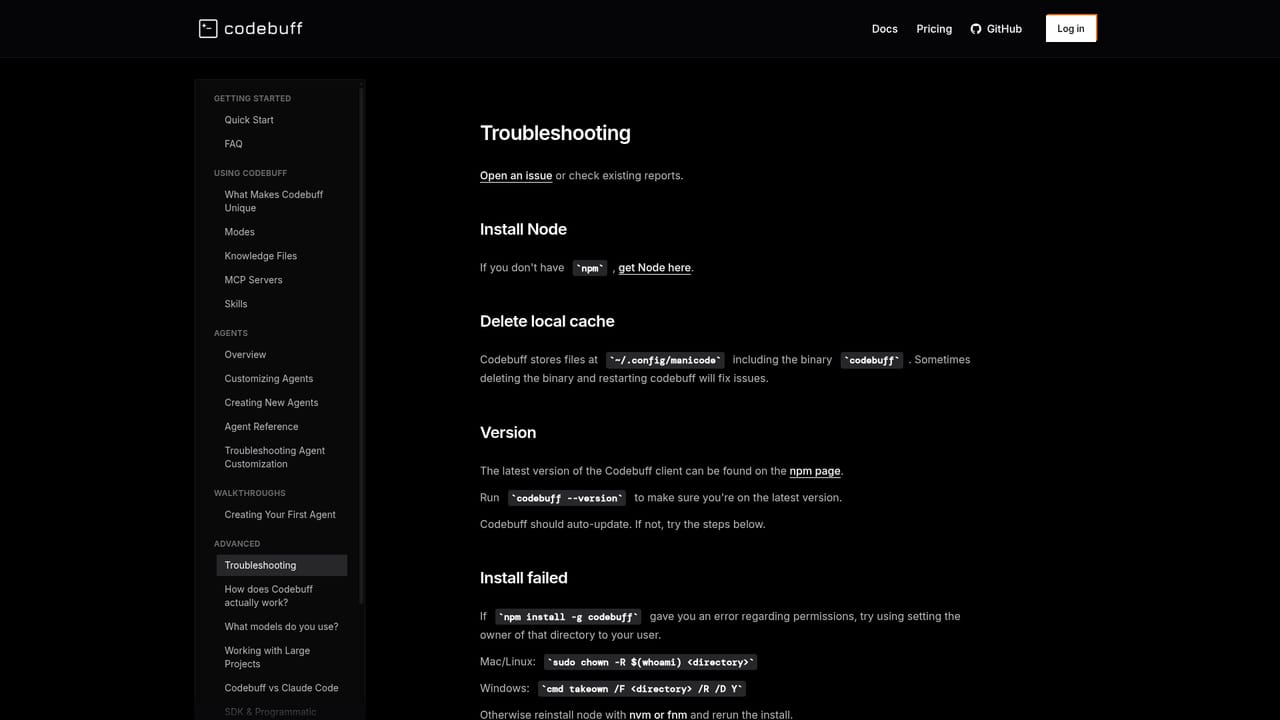
Documentation is split into a help guide for install and getting started questions and an advanced guide on codebase indexing and editing behaviour.
Learn moreFull codebase indexing in about two seconds, dependency aware context, surgical multi-file edits that follow existing conventions, and natural language execution of terminal commands. Works with any stack from a single global npm install, with no special environment. The vendor evaluates it with BuffBench, a 175 plus task benchmark built from open source commits and scored on completion, efficiency, code quality and overall results.
Learn more AI Angels400+ customizable AI girlfriends for NSFW chat, voice calls, and roleplay
 Candy AIExperience the future of companionship with AI friends who chat, role-play, and connect with you on a human level.
 ourdream.aiA vast AI roleplay platform with millions of characters for chat, images, video and voiceAI Angels400+ customizable AI girlfriends for NSFW chat, voice calls, and roleplayCandy AIExperience the future of companionship with AI friends who chat, role-play, and connect with you on a human level.ourdream.aiA vast AI roleplay platform with millions of characters for chat, images, video and voice


