Free trial
No free trial period is described. The homepage advertises ten free Generator AI requests and free, unlimited code exports, which function as the free offering.
Learn moreBuild single-page websites and UI components with drag-and-drop tools and AI prompts.

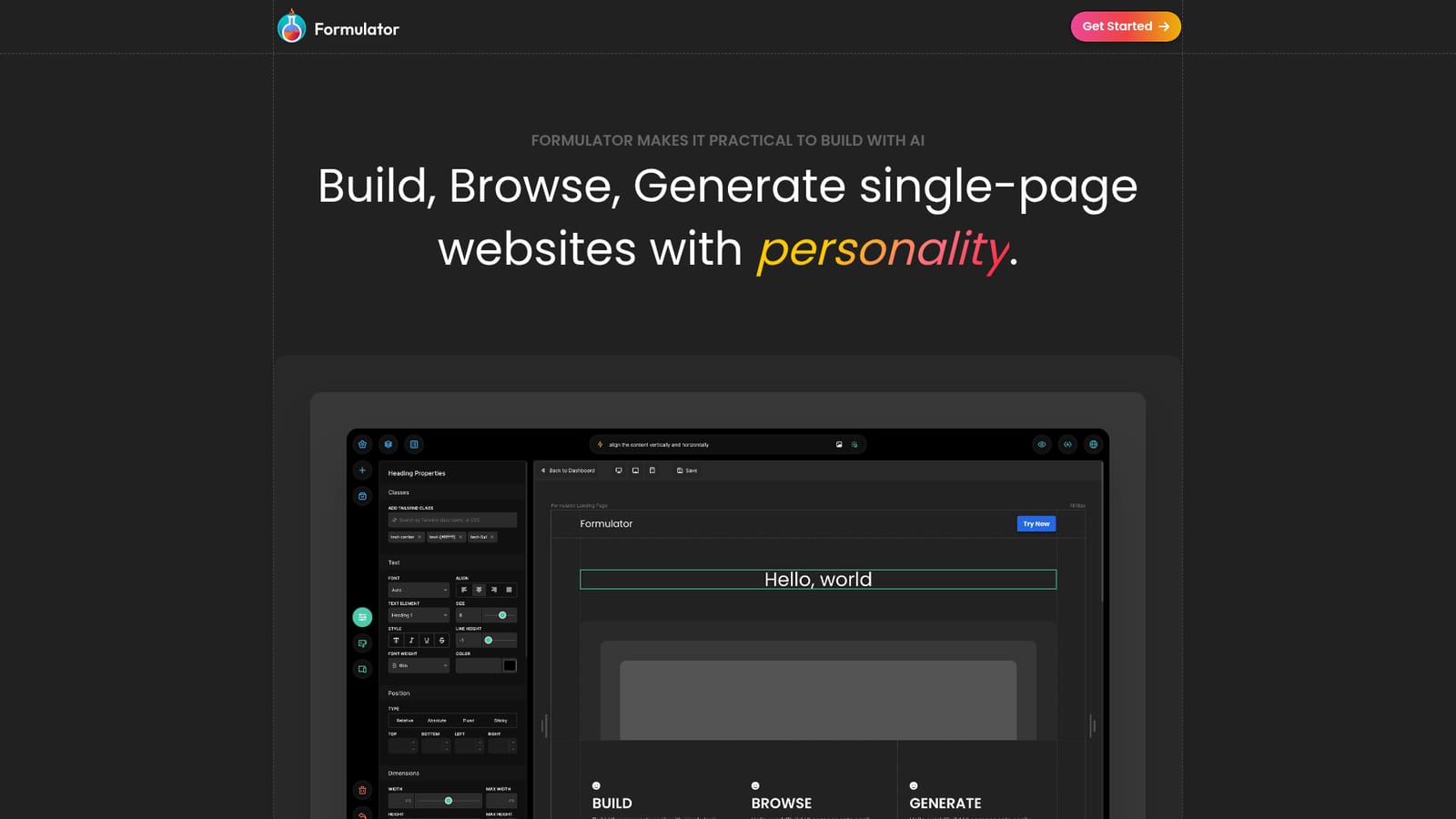
Formulator is an app creation tool that builds single-page websites and UI components with drag-and-drop tools and AI prompts. Formulator is a web app for building single-page websites and UI components with drag-and-drop tools, a template library and AI generation from text or image prompts.
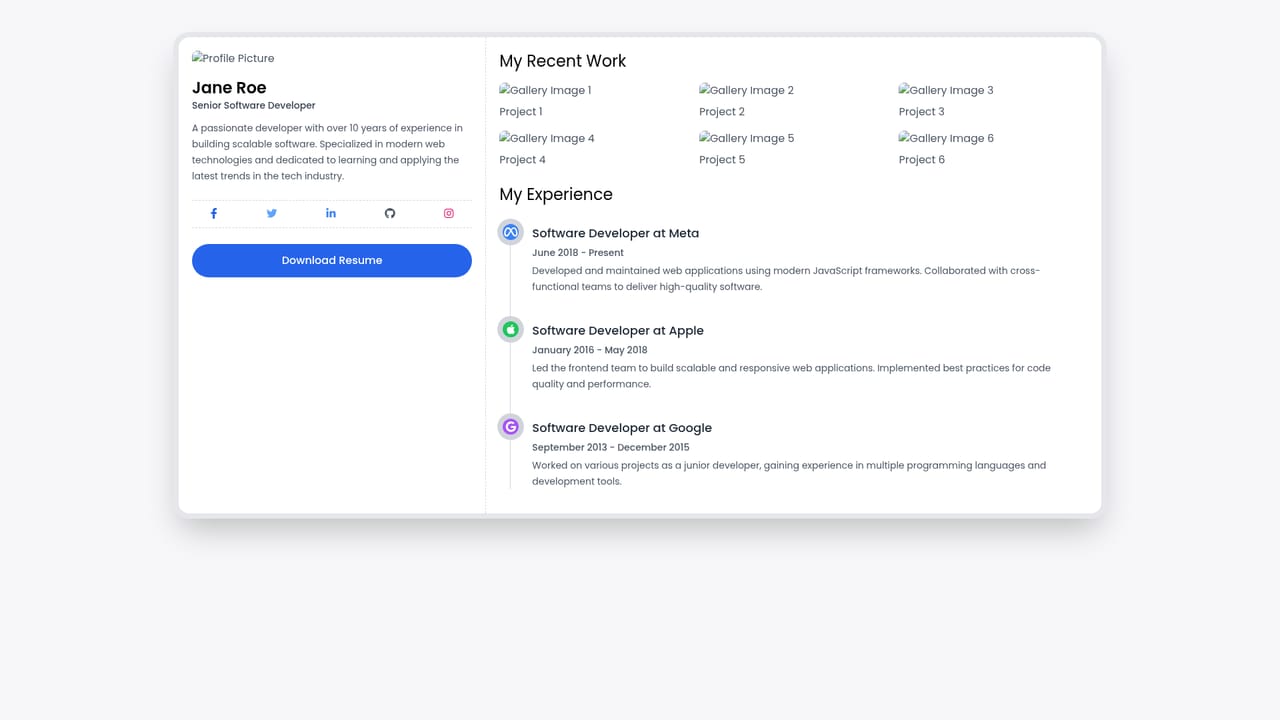
Formulator is a browser-based design environment for assembling single-page websites and UI components. It combines three modes of work in one canvas: a drag-and-drop builder, a library of ready-made templates and components, and a Generator AI that turns short text prompts or images into styled pages and sections. The stated goal is speed and personality, and the tool is aimed at people who want a distinctive one-page site without hand-writing markup. The workflow is straightforward. A user starts from one of the pre-built templates or drags individual components onto the canvas, then adjusts styling with eleven builder tools while watching changes apply in real time. When a layout needs to be created from scratch, the Generator AI accepts a short description and produces a component or page, which is then refined with the same manual controls. Font icons (the site advertises more than 2,000) are available for detailing, and finished work can be exported as HTML and CSS. Exports are free and unlimited according to the homepage, which matters for anyone who wants to move code into an existing project rather than stay locked inside the editor. The audience is broad: solo founders, designers and developers who need a portfolio or landing page quickly, and teams that want a component sketched before committing to a full build. Formulator sits between no-code site builders and full design tools. It is lighter than a professional design application and more visually driven than a code editor, with AI acting as a starting point rather than a replacement for the builder. The library is small (three pre-built templates are shown), so the product currently suits focused one-page projects more than large multi-page sites. Pricing is not detailed on the homepage. Ten free Generator AI requests are mentioned, and code exports are described as free and unlimited, but subscription tiers, limits and paid plans are not stated. The tool runs as a web app and requires no installation.
No free trial period is described. The homepage advertises ten free Generator AI requests and free, unlimited code exports, which function as the free offering.
Learn moreThe homepage does not publish plan prices or tiers. It states that ten Generator AI requests are free and that HTML and CSS code exports are free and unlimited, but no paid subscription details are given.
Learn moreA drag-and-drop builder with eleven styling tools, real-time previews and no required coding. Generator AI creates or customizes components and pages from short text prompts or images, with ten free requests. The library holds pre-built templates and components, and over 2,000 font icons are available. HTML and CSS exports are free and unlimited.
 AI Angels400+ customizable AI girlfriends for NSFW chat, voice calls, and roleplay
 Candy AIExperience the future of companionship with AI friends who chat, role-play, and connect with you on a human level.
 ourdream.aiA vast AI roleplay platform with millions of characters for chat, images, video and voiceAI Angels400+ customizable AI girlfriends for NSFW chat, voice calls, and roleplayCandy AIExperience the future of companionship with AI friends who chat, role-play, and connect with you on a human level.ourdream.aiA vast AI roleplay platform with millions of characters for chat, images, video and voice


