Free trial
The homepage invites users to try Cokeep for free, which functions as a free entry tier rather than a time-limited trial. No trial length or premium trial terms are stated.
Learn moreBookmark, chunk, and summarize web content with AI.

Cokeep is an AI-assisted bookmarking and knowledge tool. It saves articles, videos, and links through a browser extension, then chunks, summarizes, and auto-tags them for easier retention and search. Team bookmarks and community sharing add a collaboration layer. Free and flexible plans are offered.
Cokeep is a browser-based knowledge management tool built around a single idea: collecting information is easy, but keeping it useful is hard. The product combines bookmarking, AI summarization, and automatic tagging so that saved articles, videos, and links stay searchable instead of disappearing into an unread pile. It is aimed at readers, learners, and small teams who consume a lot of material and want a lighter system than a full note-taking app. The workflow starts with a Chrome or Edge extension that captures content from any page. From there, Cokeep chunks long pieces into smaller segments, which makes lengthy articles and videos easier to work through and revisit. AI-generated summaries give a quick view of what a saved item contains, while automatic tags handle the filing that most people skip. Bookmarks can be organized visually, and shared or team bookmarks support comments and collaboration, so a group can build a common reference library rather than trading links in chat. The site also includes a community layer: a curated feed where users can explore and share knowledge. This puts Cokeep closer to a social bookmarking product with an AI layer than to a pure read-later service. On the privacy side, Cokeep states that users retain full control over their data, can delete it at any time, and that authentication and data usage are handled transparently. Compared with tools like Pocket or Raindrop, Cokeep leans harder on AI summarization, chunking, and team sharing, and less on simple link storage. The tradeoff is that it is a newer product with a smaller user base (the homepage cites over 1,000 users) and a dependency on a browser extension for capture. Readers who want a focused, AI-assisted way to retain what they bookmark will find the feature set coherent; those who need deep integrations or a mature mobile experience should check the current plan details before committing.
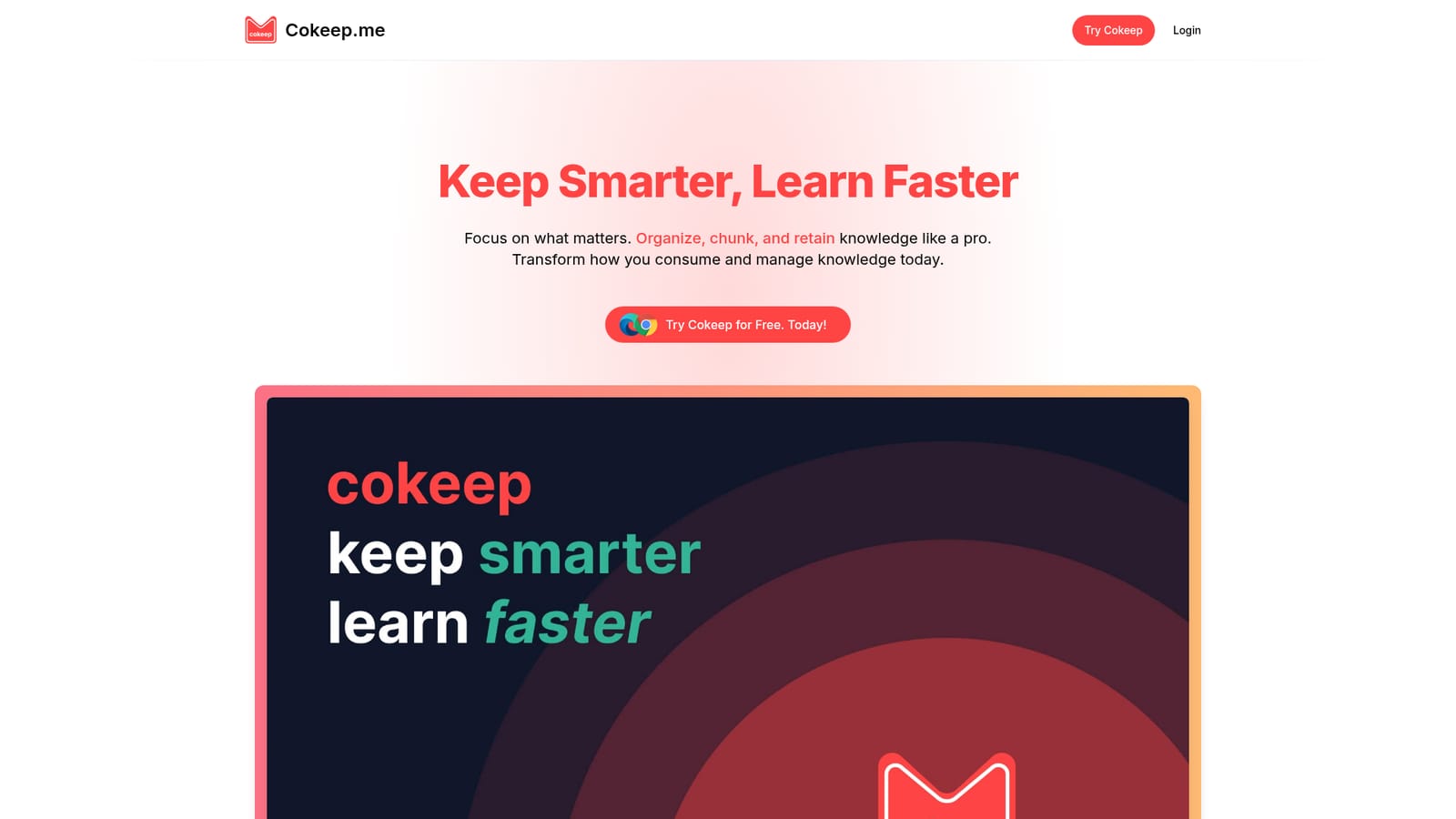
The homepage invites users to try Cokeep for free, which functions as a free entry tier rather than a time-limited trial. No trial length or premium trial terms are stated.
Learn moreCokeep states that it offers free and flexible plans tailored to reading and learning habits, with premium features available. The homepage does not publish specific prices or plan limits, and a waitlist is mentioned for launch updates and discounts.
Learn moreThe only integration described is a browser extension for Chrome and Edge, which handles content capture. No other third-party integrations are mentioned on the homepage.
Core features include saving articles, videos, and links from any site via a Chrome or Edge extension; visual bookmark organization; chunking of long content; AI-powered summaries and automatic tagging; team bookmarks with comments; a community discovery feed; and data controls covering deletion and transparent usage.
 AI Angels400+ customizable AI girlfriends for NSFW chat, voice calls, and roleplay
 Candy AIExperience the future of companionship with AI friends who chat, role-play, and connect with you on a human level.
 ourdream.aiA vast AI roleplay platform with millions of characters for chat, images, video and voiceAI Angels400+ customizable AI girlfriends for NSFW chat, voice calls, and roleplayCandy AIExperience the future of companionship with AI friends who chat, role-play, and connect with you on a human level.ourdream.aiA vast AI roleplay platform with millions of characters for chat, images, video and voice


