Free trial
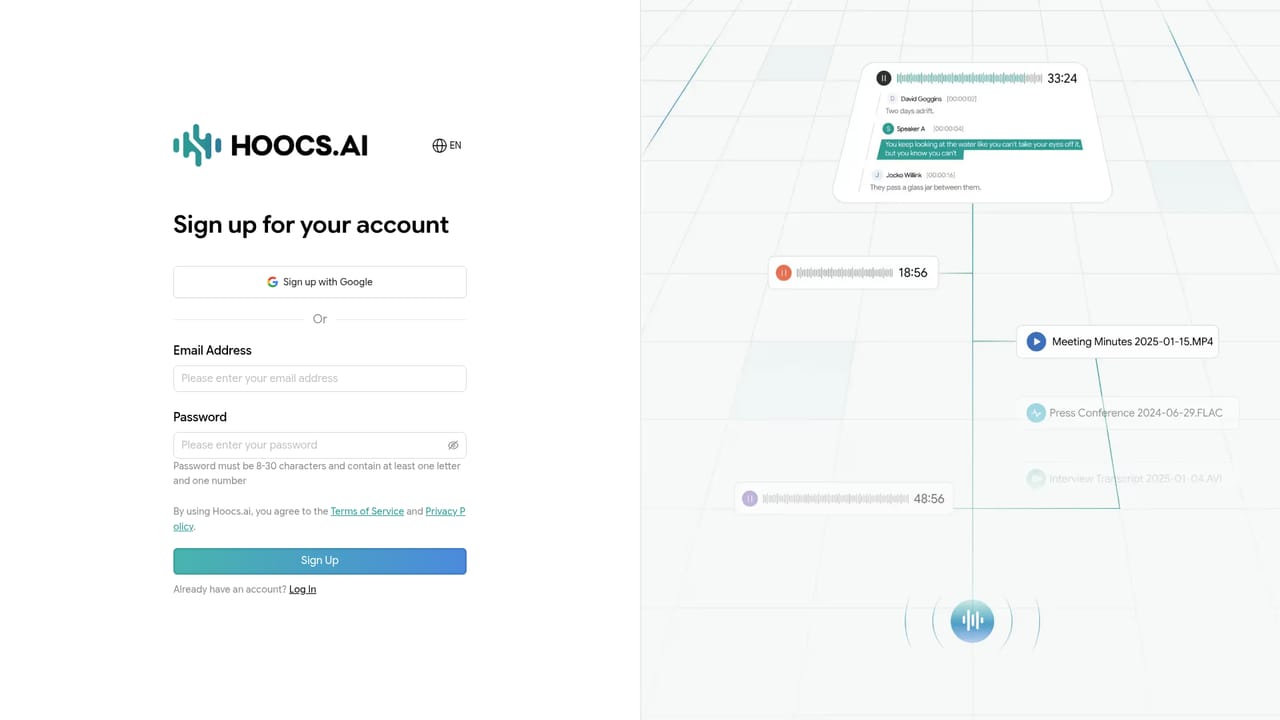
A free tier includes 300 minutes of transcription, available after registering an account. No card requirement or trial expiry is mentioned on the homepage.
Learn moreSpeech to text and subtitles across 130 languages, built for professionals

Hoocs AI transcribes audio and video into editable text, summaries, mind maps and SRT subtitles across 130 languages, with uploads, pasted links and live recording handled in the browser and exports to DOCX, XLSX, SRT or TXT.
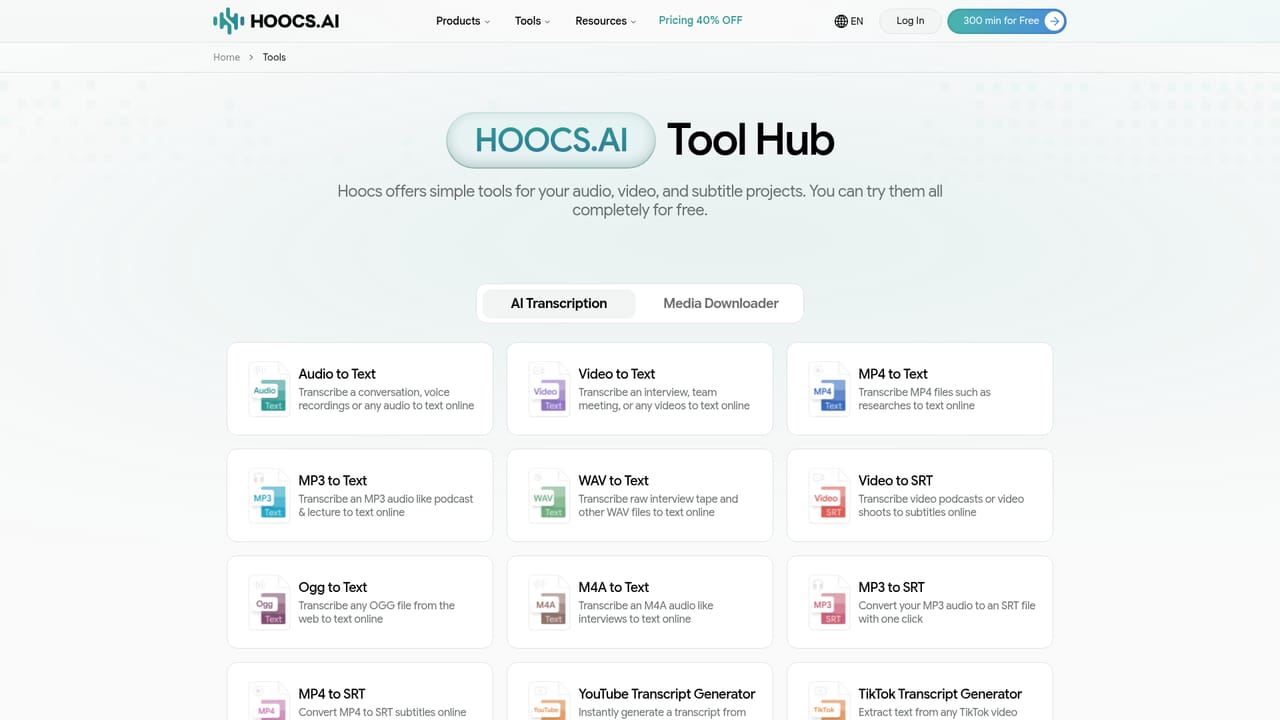
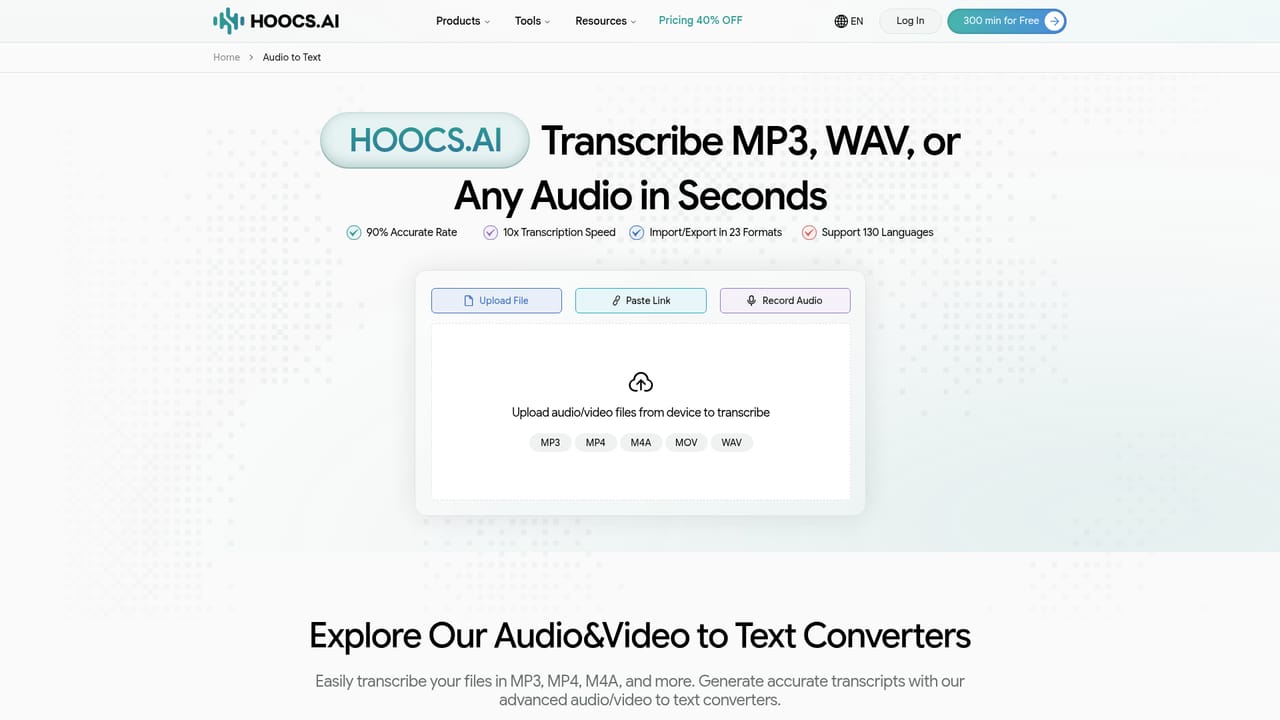
Hoocs AI is a browser based transcription service that converts audio and video into editable text, summaries and subtitles. The homepage positions it toward professional users first and casual users second, and the feature set reflects that: uploads, pasted links and live microphone recording all feed the same engine, which the site advertises at roughly 90 percent accuracy and around ten times the speed of manual transcription. The workflow is deliberately short. Files arrive by drag and drop, by pasting an audio or video link, or by recording directly in the browser, and the supported upload list covers MP3, MP4, M4A and MOV among others. Once processing finishes, the transcript opens in an online editor where corrections happen in place rather than in a downloaded document. From there the text can be exported to DOCX, XLSX, SRT or TXT, shared with a team, or run through the summary tools, which produce key points, highlights and a mind map, with custom prompts available for steering what gets extracted. The output formats hint at the audience. SRT export points to podcasters, video producers and anyone publishing captioned content, while DOCX and XLSX suit researchers, newsrooms and business teams who need notes they can hand onward. The site runs dedicated landing pages for e learning, business, media production, education and newsrooms, each framing the same transcription engine around a different job, from lecture notes to meeting action items. Multilingual recordings are supported, and testimonials single out mixed language conversations as a case where the tool holds up better than monolingual rivals. Competitively, Hoocs AI sits in the crowded field of speech to text services alongside meeting notetakers and captioning suites. Its pitch rests on language breadth, format range and the jump from raw transcript to structured output in one place. Privacy gets explicit treatment: files are described as encrypted end to end and deleted after transcription. The free tier caps usage at 300 minutes, which makes it easy to test against a real recording before committing.
A free tier includes 300 minutes of transcription, available after registering an account. No card requirement or trial expiry is mentioned on the homepage.
Learn moreThe homepage advertises a free allowance of 300 minutes and links to account registration to claim it. Paid plans, per minute rates and higher tier limits are not stated on the homepage, so total cost of ownership cannot be assessed from the public pages provided.
Learn moreCustomer support is handled by email according to user testimonials, which describe short response times and personal replies. No help centre, documentation portal or live chat is listed among the provided pages.
Transcription from uploaded files, pasted links or live microphone recording, with MP3, MP4, M4A, MOV and WAV covered by dedicated converter pages. Transcripts open in an online editor and export to DOCX, XLSX, SRT or TXT. Summary generation produces key points, highlights and a mind map, and custom prompts can direct the output. The site advertises support for 130 languages including mixed language recordings, roughly 90 percent accuracy and transcription at about ten times manual speed.
Learn more AI Angels400+ customizable AI girlfriends for NSFW chat, voice calls, and roleplay
 Candy AIExperience the future of companionship with AI friends who chat, role-play, and connect with you on a human level.
 ourdream.aiA vast AI roleplay platform with millions of characters for chat, images, video and voiceAI Angels400+ customizable AI girlfriends for NSFW chat, voice calls, and roleplayCandy AIExperience the future of companionship with AI friends who chat, role-play, and connect with you on a human level.ourdream.aiA vast AI roleplay platform with millions of characters for chat, images, video and voice


