Free trial
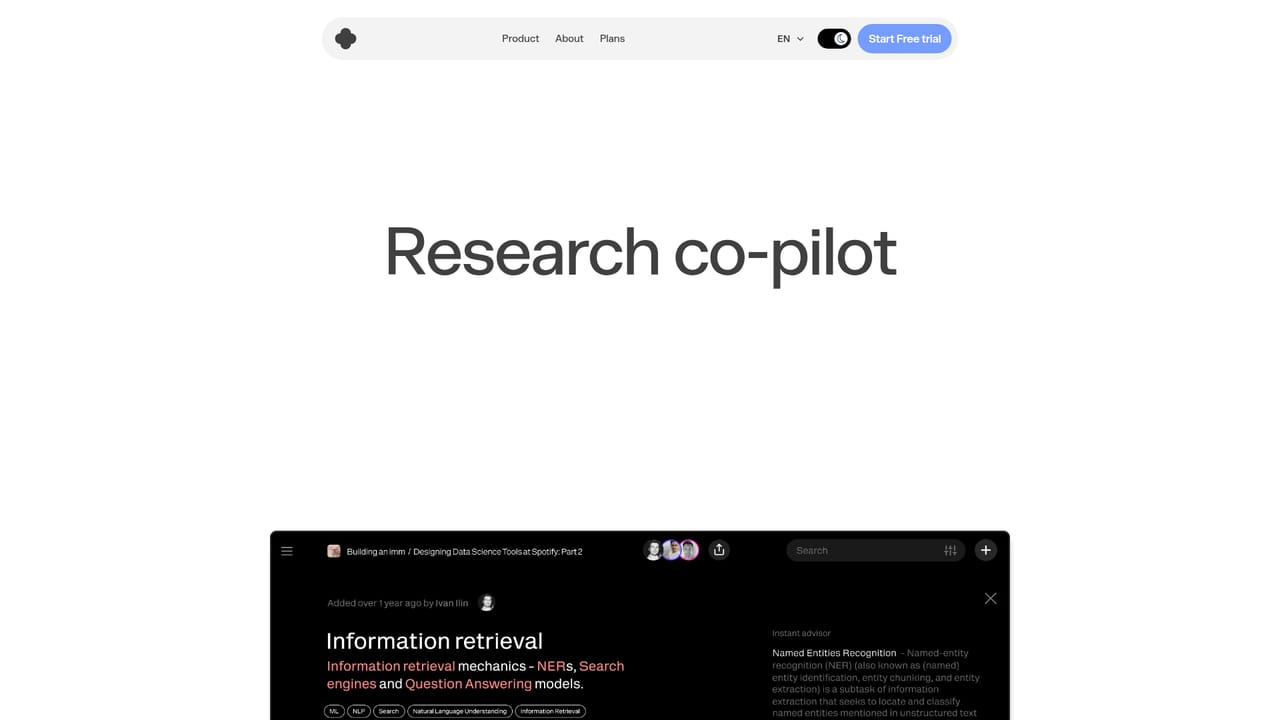
The homepage offers a Start Free trial button that leads to the app welcome page. No trial length or trial conditions are stated on the site.
Learn moreLLM-powered knowledge library and research copilot for teams and professionals

IKI AI is an LLM-powered knowledge workspace that stores web pages, videos, PDFs and notes in a searchable library, then summarizes, connects and answers questions over that private material. It adds a context-grounded editor, deep research, a digest feed and shared team spaces for professionals and teams.
IKI AI is an LLM-powered workspace built around a personal or shared knowledge library. The premise is simple: instead of searching the open web each time a question comes up, a user captures material into a private collection and then queries that collection. Captured items can be web pages, YouTube videos, PDFs and notes, and the library organizes them into collections with AI-generated summaries so the contents of a folder are readable at a glance. Articles and videos are saved in one click through a Chrome extension, with the option to attach a note at the same time. The assistant is the core of the product. A summarization layer turns long reads into short insights and highlights, and an ask function answers questions against the user's own material rather than the general internet. A separate AI editor writes with that same context, which matters for anyone producing briefs, scripts, or reports that need to stay grounded in source documents. A deep research mode pulls together multi-source insights, and an AI digest surfaces what is new in a collection. Search is pitched as near-instant, which is the practical difference between a library people use and one they abandon. Team spaces extend the same idea to groups: one shared space holds knowledge, context and decisions, so the assistant answers from organizational material rather than a single person's clippings. Published collections, such as curated reading lists on go-to-market strategy or retrieval-augmented generation, can be shared outward, which makes the tool double as a lightweight publishing surface. The product suits researchers, analysts, consultants, marketers and content writers who accumulate more reading than they can revisit, and small teams that want a shared memory instead of scattered docs. It sits between bookmark managers, which store links but do not reason over them, and general chatbots, which have no access to private material. IKI positions itself as the middle layer: a library that answers back. It is backed by 500 Global and marketed under the Intelligent Knowledge Interface name.

The homepage offers a Start Free trial button that leads to the app welcome page. No trial length or trial conditions are stated on the site.
Learn moreCore pieces include an AI assistant that summarizes and connects saved material, an AI editor grounded in your own content, team spaces for shared knowledge, a one-click Chrome extension for capturing pages and videos, deep research for multi-source insights, an AI digest, dark and light interface modes, and near-instant search across the library.
 AI Angels400+ customizable AI girlfriends for NSFW chat, voice calls, and roleplay
 Candy AIExperience the future of companionship with AI friends who chat, role-play, and connect with you on a human level.
 ourdream.aiA vast AI roleplay platform with millions of characters for chat, images, video and voiceAI Angels400+ customizable AI girlfriends for NSFW chat, voice calls, and roleplayCandy AIExperience the future of companionship with AI friends who chat, role-play, and connect with you on a human level.ourdream.aiA vast AI roleplay platform with millions of characters for chat, images, video and voice


