Glarity

ChatGPT-powered summaries and translation for YouTube and any page

Beginner
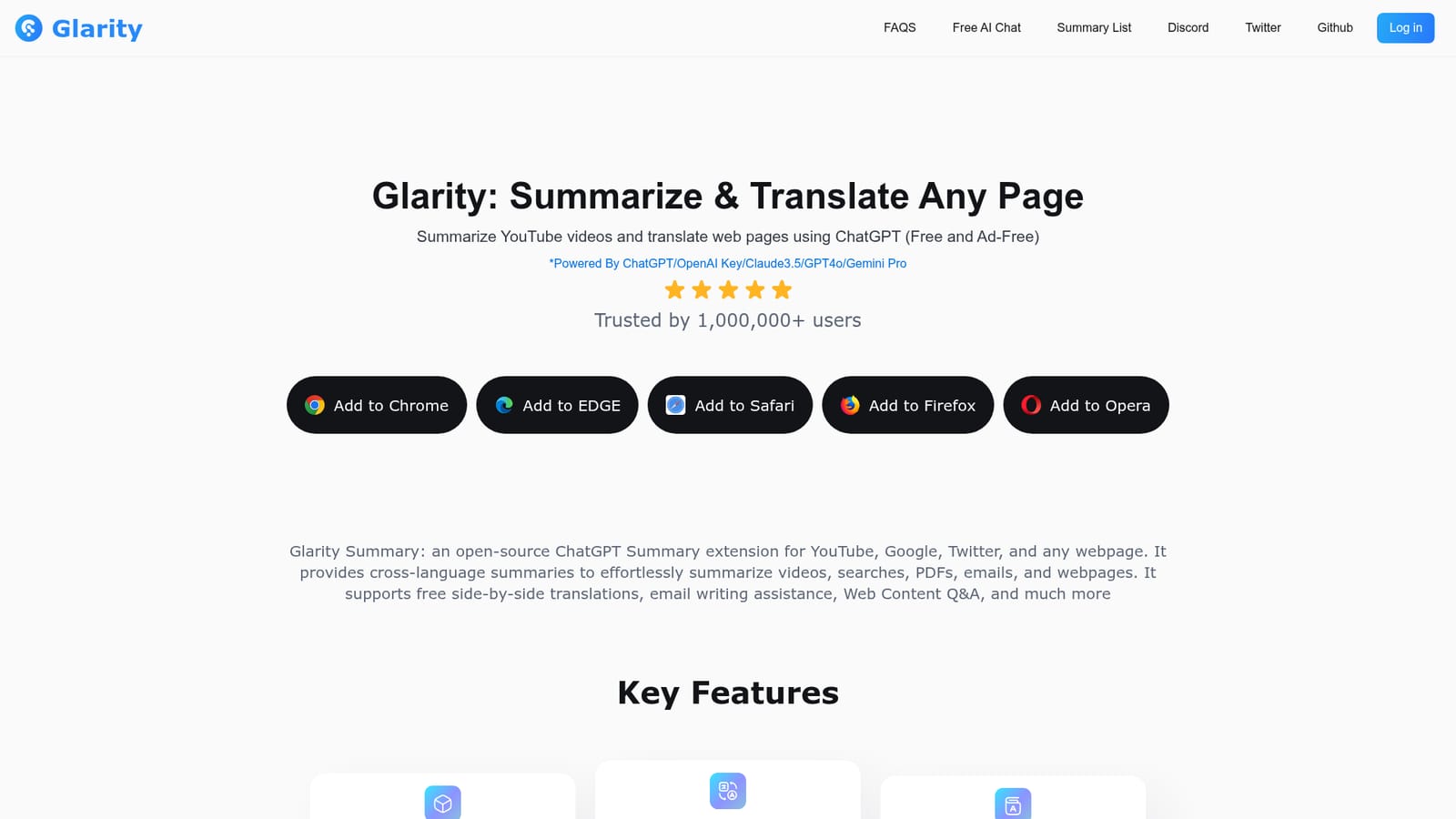
Screenshot of Glarity, ChatGPT-powered summaries and translation for YouTube and any page

What is Glarity?

Glarity is an open-source ChatGPT extension for Chrome, Edge, Safari, Firefox and Opera. It summarizes YouTube videos with timestamped highlights and subtitles, condenses web pages, Google results, PDFs and Gmail threads, translates pages side by side, and offers AI chat with GPT-4o, Claude 3.5 and Gemini Pro.

Glarity is a browser extension that puts a ChatGPT-style assistant beside whatever you are reading. Its headline job is video work: on YouTube it generates a summary in more than a dozen languages, builds timestamped highlights so you can jump to the part that matters, produces an FAQ for the video, and can generate or translate subtitles. The same panel opens on ordinary web pages, Google results, PDFs, Twitter threads and Gmail, so a long article, a search page or an inbox thread can be condensed without leaving the tab. The extension is built for people who read and watch across languages. A full-page translation mode works side by side with the original, and it also handles selected text, PDF selections and text inside images. An AI reader layer lets you ask questions about a PDF or a page and get answers drawn from that content rather than from general model knowledge. A free writing assistant rounds things out for drafting articles, emails and social replies. There is also a standalone chat surface with a model picker. The site advertises access to GPT-4o, Claude 3.5 and Gemini Pro, a 200k context window and unlimited image generation inside the chat product. Users who already pay for an OpenAI key can plug it in; the extension is open source and can also run on Glarity's own hosted models. In practice Glarity competes less with full chatbot suites and more with other summarizer extensions. It wins on breadth: one install covers video, search, documents and translation instead of four separate tools. It is a sensible pick for students, researchers and multilingual readers who want a fast gist without copy-pasting links into a separate app. Buyers who only need video summaries may find a lighter single-purpose tool less cluttered, and anyone who needs deep document workflows should test the PDF chat against a dedicated reader before committing. The site reports more than one million users and lists Chrome, Edge, Safari, Firefox and Opera builds.

How do you use Glarity?

  1. 1Install the extension for your browser
    Pick the build for Chrome, Edge, Safari, Firefox or Opera from the homepage and add it. The icon appears in your toolbar once installation finishes.
    Glarity — Install the extension for your browser
  2. 2Summarize a YouTube video
    Open any video and trigger the Glarity panel. It returns a summary plus timestamped highlights and an optional FAQ for that video.
    Glarity — Summarize a YouTube video
  3. 3Condense a web page or PDF
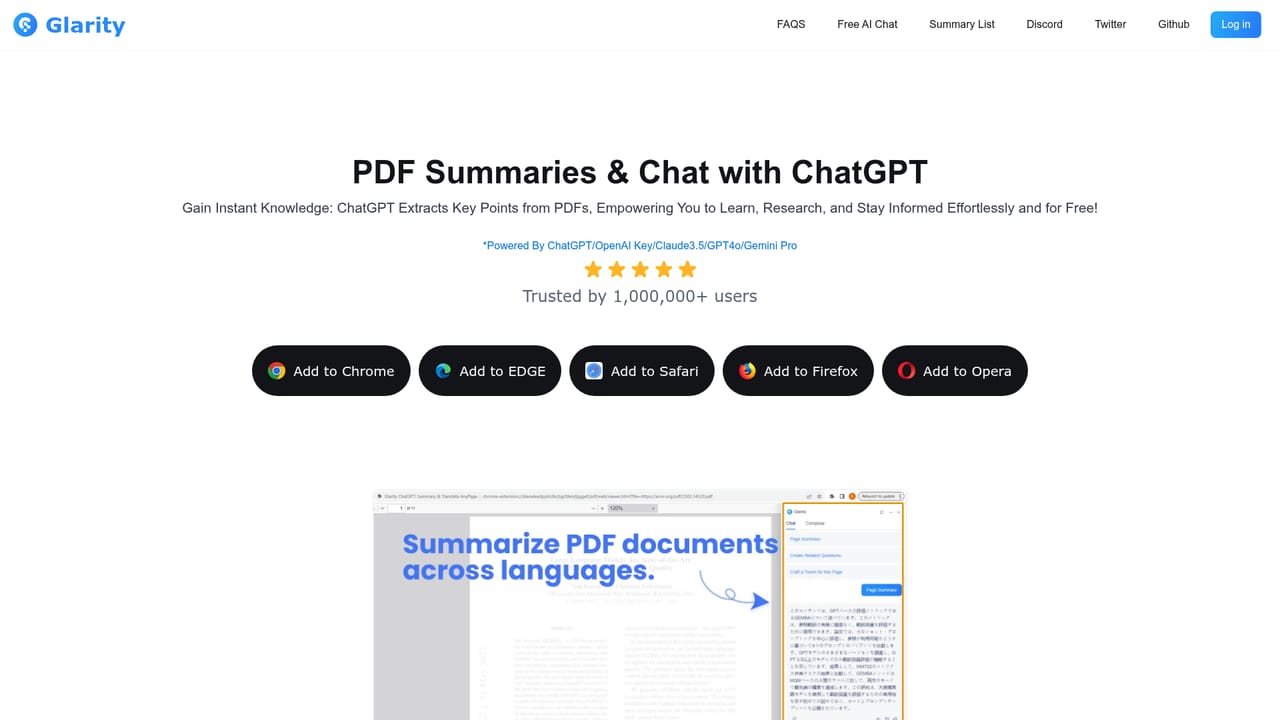
    Use the same panel on an article or a PDF to get a condensed version and then ask follow-up questions about the content.
    Glarity — Condense a web page or PDF
  4. 4Turn on side-by-side translation
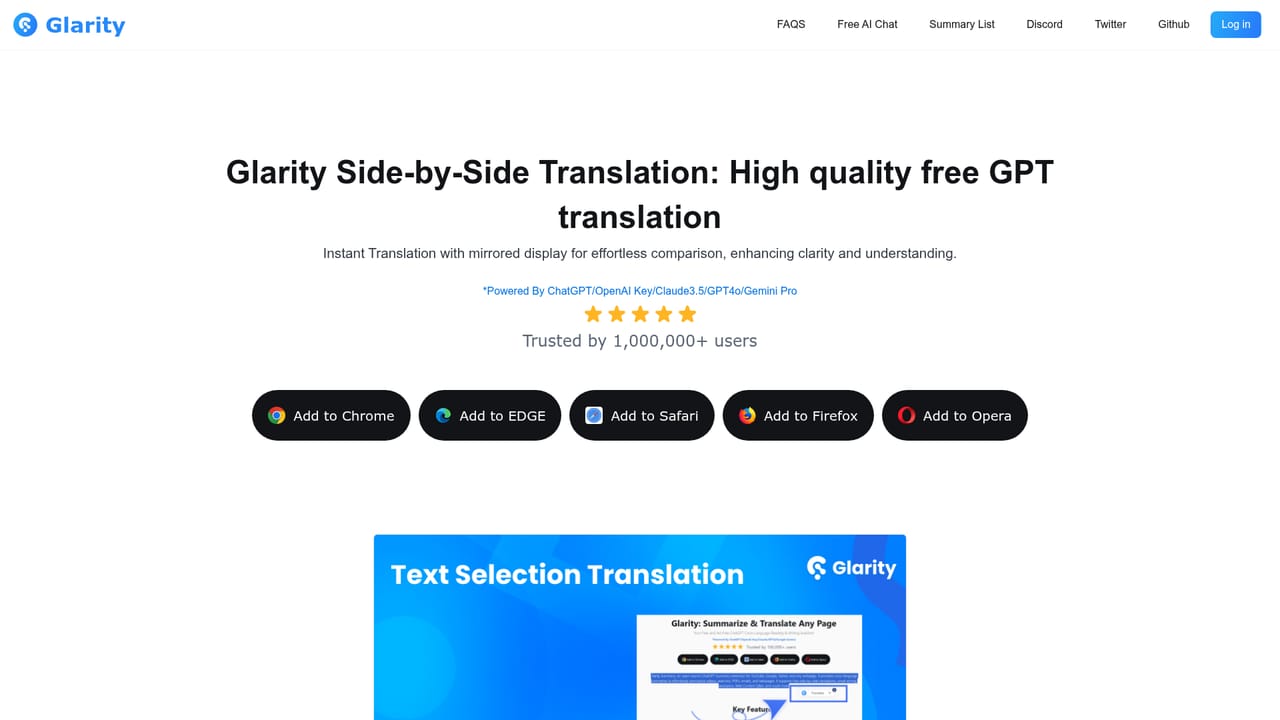
    Enable translation to read the original and the translated text in parallel, and to translate selected passages or text inside images.
    Glarity — Turn on side-by-side translation
  5. 5Create an account and pick a plan
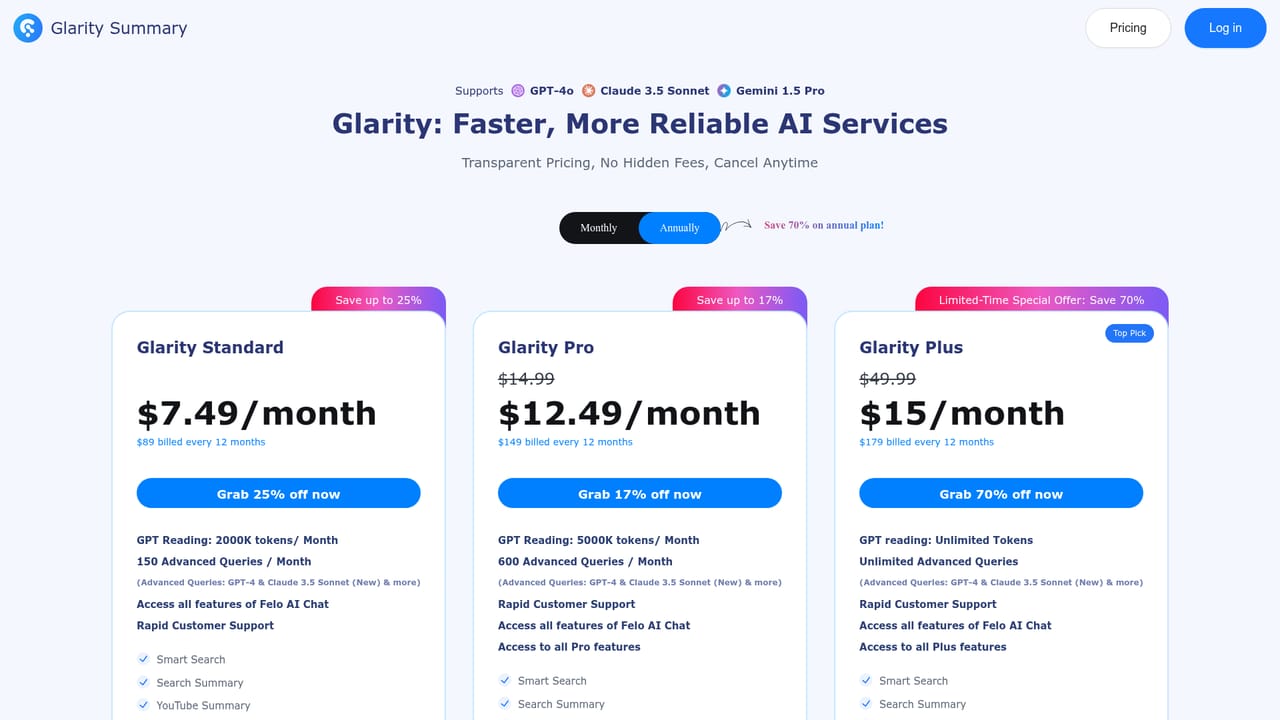
    Sign in to use hosted models, check the plan comparison, and redeem a code if you already have one.
    Glarity — Create an account and pick a plan

Pros and cons

Pros

  • One extension covers YouTube summaries, web page and PDF summaries, search summaries and translationAI
  • YouTube output includes timestamped highlights, generated FAQs and subtitle translationAI
  • Side-by-side translation keeps the original visible instead of replacing the pageAI
  • Open source, with the option to use your own OpenAI key instead of hosted modelsAI
  • Runs on Chrome, Edge, Safari, Firefox and Opera, so it is not locked to one browserAI

Cons

  • The feature set is broad enough that the interface can feel crowded for someone who only wants video summariesAI
  • Model quality and speed depend on which backend you pick, so results are inconsistent across providersAI
  • The site does not publish credit limits or per-model quotas on the homepage, making cost hard to predict before signing upAI
  • Summaries of long videos can flatten nuance, and timestamped highlights still require you to verify claimsAI
  • No dedicated mobile app is listed, so phone readers depend on a desktop browser sessionAI

How much does Glarity cost?

Pricing

Glarity runs on a freemium model. The extension is described as free and ad free, and a separate pricing page lists paid plans. Users can also supply their own OpenAI key, which shifts model costs to their own account. Specific tier prices and credit allowances are not stated on the homepage.

Learn more

Support

Support is offered by email and through a Discord community, with a blog, changelog and FAQ pages covering plans and page summarization. A feedback form is also linked from the homepage.

Learn more

Integrations

Works inside the browser on YouTube, Google search, Twitter, Gmail and general web pages, including PDFs. It connects to OpenAI, Claude 3.5 and Gemini Pro as model backends, and a Discord community is linked for support.

Features

Core features: YouTube summaries in over a dozen languages with timestamped highlights, video FAQs and subtitle generation or translation; summaries for web pages, Google results, articles, PDFs and Gmail threads; side-by-side full-page translation plus selection and image translation; an AI reader that answers questions about PDFs and pages; a writing assistant for articles, emails and social replies; and a chat product with 10+ models, a 200k context window and image generation.

Learn more

Frequently asked questions about Glarity

  • How much does Glarity cost?
    Glarity runs on a freemium model. The extension is described as free and ad free, and a separate pricing page lists paid plans. Users can also supply their own OpenAI key, which shifts model costs to their own account. Specific tier prices and credit allowances are not stated on the homepage.
  • How do you use Glarity?
    The walkthrough on this page covers 5 steps: 1. Install the extension for your browser 2. Summarize a YouTube video 3. Condense a web page or PDF 4. Turn on side-by-side translation 5. Create an account and pick a plan.
  • What platforms does Glarity support?
    Glarity is available on Browser extension and Web App.
  • What does Glarity integrate with?
    Works inside the browser on YouTube, Google search, Twitter, Gmail and general web pages, including PDFs. It connects to OpenAI, Claude 3.5 and Gemini Pro as model backends, and a Discord community is linked for support.
  • What are the limitations of Glarity?
    The feature set is broad enough that the interface can feel crowded for someone who only wants video summaries. Model quality and speed depend on which backend you pick, so results are inconsistent across providers. The site does not publish credit limits or per-model quotas on the homepage, making cost hard to predict before signing up.

Status

StatusActive
Views0
Outbound clicks0
Added10/22/2026

Platforms

Browser extensionWeb App

Pricing

FreemiumFree