ColorifyAI

Turn a prompt or a photo into a printable coloring page in seconds

Beginner
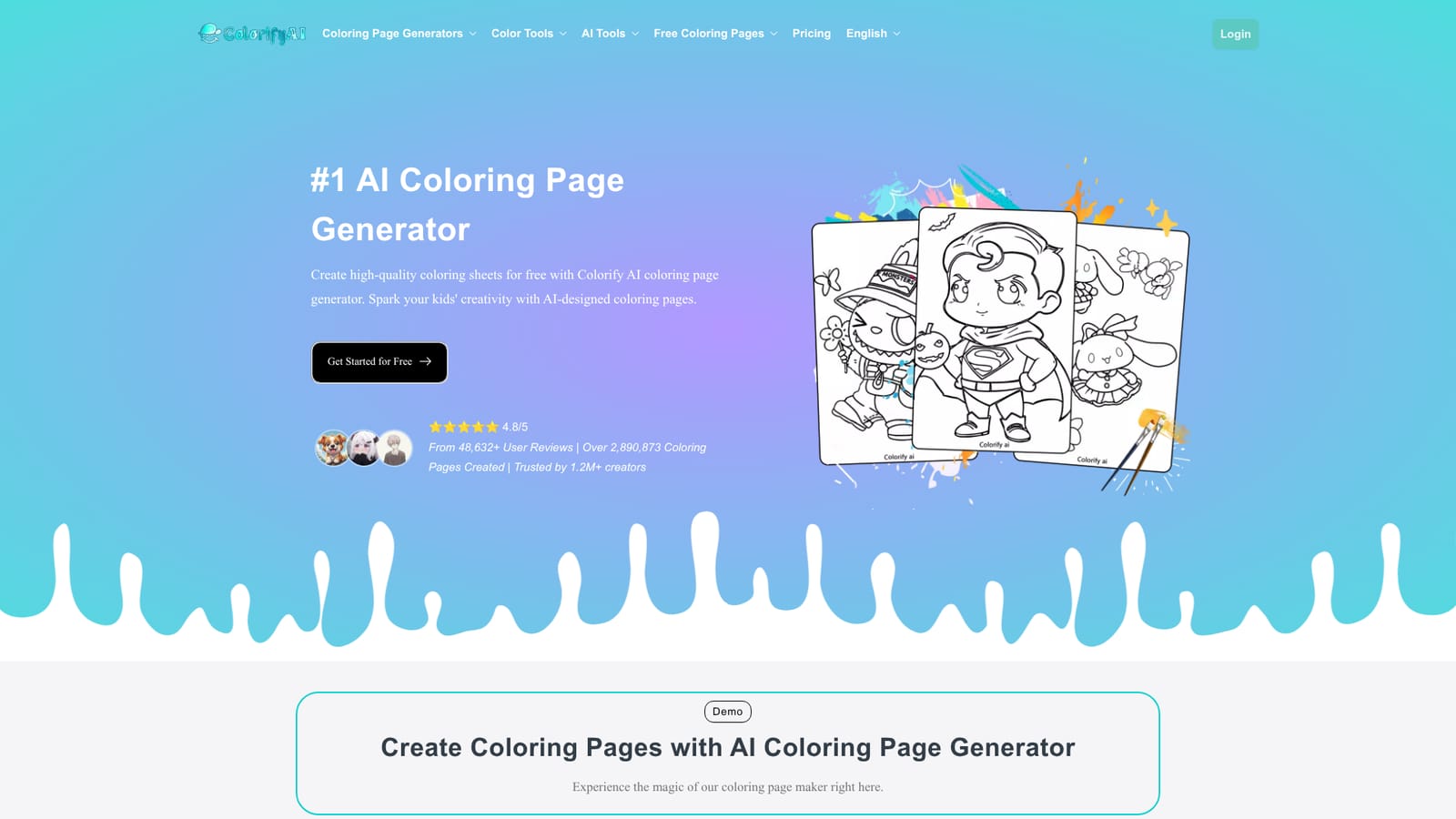
Screenshot of ColorifyAI, Turn a prompt or a photo into a printable coloring page in seconds

What is ColorifyAI?

ColorifyAI is a coloring pages tool that turns a prompt or a photo into a printable coloring page in seconds. A free web generator that converts short text prompts or uploaded photos into printable black and white coloring pages, backed by a larger toolkit for books, name pages, stencils and online coloring.

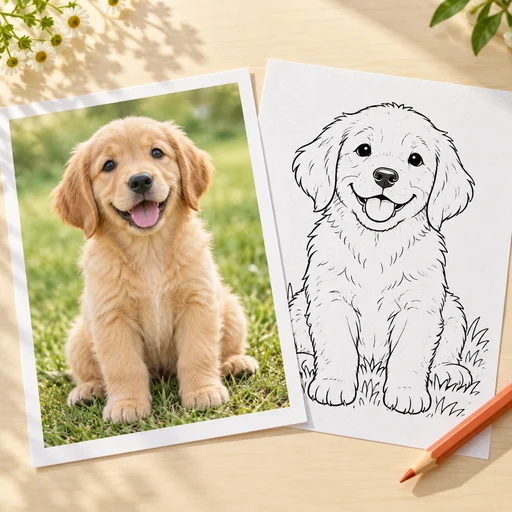
ColorifyAI is a web based generator that turns written prompts or uploaded photographs into black and white line art built for coloring. The homepage pitches it squarely at families, teachers and independent creators, and the claimed scale (over 2.8 million pages created, 1.2 million creators cited) suggests the tool is being used as a routine production step rather than a novelty. Two entry routes sit side by side: a text box where short phrases such as Dragon or Unicorn are expanded into a full page, and a photo upload that traces contours and keeps the recognizable details of the original image. The generator exposes more control than the average one click toy. Text mode offers 15 art styles (default, sci-fi, pixel, chibi, graffiti, minimalist, anime, lego, intricate, yarn art, clay and others), three AI models, simple or complex backgrounds, batch output of up to four images, and resolution presets from 1K at 120 DPI up to 4K at 480 DPI. Photo mode narrows this to four line art styles with a slider preview and three output settings, and the homepage advertises flexible HD resolutions. Finished work downloads as PNG or PDF, which matters for anyone printing at home or assembling a book. The wider toolkit is where ColorifyAI separates from single purpose coloring sites. A name generator personalizes pages, a coloring book generator assembles a whole volume, and a graffiti variant targets street art styles. Separate tools cover sketch to image conversion (14 styles, prompt control), an online line art colorizer with over 100 preset colors and undo, plus an AI colorizer, black and white filter, stencil maker, photo to sketch and photo to line art. A library of more than 1,000 printable pages, organized by theme (Disney, Labubu, Sonic, Naruto, Spider Man, Pokemon and more), gives people something to color without generating anything. That breadth is useful for teachers preparing lesson material, parents keeping children occupied on a tablet, and sellers building coloring books for marketplaces. The workflow is approachable for beginners, though the free tier carries a watermark according to the generator panel, and output history is retained for a limited window, so downloading promptly is sensible.

How do you use ColorifyAI?

  1. 1Open the generator and pick a mode
    Start on the homepage, where the text to coloring page panel is the default view. Switch to the photo tab if you already have an image to trace.
    ColorifyAI — Open the generator and pick a mode
  2. 2Describe the page you want
    Type a short phrase such as a chibi robot waving with simple black outlines. Keep the prompt concrete, since the model expands plain subjects better than long descriptions.
  3. 3Set style, model and resolution
    Choose one of the 15 art styles, select an AI model, and decide between simple and complex backgrounds. Raise the ratio and resolution to match your print size.
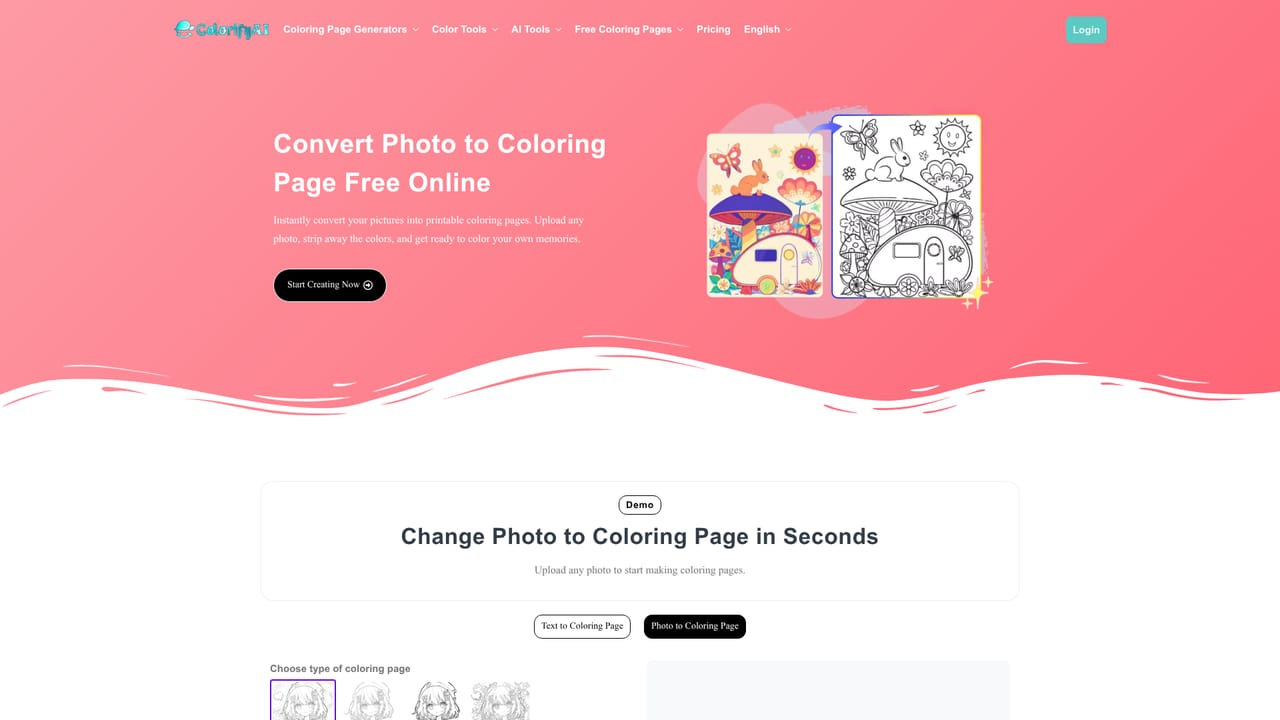
  4. 4Convert a photo instead, if preferred
    Upload an image on the photo to coloring pages tool, then adjust the line art style and preview slider until the contours look right before generating.
    ColorifyAI — Convert a photo instead, if preferred
  5. 5Generate and download
    Run the batch you need (up to four images) and save the results as PNG or PDF. Download straight away, because history on the free tier expires quickly.
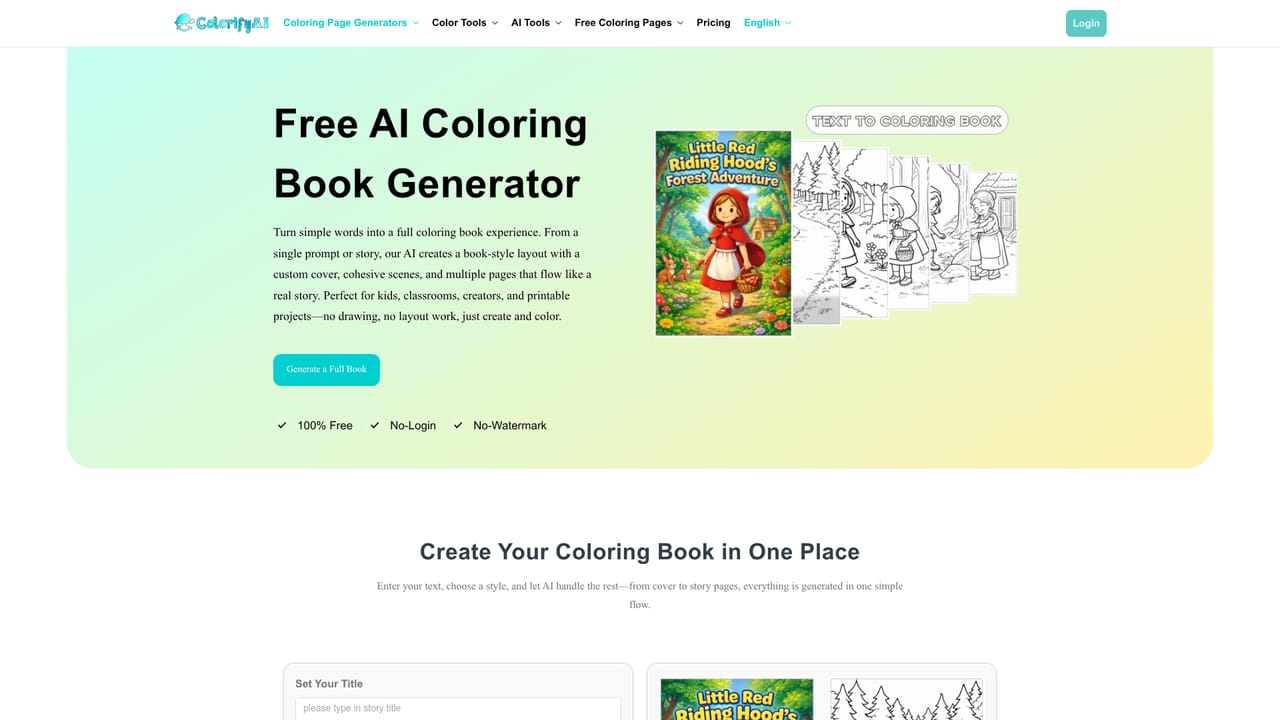
  6. 6Build a full book or personalize a page
    Move to the coloring book generator to assemble a themed collection, or the name generator to put a child's name into the line art.
    ColorifyAI — Build a full book or personalize a page

Pros and cons

Pros

  • Two clear routes to a page: type a short prompt or upload a photo and let contour tracing do the workAI
  • Style breadth is genuine, with 15 text styles including chibi, pixel, anime, graffiti and intricate line workAI
  • Resolution presets climb to 4K at 480 DPI, which is enough for clean print outputAI
  • Downloads arrive as PNG or PDF, so pages go straight to a home printer or a book layoutAI
  • Over 1,000 themed printable pages offer a fallback when generation is not neededAI

Cons

  • The free tier adds a watermark unless you upgrade, which rules out selling raw output without payingAI
  • Generation history is only kept for about one day on the free path, so anything unsaved is lostAI
  • Photo mode cuts style choice down to four line art options, far fewer than text modeAI
  • Brand characters in the printable library (Disney, Pokemon and similar) carry obvious licensing limits for commercial useAI
  • No API or integration details appear on the homepage, so automated pipelines are out of reachAI

How much does ColorifyAI cost?

Pricing

The homepage advertises free coloring page generation and lists a Basic Free AI model, but the generator panel notes that removing the watermark requires an upgrade. No subscription tiers or prices are stated, so exact costs are not published on the page.

Learn more

Features

Text to coloring page across 15 styles and three models, photo to coloring page with contour tracing and slider preview, batch output up to four images, resolutions from 1K to 4K, PNG and PDF downloads. Related tools cover name pages, coloring books, graffiti pages, sketch to image, sketch colorization, an online colorizer with over 100 preset colors, black and white filter, stencil maker, photo to sketch and photo to line art, plus 1,000+ printable themed pages.

Frequently asked questions about ColorifyAI

  • How much does ColorifyAI cost?
    The homepage advertises free coloring page generation and lists a Basic Free AI model, but the generator panel notes that removing the watermark requires an upgrade. No subscription tiers or prices are stated, so exact costs are not published on the page.
  • How do you use ColorifyAI?
    The walkthrough on this page covers 6 steps: 1. Open the generator and pick a mode 2. Describe the page you want 3. Set style, model and resolution 4. Convert a photo instead, if preferred 5. Generate and download 6. Build a full book or personalize a page.
  • What platforms does ColorifyAI support?
    ColorifyAI is available on Web App.
  • What are the limitations of ColorifyAI?
    The free tier adds a watermark unless you upgrade, which rules out selling raw output without paying. Generation history is only kept for about one day on the free path, so anything unsaved is lost. Photo mode cuts style choice down to four line art options, far fewer than text mode.

Status

StatusActive
Views0
Outbound clicks0
Added10/21/2026

Platforms

Web App

Pricing

FreeFreemium