Free trial
Free signup includes 48 credits and no watermark, and the homepage advertises 16 free coloring pages plus a gallery of more than 100 free designs. No credit card is required to start.
Learn moreTurn a theme, photo or character into a print-ready coloring book
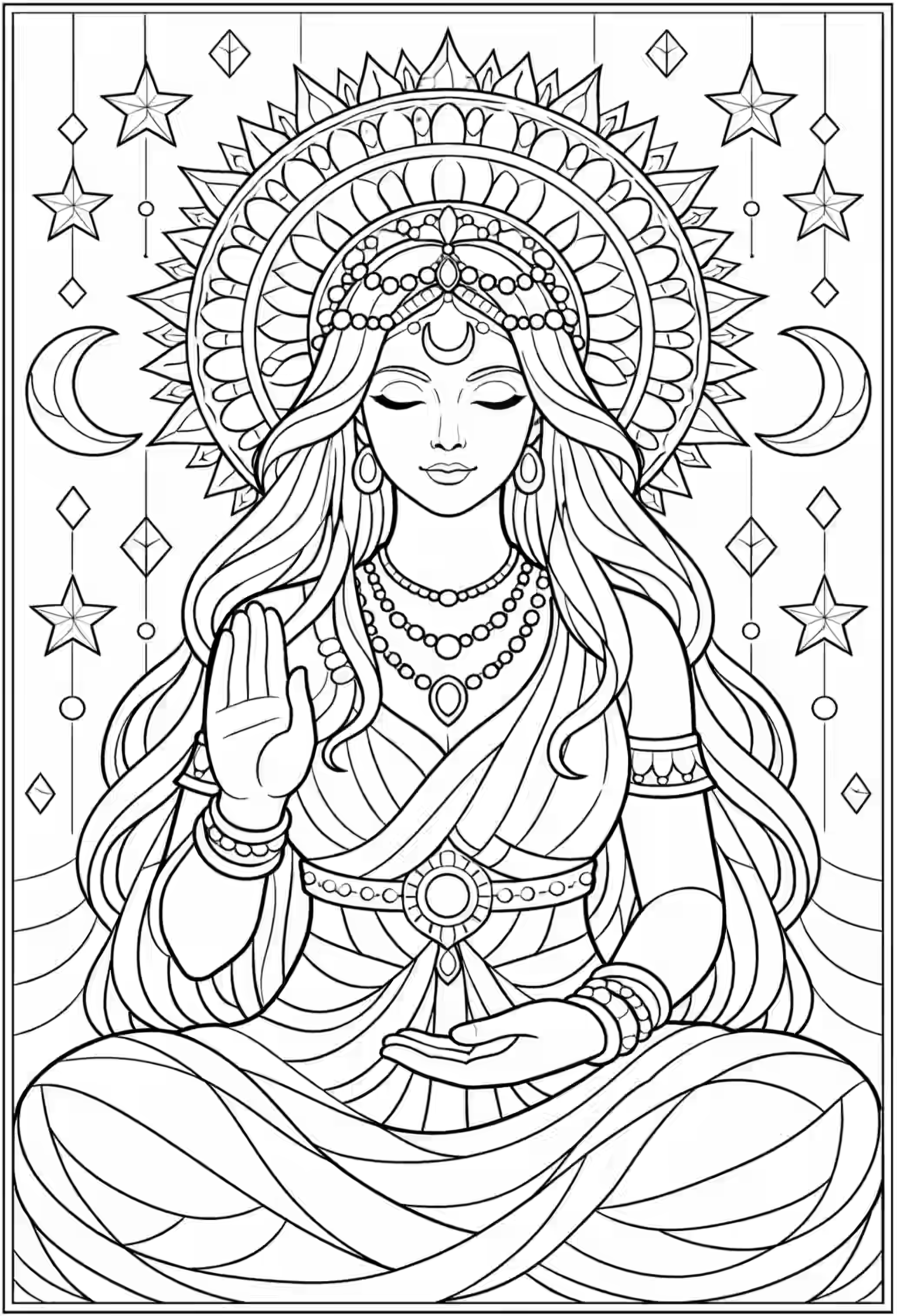
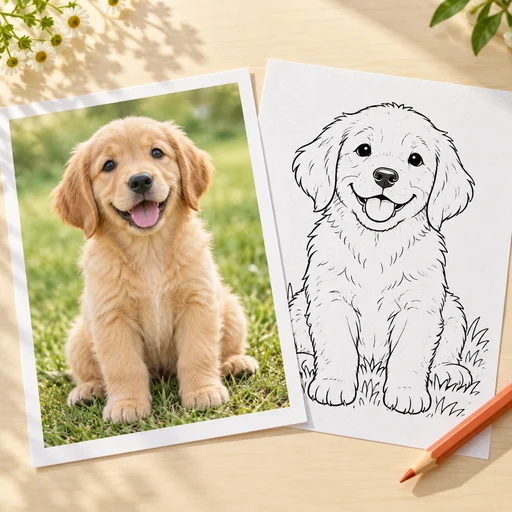
ColorinAI is a coloring pages tool that turns a theme, photo or character into a print-ready coloring book. ColorinAI generates complete coloring books: batch page generation from text, photos or locked characters, six line art styles, AI and manual page editing, KDP-ready page sizes and margins, one-PDF export, plus AI coloring and cover tools.
ColorinAI is a web app built around a single production goal: getting from an idea to a finished, printable coloring book without stitching together separate image, layout and cover tools. The homepage positions it squarely at people who sell coloring books on Amazon KDP and Etsy, though it also addresses teachers, parents, gift makers and anyone coloring for relaxation. Pages can start from a written prompt, from an uploaded photo, or from a character you supply and lock so it reappears identically across the whole book. The workflow is organized in stages rather than as one generator box. An ideas generator takes a theme and returns a batch of page concepts you can review before spending generation credits, with the site claiming up to 1,500 ideas per month. Selected prompts then run together in one batch across six styles (Cartoon, Kawaii, Storybook, Minimalist, Intricate and Zentangle). From there, pages can be edited with an AI area replace driven by a text prompt, or with brush, pencil, eraser and text tools. Formatting applies page size and global margins across every page at once, with Letter, A4, Square and KDP trim sizes, then exports a single PDF. A separate step colors a page with preset or custom palettes for cover art and listing mockups, and the cover itself can be AI generated or assembled from pre-sized templates. Compared with generic image generators, ColorinAI's advantage is the book-shaped scaffolding: batch runs, character consistency, bleed and margin handling, and a PDF export that does not need a second layout program. Compared with human illustrators or stock line art, it trades originality of hand-drawn work for speed and volume. Anyone needing fine artistic control over line weight or compositing will still want an editor outside the app. The site advertises a 100% commercial license, a free signup tier with 48 credits and no watermark, and 16 free pages plus a gallery of over 100 free designs. Character lock is labeled as a pro capability, so some of the strongest features sit behind the paid tier.
Free signup includes 48 credits and no watermark, and the homepage advertises 16 free coloring pages plus a gallery of more than 100 free designs. No credit card is required to start.
Learn moreBatch generation from text, photos or a locked character across six styles; ideas generator for up to 1,500 concepts per month; AI area replace plus brush, pencil, eraser and text editing; print formatting with KDP trim sizes and global margins; single PDF export; AI coloring for cover samples and mockups; AI cover generation with pre-sized templates.
Learn more AI Angels400+ customizable AI girlfriends for NSFW chat, voice calls, and roleplay
 Candy AIExperience the future of companionship with AI friends who chat, role-play, and connect with you on a human level.
 ourdream.aiA vast AI roleplay platform with millions of characters for chat, images, video and voiceAI Angels400+ customizable AI girlfriends for NSFW chat, voice calls, and roleplayCandy AIExperience the future of companionship with AI friends who chat, role-play, and connect with you on a human level.ourdream.aiA vast AI roleplay platform with millions of characters for chat, images, video and voice