Free trial
The free plan gives 5 credits every week with no card required, and paid plans carry a money-back guarantee for up to 20 generations.
Learn moreTurn any idea into a custom printable coloring page

ColorPenguin is a coloring pages tool that turns any idea into a custom printable coloring page. ColorPenguin generates printable coloring pages from a text idea, with age-based complexity, 100+ style types and PDF or PNG export. A free tier offers five watermarked pages weekly; paid plans add privacy, high-resolution output and a commercial license.
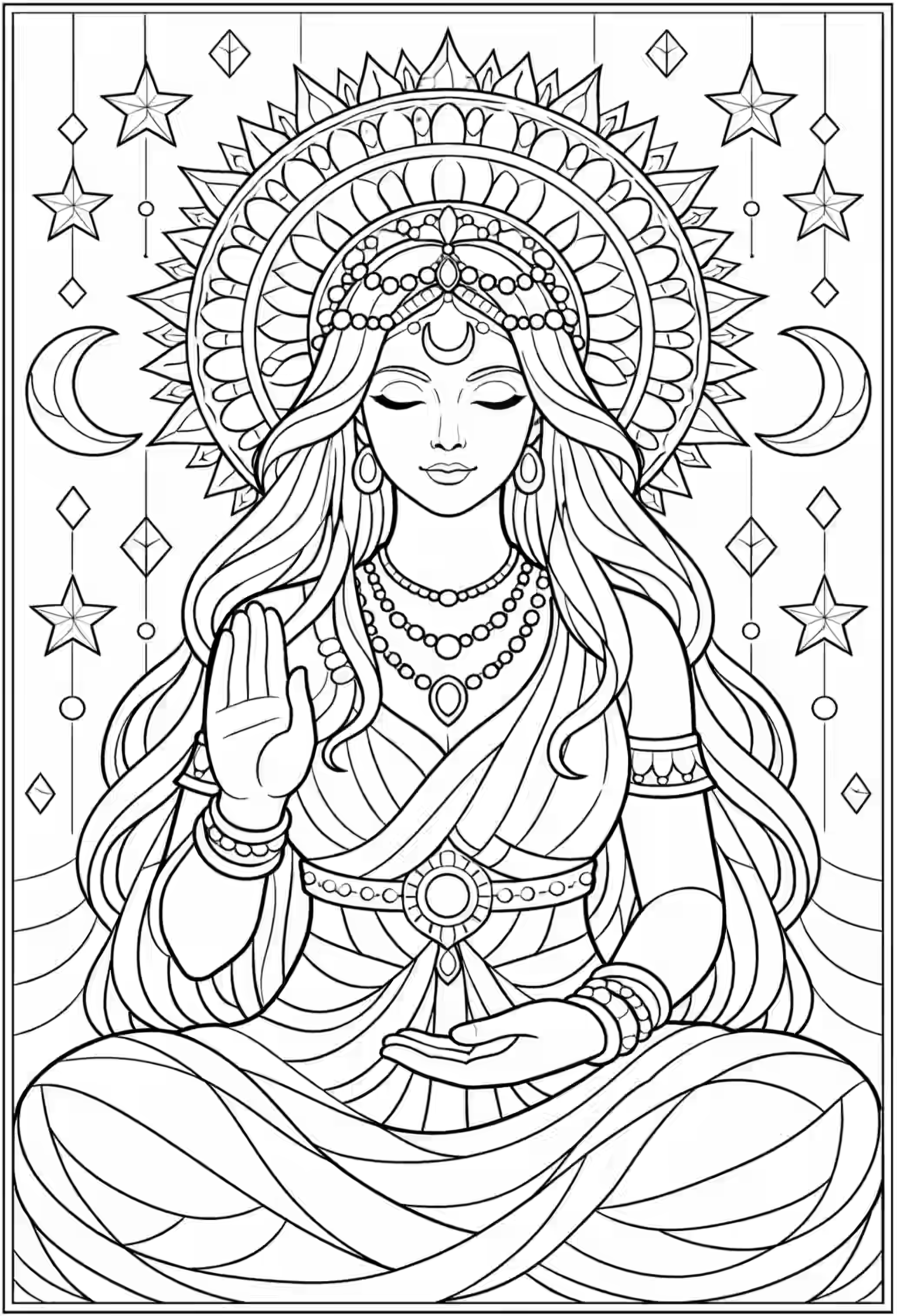
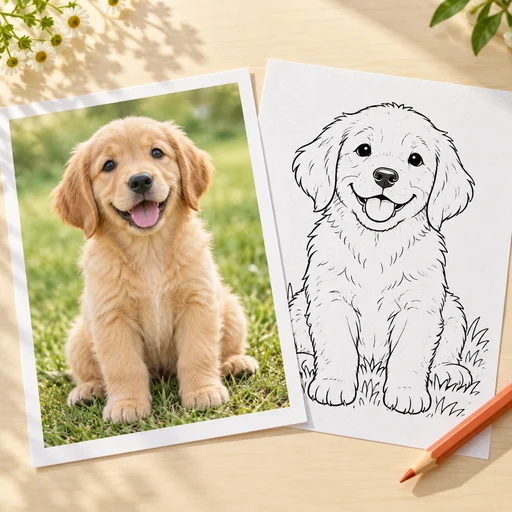
ColorPenguin is a web tool that generates ready-to-print coloring pages from a short text prompt. Instead of hunting through stock sites for a sheet that roughly matches a child's current obsession or a lesson plan, you describe the scene, pick a complexity level and let the generator produce a black-and-white line drawing. The site says more than 40,000 pages have been created on the platform and that roughly 10,000 people use it. The workflow is deliberately short. You type an idea, choose an age band (preschoolers get large simple shapes, older children get moderate detail, teens and adults get intricate patterns), generate the page and export it as a PDF or PNG for printing. The style range is broad: bold and easy outlines, mandalas, zentangles, text-based sheets, animals, nature scenes, fantasy, cartoons, holiday themes, space, food, sports and architecture. The prompt box supports over 100 languages, so non-English speakers can write in their own language. The FAQ is candid that unusual or complex wording can confuse the model and produce odd results. Four audiences are targeted. Parents get pages tuned to a specific child's interests. Teachers get worksheets that reinforce letters, numbers or history topics. Adult colorists get detailed designs matched to their preferred style. Coloring book creators get original art rather than licensed stock, which is where the Business tier matters, since it is the only plan that grants commercial use. Against generic image generators, the appeal is narrow but real: age-based complexity control, print-oriented sizing (tall, wide or square), multi-page generation and PDF export in one place, with no prompt engineering or upscaling steps. The free tier is usable but watermarked, capped at five images per week and forces every page into the public library.
The free plan gives 5 credits every week with no card required, and paid plans carry a money-back guarantee for up to 20 generations.
Learn moreFree: $0, 5 watermarked public images weekly. Premium: $7.99/month, up to 500 pages monthly, private pages, multiple sizes, high resolution, no watermark, 4 at once, photo to page. Business: $29.99/month, up to 1000 pages, bulk download, commercial use. Yearly billing available.
Learn moreSupport runs through a feedback channel described in the FAQ. Invoices are self-serve from the invoice page and can be saved as PDF. Payments are handled by Stripe.
Text-to-coloring-page generation with age-based complexity, over 100 page styles (bold and easy, mandala, zentangle, educational, holiday and more), tall, wide and square formats, batch generation of up to four pages, pages made from photos, and PDF or PNG export in more than 100 supported languages.
 AI Angels400+ customizable AI girlfriends for NSFW chat, voice calls, and roleplay
 Candy AIExperience the future of companionship with AI friends who chat, role-play, and connect with you on a human level.
 ourdream.aiA vast AI roleplay platform with millions of characters for chat, images, video and voiceAI Angels400+ customizable AI girlfriends for NSFW chat, voice calls, and roleplayCandy AIExperience the future of companionship with AI friends who chat, role-play, and connect with you on a human level.ourdream.aiA vast AI roleplay platform with millions of characters for chat, images, video and voice