Free trial
The homepage offers a "Try Now For Free" sign-up button, but it does not describe the length or limits of the free access.
Learn moreRun LLM evals on whole AI apps, with no engineering bottleneck

Confident AI is an LLM evaluation platform that tests whole AI apps through an endpoint, using 50+ DeepEval metrics such as hallucination and faithfulness. It adds multi-turn simulation, side-by-side experiments, human alignment checks and CI gating for non-engineers too.
Confident AI is an LLM evaluation platform built around the idea that testing AI applications should not be limited to engineers. It connects to an AI app through an endpoint, in the manner of an API client such as Postman, so no SDK or code changes are needed. Teams send requests, adjust prompts and see live results, then move on to structured testing against a saved dataset. The workflow starts with a golden dataset: test cases with inputs and expected outputs, tagged by topic, uploaded rather than hand-assembled in spreadsheets. Users then choose from more than 50 metrics, powered by the open-source DeepEval framework, and set pass thresholds. Metrics cover hallucination, faithfulness, answer relevancy, contextual recall, tone, bias, toxicity and task completion, which makes the tool a fit for anyone who needs to measure how often a model invents facts. Experiments run against the live application rather than a playground, and simulated users hold multi-turn conversations to expose failures that single prompts miss. Comparison is a central feature. A model, prompt or pipeline step can be changed and the results viewed side by side, with per-metric deltas showing what improved and what regressed. Metric alignment views compare automated scores with human annotations, reporting false positives, false negatives and agreement statistics, so teams can judge whether an evaluator deserves trust. Evals can also be wired into CI so required checks block a pull request when quality drops, and product managers or domain experts can edit prompts while evaluations run automatically. An MCP server lets people run evals and pull results from editors such as Cursor and Claude Code. The platform targets AI engineering teams, product managers and domain experts at companies shipping LLM features. It supports major model providers and frameworks, including OpenAI, Claude, Gemini, AWS Bedrock, LangChain and LlamaIndex. Compared with using the DeepEval library alone, it adds a collaborative interface, datasets, experiment tracking and CI gating. Compared with lighter prompt playgrounds, it emphasizes testing full workflows. Pricing details are not published on the homepage, and larger deployments are handled through sales.
The homepage offers a "Try Now For Free" sign-up button, but it does not describe the length or limits of the free access.
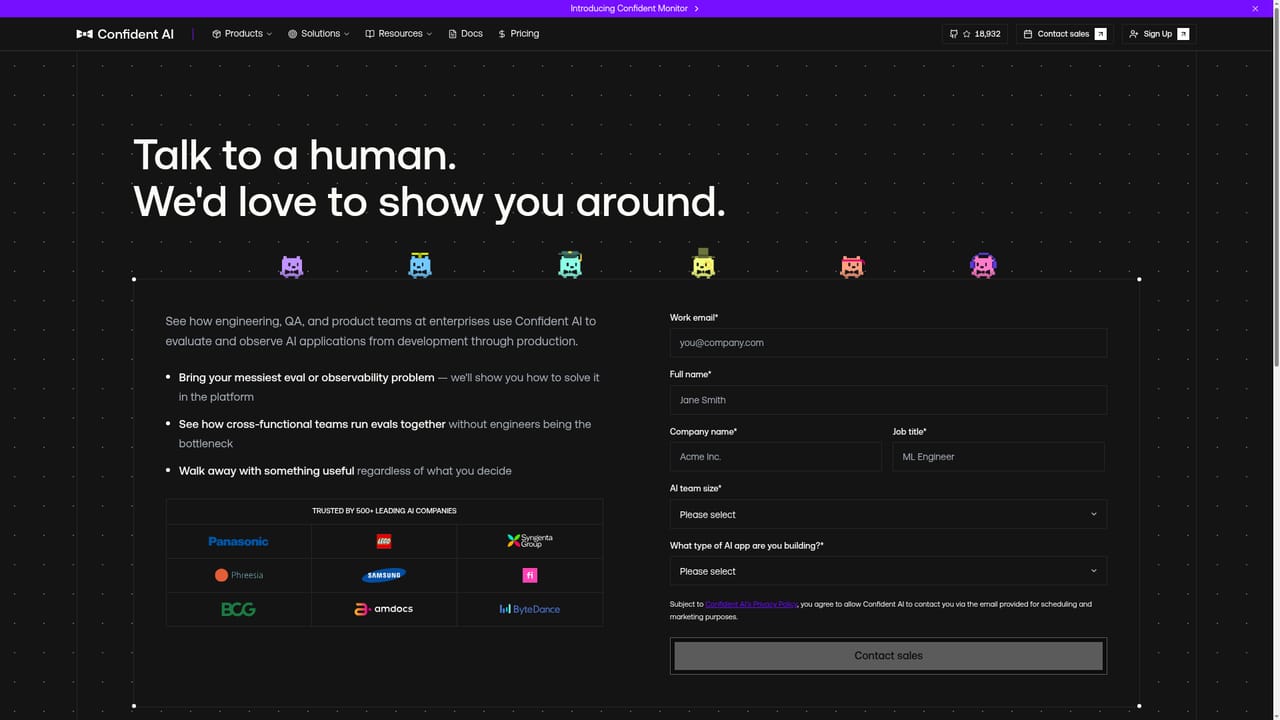
Learn moreThe homepage offers a contact-sales page and a book-a-demo route. No documentation, help centre or support channels are described.
Learn moreWorks with model providers including OpenAI, Claude, Gemini, Azure OpenAI, AWS Bedrock, Vertex AI, Mistral, LiteLLM and Portkey. Frameworks include LangChain, LlamaIndex and CrewAI. Runs in any CI/CD pipeline and via MCP in Cursor and Claude Code.
Endpoint-based app connection, golden datasets, 50+ DeepEval metrics (hallucination, faithfulness, bias, toxicity, task completion), multi-turn conversation simulation, side-by-side experiments, human-alignment analysis, CI gating on pull requests, and an MCP server for editors.


