Contador de Palabras

Counts words and characters, then analyzes readability, density and rhythm in Spanish.

Beginner
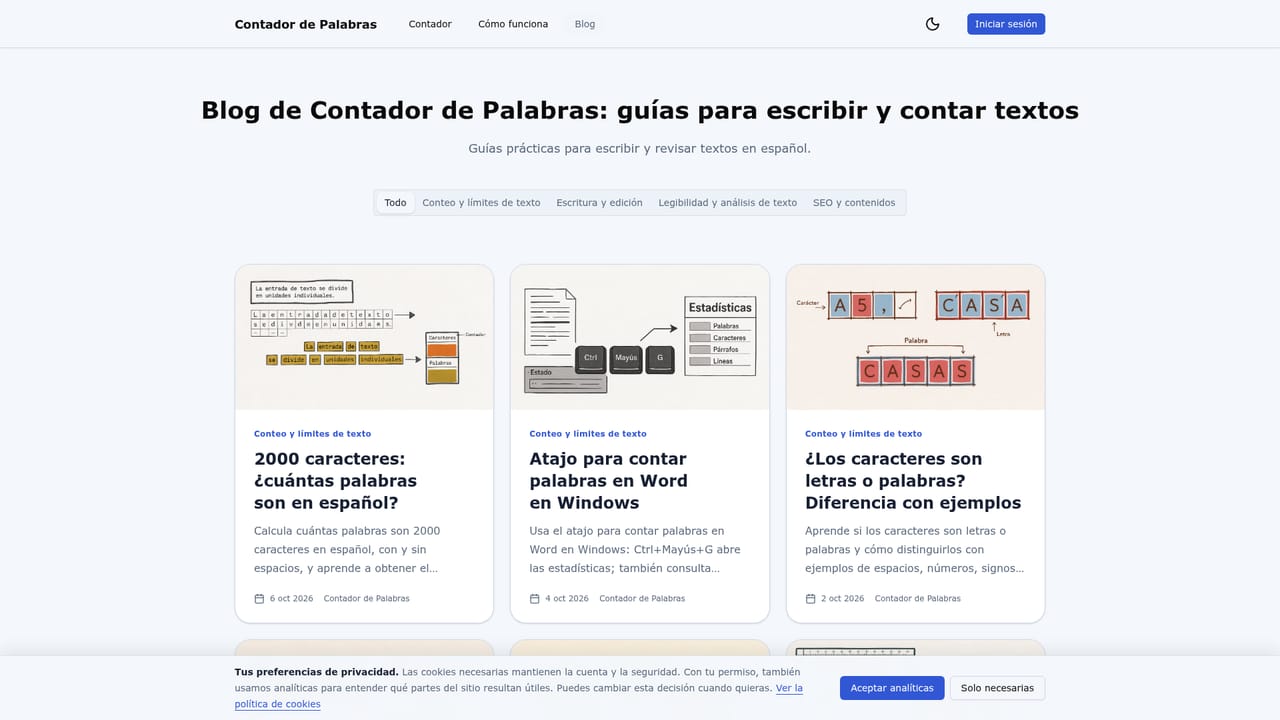
Screenshot of Contador de Palabras, Counts words and characters, then analyzes readability, density and rhythm in Spanish

What is Contador de Palabras?

Contador de Palabras is an SEO tool. A browser-based Spanish word and character counter that also analyzes sentences, readability, keyword density and sentence rhythm while editing, with local-only draft storage and optional account saving.

Contador de Palabras is a browser-based writing and text analysis tool built specifically for Spanish-language content. It counts words and characters as a person types or pastes text, and layers on sentence, paragraph and line counts, syllable estimates, readability scoring and keyword density within a single editor view. It suits writers, students, editors and marketers who need to hit a specific word or character limit, whether for an academic essay, a social media caption or a meta description. In practice, a user pastes or writes directly in the editor and watches the counts update immediately, without clicking a start button. Beyond the headline totals, a details panel surfaces nineteen measures, including unique words, average word length, estimated reading and speaking time, and an estimated page count based on 500 words per page. A separate keyword density panel groups one, two and three-word sequences to flag repetition, and a rhythm panel shows how sentence lengths vary across a draft, which helps decide whether a text reads too uniformly or too unevenly. Spanish-specific handling sets the tool apart from a generic counter. Accented letters and the ñ stay attached to their word, apostrophes and hyphens inside compound expressions keep terms unified, and readability is scored with the Fernández-Huerta formula rather than an English-language metric. Reading, speaking and handwriting speeds can be adjusted in settings, so time estimates can be tuned to an individual's pace. All analysis runs locally in the browser, and an anonymous draft is stored only on the user's device, with nothing appended to the page URL or analytics parameters. Saving a document to an account, which requires a verified email, is a separate optional step for people who need version history across sessions. Among writing utilities, this tool behaves more like a focused diagnostic instrument than a full editor: it measures and reports but does not rewrite or suggest alternative phrasing.
How do you use Contador de Palabras?

  1. 1Paste or write your text
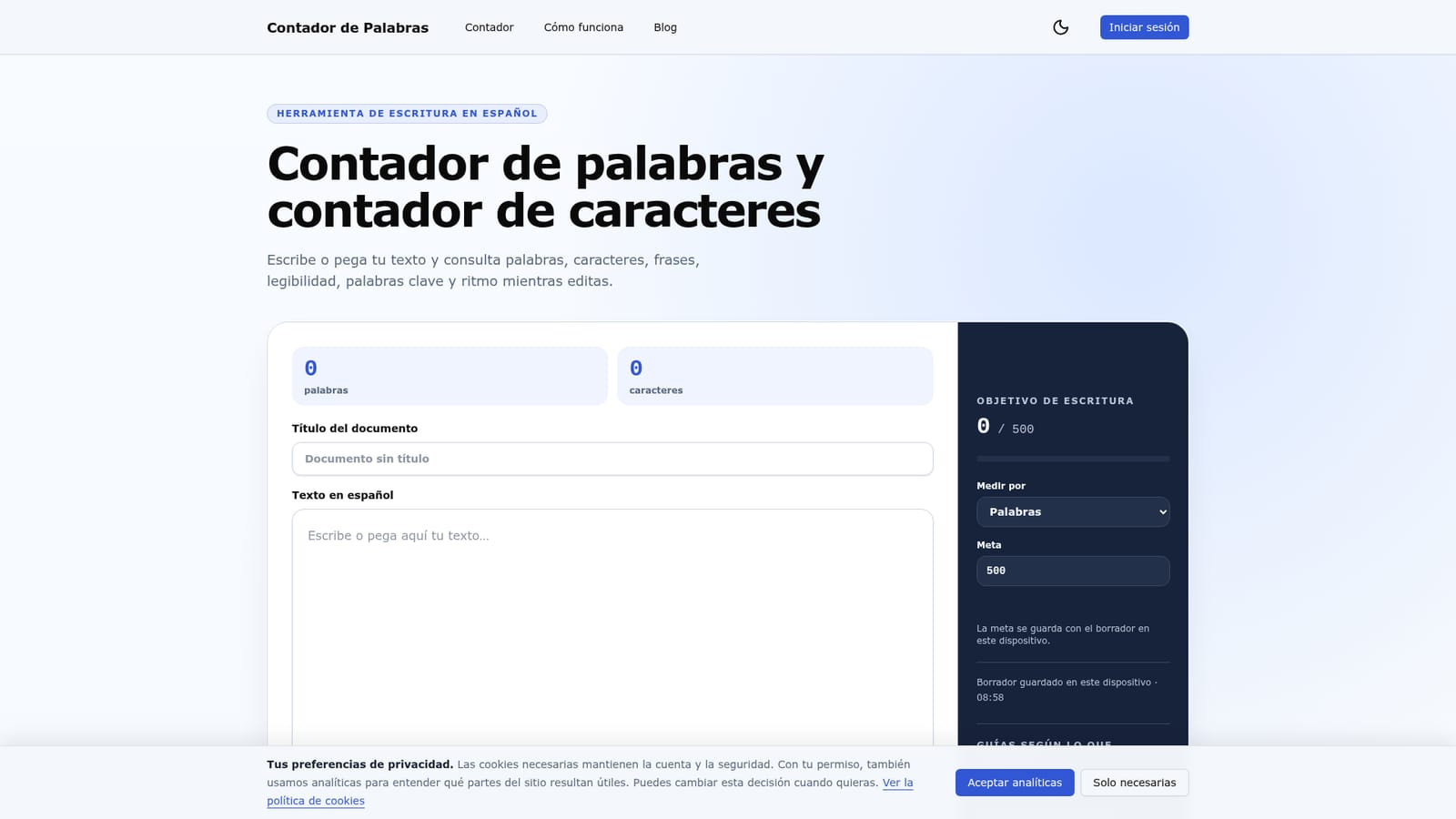
    Place the cursor in the editor and paste or type content directly; analysis begins with the first character and does not require a start button.
    Contador de Palabras — Paste or write your text
  2. 2Review the main counts
    Check the word and character totals first since these match the most common limits, then open Details for nineteen additional measures like syllables and reading time.
  3. 3Check density and rhythm
    Open the keyword density panel to spot repeated one, two or three-word sequences, then use the rhythm panel to compare sentence lengths before finishing a draft.
  4. 4Set a writing goal
    Choose a target measured in words or characters and track progress next to the editor; the goal can be changed anytime without altering the text.
  5. 5Export or save the result
    Copy the text, download it as a TXT file, or print it; sign in with a verified email to save the document and keep version history in an account.
    Contador de Palabras — Export or save the result
  6. 6Read a use-case guide
    Check the blog for walkthroughs on counting words in Word, Google Docs, PDFs, essays, Instagram captions or meta descriptions.
    Contador de Palabras — Read a use-case guide

Pros and cons

Pros

  • Runs entirely in the browser, so drafts stay local until a user chooses to save them.AI
  • Combines word and character counts with readability, density and rhythm analysis in one view.AI
  • Uses a Spanish-specific readability formula (Fernández-Huerta) instead of an English metric.AI
  • Lets users adjust reading and speaking speeds for more personalized time estimates.AI
  • Core counting, cleanup, copy, TXT export and printing work without creating an account.AI

Cons

  • No format export beyond copy, TXT and print; no DOCX or other document formats mentioned.AI
  • Readability and timing figures are explicit estimates that can be skewed by proper nouns or technical terms.AI
  • Saving documents requires account creation with a verified email, adding a step for persistent storage.AI
  • No stated API, integrations or collaboration features for teams working across shared documents.AI
  • Word and sentence rules are built for Spanish, which limits usefulness for multilingual content work.AI

How much does Contador de Palabras cost?

Pricing

The homepage lists no paid tiers; core counting, analysis, cleanup, copy, TXT export and printing work without an account, and creating a free account is only needed to save documents and versions.

Learn more

Features

Live word and character counts, a details panel with nineteen measures (sentences, paragraphs, syllables, reading and speaking time, estimated pages), a keyword density panel for one to three-word sequences, a sentence rhythm panel, Fernández-Huerta readability scoring, text cleanup tools, a configurable writing goal, and copy, TXT download and print export.

Frequently asked questions about Contador de Palabras

  • How much does Contador de Palabras cost?
    The homepage lists no paid tiers; core counting, analysis, cleanup, copy, TXT export and printing work without an account, and creating a free account is only needed to save documents and versions.
  • How do you use Contador de Palabras?
    The walkthrough on this page covers 6 steps: 1. Paste or write your text 2. Review the main counts 3. Check density and rhythm 4. Set a writing goal 5. Export or save the result 6. Read a use-case guide.
  • What platforms does Contador de Palabras support?
    Contador de Palabras is available on Web App.
  • What are the limitations of Contador de Palabras?
    No format export beyond copy, TXT and print; no DOCX or other document formats mentioned. Readability and timing figures are explicit estimates that can be skewed by proper nouns or technical terms. Saving documents requires account creation with a verified email, adding a step for persistent storage.

Status

StatusActive
Views0
Outbound clicks0
Added10/10/2026

Platforms

Web App

Pricing

Free

Categories