Copyter

SEO article writer that researches keywords and posts to WordPress

Beginner
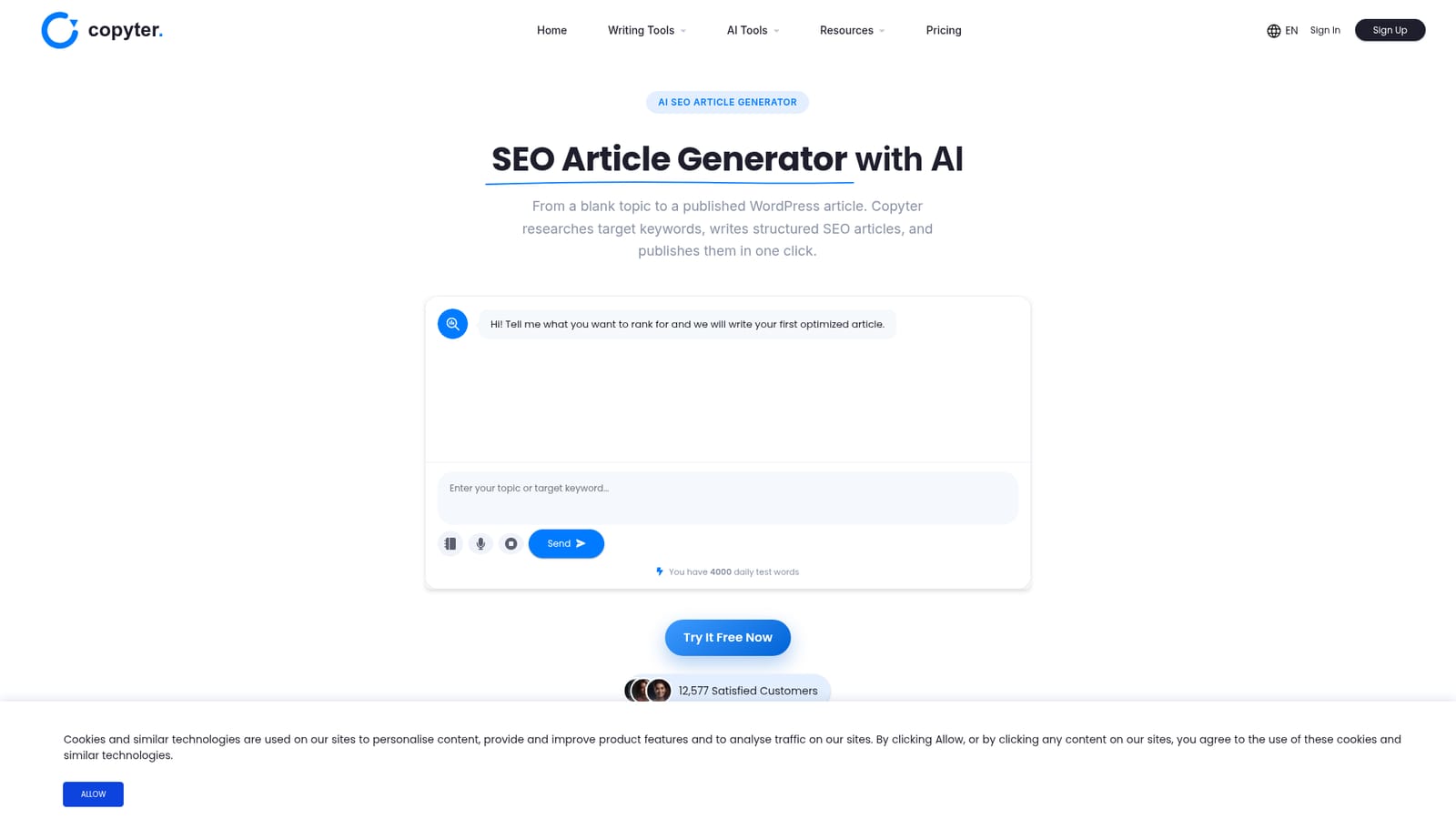
Screenshot of Copyter, SEO article writer that researches keywords and posts to WordPress

What is Copyter?

Copyter is an AI SEO article generator that researches search intent, drafts structured articles in 30+ languages and publishes them to WordPress. Paid plans add Search Console, internal linking, site audits and AI visibility tracking.

Copyter is a web-based AI writing suite with a dedicated SEO article generator at its center. The workflow starts with a topic or target keyword. The tool looks at search intent for the niche, builds an outline around the terms it considers worth targeting, and drafts a structured article with a clear heading hierarchy, readable paragraphs and a length matched to the query. Output can be produced in English and more than 30 other languages. The distinguishing feature is what happens after the draft. A WordPress connection, set up once, lets finished articles go to the site as either a draft or a published post, which removes the export and reformatting step many generators leave to the user. Higher plans add a broader publishing and monitoring layer: Search Console connection, a content plan built on search data, automatic internal linking, a site audit with suggested content fixes, IndexNow submission for faster indexing, and tracking of how a brand appears in AI answers from ChatGPT and, on the top tier, Gemini. Structuring content so answer engines can extract it (often called GEO or AEO) is part of the pitch alongside classic ranking. The audience is wide: bloggers, SEO and marketing agencies producing client work, founders and SaaS owners without a writing team, and in-house content groups that want consistent structure. Plans scale by project count, monthly article quota, maximum article length and team seats, and every plan also unlocks a set of roughly 70 other chats and writing tools, plus image generation and text to speech allowances. A daily allowance of test words lets new users try the generator after registering. Among alternatives, Copyter sits between general chat assistants that only return raw text and heavier enterprise SEO platforms. It suits teams who want research, drafting and publishing in a single place at a modest monthly price, though those who need deep editorial control or large-scale technical SEO tooling may pair it with other products.
How do you use Copyter?

  1. 1Create a free account
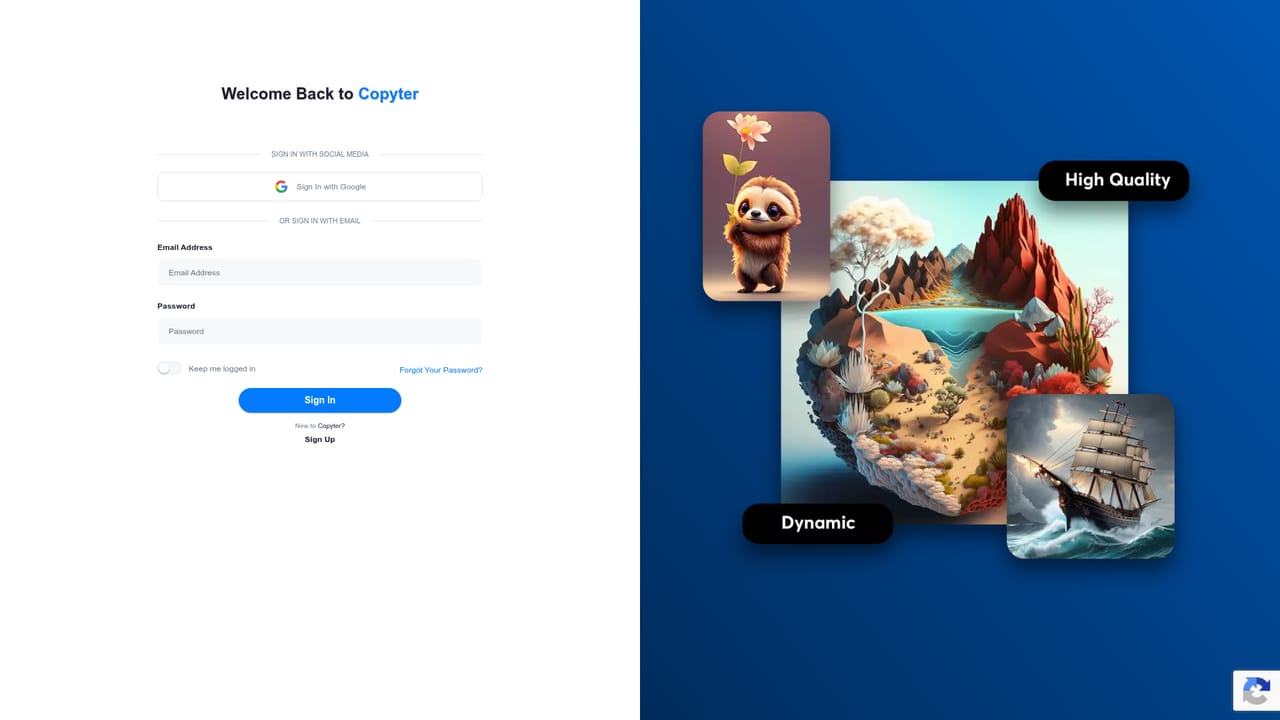
    Register on Copyter to receive the daily allowance of test words, which is enough to generate a first article without entering a card.
    Copyter — Create a free account
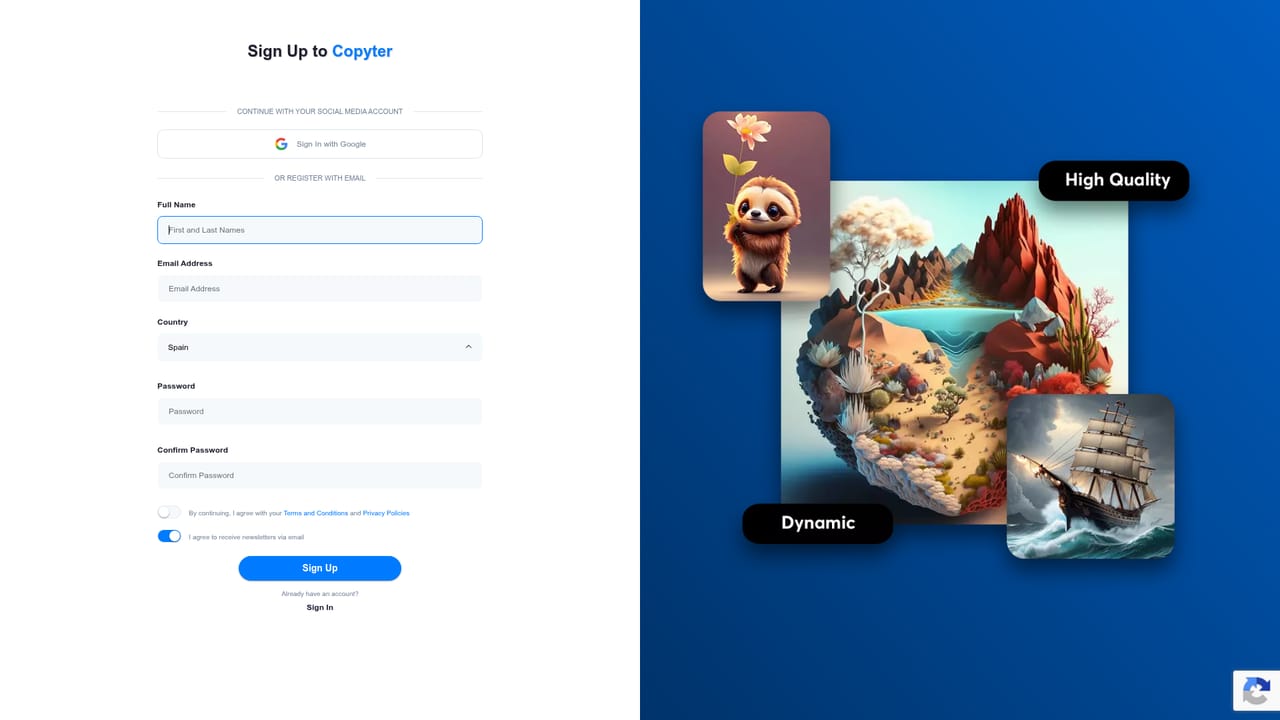
  2. 2Enter your topic or keyword
    In the SEO article generator chat on the page, describe what you want to rank for. The tool researches search intent around that topic before writing.
    Copyter — Enter your topic or keyword
  3. 3Review the structured draft
    Check the heading hierarchy, keyword placement, links and length. Adjust the request if the angle or target keyword needs to change.
  4. 4Connect your WordPress site
    Link WordPress once from your account, then send the article as a draft or a published post without exporting or reformatting.
  5. 5Pick a plan for regular output
    When the test allowance is not enough, compare the monthly and yearly plans by projects, article quota and article length, then subscribe.
    Copyter — Pick a plan for regular output

Pros and cons

Pros

  • Direct WordPress publishing as draft or live post removes the copy-paste and reformatting stepAI
  • Articles are built around keywords with a heading hierarchy and internal links, not raw textAI
  • Supports English plus more than 30 other languages for localized contentAI
  • Higher plans add Search Console, site audits, IndexNow and AI answer visibility trackingAI
  • Every plan includes roughly 70 additional writing tools, images and text to speechAI

Cons

  • Monthly article quotas (20, 60 or 150) cap output, which can limit high-volume publishingAI
  • Only WordPress is named as a publishing target, so other CMS users still copy content manuallyAI
  • Article length is capped by plan, with the entry tier limited to 1,500 words per pieceAI
  • AI visibility tracking covers only ChatGPT on Pro and adds Gemini only on the top planAI
  • Plan names are partly in Spanish and the free allowance is described only as daily test wordsAI

How much does Copyter cost?

Free trial

New users can try it free without a card and receive 4,000 daily test words after registering.

Learn more

Pricing

Monthly plans: Starter $14 (20 articles, 1 project), Pro $39 (60 articles, 3 projects), Agencia $99 (150 articles, 10 projects). Yearly: Starter $134, Pro $374, Agencia $950. A daily allowance of test words is free.

Learn more

Integrations

Publishes directly to WordPress as draft or published posts. Connects to Google Search Console and submits URLs through IndexNow. Tracks AI visibility on ChatGPT and Gemini.

Features

Keyword-researched SEO articles, structured headings, AEO and GEO optimization, 30+ languages, one-click WordPress publishing, Search Console connection, content plan, site audit, automatic internal linking, IndexNow, AI visibility tracking, images, text to speech and 70 writing tools.

Frequently asked questions about Copyter

  • How much does Copyter cost?
    Monthly plans: Starter $14 (20 articles, 1 project), Pro $39 (60 articles, 3 projects), Agencia $99 (150 articles, 10 projects). Yearly: Starter $134, Pro $374, Agencia $950. A daily allowance of test words is free.
  • Does Copyter offer a free trial?
    New users can try it free without a card and receive 4,000 daily test words after registering.
  • How do you use Copyter?
    The walkthrough on this page covers 5 steps: 1. Create a free account 2. Enter your topic or keyword 3. Review the structured draft 4. Connect your WordPress site 5. Pick a plan for regular output.
  • What platforms does Copyter support?
    Copyter is available on Web App.
  • What does Copyter integrate with?
    Publishes directly to WordPress as draft or published posts. Connects to Google Search Console and submits URLs through IndexNow. Tracks AI visibility on ChatGPT and Gemini.
  • What are the limitations of Copyter?
    Monthly article quotas (20, 60 or 150) cap output, which can limit high-volume publishing. Only WordPress is named as a publishing target, so other CMS users still copy content manually. Article length is capped by plan, with the entry tier limited to 1,500 words per piece.

Status

StatusActive
Views0
Outbound clicks0
Added10/18/2026

Platforms

Web App

Pricing

FreemiumSubscription