Leafpad

Daily Search Console watch that refreshes decaying pages for approval

Intermediate
Screenshot of Leafpad, Daily Search Console watch that refreshes decaying pages for approval

What is Leafpad?

Leafpad automates SEO content refreshes for sites with 50+ pages. It watches Search Console daily, flags pages losing traffic, proposes in-place rewrites checked against your pricing pages, and publishes only what you approve.

Leafpad is a content refresh service for sites that already have a body of published pages and a track record in Google Search Console. Instead of leaving old posts to decay until a quarterly audit, it reads Search Console every morning, flags pages that have lost at least a fifth of their clicks over 90 days, and proposes targeted rewrites. Pages that are holding their traffic are left alone, so the queue stays short. Each proposal is built from more than click data. Leafpad also reads a site's own product and pricing pages, which lets it catch factual drift, such as a blog post that still describes a plan the company no longer sells. Other fixes include missing sections for queries the page already appears for but does not answer well, rewritten titles and descriptions for pages that get impressions but few clicks, and internal links to posts that currently have none pointing at them. When a new post goes out, existing posts that should link to it get those links, and the new post links back to related older ones. In practice the workflow has four stages: connect a site by URL, review the pages Leafpad surfaces, let it handle internal links and meta tags, then approve and publish. Every change arrives as a diff, nothing goes live without a person approving it, the URL and slug never change, and each version is stored so a refresh can be rolled back. After publishing, results are measured against Search Console with fixed before and after windows, and no verdict is given when click volume is too thin. Leafpad is aimed at teams with roughly 50 or more pages and real Search Console history, such as blogs, guides, landing pages and docs. The site itself says that smaller sites are better served by a general assistant like Claude. It sits between manual audits, agency retainers and generic AI writing tools: narrower than a full SEO suite, but built around a recurring, monitored refresh loop. It connects to WordPress, Shopify, Ghost, Webflow, Framer and Medium, and content can also be published from Claude, ChatGPT, Cursor and Copilot.

How do you use Leafpad?

  1. 1Create an account
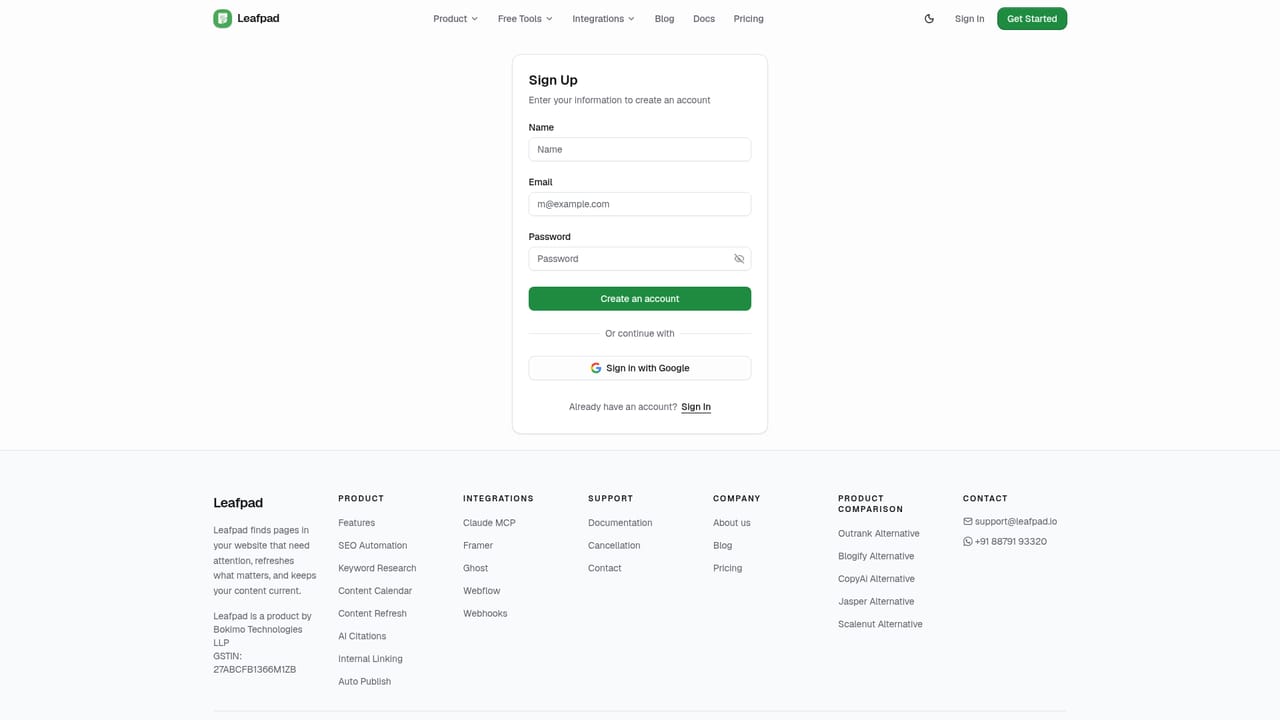
    Sign up and start the site analysis from the main call to action. Leafpad needs only a URL to begin.
    Leafpad — Create an account
  2. 2Connect your site and Search Console
    Paste your site URL so Leafpad can read the public sitemap and Search Console. Nothing on the site changes at this stage.
  3. 3Link your CMS
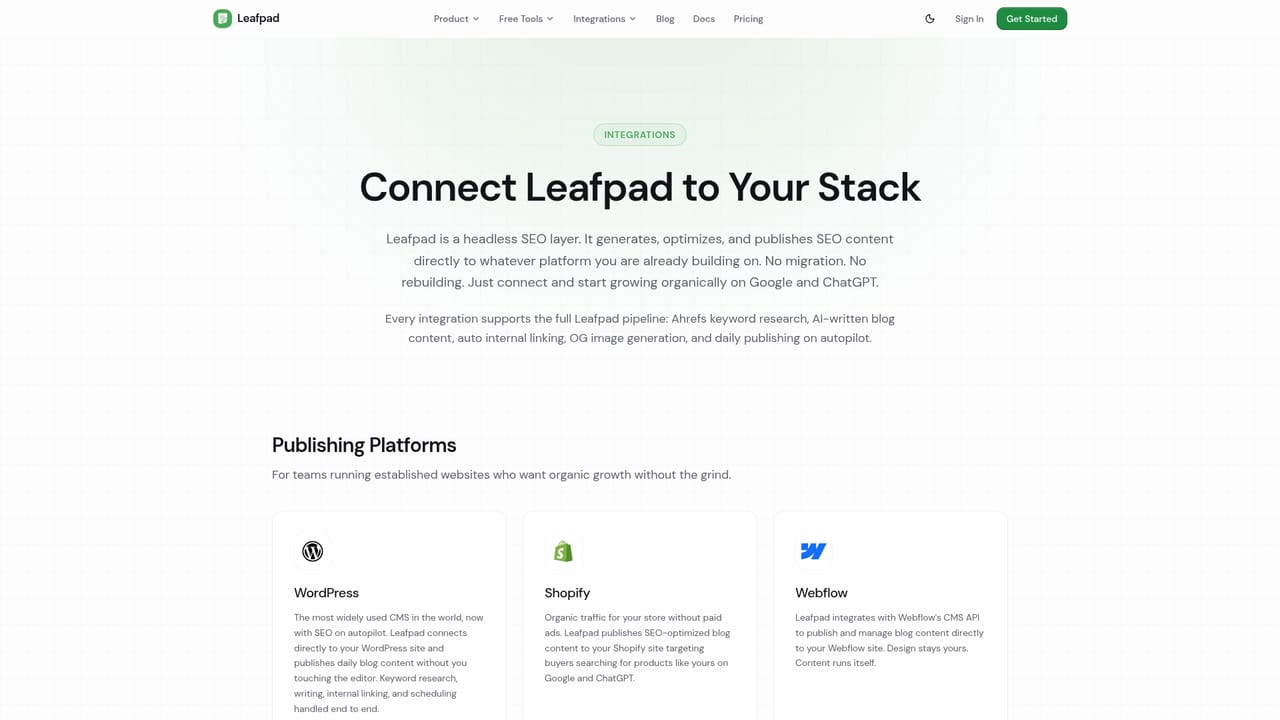
    Connect WordPress, Ghost, Framer or Shopify in one click, or use the listed integrations for other platforms.
    Leafpad — Link your CMS
  4. 4Review flagged pages
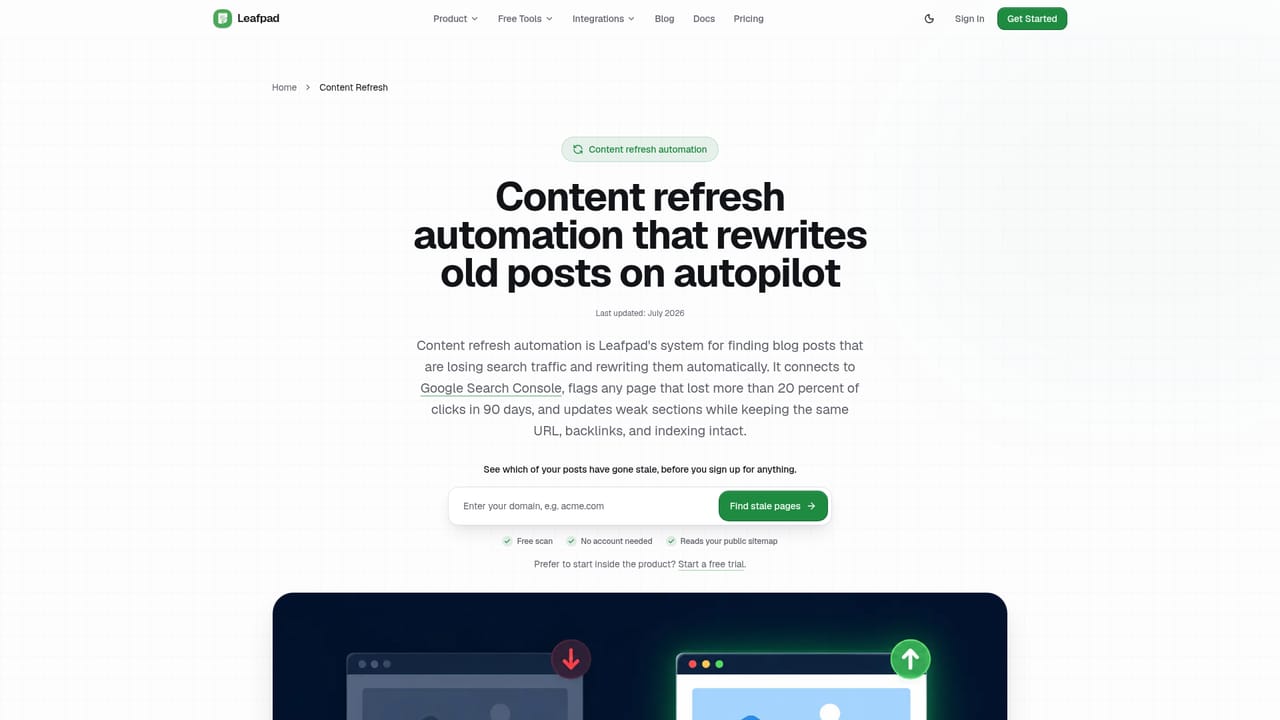
    Open the refresh queue to see which pages are losing traffic and why, then inspect each proposed diff.
    Leafpad — Review flagged pages
  5. 5Approve and publish
    Approve the changes you want and let Leafpad write them in place. Check the before and after Search Console results later.

Pros and cons

Pros

  • Flags only pages that lost 20% or more of clicks over 90 days, so healthy content is left aloneAI
  • Checks posts against your own product and pricing pages, catching outdated plans and claimsAI
  • Every change arrives as a diff, keeps the same URL and can be rolled back from stored versionsAI
  • Adds internal links between old and new posts automatically and rewrites weak titles and descriptionsAI
  • Measures results with fixed before and after windows and declines to call a verdict on thin dataAI

Cons

  • Needs roughly 50 pages with real Search Console history, so small or new sites get little valueAI
  • Depends on Google Search Console data, so sites without it cannot be monitored meaningfullyAI
  • Every refresh needs a human approval, which adds review work on busy sitesAI
  • Pricing is not stated on the homepage, so cost has to be checked after sign-upAI
  • Focused on refreshing existing pages, so it is not a full keyword research or backlink suiteAI

How much does Leafpad cost?

Integrations

One-click connections for WordPress, Shopify, Ghost, Webflow, Framer and Medium, prompt-based setup for Lovable, Bolt, Replit and Emergent, and native publishing from Claude, ChatGPT, Cursor and Copilot. Search Console is required.

Learn more

Features

Daily Search Console monitoring, flagging of pages down 20% or more in clicks over 90 days, in-place rewrites of weak sections, corrections checked against your pricing pages, internal linking, title and description rewrites, diff-based approval, rollback and fixed-window result measurement.

Learn more

Frequently asked questions about Leafpad

  • How do you use Leafpad?
    The walkthrough on this page covers 5 steps: 1. Create an account 2. Connect your site and Search Console 3. Link your CMS 4. Review flagged pages 5. Approve and publish.
  • What platforms does Leafpad support?
    Leafpad is available on Web App.
  • What does Leafpad integrate with?
    One-click connections for WordPress, Shopify, Ghost, Webflow, Framer and Medium, prompt-based setup for Lovable, Bolt, Replit and Emergent, and native publishing from Claude, ChatGPT, Cursor and Copilot. Search Console is required.
  • What are the limitations of Leafpad?
    Needs roughly 50 pages with real Search Console history, so small or new sites get little value. Depends on Google Search Console data, so sites without it cannot be monitored meaningfully. Every refresh needs a human approval, which adds review work on busy sites.

Status

StatusActive
Views0
Outbound clicks0
Added10/18/2026

Platforms

Web App

Pricing

Subscription