Pricing
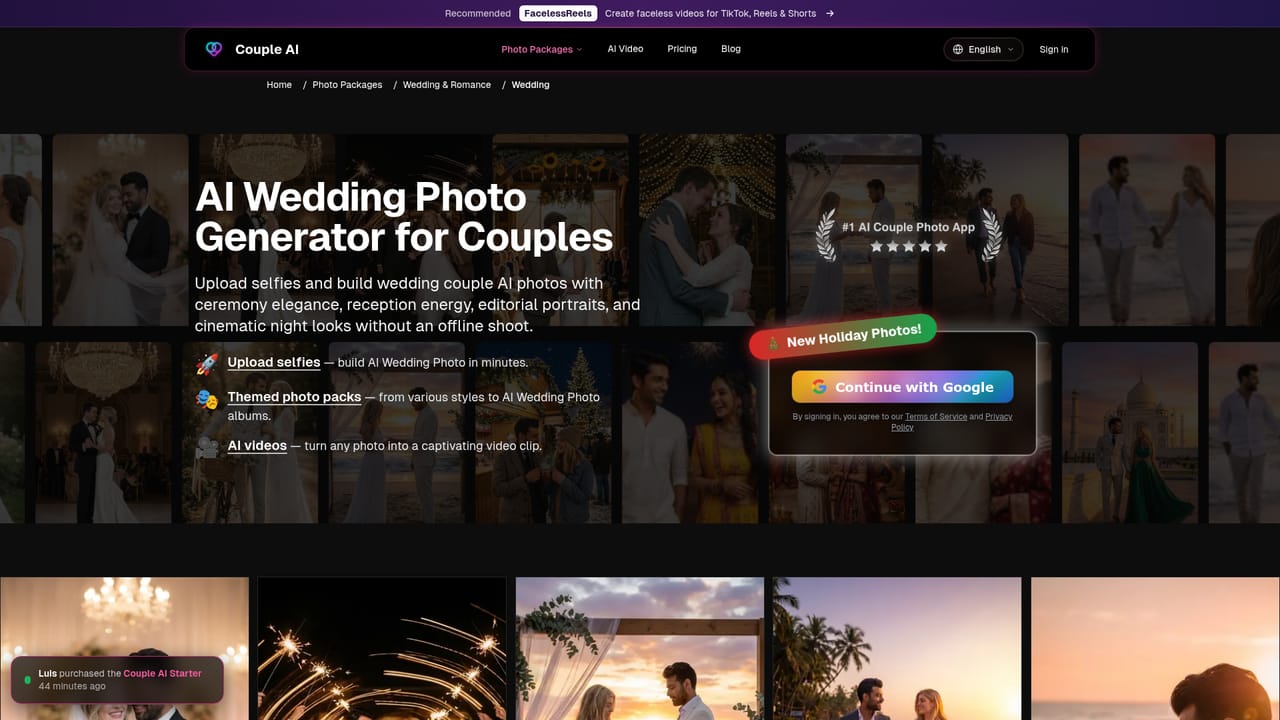
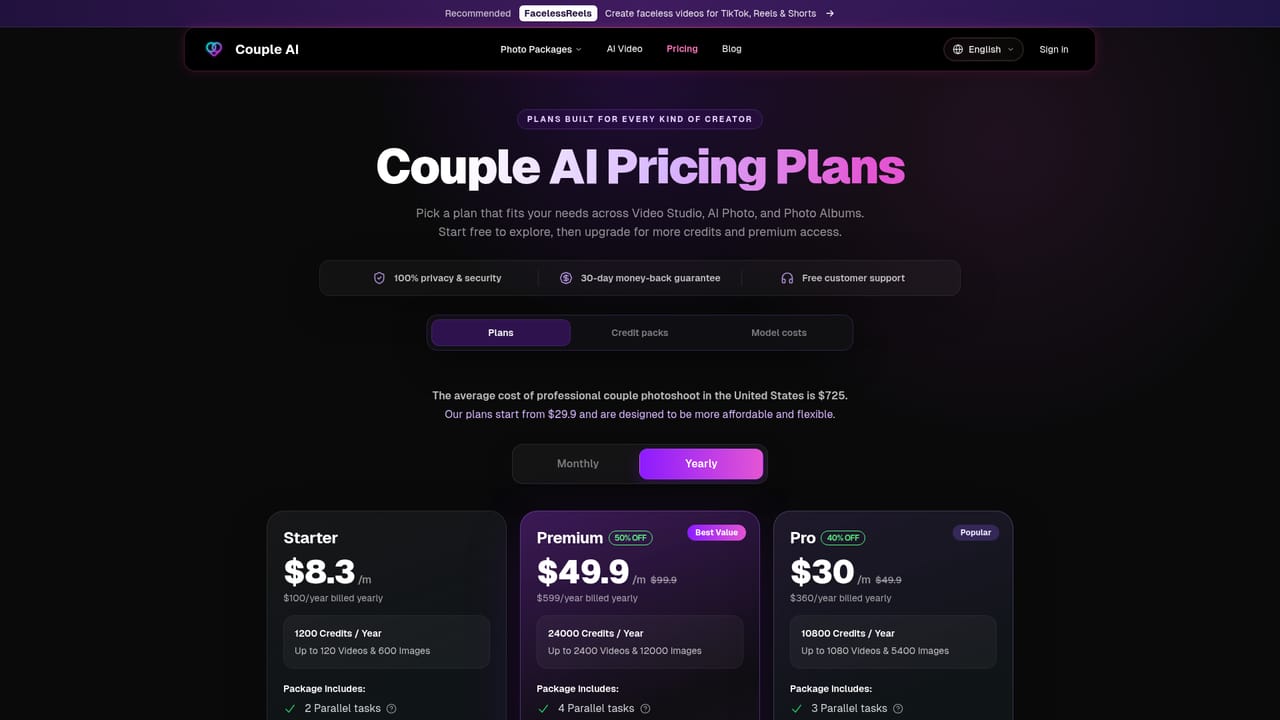
Plans are sold under names such as Couple AI Starter, as shown in a recent-purchase notice. Specific prices are not on the homepage and are listed on the pricing page.
Learn moreAI photo maker that turns selfies into themed couple portraits

Couple AI is a web app that generates realistic couple portraits from uploaded selfies, using themed photo packs such as wedding, engagement, holiday and fashion editorial, plus a photo-to-video option.
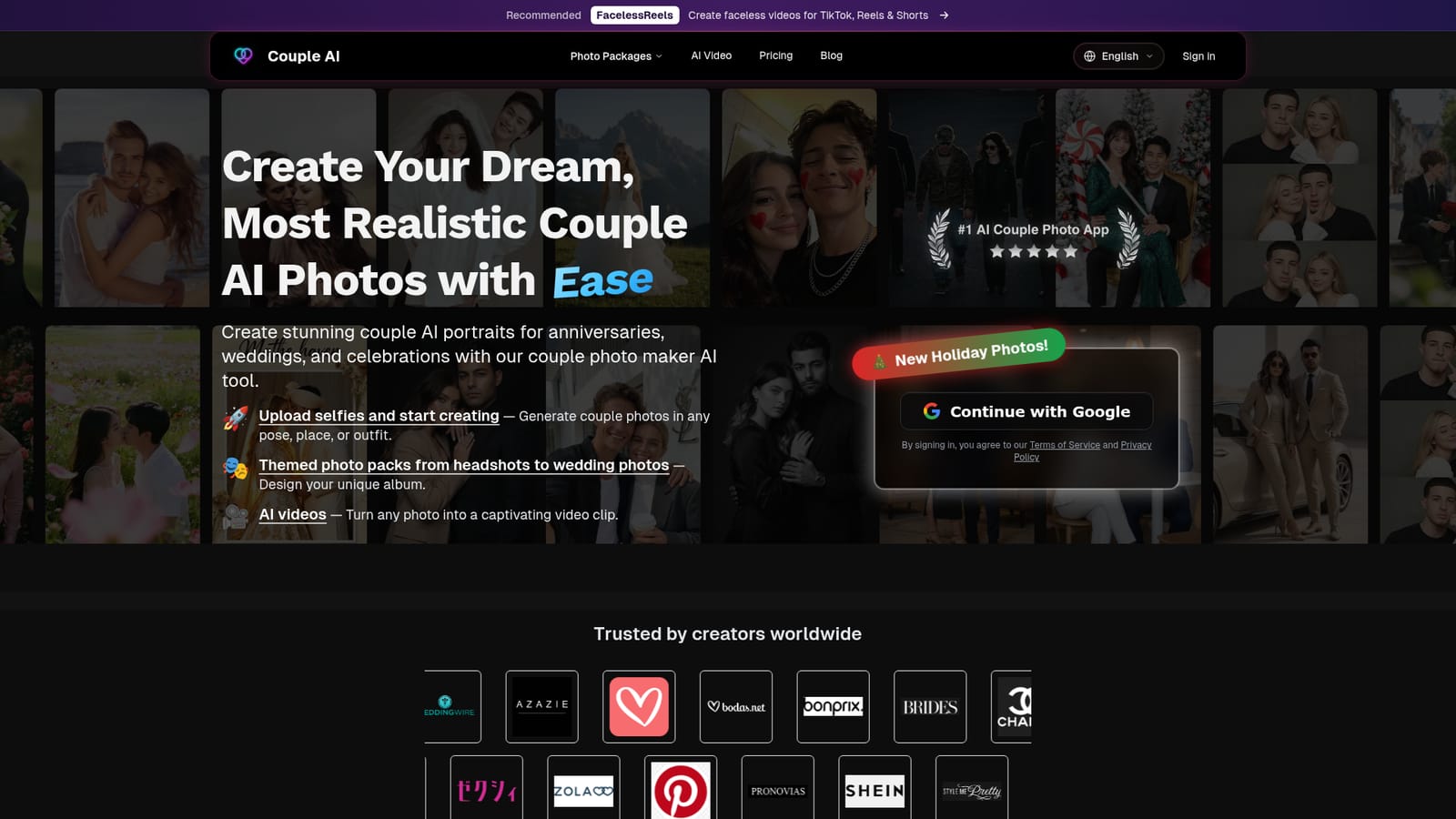
Couple AI is a web-based photo generator built around one job: producing realistic portraits of two people together without a photoshoot. Users upload selfies and the service renders a couple in a chosen setting, pose or outfit. The homepage frames the output as suited to anniversaries, weddings and other celebrations, and it also offers a way to turn a finished photo into a short video clip. The workflow is organized around themed photo packs rather than a blank prompt box. The site lists dedicated pack pages for wedding, engagement, Indian wedding, holiday, Valentine's Day, gala, cyberpunk, mafia, boudoir, hairstyle and professional headshot looks. Broader style groups cover fashion editorial, vintage vehicles, nature and outdoor adventure, cozy everyday lifestyle, and creative concepts. Preview galleries on the homepage show formats such as studio portraits, black and white shots, manga-style images, collages, candid paparazzi frames and group layouts, which gives a sense of how wide the range is before any upload happens. Sign-in is handled through a Google account, and purchases appear to be sold as named plans, with a Starter plan visible in the homepage activity notice. Pricing details sit on a separate pricing page. The homepage also displays a row of wedding and fashion retail logos under a "trusted by creators" heading, though it does not explain what those relationships involve. In practice, the tool fits couples who want keepsake images, save-the-date visuals or social posts, and long-distance partners who cannot be photographed together. Compared with general image generators, it trades open-ended control for guided, ready-made themes, which lowers the skill needed but narrows what can be made. Compared with a human photographer, it is faster and cheaper to iterate, but results depend on the quality of the uploaded selfies and the realism of the underlying model.
Plans are sold under names such as Couple AI Starter, as shown in a recent-purchase notice. Specific prices are not on the homepage and are listed on the pricing page.
Learn moreGenerates couple photos from uploaded selfies in chosen poses, places and outfits. Offers themed packs (wedding, engagement, holiday, gala, headshots and more) and can turn any photo into an AI video clip.


