Support
A FAQ covers the humanizer, LMS compatibility, privacy of uploads, and mobile availability. No support channels such as email, chat, or help centre are listed on the homepage.
One study platform for answers, essays, podcasts, and quizzes.

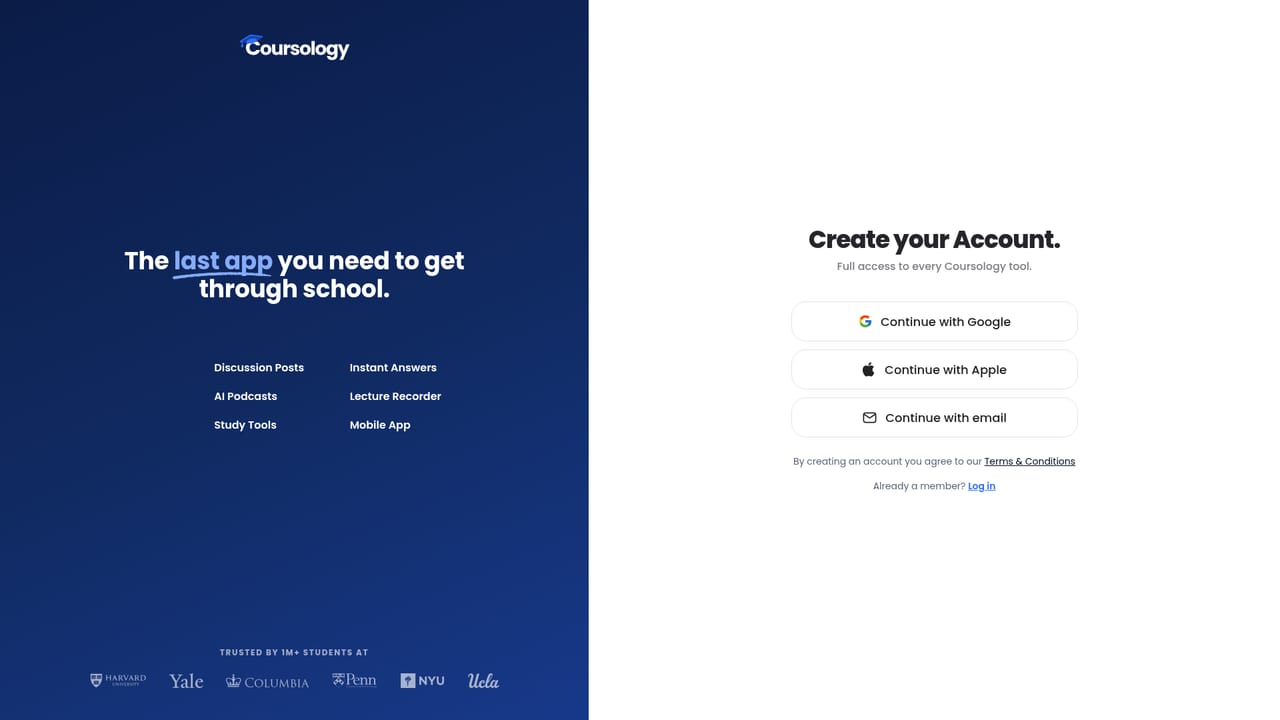
Coursology is an AI humanizer tool. Coursology combines instant homework answers, essay drafting and humanizing, lecture recording, and course material conversion (quizzes, flashcards, mindmaps, podcasts) into one student-focused platform with a mobile app and Chrome extension.
Coursology is a study platform that bundles homework help, essay drafting, lecture recording, and course material conversion into a single tool. It is built for students who want to move from a question on a screen to an explained answer, or from a stack of slides and PDFs to a usable study set, without juggling several apps. The core workflow starts with uploads. You can drop in slides, PDFs, lecture recordings, YouTube links, textbook chapters, and other course files, and the system ingests them so you can ask questions about your own materials. From there it generates practice quizzes, flashcards, mindmaps, and even audio podcasts that turn your notes into something you can listen to. A separate set of tools covers writing: an instant answer scanner for questions, a discussion post drafter, an essay editor with style replication based on a sample of your past writing, a humanizer that reports a naturalness score and lists each change, and a citation finder that surfaces sources from highlighted claims. The target user is a college or university student taking multiple courses with mixed material types. The mobile app (iPhone and Android) includes scanning and the full study toolset, which suits students who want to work from a phone between classes. A Chrome extension extends the same answer lookup to any web page. Coursology positions itself as a replacement for general chatbots on academic work, arguing that it adds course-specific context, citations pulled from your uploads, and study outputs like podcasts and quizzes that a generic assistant does not produce. The trade-off is that it is an all-in-one package: students who only need a writing assistant or only need a flashcard generator may find the overlap with simpler tools unnecessary, and the breadth of features means the product expects you to buy into its whole workflow rather than one piece of it.
A FAQ covers the humanizer, LMS compatibility, privacy of uploads, and mobile availability. No support channels such as email, chat, or help centre are listed on the homepage.
A Chrome extension works on any learning platform and on any web page for answer lookup; the site describes universal coverage without listing specific LMS integrations.
Instant answers from a snapshot or click, discussion post drafting, essay drafting with style replication, a humanizer with a naturalness score, citation finding, lecture recording and transcription into notes, material uploads (slides, PDFs, lectures, textbooks, links), question answering over your materials, AI podcasts, quizzes with instant feedback, flashcards, and mindmaps.
 AI Angels400+ customizable AI girlfriends for NSFW chat, voice calls, and roleplay
 Candy AIExperience the future of companionship with AI friends who chat, role-play, and connect with you on a human level.
 ourdream.aiA vast AI roleplay platform with millions of characters for chat, images, video and voiceAI Angels400+ customizable AI girlfriends for NSFW chat, voice calls, and roleplayCandy AIExperience the future of companionship with AI friends who chat, role-play, and connect with you on a human level.ourdream.aiA vast AI roleplay platform with millions of characters for chat, images, video and voice


