Free trial
The homepage promotes a free download ("Try Craft Free") and notes that premium features are available, but it does not describe a time-limited trial.
Learn moreA notes, docs, and tasks workspace with AI writing built in

Craft is a cross-device notes and productivity app for documents, tasks, calendars, whiteboards, and daily notes, with AI writing tools, publishing, and connections to external assistants through MCP and an API. Free to download, with premium features on a paid plan.
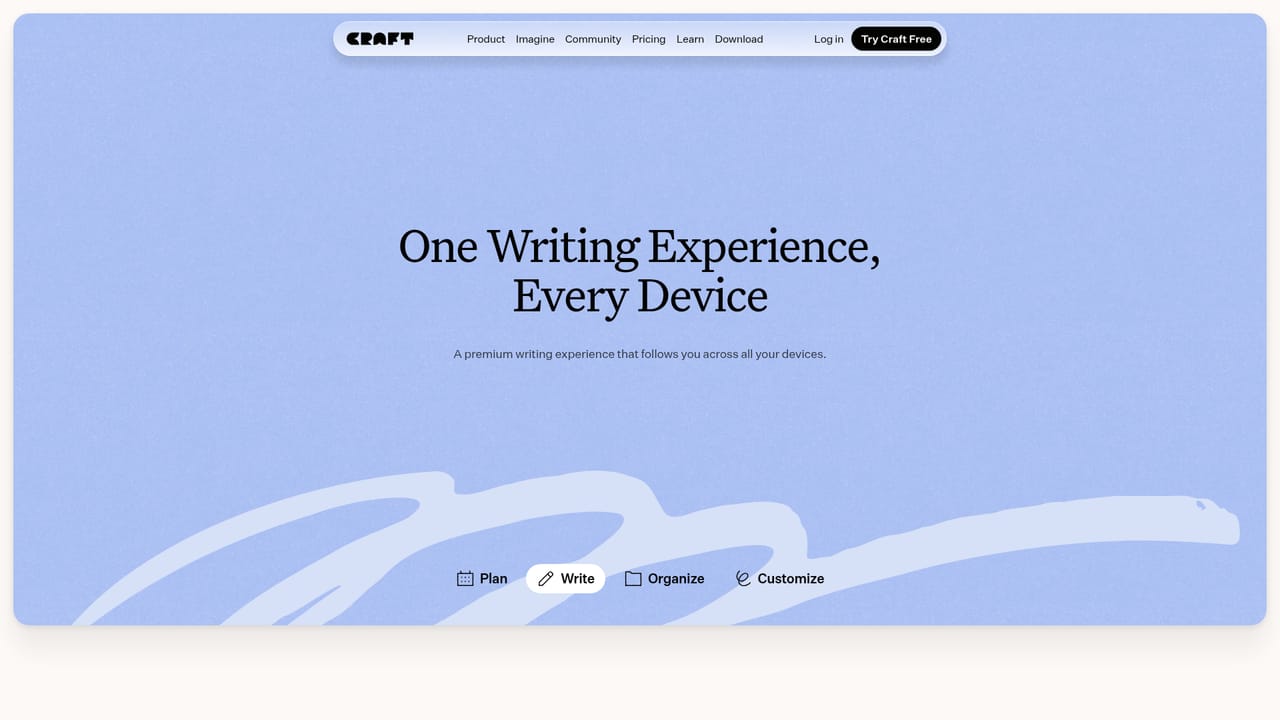
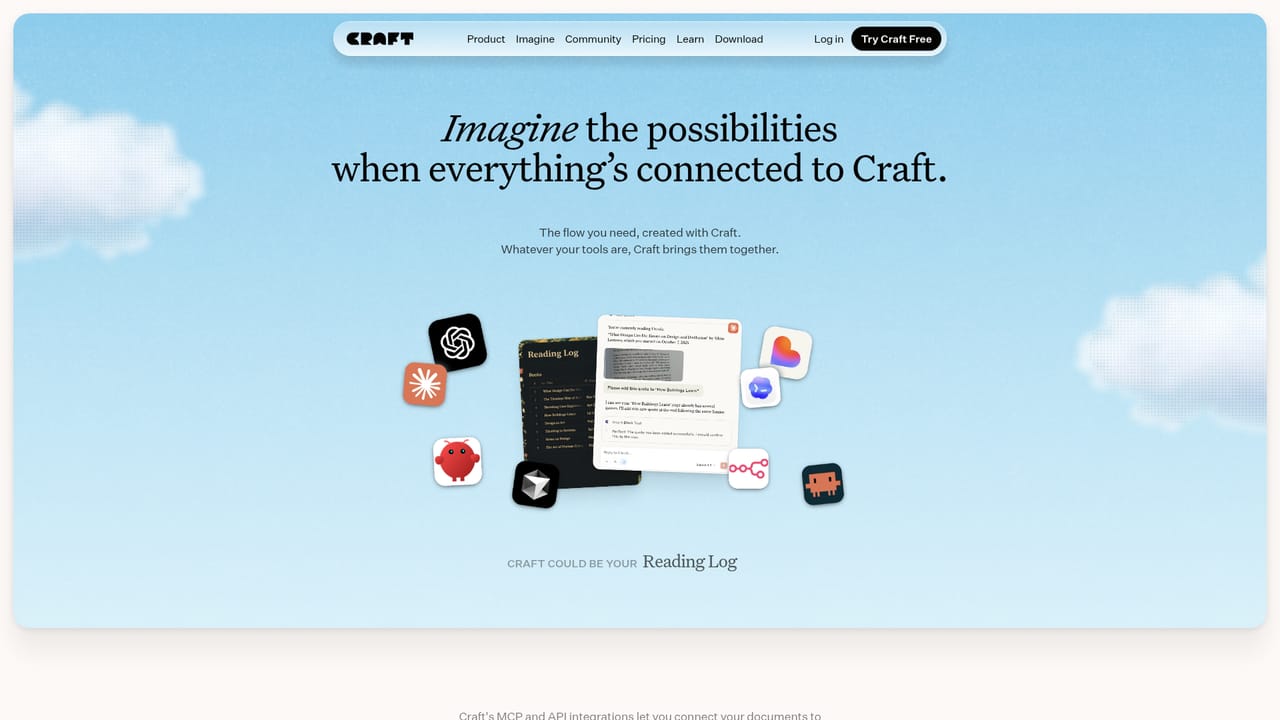
Craft is a writing and productivity workspace that brings documents, tasks, calendars, whiteboards, and daily notes into a single place. The homepage frames it as a space for "your things" rather than one narrow use case, and the examples it shows span a wide range: a podcaster keeping meeting notes and social posts, a producer tracking shoot plans and scripts, a product manager drafting blog posts and travel plans, a student organizing course notes, and a site manager maintaining a personal wiki. The common thread is written work that starts as a quick capture and grows into something presentable. The writing flow is the core of the product. Ideas can be captured across devices, then refined later, so a short note taken on an iPhone can be turned into a document worth sharing. Craft supports templates, whiteboards, publishing and sharing, and a set of AI writing tools grouped under "Write with AI." Documents, task lists, and structured pages sit side by side, which suits people who draft and plan in the same file rather than switching between a notes app and a project tracker. Craft also extends outward through a feature area called Imagine, which connects the workspace to other tools. The site documents MCP connections for Claude, ChatGPT, Claude Code, Windsurf, Cursor, VS Code, and Raycast, plus API guides for Lovable, Replit, Shortcuts, Bolt, v0, Claude Code, and Codex CLI. There are also ready-made setups such as a personal blog, reading log, plant dashboard, and dream journal. In practice this lets notes and documents feed into AI assistants or app builders instead of staying locked inside one editor. Compared with dedicated long-form writing tools, Craft leans toward breadth: notes, tasks, and publishing shared in one app. Compared with bare notes apps, it leans toward polish and sharing. It fits individual writers, creators, students, and small teams who want a single home for written work and are comfortable with a freemium model where premium features sit behind a paid tier. The free download makes it easy to evaluate the editor before committing.
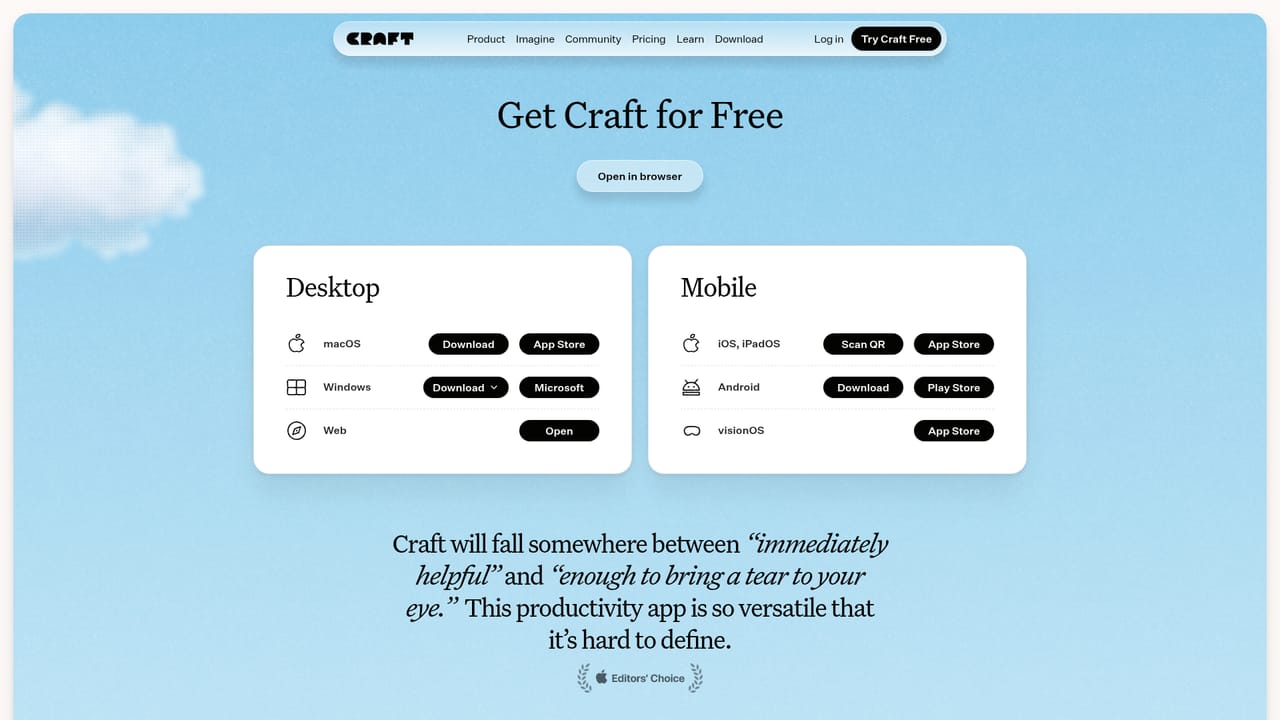
The homepage promotes a free download ("Try Craft Free") and notes that premium features are available, but it does not describe a time-limited trial.
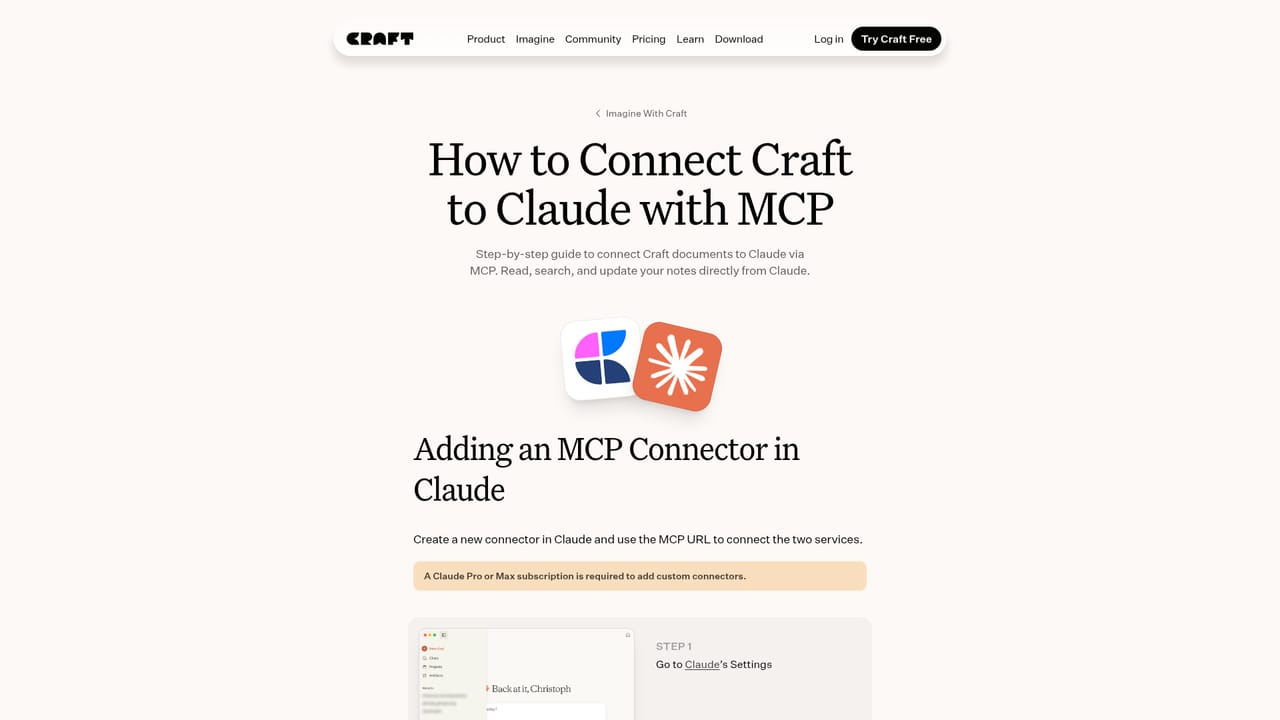
Learn moreImagine documents MCP connections for Claude, ChatGPT, Claude Code, Windsurf, Cursor, VS Code, and Raycast, plus API guides for Lovable, Replit, Shortcuts, Bolt, v0, Claude Code, and Codex CLI.
Learn moreDocuments, tasks, calendar, whiteboards, and daily notes in one workspace; templates, publishing and sharing, and AI writing tools grouped as Write with AI; Imagine connections to external assistants and app builders; example setups such as a personal blog, reading log, plant dashboard, and dream journal.
Learn more AI Angels400+ customizable AI girlfriends for NSFW chat, voice calls, and roleplay
 Candy AIExperience the future of companionship with AI friends who chat, role-play, and connect with you on a human level.
 ourdream.aiA vast AI roleplay platform with millions of characters for chat, images, video and voiceAI Angels400+ customizable AI girlfriends for NSFW chat, voice calls, and roleplayCandy AIExperience the future of companionship with AI friends who chat, role-play, and connect with you on a human level.ourdream.aiA vast AI roleplay platform with millions of characters for chat, images, video and voice

.jpg)