Cramd

Turn notes, PDFs, and videos into smart flashcards and quizzes.

Beginner
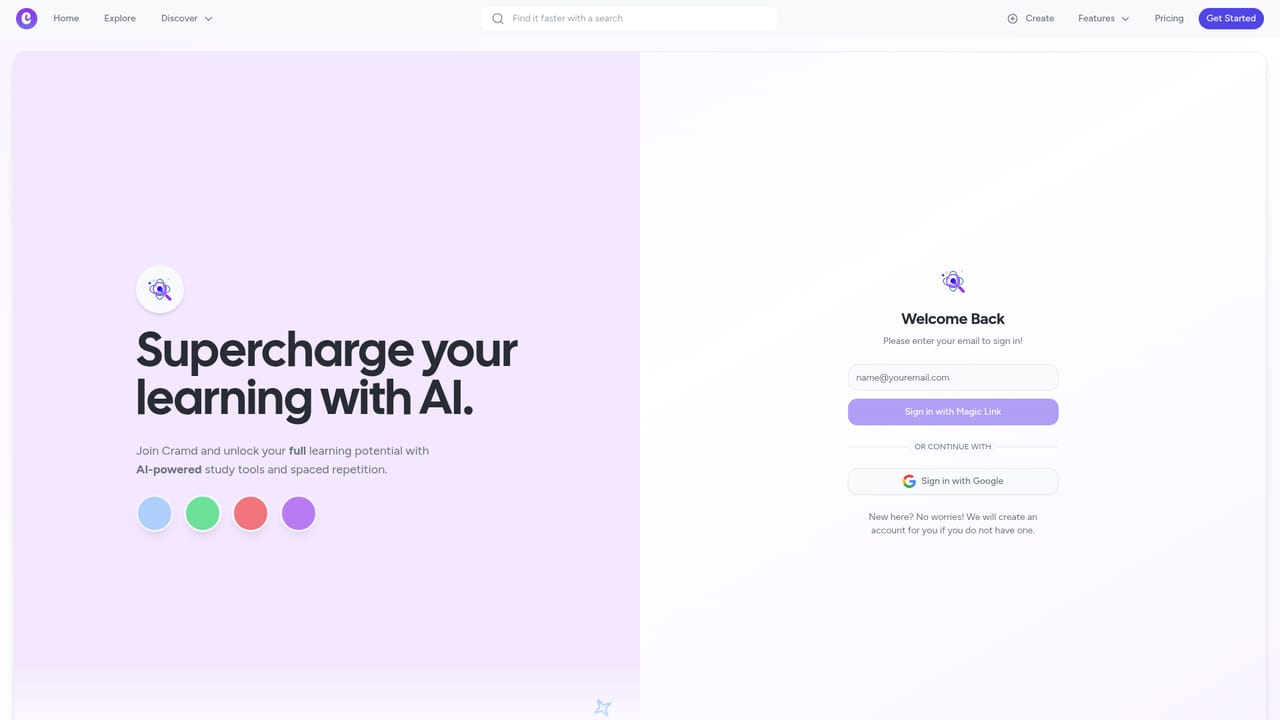
Screenshot of Cramd, Turn notes, PDFs, and videos into smart flashcards and quizzes

What is Cramd?

Cramd is an exam preparation tool that turns notes, PDFs, and videos into smart flashcards and quizzes. Cramd turns PDFs, slides, handwritten notes, photos, YouTube videos, and Word files into AI generated flashcards and quizzes, then runs them through spaced repetition and adaptive exam simulation.

Cramd is a study tool that converts messy source material into structured review content. Upload PDFs, lecture slides, handwritten notes, voice memos, photos, Word documents, or paste text directly, and the platform generates flashcards and quizzes from that input. A dedicated YouTube mode pulls video content into the same flashcard workflow, and an importer for existing Quizlet sets lets students consolidate decks they already own. The stated aim is retention rather than simple exposure: cards are paired with a spaced repetition engine, and practice tests adapt to weak spots so review time goes toward gaps instead of material already mastered. In practice, the workflow is three steps. Materials go in through the relevant importer, the AI parses and segments the content, and the resulting cards and quizzes appear in a study session. Progress tracking and analytics sit alongside the sessions, with exam simulation available for test preparation. Because the tool accepts several input types, it suits students who collect material across formats, for example a PDF textbook chapter, a recorded lecture, and a set of slides for the same course. The homepage cites users in pre-med, law, engineering, business, chemistry, history, psychology, and computer science, which reflects a general academic audience rather than one subject area. The competitive set is crowded. Quizlet remains the default for manual decks and has its own AI features, Anki dominates for users who want deep control over scheduling and add-ons, and general purpose chat assistants can summarize documents on request. Cramd positions itself between those poles: more automated than building cards by hand, and more structured than asking a chatbot to explain a chapter, with the Quizlet importer lowering the cost of switching. The Basic tier is free with limited AI generations, basic spaced repetition, and simple progress tracking. Premium at $6.99 per month adds unlimited AI study generations, AI adjusted quizzes, advanced spaced repetition, detailed analytics, an ad free experience, and unlimited friends. Yearly billing is offered. The published site does not state which mobile platforms are supported, so the mobile app question in the FAQ has no confirmed answer here.

How do you use Cramd?

  1. 1Create an account and sign in
    Register or sign in to reach the study dashboard, where uploaded material and generated decks are managed.
    Cramd — Create an account and sign in
  2. 2Choose an input format
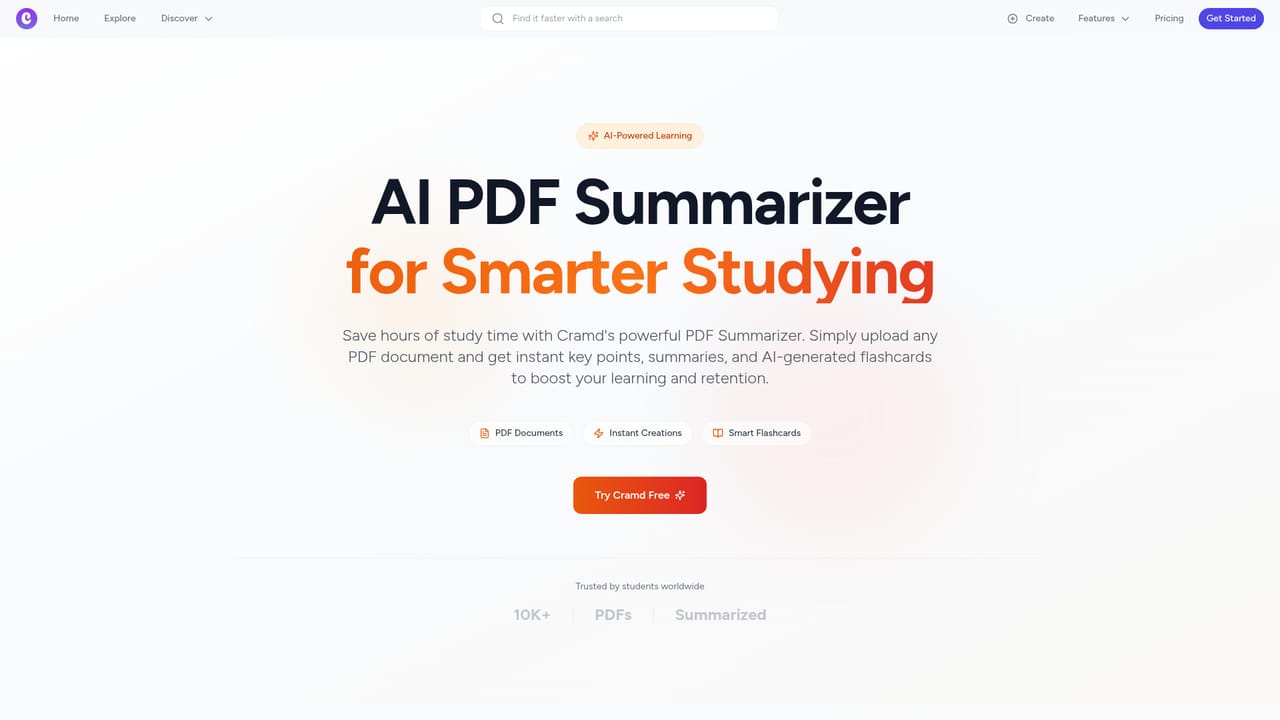
    Pick the importer that matches your material: PDF, YouTube video, photo, plain text, Word document, or an existing Quizlet set.
    Cramd — Choose an input format
  3. 3Upload or paste your material
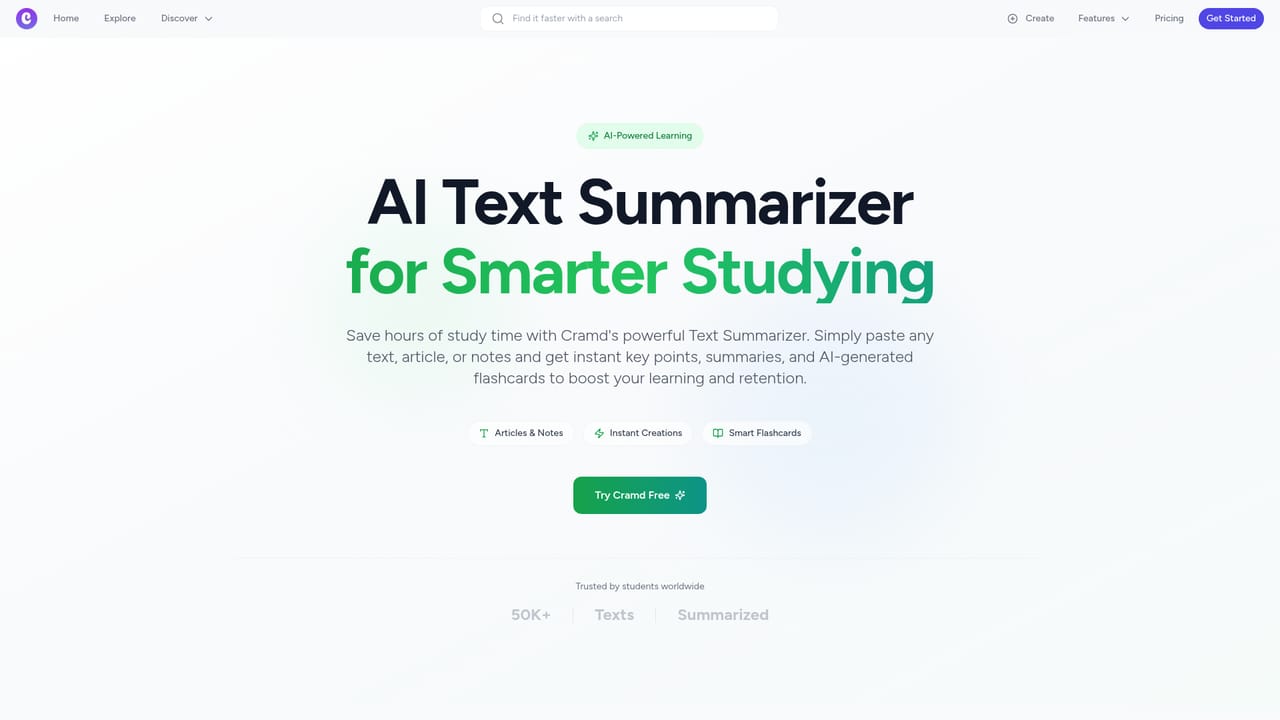
    Drop in the file or paste the text. Handwritten notes, slides, and voice memos are accepted according to the homepage.
    Cramd — Upload or paste your material
  4. 4Review the generated cards and quizzes
    The AI produces flashcards and quiz questions from your content. Check them for accuracy and edit anything that drifted from the source before studying.
  5. 5Start a spaced repetition session
    Run through the deck using the built in spaced repetition schedule, and use exam simulation to test yourself against weak spots.
  6. 6Track progress and adjust
    Use the progress and analytics views to see where retention is slipping, then regenerate or add material for those topics.

Pros and cons

Pros

  • Accepts a wide range of inputs, including handwritten notes, voice memos, photos, PDFs, Word documents, and YouTube videos.AI
  • Quizlet import gives existing deck owners a practical migration path instead of forcing a rebuild from zero.AI
  • Spaced repetition and adaptive exam simulation are built in, so study sessions go beyond static card flipping.AI
  • Free tier is usable for testing the workflow before committing to a subscription.AI
  • Premium at $6.99 per month is inexpensive relative to most paid study subscriptions.AI

Cons

  • AI generation quality is unverified here: the site makes strong retention claims without published accuracy benchmarks or sample outputs per subject.AI
  • Basic tier caps AI generations, so heavier users will hit the paywall quickly and cannot judge long term value on the free plan.AI
  • No API is documented, which rules out programmatic deck creation or integration with a school's own learning systems.AI
  • The homepage does not confirm native mobile apps despite an FAQ entry on the topic, so offline and on the go study is uncertain.AI
  • Anki users who depend on custom scheduling algorithms, add-ons, and shared deck ecosystems will find the feature set narrower.AI

How much does Cramd cost?

Pricing

Basic is free with limited AI study generations, simple progress tracking, basic spaced repetition, and up to 5 friends. Premium is $6.99 per month and adds unlimited AI study generations, AI powered quiz adjusting, advanced spaced repetition, detailed analytics, an ad free experience, unlimited friends, and first access to new features. Yearly billing is offered.

Learn more

Integrations

Imports from Quizlet and YouTube are the documented connections. No third party integrations or API are listed on the homepage.

Learn more

Features

Import from PDFs, YouTube videos, photos, text, Word documents, and Quizlet sets. The AI generates flashcards and quizzes, and the platform adds spaced repetition scheduling, adaptive exam simulation with weak spot tracking, progress analytics, and a Socratic style chat mentioned in user testimonials.

Learn more

Frequently asked questions about Cramd

  • How much does Cramd cost?
    Basic is free with limited AI study generations, simple progress tracking, basic spaced repetition, and up to 5 friends. Premium is $6.99 per month and adds unlimited AI study generations, AI powered quiz adjusting, advanced spaced repetition, detailed analytics, an ad free experience, unlimited friends, and first access to new features. Yearly billing is offered.
  • How do you use Cramd?
    The walkthrough on this page covers 6 steps: 1. Create an account and sign in 2. Choose an input format 3. Upload or paste your material 4. Review the generated cards and quizzes 5. Start a spaced repetition session 6. Track progress and adjust.
  • What platforms does Cramd support?
    Cramd is available on Web App.
  • What does Cramd integrate with?
    Imports from Quizlet and YouTube are the documented connections. No third party integrations or API are listed on the homepage.
  • What are the limitations of Cramd?
    AI generation quality is unverified here: the site makes strong retention claims without published accuracy benchmarks or sample outputs per subject. Basic tier caps AI generations, so heavier users will hit the paywall quickly and cannot judge long term value on the free plan. No API is documented, which rules out programmatic deck creation or integration with a school's own learning systems.

Status

StatusActive
Views0
Outbound clicks0
Added10/21/2026

Platforms

Web App

Pricing

FreemiumSubscription