Support
A support page exists under the docs section. Other resources include documentation, a blog, a community page and a contact email.
Learn moreDescribe an app and Anything builds it, with code you may never need to read.

Create is an app creation tool. Anything is a prompt based builder for web and mobile apps. It writes the code, supplies a Postgres database, auth, storage, Stripe payments and model access, and supports App Store deployment. The site targets non technical founders and indie builders; pricing is not shown on the homepage.
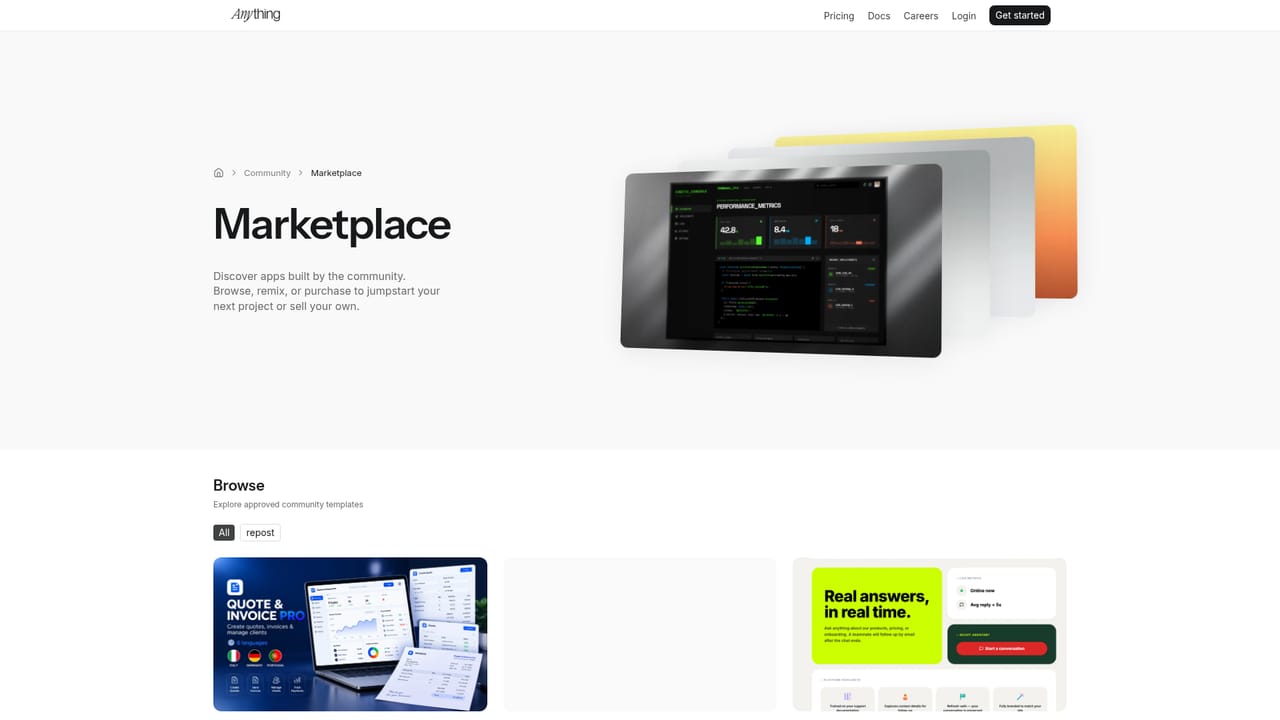
Anything is a prompt driven app builder that turns plain English descriptions into working web and mobile software. The agent writes the code for you, and the marketing positions it so that a user can ship a project without ever opening a code editor. The tool accepts a written brief, reasons about it, searches the web for API references and examples, and generates the app. It also generates images for assets, detects and fixes errors on its own, and refactors projects so they can grow past 100k lines of code. The basic tier is the app itself. Each project gets an instant Postgres database for development and production, authentication via email and social providers, file storage for images, video, audio and PDFs, and payment collection through Stripe. Model access is built in, with GPT-5, o3, Claude Sonnet 4.6 and Gemini 2.5 available in a prompt, and the site lists hundreds of APIs and libraries including Resend, Zapier and Google Maps. Mobile and web versions of a project share one backend, and iOS and Android builds can be sent to the App Store from the interface. The design layer is aimed at non technical founders, indie builders and small product teams who want to validate an idea quickly. The homepage leans on testimonials from people with no coding background, and the showcase and templates pages suggest the intended starting points are habit trackers, ecommerce pages and internal tools rather than sprawling enterprise systems. Instructions are given in English, so iteration happens as conversational edits rather than code diffs. Compared with general purpose code assistants, Anything takes a more managed route: hosting, database, auth, storage and payments are provided, which reduces setup but also ties the project to a single platform. Pricing details are not stated on the homepage and should be checked on the pricing page. It is best treated as a fast path from idea to a working, launched product, not a way to avoid understanding how that product is put together.


A support page exists under the docs section. Other resources include documentation, a blog, a community page and a contact email.
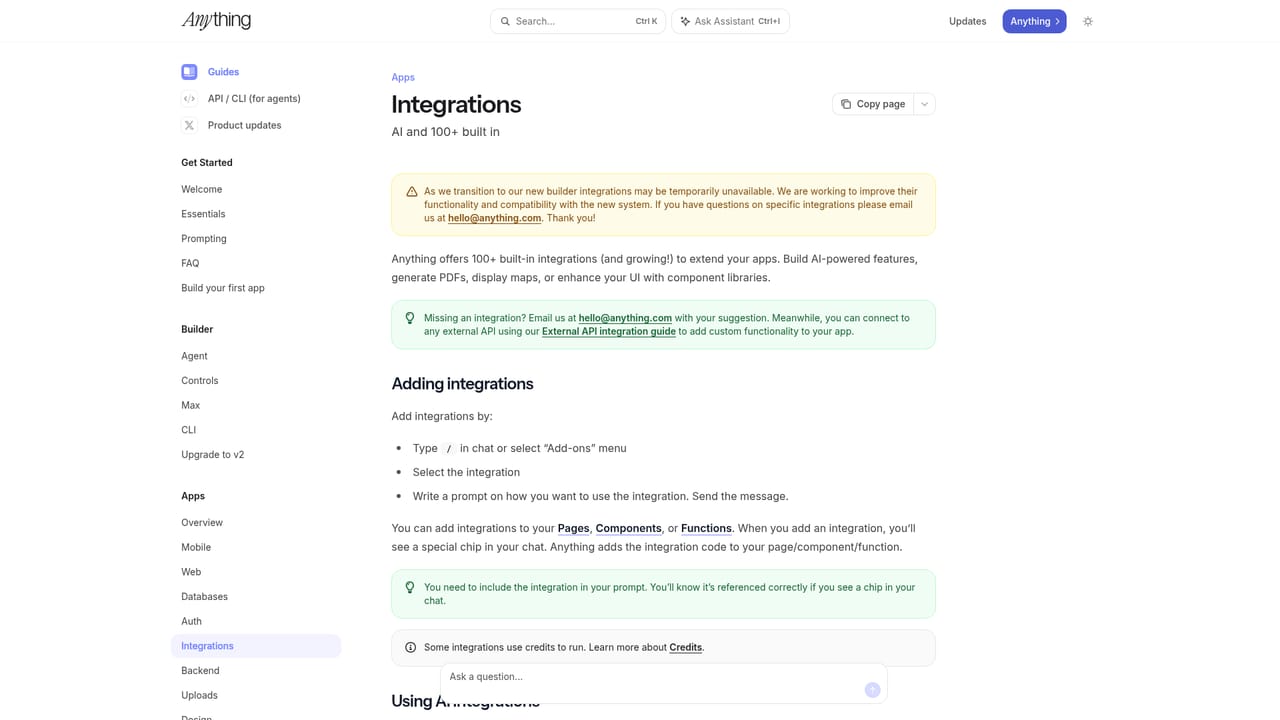
Learn moreHundreds of APIs and libraries are described as built in, including Resend, Zapier and Google Maps, with no keys or setup required. Model providers and Stripe payments are also preconfigured.
Learn morePrompt to app generation with automatic error fixing and refactoring for large projects. Each project includes a Postgres database, authentication, file storage, Stripe payments and built in access to models such as GPT-5, o3, Claude Sonnet 4.6 and Gemini 2.5. Web and mobile apps share one backend, and App Store submission is supported from the interface.
Learn more AI Angels400+ customizable AI girlfriends for NSFW chat, voice calls, and roleplay
 Candy AIExperience the future of companionship with AI friends who chat, role-play, and connect with you on a human level.
 ourdream.aiA vast AI roleplay platform with millions of characters for chat, images, video and voiceAI Angels400+ customizable AI girlfriends for NSFW chat, voice calls, and roleplayCandy AIExperience the future of companionship with AI friends who chat, role-play, and connect with you on a human level.ourdream.aiA vast AI roleplay platform with millions of characters for chat, images, video and voice


