Free trial
The homepage says no credit card is required to start. It does not describe trial length or free plan limits.
Learn moreAI that builds, markets and runs a small business for you

Crevio is an AI platform for small businesses that builds the website, finds customers, takes payments and handles day-to-day operations, with 3,000+ integrations and a Connect to Claude option.
Crevio is an AI-driven business platform aimed at small business owners who want the operational side of a company handled by software instead of a patchwork of separate tools. According to its homepage, the system builds a website, finds customers, takes payments and runs day-to-day business tasks, with the stated goal that a business should largely run itself. The site cites 3,688 businesses already operating on the platform, which gives a rough sense of its adoption. In practice, the pitch centers on speed and consolidation. The example the homepage leans on is launching a course, setting up payments and starting to sell, and the product describes itself as live in minutes. Signing up does not require a credit card. Rather than asking an owner to stitch together a site builder, a payment processor, a customer tool and a marketing app, Crevio places these functions behind one AI layer. It also advertises more than 3,000 integrations and a Connect to Claude option, which suggests parts of the workflow can be driven from an AI assistant the owner already uses. The approach suits people who would rather describe what they want than configure each system by hand. The clearest audience is solo founders, creators selling digital products such as courses, and small service businesses without a dedicated operations team. Among alternatives, Crevio sits between standalone website builders, payment and storefront platforms, and marketing automation suites, positioning itself as broader than any one of them because it covers customer acquisition alongside the storefront. Buyers comparing it with specialized tools should check how deep each function goes, since the homepage describes outcomes rather than listing individual features, pricing tiers or support channels. Teams with complex requirements, such as custom checkout logic or heavy compliance needs, will want to test those cases before moving a live business over.
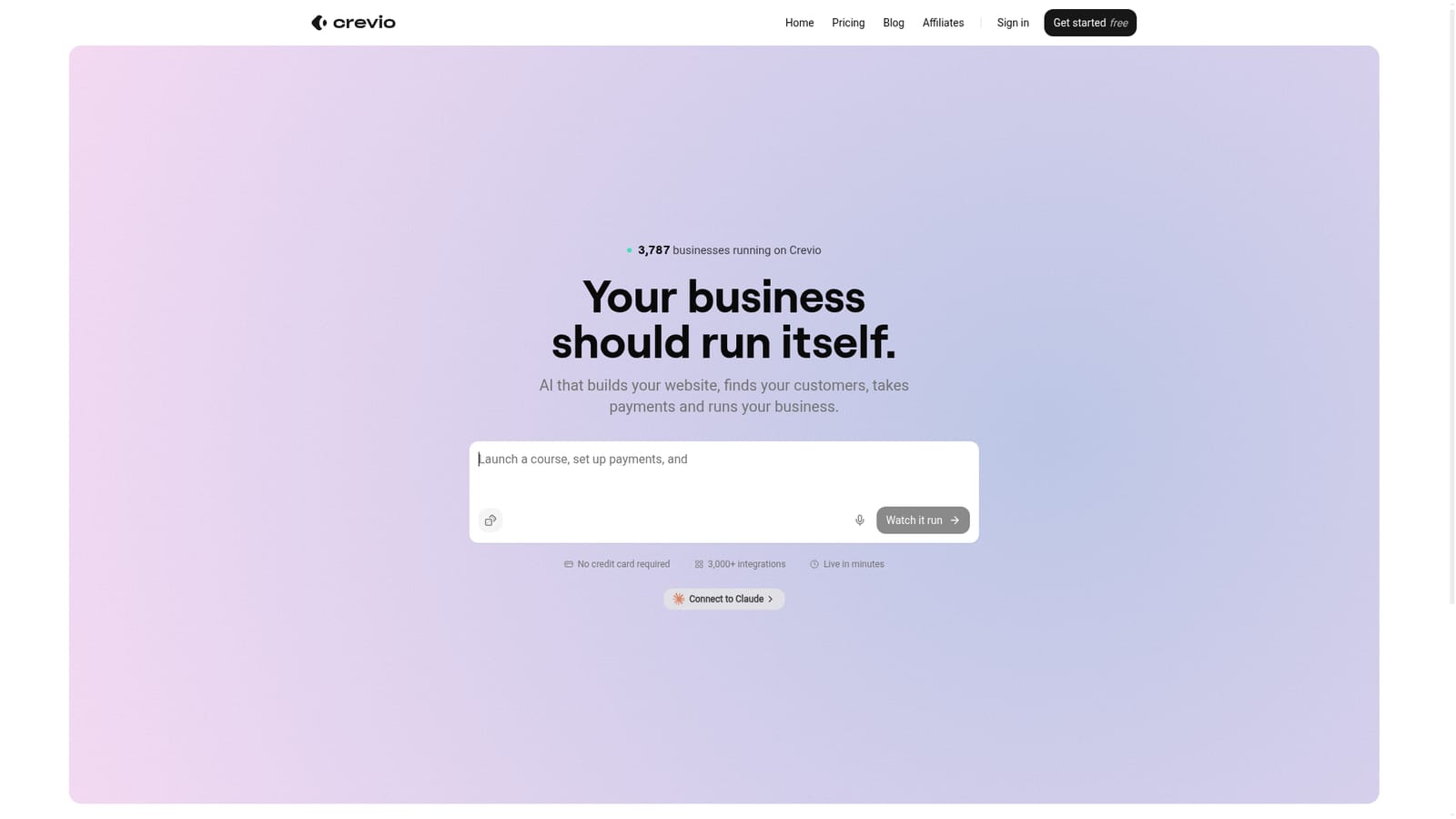
The homepage says no credit card is required to start. It does not describe trial length or free plan limits.
Learn moreAdvertises more than 3,000 integrations and a Connect to Claude option. Specific apps are not named on the homepage.
AI builds your website, finds customers, takes payments and runs day-to-day business operations. Supports launching a course and selling quickly, advertises being live in minutes, and offers a Connect to Claude option.


