Free trial
A full-length preview is available with no credit card required, so the processed result can be heard before any purchase.
Learn moreBrowser-based AI mixing and mastering for vocals and stems

Cryo Mix turns vocals, beats and stems into release-ready mixes in the browser, with Nova, a conversational AI that explains its processing decisions and takes plain-language tweaks. Aimed at independent artists and producers who want fast results without installing software.
Cryo Mix is a browser-based mixing and mastering service aimed at independent artists, producers and engineers who want a finished-sounding track without booking studio time. You upload vocals, a beat or individual stems, and the platform processes them into what it describes as release-ready audio. Vocals are pushed to sit naturally in the arrangement, and the output is shaped for loudness and control so it holds up across playback systems. Nothing needs to be installed; the whole workflow runs in the browser. The distinctive part is Nova, a conversational assistant layered over the processing. Rather than hiding decisions behind a single button, Nova explains the moves it makes and accepts plain-language requests, so a user can ask for a warmer low end or a more forward vocal and get an adjusted result. A Magic Touch control is referenced by users for one-pass polishing. The stated goal is a turnaround measured in minutes instead of days. The product is best suited to singers, rappers, beatmakers and small studios that treat mixing as a bottleneck rather than a craft obsession. It also fits artists who already have stems from a DAW and want a second opinion before release. Compared with traditional automated mastering services, Cryo Mix leans harder on guided, chat-driven refinement and stem-level input, which puts it closer to a mixing assistant than a pure loudness matcher. Cryo Mix states that it never trains on uploaded music, takes no royalties or cuts, and leaves all rights with the user. The site reports more than 170,000 independent artists and producers across over 100 countries, and notes that it was built by a platinum-certified engineer with credits spanning 700M+ streams. Support is handled by people rather than a bot.
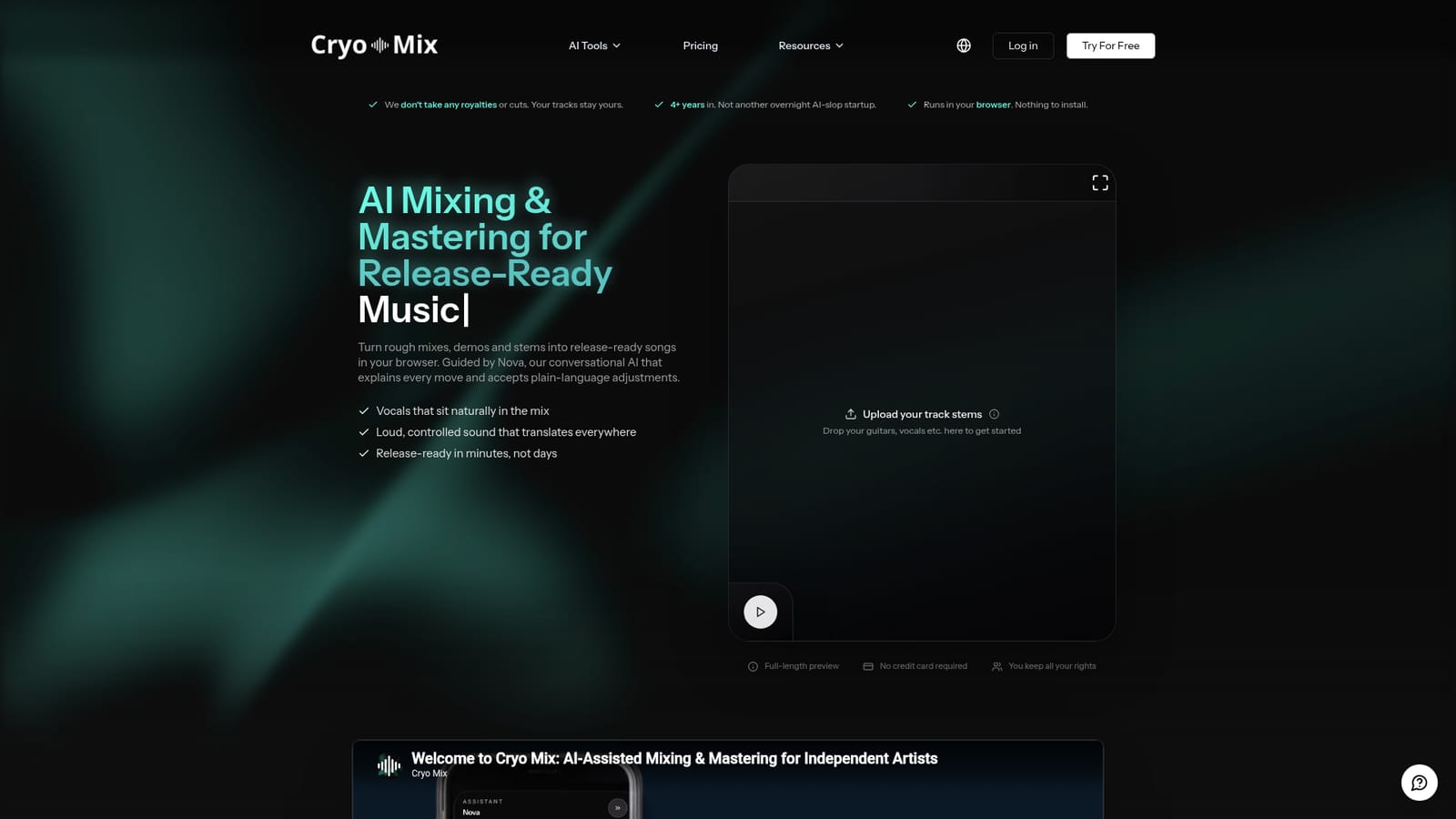
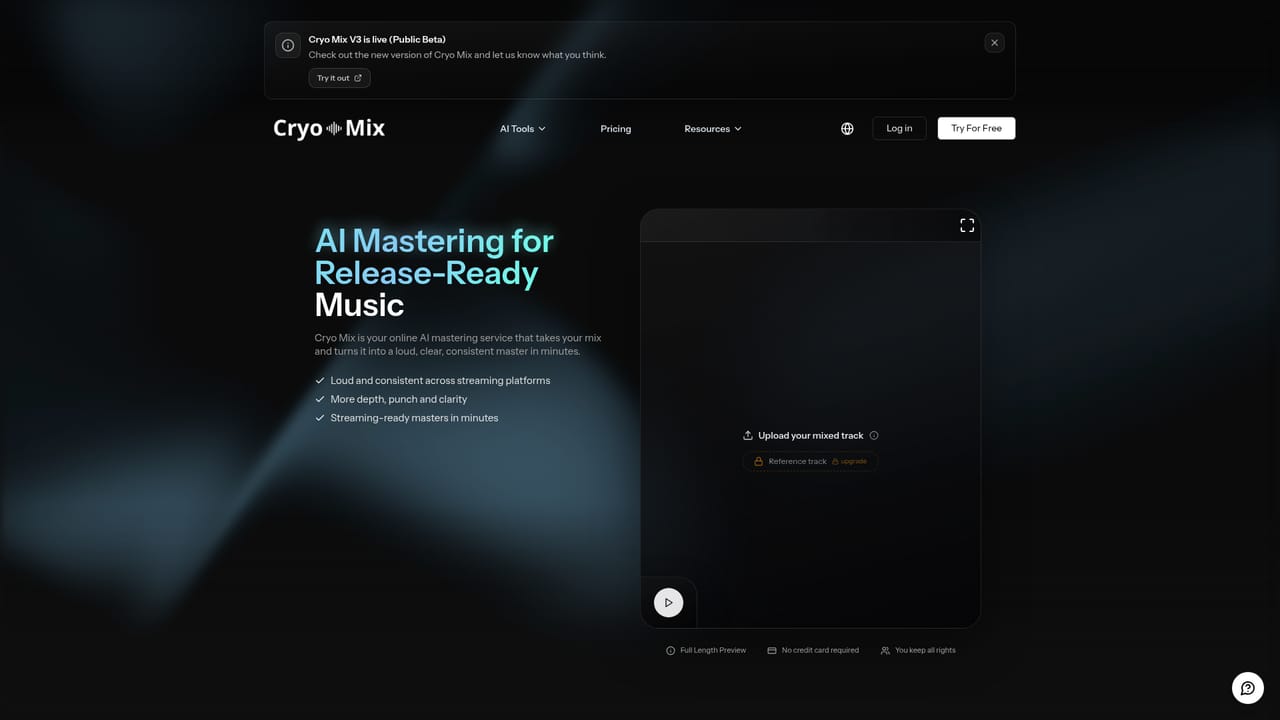
A full-length preview is available with no credit card required, so the processed result can be heard before any purchase.
Learn moreSupport is described as real humans rather than a bot, with a help page on the site. No response times or channels are specified.
Learn moreAI mixing and mastering for vocals, beats and stems, driven by Nova, a conversational assistant that explains its processing and accepts plain-language adjustments. Output is tuned for vocal placement, loudness and translation across systems. Runs in the browser, keeps user rights intact and does not train on uploaded music.
Learn more AI Angels400+ customizable AI girlfriends for NSFW chat, voice calls, and roleplay
 Candy AIExperience the future of companionship with AI friends who chat, role-play, and connect with you on a human level.
 ourdream.aiA vast AI roleplay platform with millions of characters for chat, images, video and voiceAI Angels400+ customizable AI girlfriends for NSFW chat, voice calls, and roleplayCandy AIExperience the future of companionship with AI friends who chat, role-play, and connect with you on a human level.ourdream.aiA vast AI roleplay platform with millions of characters for chat, images, video and voice