Free trial
Uploaded audio can be previewed at no cost before any export, and the site invites visitors to start free with stems or a stereo mix. No time limit or export restrictions are stated on the homepage.
Learn moreFix the balance from stems, then master the finished song.
Own Moozix AI Automix & Mastering For Songs? Verify ownership to get a dofollow link

Moozix AI Automix & Mastering For Songs is an AI mashup maker tool. Moozix is an AI mixing and mastering service that balances vocals, drums, bass, and instruments from uploaded stems before applying a final master. It also masters stereo mixes, can split a single file into stems, and supports reference tracks plus 24-bit WAV, MP3, and stem exports.
Most home producers reach for a mastering tool when the real problem sits earlier in the chain. If the vocal is buried, the bass is muddy, or the drums and voice compete for the same space, no amount of loudness processing will rescue the track. Moozix takes the opposite route: it works from stems, balancing vocals, drums, bass, and instruments before any mastering pass happens, and it falls back to plain stereo mastering when the mix already holds together. The workflow accepts two kinds of input. Upload separate tracks (vocals, drums, bass, guitars, keys) and the software adjusts levels, tone, and dynamics part by part. If only a single finished file exists, Moozix can split it into stems first and then rebuild the balance. A reference track sets the direction: choose a song whose tone and energy feel right, and the system reads it for brightness, low end, punch, width, and loudness rather than relying on vague words like warm or professional. Custom reference styles can be saved and reused across future songs, which helps a run of releases sound like a coherent body of work. Exports cover the stages of a project. Users keep a 24-bit WAV master for distribution, an MP3 preview for quick checks on phones and headphones, processed stems for further work in a DAW, and a premaster mix as a checkpoint for comparing the balance against the finished master. Uploaded audio stays private and is not used for model training, which matters for unreleased material. Moozix suits independent artists, bedroom producers, and small studios that want a credible finishing pass without booking an engineer for every track. It sits between one-click stereo mastering services and a human mix engineer: more control than a loudness plugin, far less cost and turnaround than a booked session.
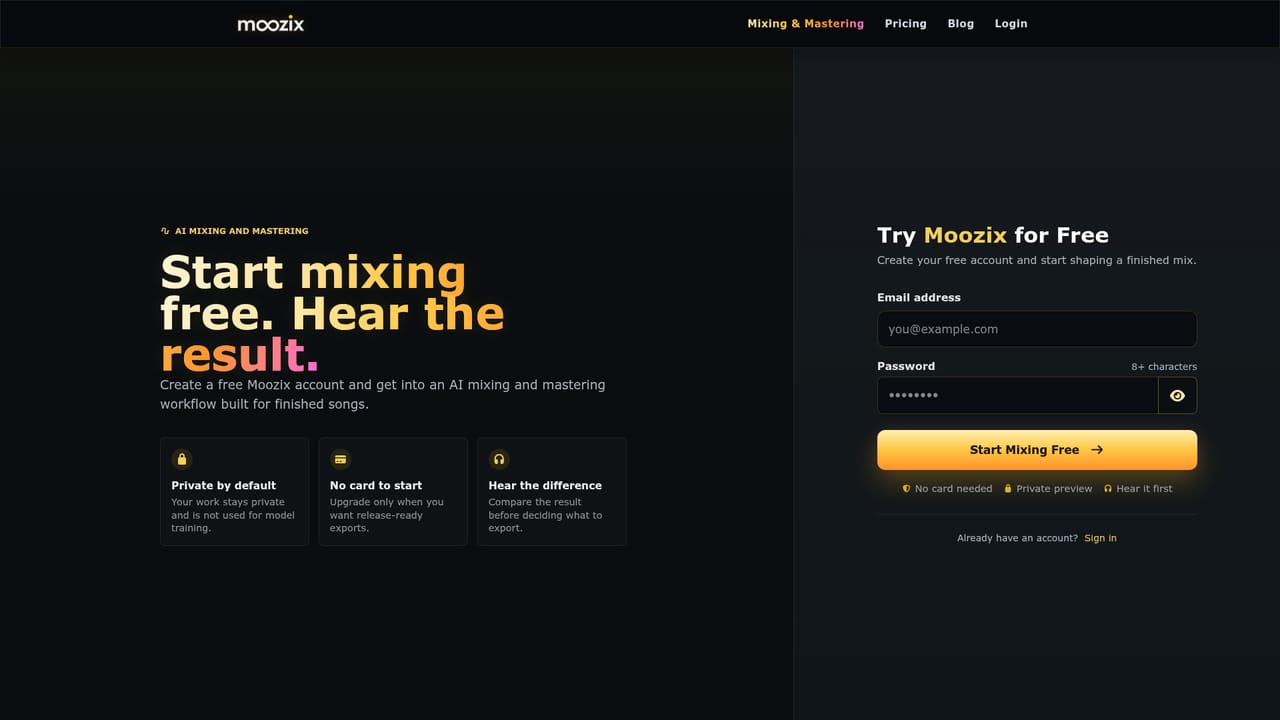

Uploaded audio can be previewed at no cost before any export, and the site invites visitors to start free with stems or a stereo mix. No time limit or export restrictions are stated on the homepage.
Learn moreStem-aware mixing that balances vocals, drums, bass, and instruments, stereo mastering for finished mixes, and a splitter that turns one song into stems. Reference tracks and reusable custom styles guide tone, dynamics, stereo width, and loudness. Exports include 24-bit WAV masters, MP3 previews, premaster mixes, and processed stems for DAW work. Uploaded audio stays private and is not used for training.
Learn more AI Angels400+ customizable AI girlfriends for NSFW chat, voice calls, and roleplay
 Candy AIExperience the future of companionship with AI friends who chat, role-play, and connect with you on a human level.
 ourdream.aiA vast AI roleplay platform with millions of characters for chat, images, video and voiceAI Angels400+ customizable AI girlfriends for NSFW chat, voice calls, and roleplayCandy AIExperience the future of companionship with AI friends who chat, role-play, and connect with you on a human level.ourdream.aiA vast AI roleplay platform with millions of characters for chat, images, video and voice