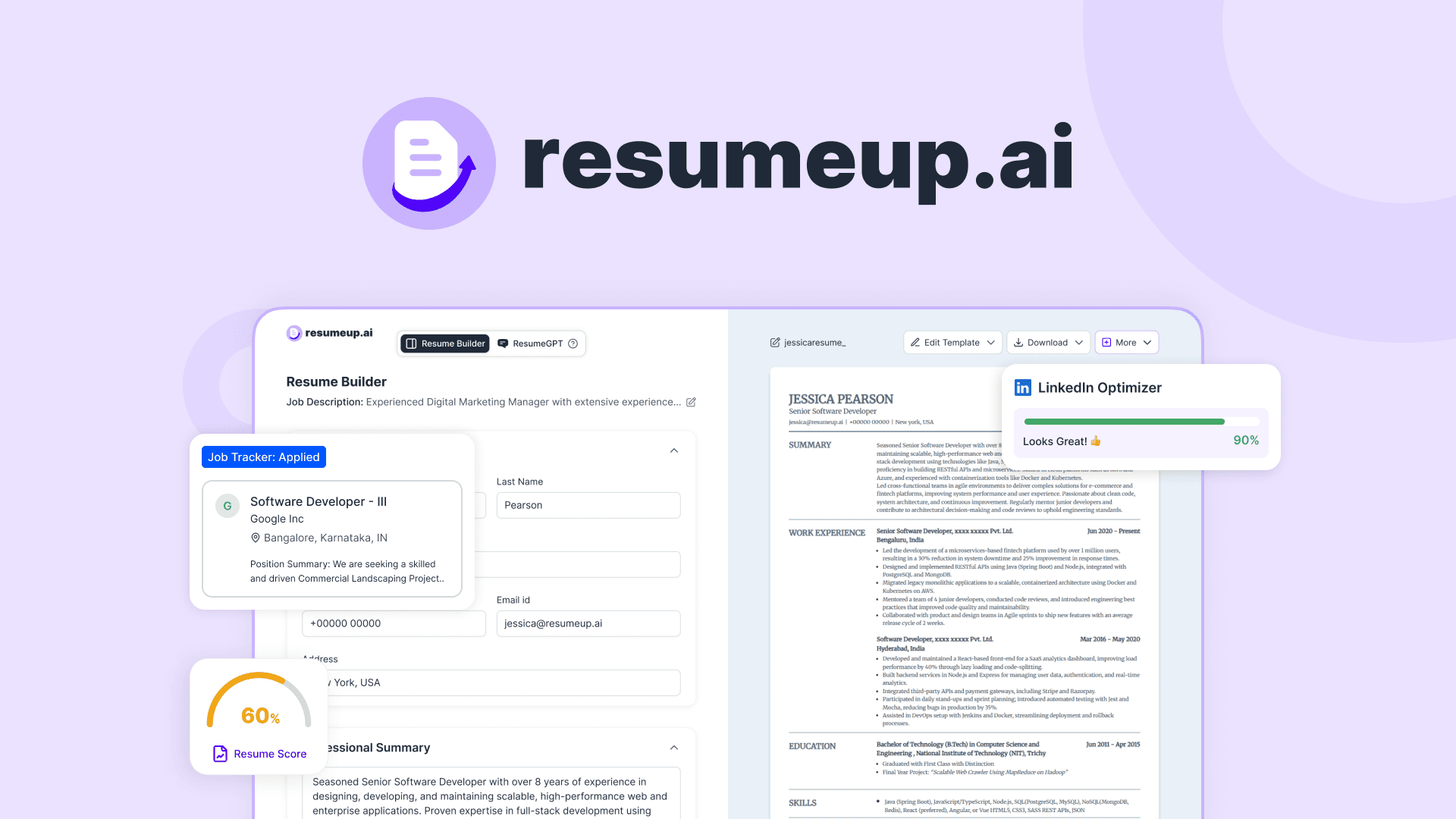
Free trial
The site invites users to start for free with no credit card required, but it does not state whether that access is time-limited or feature-limited.
Learn moreResume builder and application tracker for a connected job search.
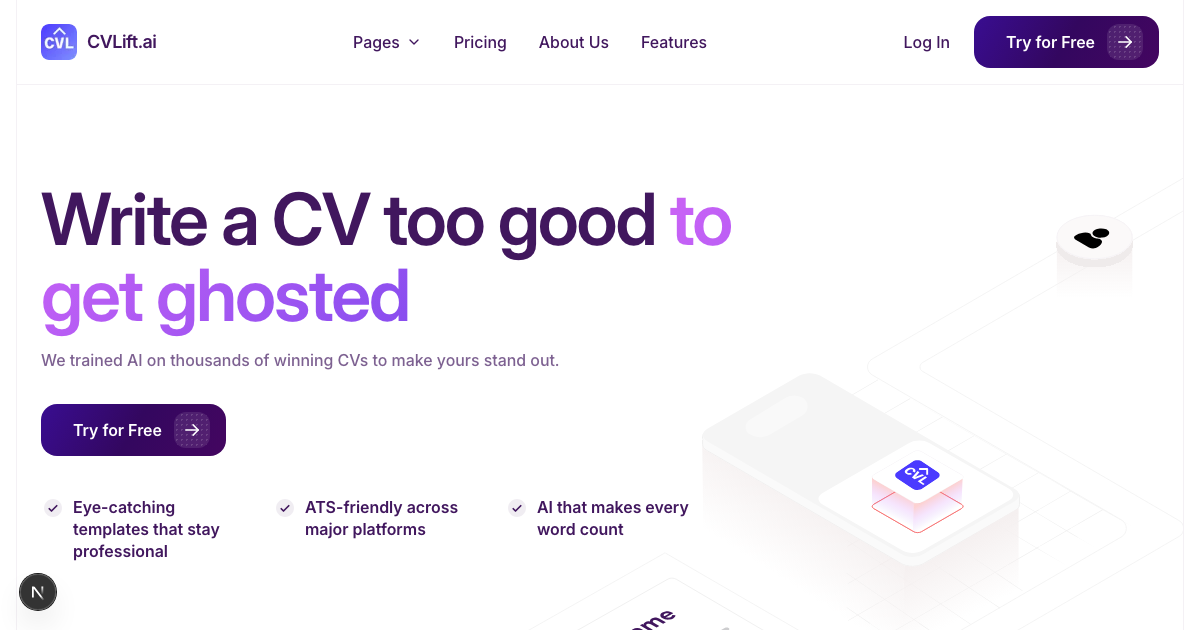
cvlift.ai is a career tool. CVLift is a web workspace for job seekers that combines a base resume builder, job-specific tailoring with match checks, cover letter generation, and an application tracker. It lets you save roles, paste job descriptions, produce adapted resumes and letters, and export to PDF or Word.
CVLift treats the job hunt as a single workflow rather than a pile of disconnected documents. It starts with a base resume, which you can either upload or build by describing your experience. From there, the tool rewrites weak bullet points into quantified achievements, recommends a clean layout, and produces a version that parses well in applicant tracking systems. The same resume then becomes the foundation for every individual application. The core loop is job-centric. For each role you save, you paste in the job description. CVLift runs a match check that shows where your experience lines up with the requirements, then generates a tailored version of your resume that emphasizes the relevant skills and projects. A cover letter generator draws on the same resume and job description, so the letter, resume, and role stay consistent. None of this overwrites the base resume; it branches a job-specific copy, which you can review, edit, and export as a PDF or Word file. The tracker closes the loop. Saved roles move through stages (applied, interviewing, offer), and each card holds the job description, the documents you sent, and your own notes. When a reply comes in, the full context is already assembled. The tool is aimed at active job seekers who apply to many roles and need to keep variations straight, from early-career applicants to experienced hires applying in US and UK formats. It sits closest to resume builders like Rezi and Teal, but the organizing principle is the application itself, not the document. The service is web-based f and open to trying without a credit card, with document exports included. Whether the tailoring and match checks actually improve outcomes is left to the user; the tool provides no guarantee of an interview.
The site invites users to start for free with no credit card required, but it does not state whether that access is time-limited or feature-limited.
Learn moreCVLift bundles a resume builder with layout and wording help, job saving with pasted job descriptions, a job-match check for tailoring, an AI cover letter generator, and an application tracker with stages and notes. Finished documents can be exported to PDF or Word.
 AI Angels400+ customizable AI girlfriends for NSFW chat, voice calls, and roleplay
 Candy AIExperience the future of companionship with AI friends who chat, role-play, and connect with you on a human level.
 ourdream.aiA vast AI roleplay platform with millions of characters for chat, images, video and voiceAI Angels400+ customizable AI girlfriends for NSFW chat, voice calls, and roleplayCandy AIExperience the future of companionship with AI friends who chat, role-play, and connect with you on a human level.ourdream.aiA vast AI roleplay platform with millions of characters for chat, images, video and voice