Free trial
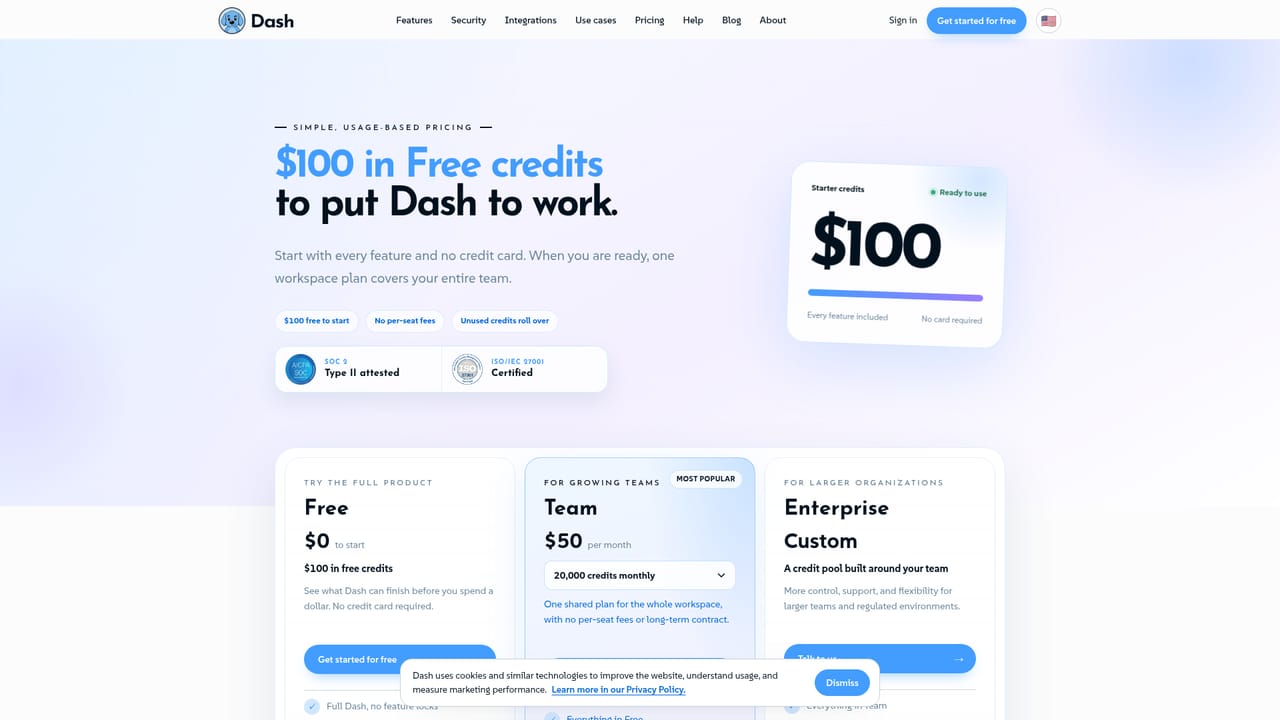
Sign up with 100 dollars in credits and no credit card. The homepage does not state a trial length or whether credits expire.
Learn moreAn AI teammate that lives inside your Slack and Teams channels

Dash is an AI teammate for Slack and Microsoft Teams. It takes channel requests, reads connected tools like HubSpot, Zendesk, GitHub and Google Ads, and posts results back for approval before making changes. It claims over 3,000 integrations and 100 dollars in starter credits with no card required.
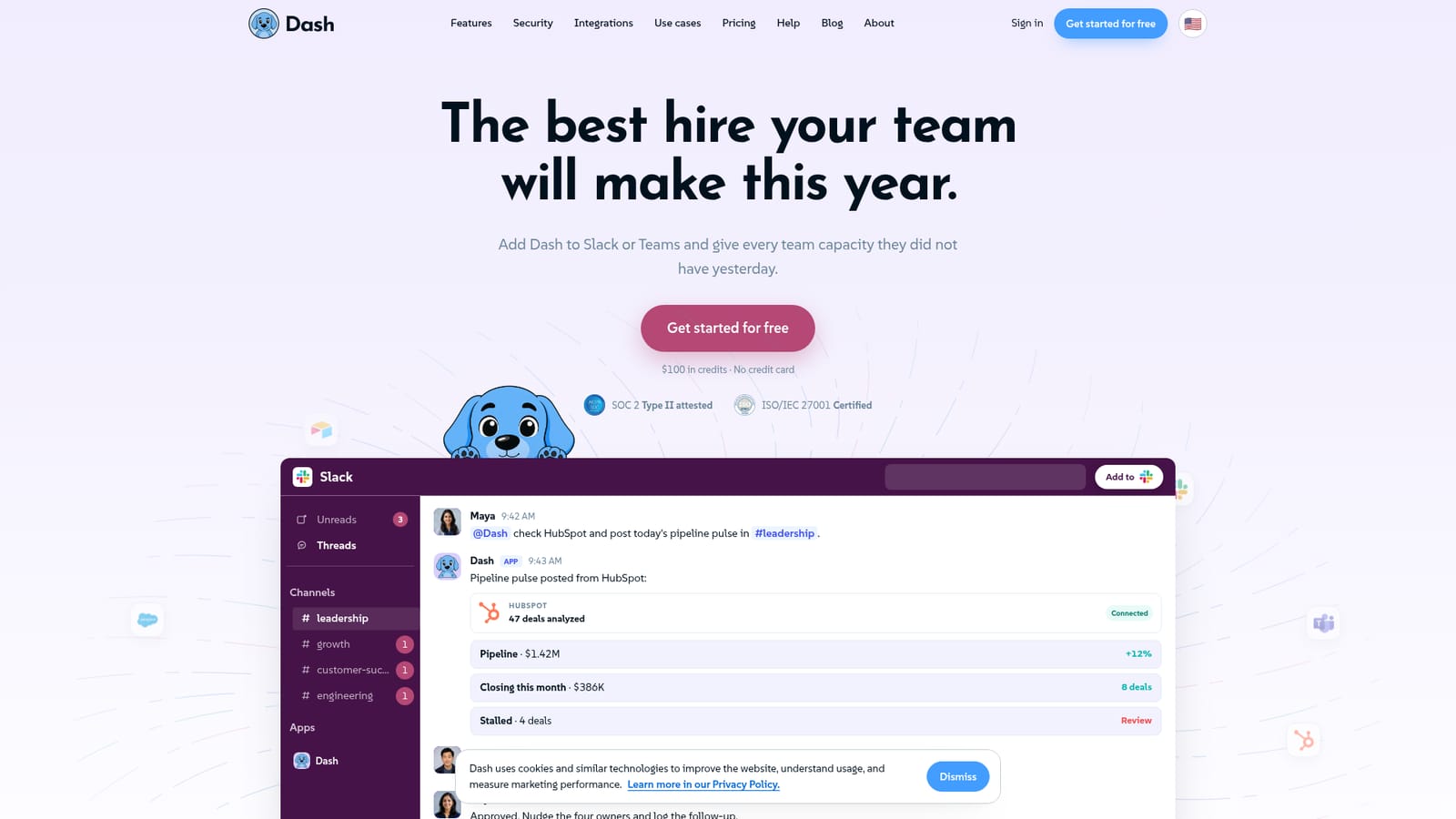
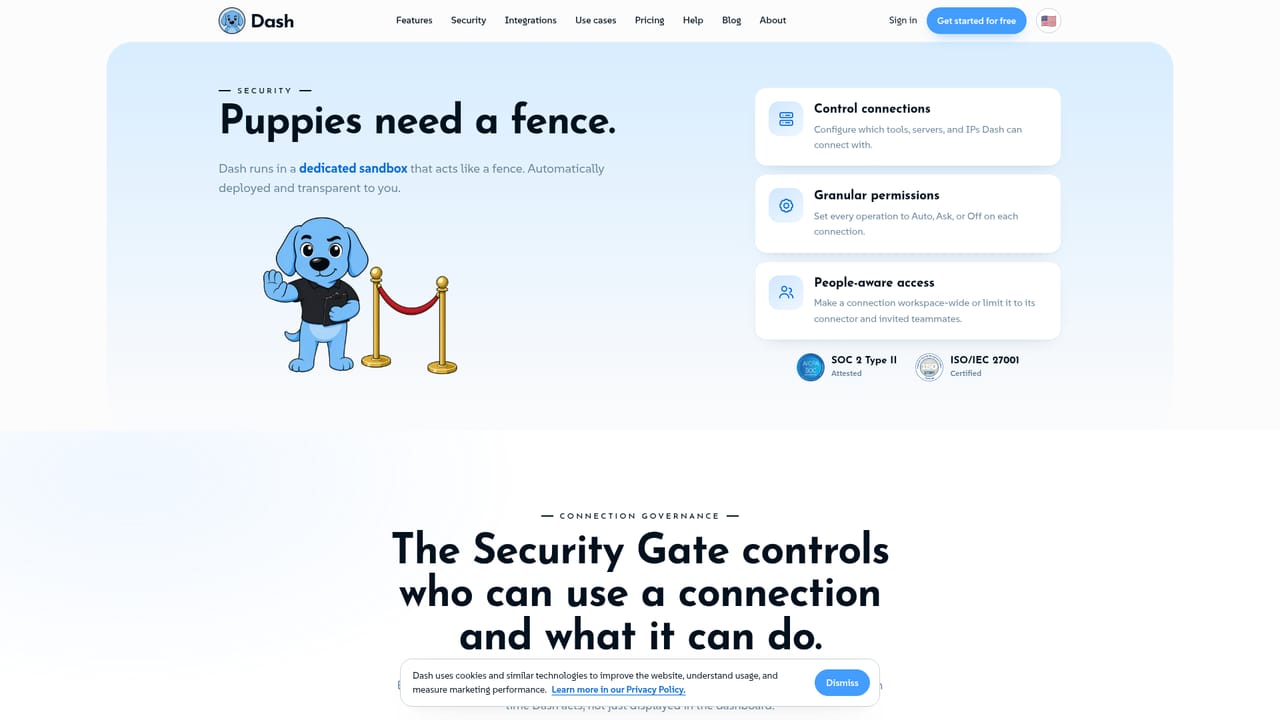
Dash is an AI teammate that operates inside Slack and Microsoft Teams rather than as a separate chat window or dashboard. Teams mention it in a channel with a request, for example asking it to read HubSpot and post a pipeline summary, and Dash reports back in the same thread. It connects to over 3,000 tools, which lets it pull from CRM, support, ads, code hosting and project management systems and then act on what it finds. The product is positioned as extra capacity for an existing team, not as a standalone assistant a person has to remember to open. The practical workflow is conversational and approval driven. A user posts an instruction, Dash states which systems it is reading, then returns a result with the underlying numbers attached: deals analyzed, campaigns audited, tickets triaged, tests passed. When a request involves a change, Dash proposes the action and waits for a human to approve before writing anything back to the connected tool. A marketing request to audit Google Ads, for instance, comes back as recommendations to scale, pause or test, and the budget shift only happens after someone confirms it. That pattern repeats across sales, support and engineering examples on the homepage. It suits teams already working in Slack or Teams who want analysis and follow-through without switching apps: sales and marketing leads, support managers, engineering teams handling small fixes and pull requests, and operations staff in property management, accounting or ecommerce. Dash is not a general purpose writing assistant. Its value depends on how many of those 3,000 plus tools a company actually uses, and on the quality of the data behind them. Compared with standalone AI chat tools, Dash trades flexibility for context. It sees your channel, your connected systems and the state of your records, which is why it can produce a real pipeline pulse instead of a template. The trade off is that it is only as useful as the integrations you authorize, and everything meaningful runs through the Slack or Teams surface. Compliance claims are specific: SOC 2 Type II attested and ISO/IEC 27001 certified.
Sign up with 100 dollars in credits and no credit card. The homepage does not state a trial length or whether credits expire.
Learn moreThe homepage advertises 100 dollars in credits with no credit card required to start. Specific plan tiers and per-seat prices are not stated on the homepage, so check the pricing page for current rates.
Learn moreDash states over 3,000 connectable tools. Named examples include HubSpot, Salesforce, Zendesk, Intercom, GitHub, Jira, Linear, Google Ads, Meta Ads, QuickBooks, Xero, Shopify, Notion and property management systems.
Channel-based AI teammate for Slack and Microsoft Teams. It reads connected tools, posts summaries and recommendations back into the thread, and executes changes such as owner nudges, budget shifts, ticket replies and pull requests only after a human approves. Results include the underlying figures, for example 47 deals analyzed or 128 tests passed.
 AI Angels400+ customizable AI girlfriends for NSFW chat, voice calls, and roleplay
 Candy AIExperience the future of companionship with AI friends who chat, role-play, and connect with you on a human level.
 ourdream.aiA vast AI roleplay platform with millions of characters for chat, images, video and voiceAI Angels400+ customizable AI girlfriends for NSFW chat, voice calls, and roleplayCandy AIExperience the future of companionship with AI friends who chat, role-play, and connect with you on a human level.ourdream.aiA vast AI roleplay platform with millions of characters for chat, images, video and voice


