Free trial
The homepage offers a Get started free link to registration, but does not state trial length or which features sit behind a paid plan.
Learn moreA coding agent with memory across chat, CLI, and the SDK.
Own Dropstone 1.5? Verify ownership to get a dofollow link

Dropstone 1.5 is an AI chat bot tool. Dropstone is an AI agent with one long-term memory shared across web chat, a CLI coding agent, an SDK and the editor. Open-weight models, a 1M token context, self-hosted inference options and approval gated actions on inbox, calls and smart home devices.
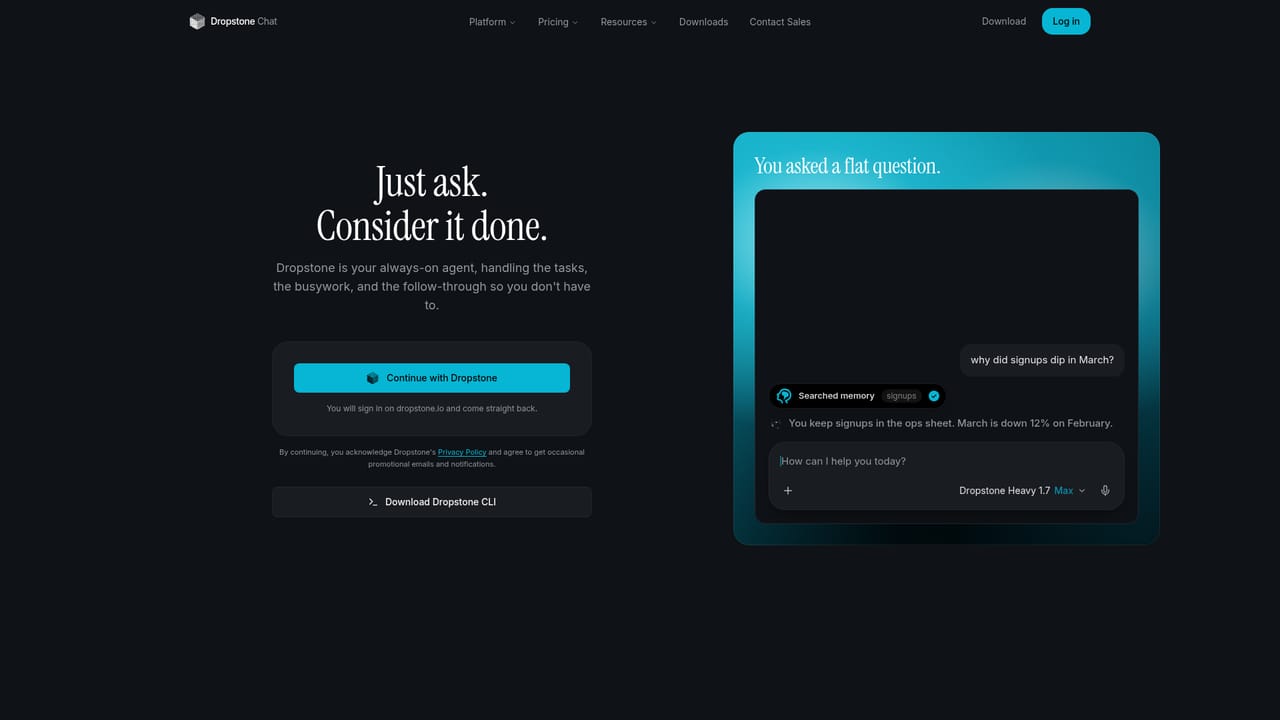
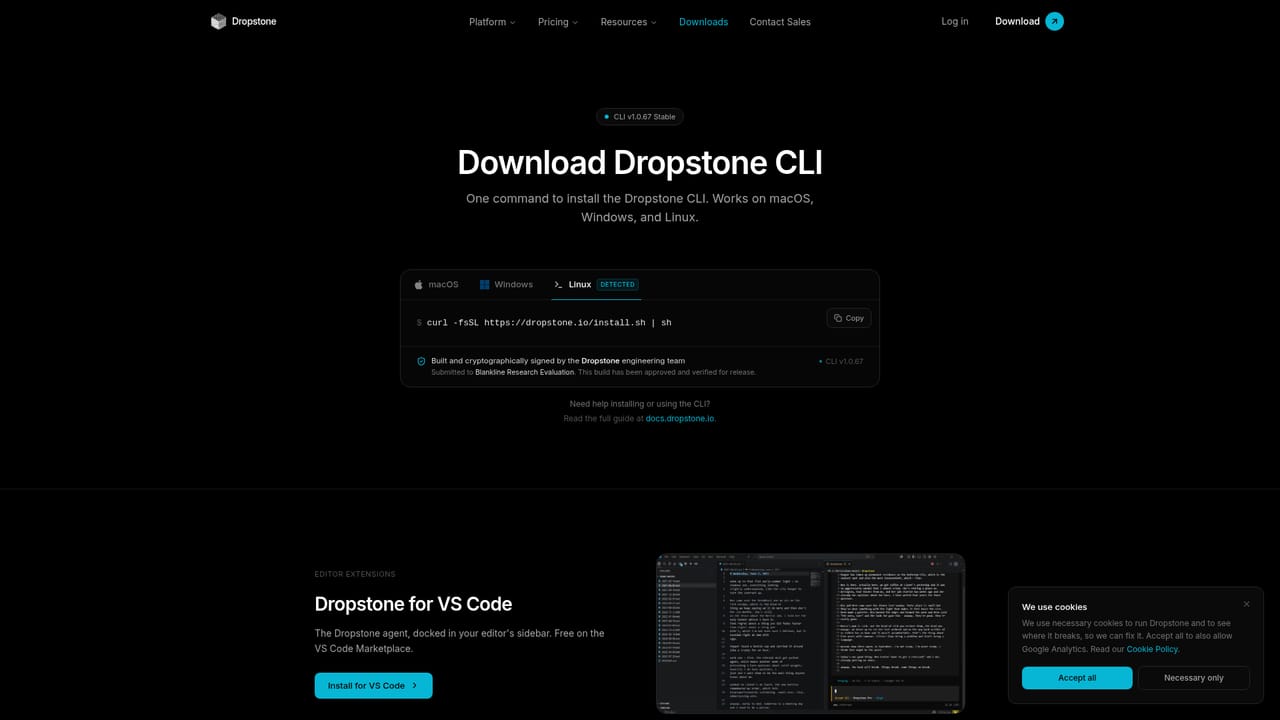
Dropstone 1.5 is an AI agent built around a single persistent memory that follows your account across four surfaces: the web Chat, the CLI, an SDK for your own stack, and the editor. It began as a terminal coding agent and now handles writing, research, inbox monitoring, phone calls and smart home control from the same account. The pitch is continuity rather than raw cleverness: teach it a correction once in the terminal and it applies that knowledge in chat, in the SDK, and wherever the agent acts on your behalf. In practice the CLI is where the tool earns its keep. It writes and fixes code inside the terminal, and Dropstone claims a one million token context window on every tier so the agent can hold an entire repository in view. Beyond coding, the agent is designed to move first: it watches the inbox you asked it to watch, places calls, finds contacts, and returns a single decision to you. Every action of that kind is approval gated. A self-learning loop lets it review quiet periods, work out rules nobody wrote down, and reuse them on later work. The models are open weight and hosted by Dropstone itself, with an option to run inference inside your own infrastructure. The lineup is re-evaluated monthly rather than tied to one lab. Managed inference runs with zero retention upstream in the United States, and commercial data is excluded from training. Usage is metered per request on a dashboard page that shows what a request spent and what it changed. Who it suits: developers who live in the terminal and want an agent that remembers context between sessions, and small teams that want agent actions without handing control to a black box. It is closer to a command line coding assistant with an assistant layer bolted on than to a browser-first chat product, so people who never open a terminal will get less from it.
The homepage offers a Get started free link to registration, but does not state trial length or which features sit behind a paid plan.
Learn moreThe homepage does not publish prices or plan tiers. It states only that every tier gets the one million token context window and that weekly coding usage per dollar runs up to four times higher than other AI coding CLIs. Actual figures require an account.
Learn moreA Docs section is listed as the place to learn how the product works, alongside a dashboard for account management. No help desk or contact channel is described on the homepage.
An SDK is provided for calling the agent from your own stack, and the agent connects to email inboxes, phone calling and smart home devices. No third party integration directory is published on the homepage.
Shared long-term memory across chat, CLI, SDK and editor; retained skills picked up from corrections; CLI coding with diffs and a 1M token context; approval gated actions including phone calls, inbox monitoring and smart home control; open-weight models refreshed monthly with self-hosting, zero retention managed inference, and per request usage tracking.
 AI Angels400+ customizable AI girlfriends for NSFW chat, voice calls, and roleplay
 Candy AIExperience the future of companionship with AI friends who chat, role-play, and connect with you on a human level.
 ourdream.aiA vast AI roleplay platform with millions of characters for chat, images, video and voiceAI Angels400+ customizable AI girlfriends for NSFW chat, voice calls, and roleplayCandy AIExperience the future of companionship with AI friends who chat, role-play, and connect with you on a human level.ourdream.aiA vast AI roleplay platform with millions of characters for chat, images, video and voice


