Support
A contact page and a frequently asked questions page covering data security with LLMs are published, and the open source repository on GitHub serves as a further reference.
Learn moreChat with your database and get tables, charts and dashboards locally

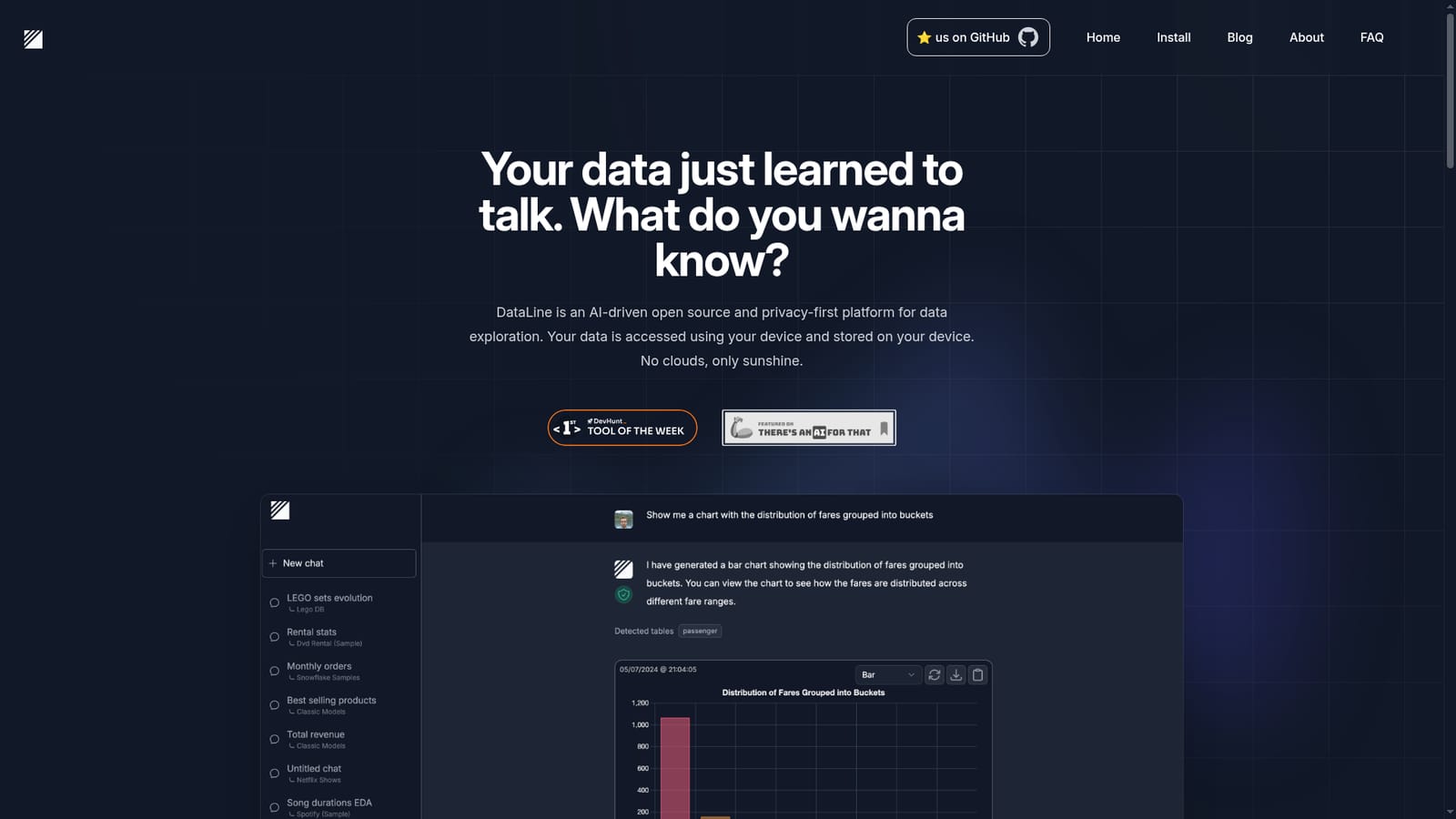
DataLine is an AI chat bot tool that chats with your database and get tables, charts and dashboards locally. An open source, privacy-first tool for querying databases, CSVs and Excel files in natural language. It generates tables, charts and dashboards while keeping your data on your own device, and it doubles as a text2sql reference for developers.
DataLine is an AI data analysis and visualization tool built around a single idea: you describe the question in plain language, and the tool figures out which columns and tables to touch. It connects to your database or to CSV and Excel files, then answers conversational queries by producing tables, charts and dashboards rather than raw SQL only. The stated audience is twofold. Non-technical people get a way to query data without memorizing schema details, and developers get a text2sql engine they can study or reuse, since the project is open source. The architectural choice that separates DataLine from most chat-with-your-data products is that processing happens on your machine. Your data is accessed from your device and stored there, and the vendor states that rows never leave the machine and nothing is stored in the cloud. That posture matters for teams handling customer records, financials or anything under a data processing agreement, where uploading a spreadsheet to a third party API is a non-starter. Local LLM support is listed as coming soon, which would extend the same principle to the model layer. In practice the workflow is ask, explore, edit, iterate. You pose a question, review the generated table or chart, adjust it, and ask follow-ups without re-specifying the schema. Because the tool reads your actual column names, the time normally spent looking them up disappears. Visualizations are generated as part of the answer instead of requiring a separate BI step. Compared with general assistants such as ChatGPT Plus, DataLine is narrower but more grounded: it connects directly to Postgres, MySQL, SQLite, MS SQL Server, Snowflake and BigQuery, handles CSV and Excel, and visualizes results, while keeping data local. It is not a full BI platform for governed reporting, and it will not replace a warehouse. For ad hoc exploration and for teams that will not ship data to a cloud service, it is a credible fit.
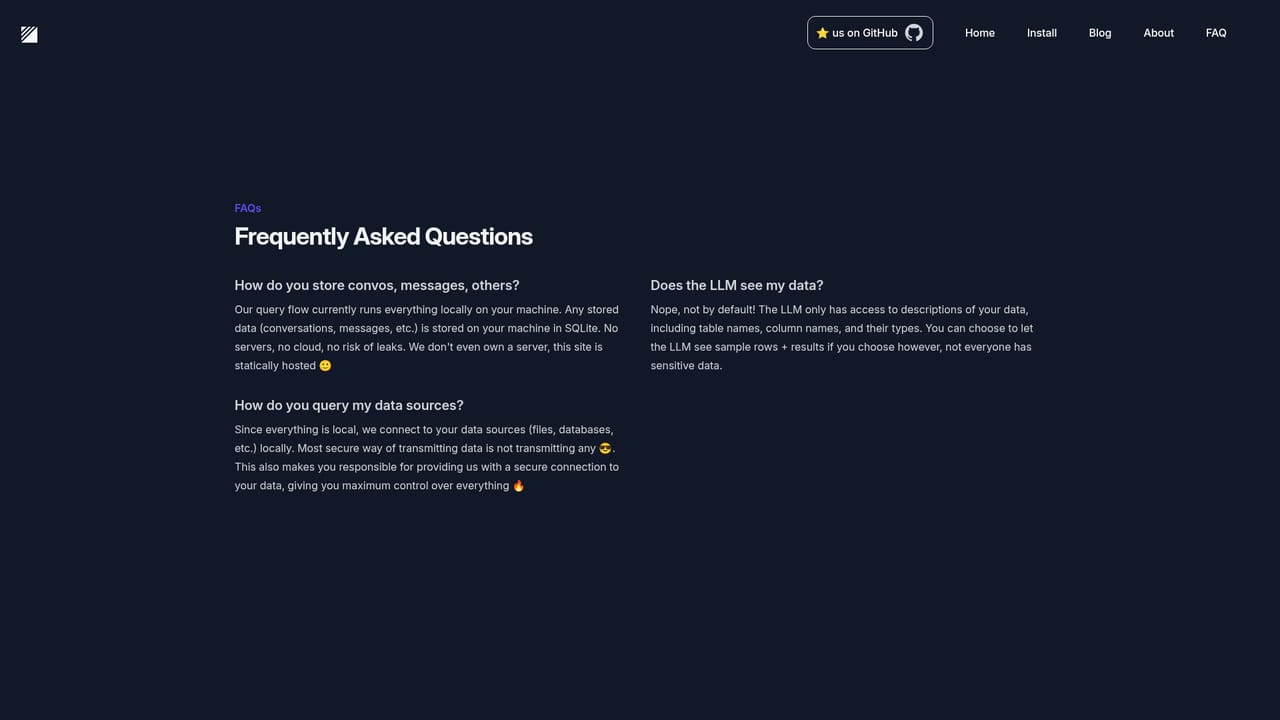
A contact page and a frequently asked questions page covering data security with LLMs are published, and the open source repository on GitHub serves as a further reference.
Learn moreDirect connectors for Postgres, MySQL, SQLite, MS SQL Server, Snowflake and BigQuery, alongside CSV and Excel file support. Local LLM support is listed as coming soon.
Natural language querying of databases and spreadsheets, with results returned as tables, charts and dashboards. Supported sources include Postgres, MySQL, SQLite, MS SQL Server, Snowflake and BigQuery, plus CSV and Excel files. Processing is local, data rows stay on your device, nothing is stored in the cloud, and the code is open source.
 AI Angels400+ customizable AI girlfriends for NSFW chat, voice calls, and roleplay
 Candy AIExperience the future of companionship with AI friends who chat, role-play, and connect with you on a human level.
 ourdream.aiA vast AI roleplay platform with millions of characters for chat, images, video and voiceAI Angels400+ customizable AI girlfriends for NSFW chat, voice calls, and roleplayCandy AIExperience the future of companionship with AI friends who chat, role-play, and connect with you on a human level.ourdream.aiA vast AI roleplay platform with millions of characters for chat, images, video and voice


