Free trial
A 7-day free trial is available and requires no credit card.
Learn moreAI-native data design tool that turns SQL into visual, chat-ready diagrams.

Datascale is a visual workspace for data design that reverse engineers SQL into entity relationship diagrams, maps lineage, and lets teams chat with an AI copilot about selected tables and notes. Built for engineers and data professionals who want diagrams, docs and analysis on one canvas.
Datascale is a shared canvas where data models, wikis and flowcharts live side by side, and the SQL you already have becomes the starting point rather than a separate cleanup job. The tool reads DDL, CTAS and INSERT INTO statements, including views, and works out how tables relate even when foreign keys were never declared. Those inferred relationships appear as an entity relationship diagram you can pan, filter and annotate, so a schema that existed only in code becomes something a team can look at together. The second half of the product is the conversation layer. After selecting nodes on the board, users chat with an AI copilot about exactly that selection: expanding a rough idea into a system design, tightening notes into a PRD or data spec, comparing normalization against denormalization, or asking for feedback on a model. The copilot reads the context of the board, so answers refer to the tables and flows already drawn instead of generic advice. Conversations can be shared with teammates, which matters for design reviews where the reasoning behind a choice is as useful as the diagram. The audience is technical. Software engineers sketching entity relationship diagrams, data engineers tracing dependencies from SQL transformations, and analytics teams documenting lineage for customers are the three groups the homepage targets. The team behind it describes itself as engineers building for engineers, and the feature list reflects that: lineage mapping, downstream impact analysis, markdown notes, and public board embeds. Positioning is deliberate. Cursor-style AI assistance meets Miro-style spatial thinking, but scoped to data architecture rather than general whiteboarding. Against pure diagramming tools it adds the reverse engineering step; against catalog and lineage platforms it adds a lightweight, collaborative canvas that individuals can adopt without a procurement cycle. The result is a tool for the planning and explanation phase of data work, not a replacement for a warehouse, a BI layer or a governance suite.
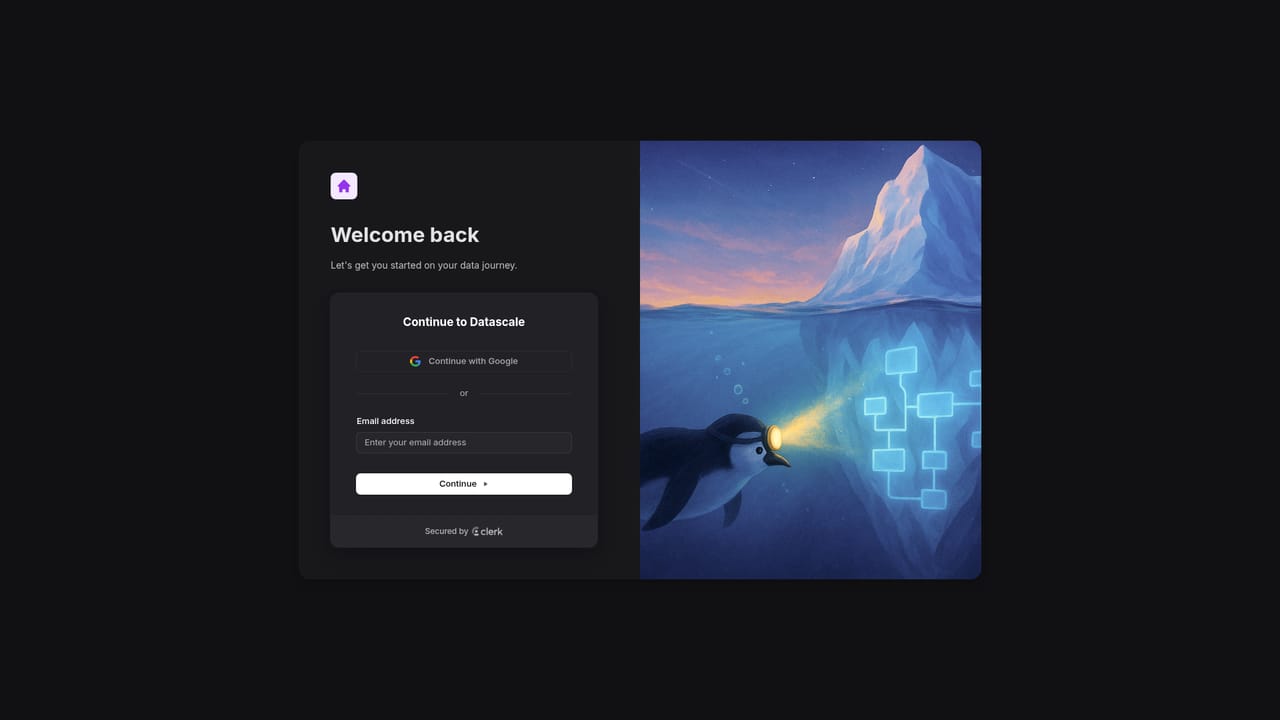

A 7-day free trial is available and requires no credit card.
Learn moreTwo plans are listed. Monthly billing is $12 per user per month, yearly billing is $8 per user per month. Both include unlimited team members, unlimited boards and wikis, data lineage and ER diagrams, the AI copilot, shared AI conversations and device sync.
Learn moreCore features include automatic reverse engineering of data relationships from SQL, detection of implicit joins, lineage and dependency mapping with downstream impact analysis, entity relationship diagrams, markdown wikis and flowcharts on one canvas, an AI copilot that acts on drag-selected nodes, shared AI conversations, and public board embeds.
 AI Angels400+ customizable AI girlfriends for NSFW chat, voice calls, and roleplay
 Candy AIExperience the future of companionship with AI friends who chat, role-play, and connect with you on a human level.
 ourdream.aiA vast AI roleplay platform with millions of characters for chat, images, video and voiceAI Angels400+ customizable AI girlfriends for NSFW chat, voice calls, and roleplayCandy AIExperience the future of companionship with AI friends who chat, role-play, and connect with you on a human level.ourdream.aiA vast AI roleplay platform with millions of characters for chat, images, video and voice


