Free trial
Free credits are offered to try all generators, and no credit card is required to start.
Learn moreAn idea generator tuned for advertising creatives and strategists

Daydrm.ai is an AI drama tool. A collection of advertising focused generators for strategic briefs, creative concepts, brand and surreal film ideas, naming, shot lists and dialogue, plus a chat partner called Ari. Concepts can be revised iteratively and saved into folders, with outputs owned by the user.
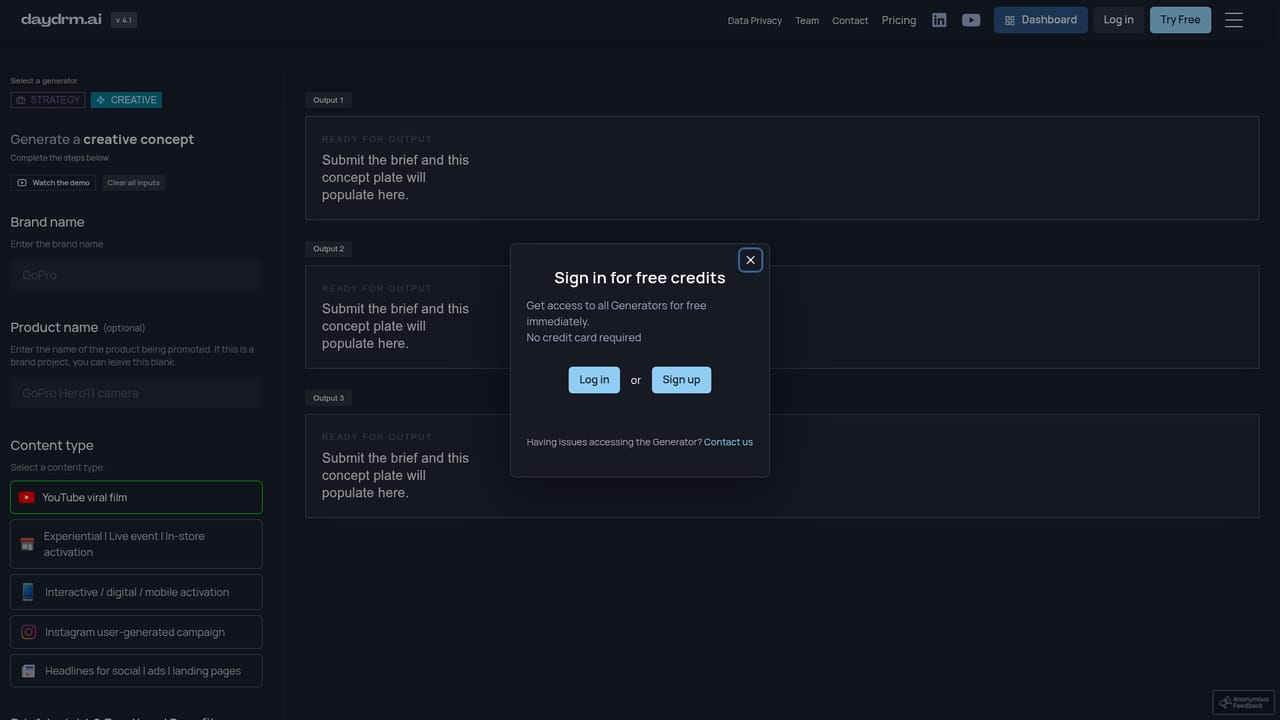
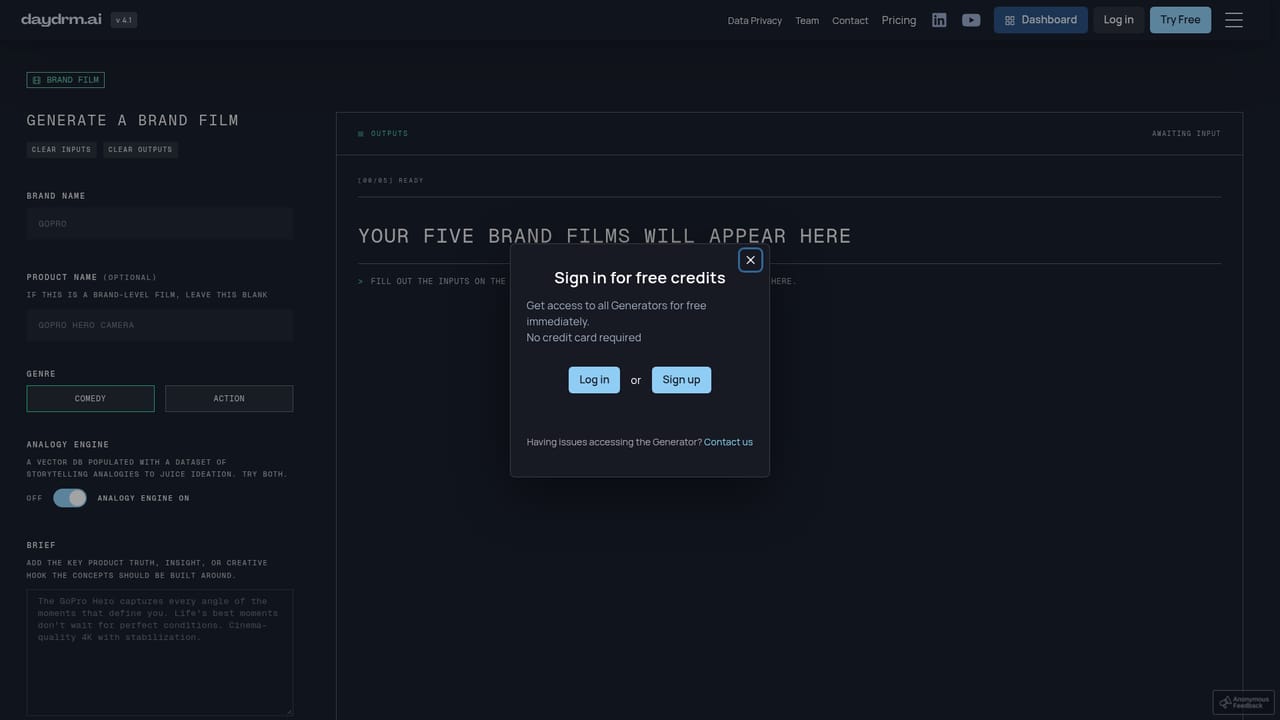
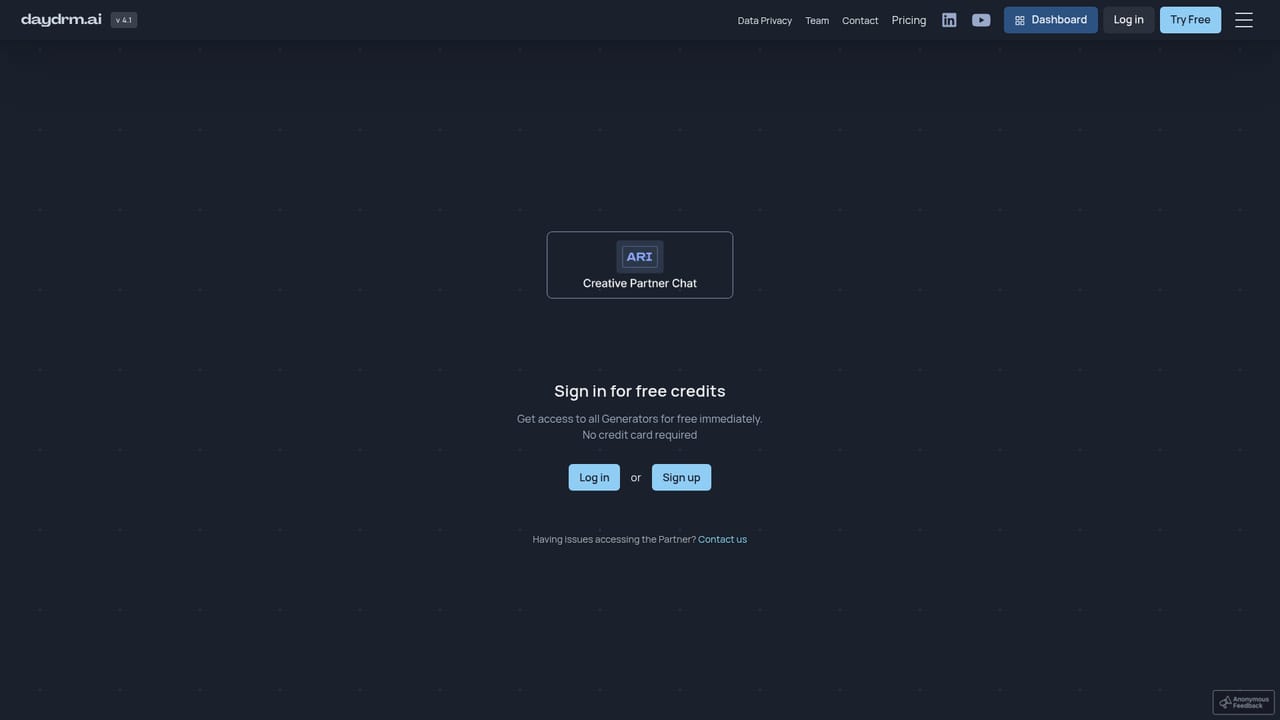
Daydrm.ai is a suite of creative generators aimed at advertising and marketing teams. The premise behind the product is stated plainly on the homepage: strong creatives are not the people with better ideas, they are the people with more of them. Daydrm therefore produces volume, then lets the user filter. A strategic brief generator, a creative idea generator, a brand film generator, a surreal film generator, a naming generator, a shot list generator and a dialogue generator each run on their own bespoke training data, which the company describes as an internally compiled structured dataset drawn from campaigns it has recognized. The workflow is brief in, options out. A user enters a brief and the creative idea generator returns concepts across formats, including viral film, experiential or live activation, interactive and mobile activation, user generated campaigns, and headlines for social, ads and landing pages. Every result can be pushed further with a Revise Idea control, so the loop is generate, adjust, regenerate until something usable appears. The Brand Film Generator extends this by turning a concept into a script and generating keyframe images in the same view. A chat interface called Ari offers the same work in a conversational form, and outputs can be filed into folders by client, project, campaign or content type. The tool is built for strategists, creatives and directors in agencies and in-house marketing teams, particularly people who already write decent briefs and want a fast first round of territory to react to. Daydrm positions itself as a starting point rather than a finisher: user testimonials on the site describe it as useful for jumpstarting a brainstorm. Compared with general purpose chatbots, its value is the advertising specific framing and format aware outputs; compared with video tools, it stops at concepts, scripts and keyframes rather than finished footage. Inputs and outputs are private, the user owns what is generated, and prompts are not used for model training.
Free credits are offered to try all generators, and no credit card is required to start.
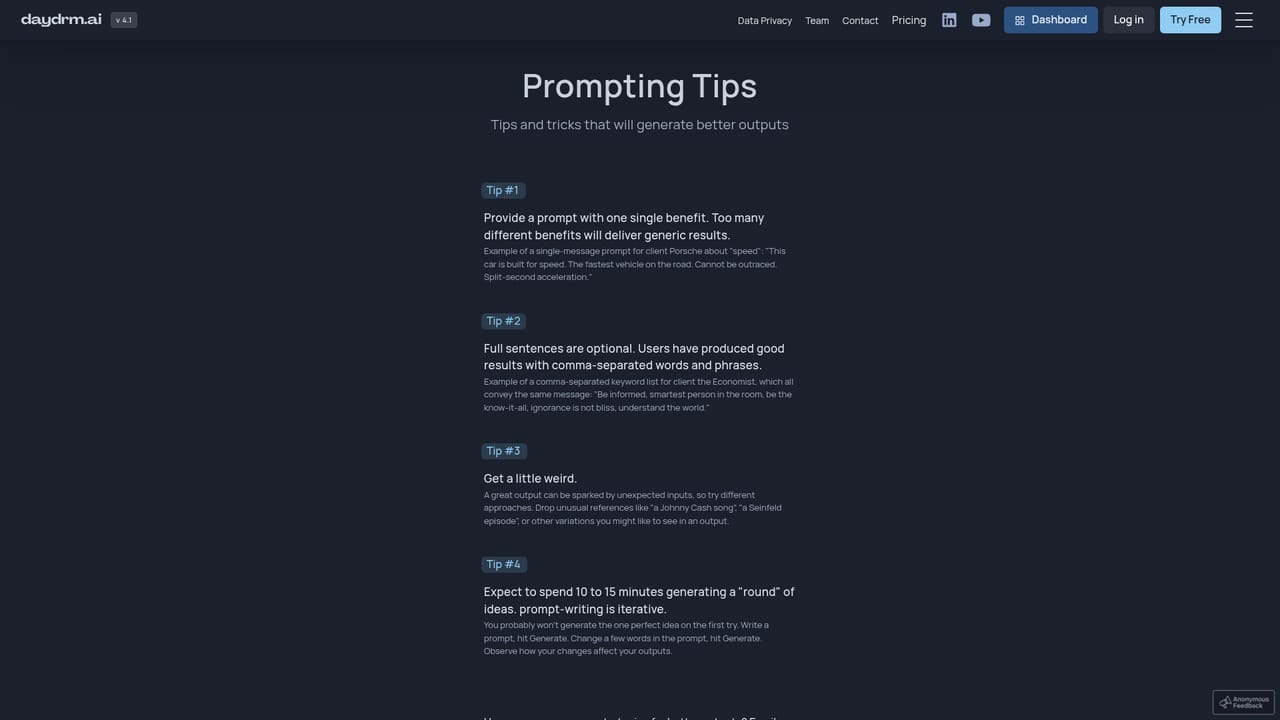
Learn moreSupport runs through an FAQ page and a data privacy and security page, plus a feedback page and community prompting tips.
Learn moreGenerators for strategic briefs, creative ideas, brand film concepts, surreal commercial concepts, brand and product names, scene shot lists and character dialogue. Creative output spans viral film, experiential and in-store activation, interactive and mobile activation, user generated campaigns and advertising headlines. Includes a chat interface with a creative partner named Ari, a Revise Idea loop, script and keyframe generation in the brand film tool, and custom folders for saved outputs.
Learn more AI Angels400+ customizable AI girlfriends for NSFW chat, voice calls, and roleplay
 Candy AIExperience the future of companionship with AI friends who chat, role-play, and connect with you on a human level.
 ourdream.aiA vast AI roleplay platform with millions of characters for chat, images, video and voiceAI Angels400+ customizable AI girlfriends for NSFW chat, voice calls, and roleplayCandy AIExperience the future of companionship with AI friends who chat, role-play, and connect with you on a human level.ourdream.aiA vast AI roleplay platform with millions of characters for chat, images, video and voice


