Free trial
Free to try: signing in with Google grants free credits to shoot first scenes, with no card details mentioned on the homepage.
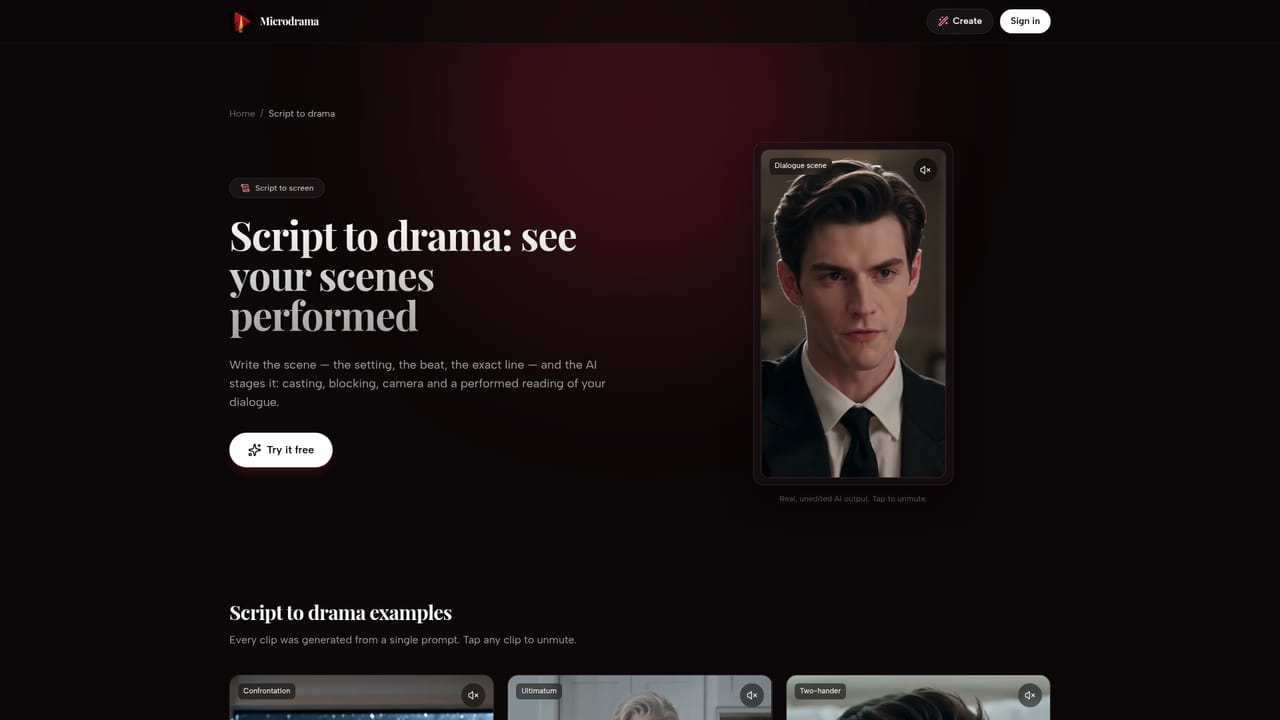
Learn moreWrite a script, cast AI actors, render a 9:16 episode with spoken dialogue.

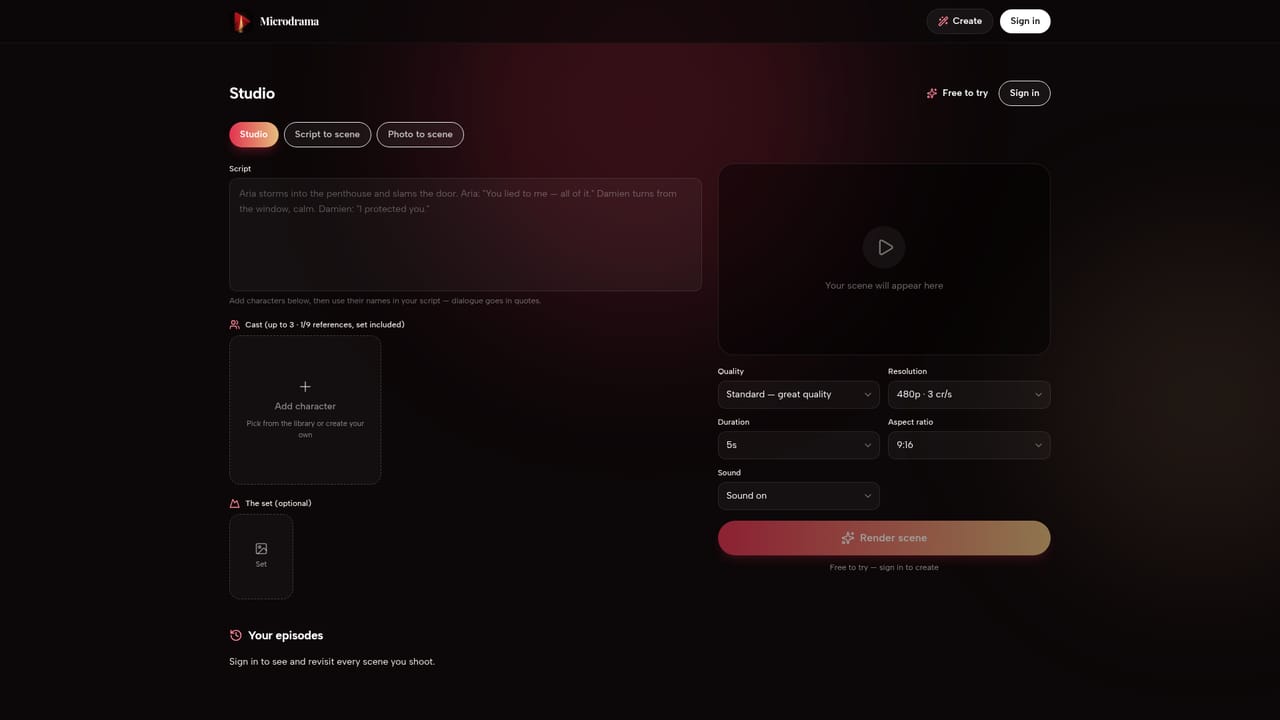
Microdrama is an AI drama tool that writes a script, cast AI actors, render a 9:16 episode with spoken dialogue. A browser studio for making vertical microdrama episodes: cast consistent AI characters, assign outfits, props, sets and voice styles, then write a script whose quoted lines are performed aloud.
Microdrama is a browser-based studio for producing short vertical drama episodes, the kind built around fast hooks, abrupt twists and a cliffhanger. Instead of prompting a video model from scratch each time, the tool works like a small production pipeline: you assemble a cast, dress a scene, write a script, then render it. Characters are kept in a library with a saved face and name, so the same person appears in every scene and across episodes, which is the core requirement for anything series-shaped. The workflow follows the order of a real shoot. You cast up to three characters per scene, either from the built-in library (Aria, Damien, Luna and others with stated ages and temperaments) or by describing a new one to generate. Each character gets an outfit, a prop and a voice style described as tone, age and accent, plus a set chosen from the library, generated from a sentence, or uploaded. The script is written in plain prose where character names link to the cast and quoted lines are performed aloud with synced lip movement. Renders come in two modes: a cheap two-second table read for testing blocking, and a cinematic cut of up to 15 seconds at up to 1080p with dialogue, sound effects and score. Scenes chain together to form full episodes. This suits short-form fiction creators, social media producers and anyone experimenting with serialized vertical storytelling for TikTok, Reels or Shorts. Genre landing pages for romance, revenge, billionaire and werewolf setups suggest the target audience explicitly. Compared with general text-to-video tools, the appeal is continuity and structure rather than raw visual fidelity, and the whole thing runs in a browser with no install. The tradeoffs are real. Character faces must be AI-generated, so no real-person likeness is allowed, and uploaded references containing people will cause the render to be blocked with credits not returned. Voice styles are not cloned voices, so delivery varies between takes. Everything is capped at 15 seconds per render and framed 9:16 only.
Free to try: signing in with Google grants free credits to shoot first scenes, with no card details mentioned on the homepage.
Learn moreFree credits are granted after signing in with Google. Renders are credit-based: a table read costs 1 credit and takes roughly 30 seconds, while cinematic cuts cost from 3 credits per second. Subscriptions and credit packs unlock longer, higher-quality episodes. No specific currency prices are published on the homepage.
Learn moreConsistent AI cast library plus custom character generation; outfits, props and sets that can be generated or uploaded; per-character voice styles with synced dialogue; script editor where names link to cast and quotes are performed aloud; two render modes (2-second table read, cinematic cut up to 15 seconds at up to 1080p with sound and score); 9:16 framing for short-form feeds; scene chaining for multi-episode stories.
 AI Angels400+ customizable AI girlfriends for NSFW chat, voice calls, and roleplay
 Candy AIExperience the future of companionship with AI friends who chat, role-play, and connect with you on a human level.
 ourdream.aiA vast AI roleplay platform with millions of characters for chat, images, video and voiceAI Angels400+ customizable AI girlfriends for NSFW chat, voice calls, and roleplayCandy AIExperience the future of companionship with AI friends who chat, role-play, and connect with you on a human level.ourdream.aiA vast AI roleplay platform with millions of characters for chat, images, video and voice


