Free trial
Free start with 200 credits, no credit card required, enough to build a first episode as narration over AI stills in under 10 minutes.
Learn moreVertical AI micro drama series with consistent characters and lip-sync
Own ShowMaker Studio? Verify ownership to get a dofollow link

ShowMaker Studio produces vertical micro drama series with AI, from series bible and character sheets to lip-synced 9:16 episodes of about 90 seconds, aimed at creators publishing daily on TikTok and Reels.
ShowMaker Studio is a web-based production tool for vertical micro drama series, the short serialised format popularised by apps such as ReelShort and DramaBox. Rather than generating isolated clips, it handles a whole series: a planning stage, character sheets, episode generation and a final 9:16 file for each installment. Episodes target roughly 90 seconds and are assembled from six to eight scenes, with a cliffhanger built into the ending. The workflow starts with a series bible. The creator picks a genre (romance, thriller, horror and comedy are shown), then defines characters, locations and the episode arc. The tool turns this into character sheets intended to keep the same face and wardrobe cues across every episode. Episodes are then rendered with the Seedance video model, which produces lip-synced dialogue scenes in vertical format. Each finished episode is exported as a ready-to-post file for TikTok, Reels or ReelShort. The target audience is independent creators, small studios and marketers who want to run a serialised story channel without a live-action budget. The site frames the traditional cost of a season at $150,000 to $300,000 and positions AI generation as a credit-based alternative, where spend depends mostly on how often each shot is regenerated. Its suggested publishing approach is to seed the first few episodes for free on social platforms, then move later episodes behind a coin paywall in an app. Among AI video tools, most general generators focus on single prompts or short clips and leave continuity to the user. ShowMaker Studio narrows its scope to one format and builds around reference records for characters and sets, which is the main problem in long-running series. Buyers who need landscape footage, feature-length output or fine manual editing will find a general video suite a better match, while those committed to vertical serial storytelling get a more guided pipeline. A free tier with 200 credits allows a first episode to be built as narration over AI stills before any payment.
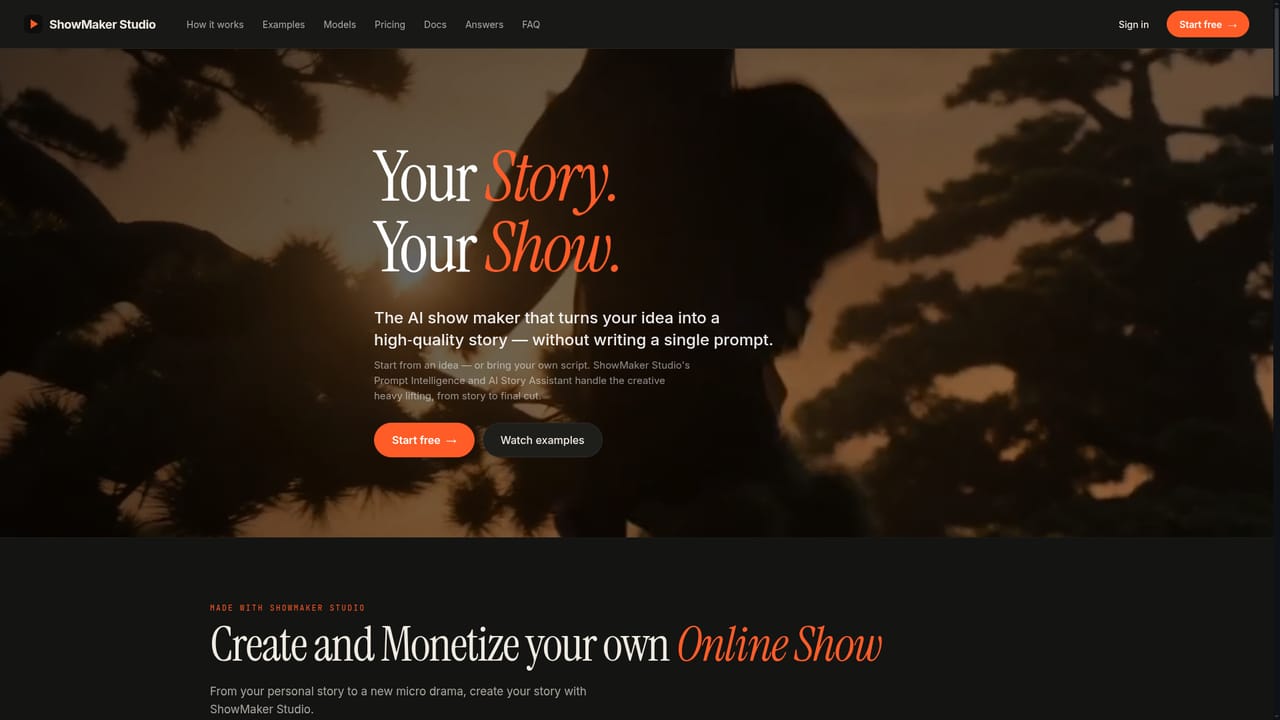
Free start with 200 credits, no credit card required, enough to build a first episode as narration over AI stills in under 10 minutes.
Learn moreStarts free with 200 credits and no credit card. Rendering costs are measured in credits, but paid plan prices are not listed on the page.
Learn moreA blog covers production topics such as character consistency, clip length limits, lip sync, captions and cost. A live creator training session is mentioned on its YouTube channel.
Learn moreNo formal integrations are listed. Output is aimed at TikTok, Reels and ReelShort through exported 9:16 files, and rendering uses the Seedance video model.
Series bible with genre, cast, locations and episode arc; consistent character sheets; Seedance-rendered lip-synced dialogue at 9:16; automatic assembly of six to eight scenes into 90-second episodes with cliffhangers; ready-to-post exports.
 AI Angels400+ customizable AI girlfriends for NSFW chat, voice calls, and roleplay
 Candy AIExperience the future of companionship with AI friends who chat, role-play, and connect with you on a human level.
 ourdream.aiA vast AI roleplay platform with millions of characters for chat, images, video and voiceAI Angels400+ customizable AI girlfriends for NSFW chat, voice calls, and roleplayCandy AIExperience the future of companionship with AI friends who chat, role-play, and connect with you on a human level.ourdream.aiA vast AI roleplay platform with millions of characters for chat, images, video and voice


