Free trial
The AI assistant can be tried for 20 messages before purchase, using your own API keys from OpenAI, Anthropic, Google, or other providers. The free plan itself has no time limit.
Learn moreA desktop database GUI with SQL and Python notebooks plus an AI assistant

DB Pilot is a macOS desktop database client that pairs a SQL editor and spreadsheet-style table editor with SQL plus Python notebooks and an AI assistant that can write, explain, and fix queries. It supports PostgreSQL, MySQL, SQLite, DuckDB, CockroachDB, and chDB, stores data locally, and uses your own AI provider keys.
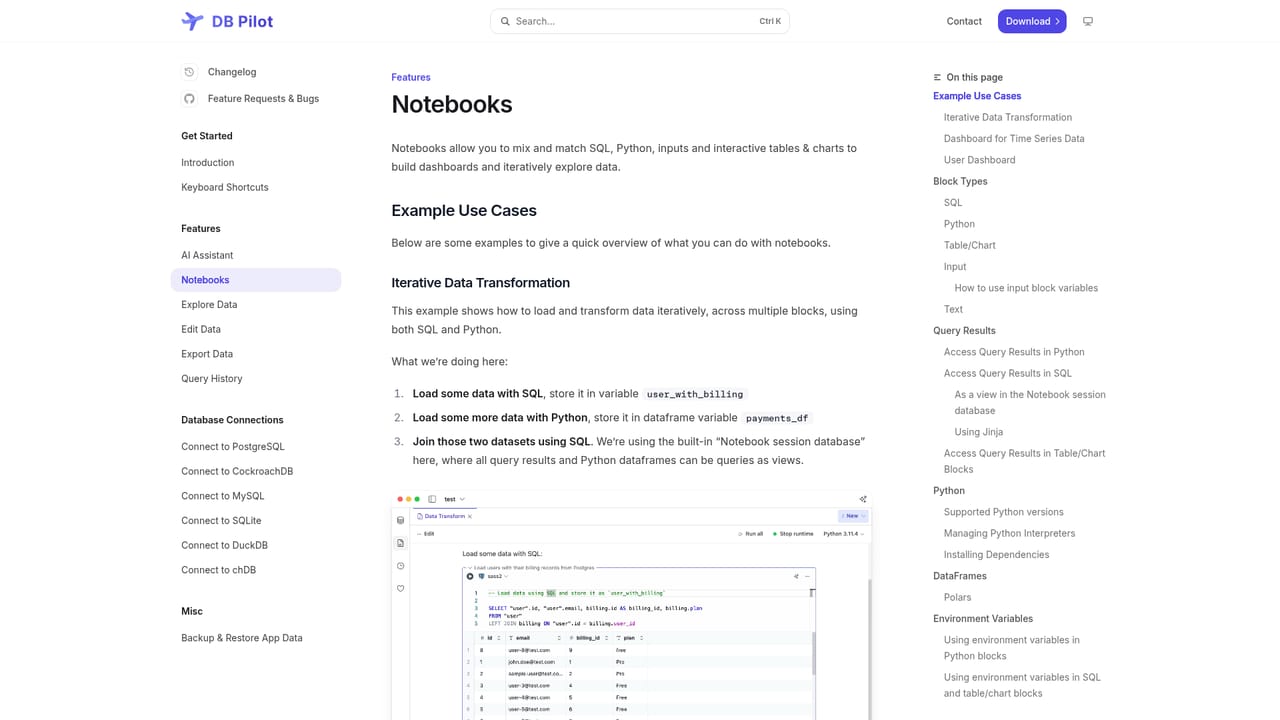
DB Pilot is a native desktop application that combines a database GUI, a SQL editor, and block-based SQL and Python notebooks in one workspace. It connects to PostgreSQL, MySQL, SQLite, DuckDB, CockroachDB, and chDB (local ClickHouse), with more connectors promised. The tool is aimed at engineers, analysts, and business owners who spend their day moving between a query console, a spreadsheet, and a notebook, and who want those tasks to live in a single local app rather than a browser tab. The SQL editor offers context-aware autocomplete for tables, columns, keywords, and functions, along with an automatic formatter, query history, and saved favorites. The table viewer lets you insert, update, and delete records with spreadsheet-style editing, and results can be exported or copied as CSV, JSON, NDJSON, or Markdown. Notebooks follow a Jupyter-like model but mix SQL, Python, text, inputs, charts, and interactive tables in the same document. Results from one block are available in later blocks, SQL output can be read inside Python cells, and Pandas and Polars dataframes can be queried from SQL cells. Jinja templating and environment variables make notebooks parameterized, so they double as dashboards with filters and date pickers. The AI layer works in two modes. A chat panel generates and explains queries and previews suggested edits, while an inline assistant operates inside the SQL editor, table viewer, and Python blocks, including a fix-with-AI option for errors. Models come from OpenAI, Anthropic, Google, and xAI, and custom providers can be configured. Users choose which databases, tables, and notebooks enter the context, and custom rules steer the assistant toward a preferred SQL style. According to the vendor, the assistant sees schema names only, never row data, and all connections run directly from the local machine with credentials kept in the system keychain. Against browser-based SQL clients, DB Pilot trades cloud sync and team sharing for local data handling and a single-machine workflow. It is macOS-only for now, with Linux and Windows listed as coming soon, so teams on mixed operating systems cannot standardize on it yet.
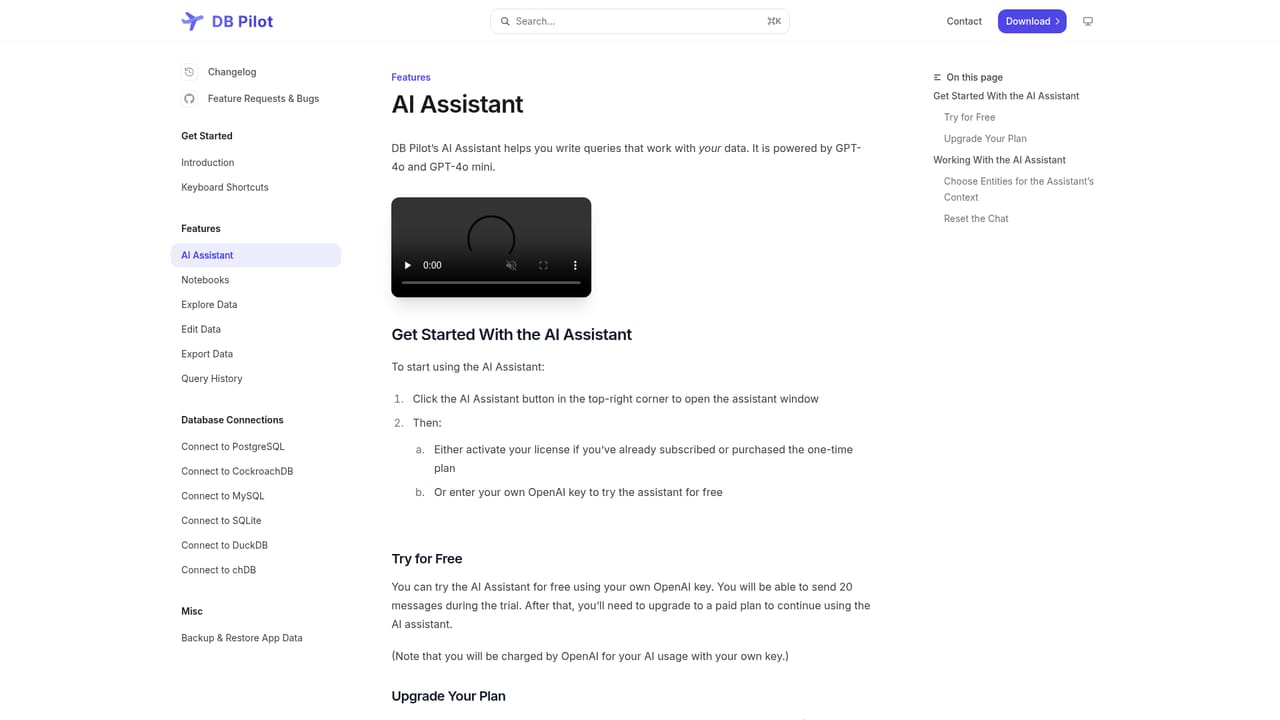
The AI assistant can be tried for 20 messages before purchase, using your own API keys from OpenAI, Anthropic, Google, or other providers. The free plan itself has no time limit.
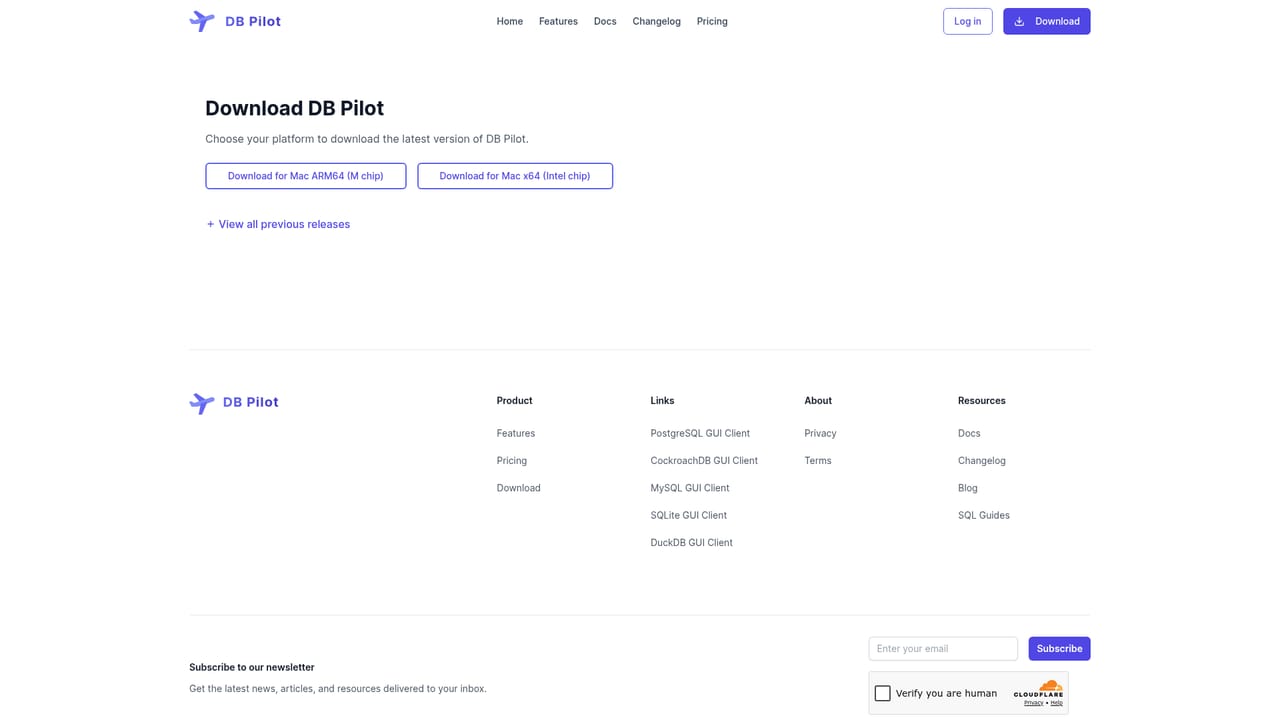
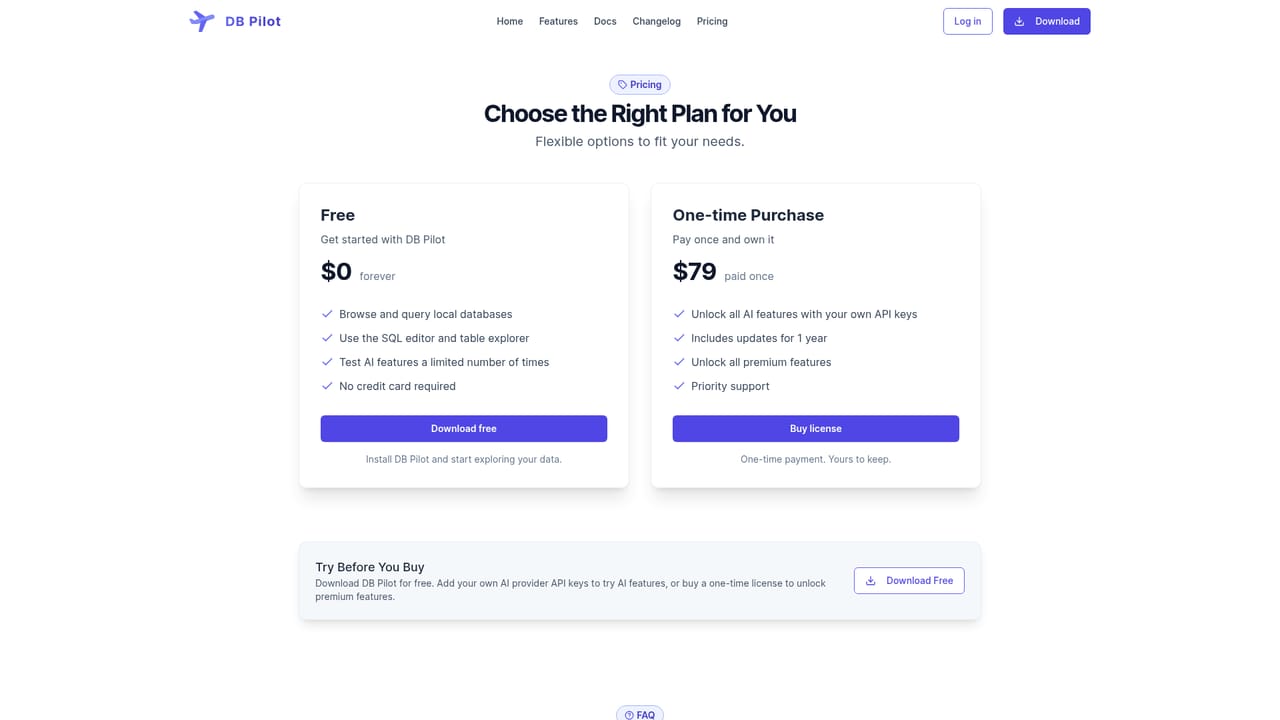
Learn moreTwo tiers. Free covers local database browsing, the SQL editor, table explorer, and a limited number of AI tries, with no credit card required. The one-time purchase is $79 paid once and unlocks all premium features plus AI features via your own provider keys, includes updates for one year, and adds priority support.
Learn morePriority support is listed as a benefit of the one-time purchase. Documentation covers notebooks and the AI assistant, and a FAQ on the homepage addresses setup and data handling questions.
Connects to PostgreSQL, MySQL, SQLite, DuckDB, CockroachDB, and chDB (local ClickHouse), with more databases stated as coming. The AI assistant uses models from OpenAI, Anthropic, Google, and xAI, and custom providers can be configured with your own API keys.
SQL editor with smart autocomplete, formatter, query history, and favorites. Spreadsheet-style table viewer and editor. Block-based SQL plus Python notebooks with Jinja templating, environment variables, interactive tables, charts, and dashboards. AI chat and inline assistant across SQL, Python, tables, and charts, with model choice, managed context, custom rules, and fix-with-AI. Export to CSV, JSON, NDJSON, or Markdown.
Learn more AI Angels400+ customizable AI girlfriends for NSFW chat, voice calls, and roleplay
 Candy AIExperience the future of companionship with AI friends who chat, role-play, and connect with you on a human level.
 ourdream.aiA vast AI roleplay platform with millions of characters for chat, images, video and voiceAI Angels400+ customizable AI girlfriends for NSFW chat, voice calls, and roleplayCandy AIExperience the future of companionship with AI friends who chat, role-play, and connect with you on a human level.ourdream.aiA vast AI roleplay platform with millions of characters for chat, images, video and voice


