Support
Support runs through an expert deployment team that manages ERP mapping through launch, working alongside your finance staff. Prospective buyers can request an executive briefing or book a demo.
Learn moreGoverned AI layer that runs budget vs actuals, forecasts and close for enterprise finance

Octopus AI is a governed AI layer for enterprise finance teams. It automates budget vs actuals, rolling forecasts, cash analysis, accruals and FX exposure inside Teams or Slack, with deterministic calculations, source lineage for every figure and named human approval before anything is released.
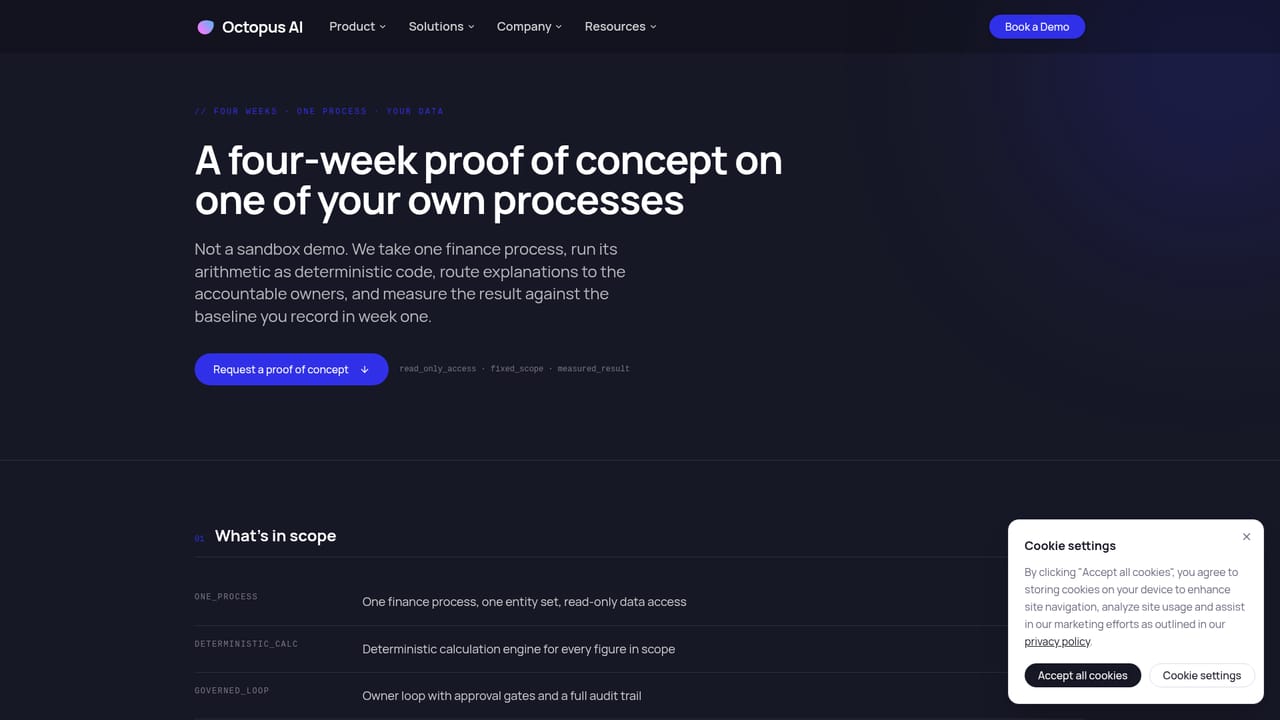
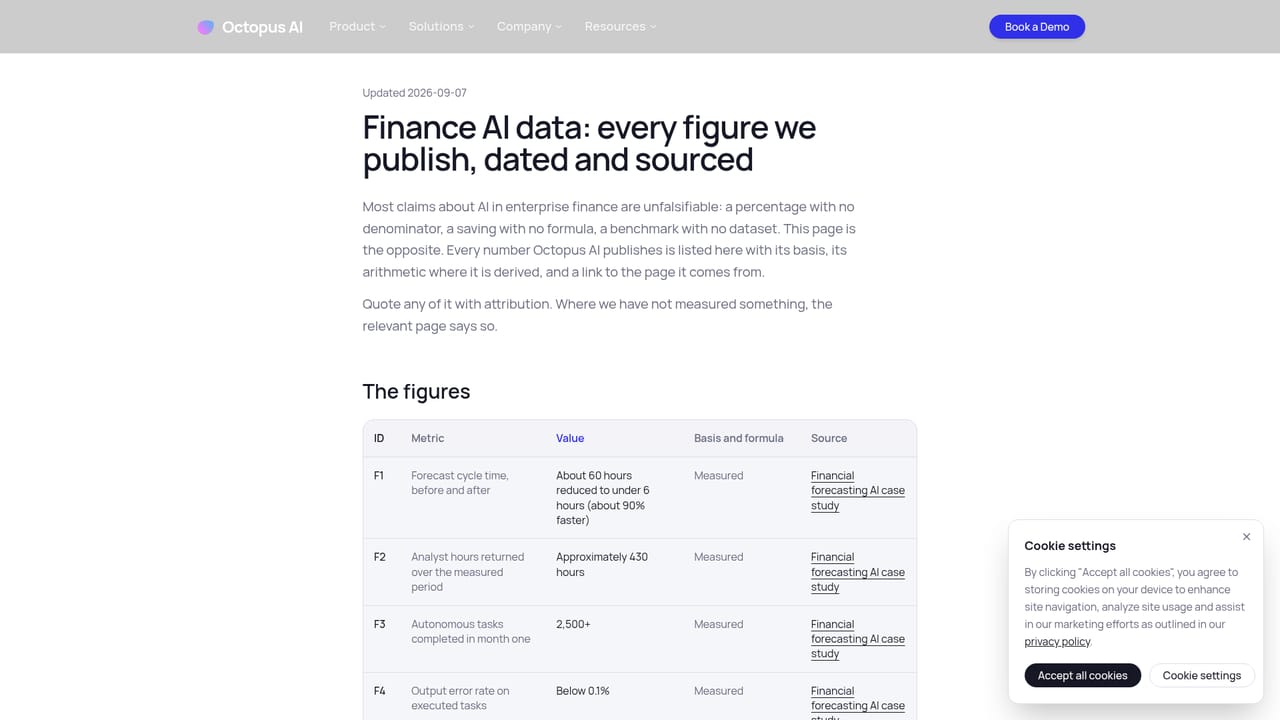
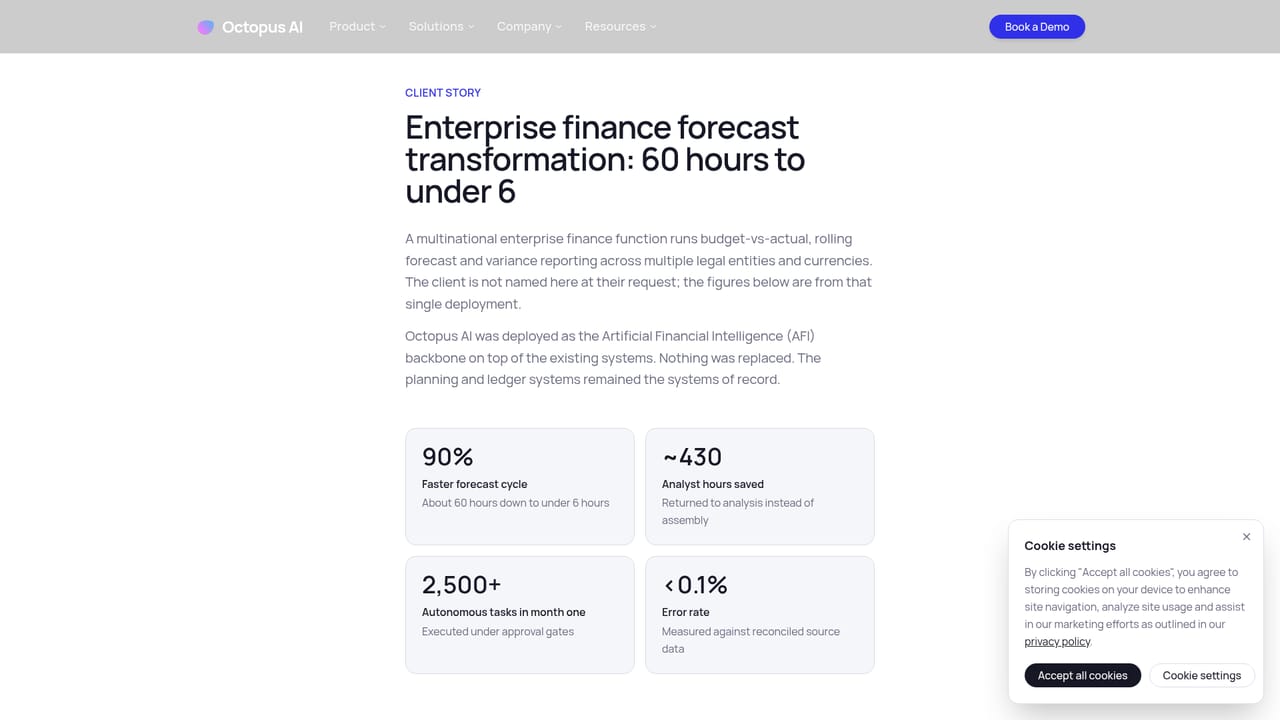
Octopus AI is an enterprise finance intelligence layer that sits between raw ERP data and the people who report on it. Rather than adding another dashboard, it runs the recurring work behind budget vs actuals, rolling forecasts, cash analysis, accruals and FX exposure, then routes material questions to the budget owners who can answer them. The interface is deliberately familiar: the agent works inside Microsoft Teams or Slack, so analysts and cost center leads keep the tools they already use instead of learning a new console. The design goal is traceability. Arithmetic, currency conversion and totals are executed as deterministic code on versioned inputs, which means a reviewer can reproduce any figure from the same source records. Every reported number carries lineage back to contributing entities, accounts and rows, and unresolved mappings surface as exceptions rather than being filled in silently. Variances go to the accountable owner, their explanation is stored next to the number, and outbound requests or published outputs pass an approval gate held by a named person. In practice a finance team connects its ERP and planning stack, then delegates a workflow such as BvA analysis. The agent identifies anomalies, root-causes them across cost centers, contacts owners, collates responses and assembles a report for the CFO's office. One published client quote describes an OPEX forecasting cycle dropping from 60 hours to under 6, with an AI BVA analyst handling 2,800 interactions in its first month. Octopus presents that as a single deployment result, not an average. It is built for multi-entity enterprises in telecommunications, insurance, financial services and similar sectors, and competes with planning suites such as Anaplan, Pigment and Workday Adaptive plus general assistants like Claude. Deployment is expert-led, starting with ERP mapping and moving through a four-week proof of concept on one of your own processes. Pricing is not published and is scoped through a demo.
Support runs through an expert deployment team that manages ERP mapping through launch, working alongside your finance staff. Prospective buyers can request an executive briefing or book a demo.
Learn moreNative connectors include SAP S/4HANA for ledger and actuals, Oracle NetSuite for subsidiary accruals and consolidation, Workday for headcount and plan data, plus Anaplan, Snowflake, Excel, Salesforce and Microsoft Teams.
Core workflows cover rolling forecasts with automated follow-ups and versioning, budget vs actuals with root-cause analysis across cost centers, real-time cash consolidation, automated accrual validation and posting, FX exposure monitoring with hedge gap flags, and corporate finance coordination between planning and reporting. Each output carries reproducible calculations, source lineage, retained owner explanations and a named release approval.
Learn more AI Angels400+ customizable AI girlfriends for NSFW chat, voice calls, and roleplay
 Candy AIExperience the future of companionship with AI friends who chat, role-play, and connect with you on a human level.
 ourdream.aiA vast AI roleplay platform with millions of characters for chat, images, video and voiceAI Angels400+ customizable AI girlfriends for NSFW chat, voice calls, and roleplayCandy AIExperience the future of companionship with AI friends who chat, role-play, and connect with you on a human level.ourdream.aiA vast AI roleplay platform with millions of characters for chat, images, video and voice




