Free trial
A free signup at the Deciphr app is offered as the entry path, described on the homepage as trying the product for free. No time limit or usage cap is stated.
Learn moreTurn one podcast, webinar or meeting file into a full set of B2B content assets

Deciphr AI is an audio file transcription tool that turns one podcast, webinar or meeting file into a full set of B2B content assets. Deciphr AI converts a single podcast, webinar or meeting file into a full content pack: transcript, recap, quotes, chapters, articles, newsletters, captions and more.
Deciphr AI is a content automation tool built around a single input: an audio or video file. You upload a podcast episode, webinar recording, meeting or YouTube video, and the platform produces a transcript, a session recap, quotes, chapters, articles, white papers, FAQs, newsletters, landing pages and captions from that one source. The pitch is leverage: instead of prompting a chat model repeatedly for each asset, one file triggers a batch of outputs that you then edit inside the product. In practice the workflow runs through three pieces. Batch upload lets you pull an entire YouTube channel, playlist or RSS feed rather than feeding files one at a time, which matters for teams sitting on a back catalogue of thought leadership recordings. A built-in AI editor handles customisation of articles, audiograms and video reels so the output can be matched to brand voice. The interactive library adds file and folder chat: you can ask questions across your stored content, generate ideas, summarise files or reorganise the library by subject. The company claims 75 or more distinct content assets per source and says the generation cycle takes under eight minutes, against the 5 to 20 minutes it says a typical user spends reworking a single GPT prompt output. The intended audience is B2B marketing and content teams, particularly those running podcasts or webinars that already exist but are underused. Agencies and solo podcasters appear in the testimonial set too. Deciphr competes less with raw transcription services and more with the patchwork of transcription plus chat assistant plus manual repurposing that many teams currently run. The homepage cites 23,000+ users, 2.5M+ minutes processed and 100M+ words transcribed, and lists Google, Meta, Spotify, Netflix, Grab and Dropbox among the companies it says it is trusted by. One practical note: the example outputs shown, such as an Alphabet earnings recap, lean heavily on structured business content, so the tool is tuned for corporate and interview formats rather than creative or heavily accented material. Pricing tiers are not detailed on the homepage beyond a free entry point.
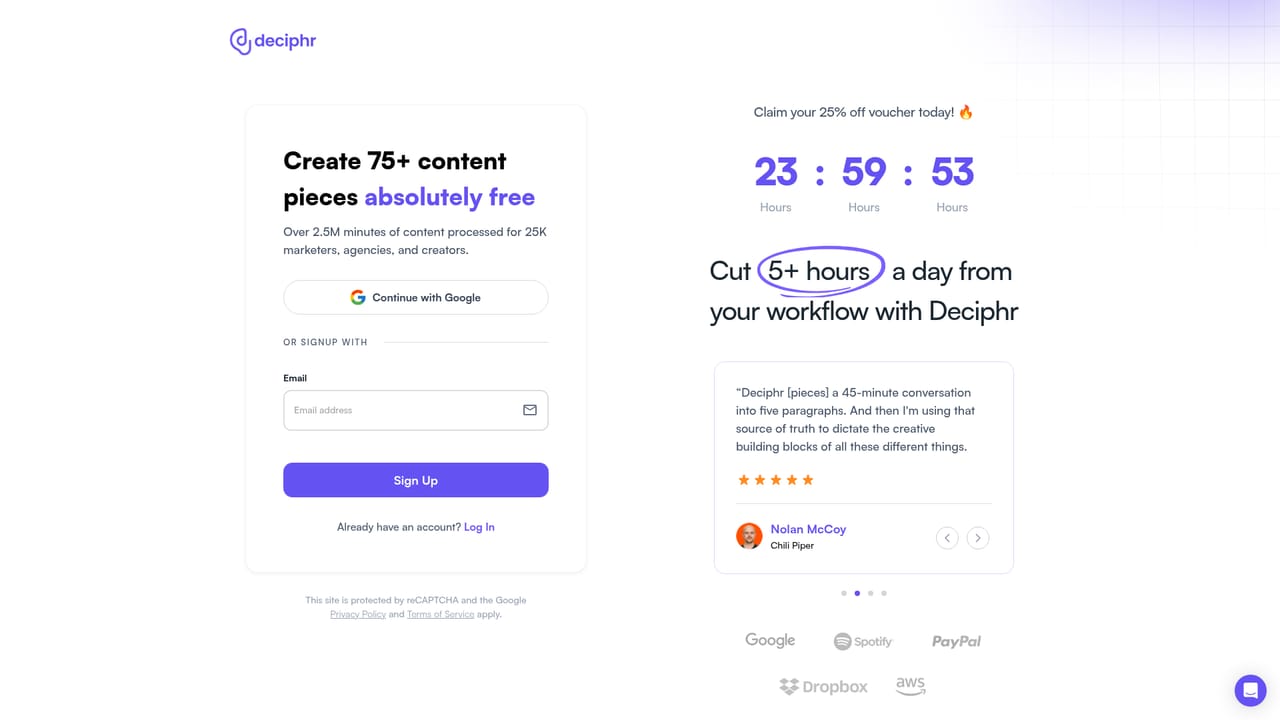
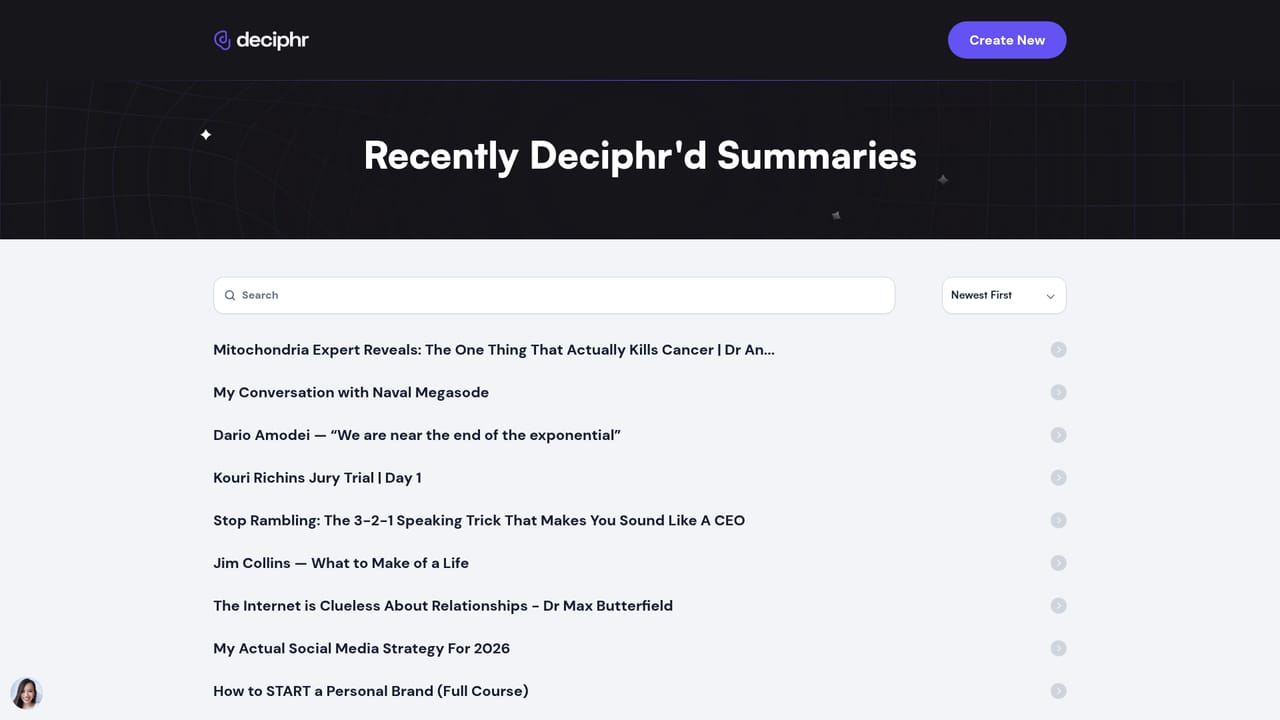
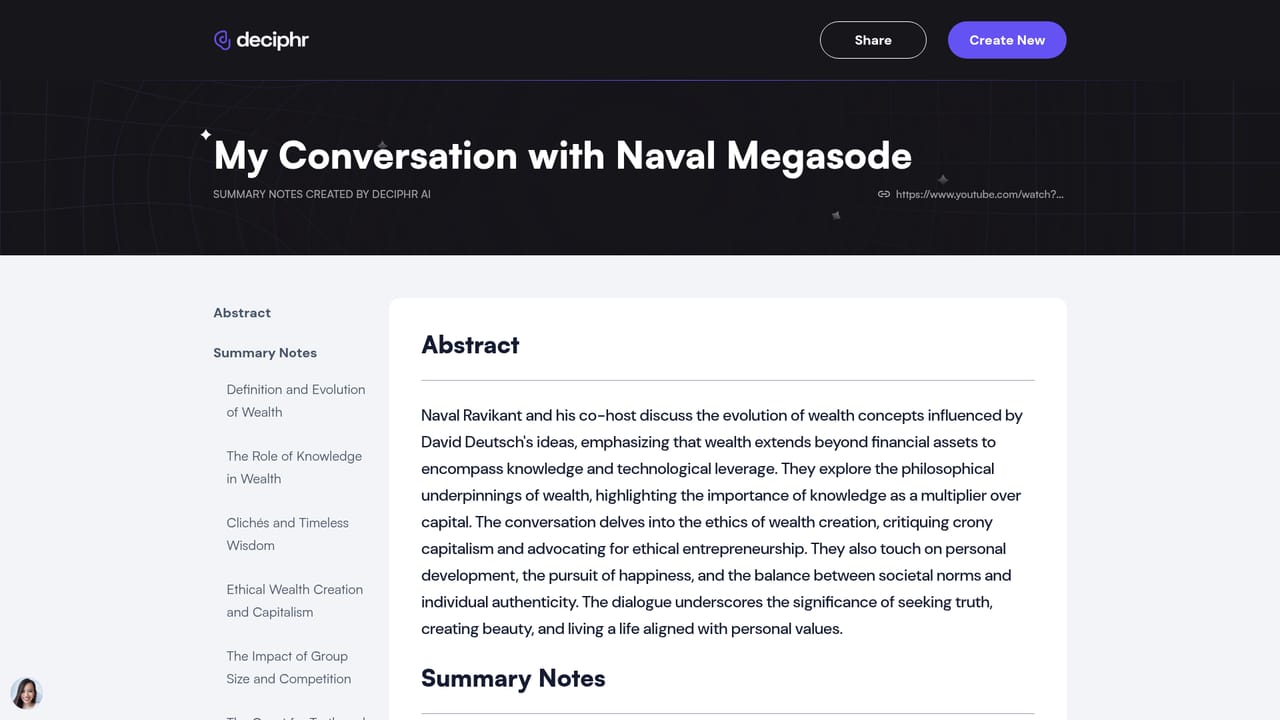
A free signup at the Deciphr app is offered as the entry path, described on the homepage as trying the product for free. No time limit or usage cap is stated.
Learn moreThe homepage promotes a free signup and describes creating content "all at no cost," but does not publish plan tiers, usage caps or paid rates. No pricing page is linked in the supplied content.
Learn moreThe homepage references YouTube channel, playlist and RSS feed links as batch upload inputs. No other native app integrations or an API are documented.
Transcription and summaries for podcasts, webinars and meetings. One source produces recaps, quotes, chapters, articles, white papers, FAQs, newsletters, landing pages and captions. Batch upload ingests a YouTube channel, playlist or RSS feed. An in-app AI editor customises articles, audiograms and video reels. A library chat answers questions across stored files and folders.
 AI Angels400+ customizable AI girlfriends for NSFW chat, voice calls, and roleplay
 Candy AIExperience the future of companionship with AI friends who chat, role-play, and connect with you on a human level.
 ourdream.aiA vast AI roleplay platform with millions of characters for chat, images, video and voiceAI Angels400+ customizable AI girlfriends for NSFW chat, voice calls, and roleplayCandy AIExperience the future of companionship with AI friends who chat, role-play, and connect with you on a human level.ourdream.aiA vast AI roleplay platform with millions of characters for chat, images, video and voice


