Support
A support request form is published on the site, alongside an FAQ page covering product and deployment questions and a contact form for commercial enquiries. The homepage does not describe response times or support tiers.
Learn moreMultilingual speech-to-text software and web service built for volume audio

Vocapia is an AI transcriber tool. Vocapia's VoxSigma suite converts broadcast, telephone, meeting and radio audio into annotated, searchable transcripts across 30 plus languages, available as on-premise software, a REST API or a GUI web service, with custom acoustic models for specialised domains.
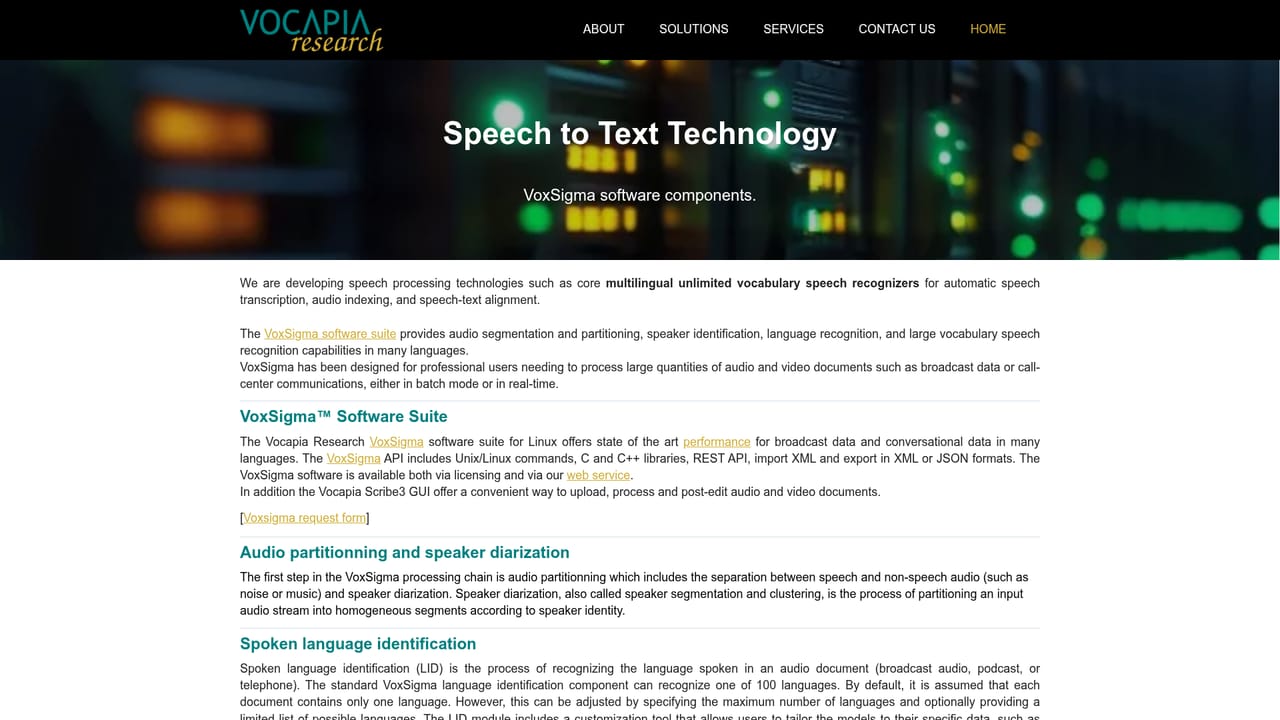
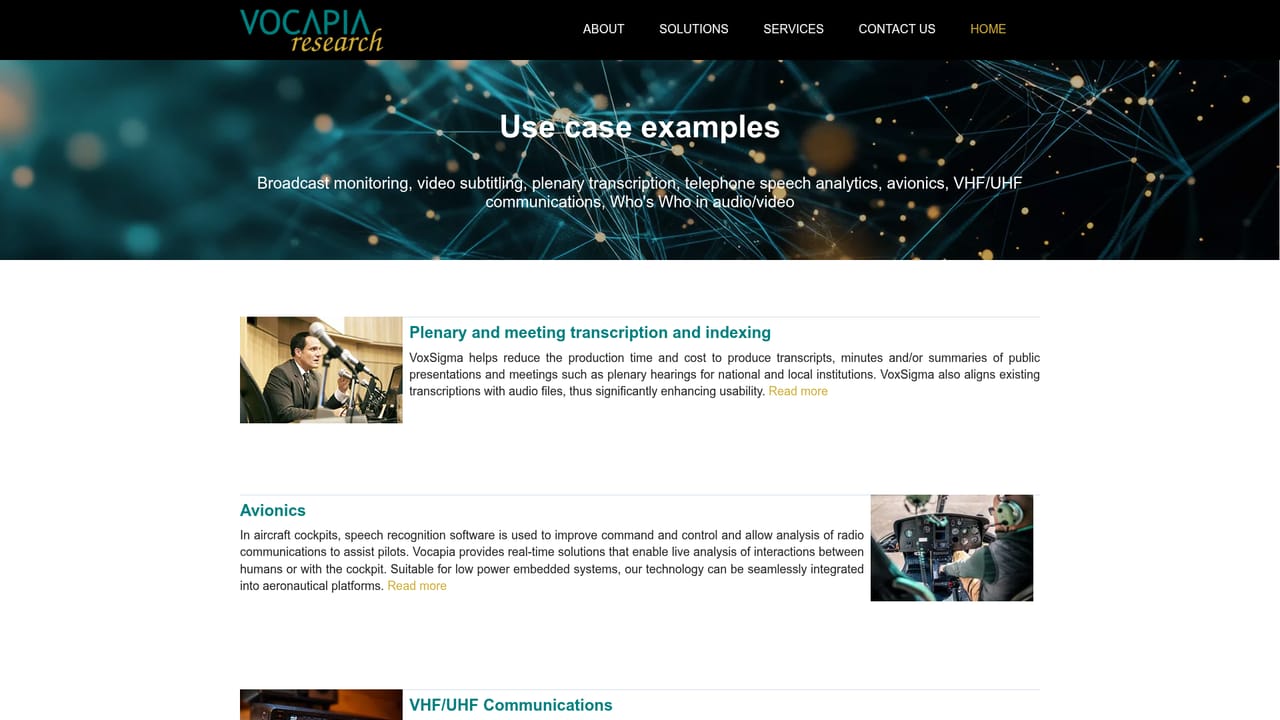
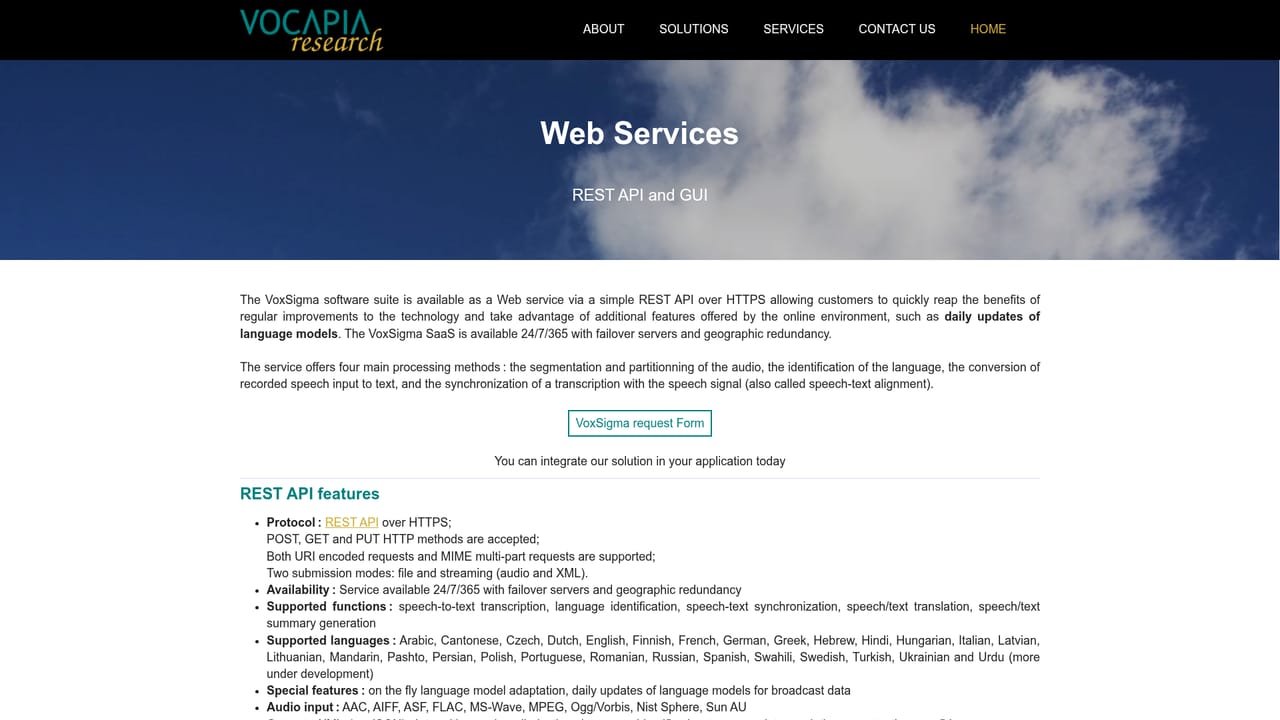
Vocapia Research builds VoxSigma, a speech processing suite aimed at organisations that need to turn large audio and video archives into structured, searchable text. The software combines audio segmentation, language identification, speaker diarization, transcription, keyword search and audio-text alignment in one pipeline. Coverage extends to more than 30 languages and dialects for transcription, including Arabic, Mandarin, Cantonese, Hindi, Swahili and most major European languages, while the language identification module recognises speech across a set of 100 languages and dialects. The delivery model separates Vocapia from consumer transcription apps. VoxSigma is licensed for on-site installation, so audio never leaves the customer's infrastructure, or reached through a REST API and a GUI service offered as a web service. That makes it a fit for broadcasters indexing audiovisual archives, public institutions producing transcripts and minutes of plenary hearings, call management firms running speech analytics over recorded telephone traffic, subtitling teams that need speaker labels and time codes before human editing, and avionics or defence programmes working with VHF/UHF radio in noisy conditions. Output is an annotated XML document rather than a plain text file. It carries speech and non speech segments, speaker labels, word level time codes, confidence scores and punctuation, which is what downstream systems need for filtering, search and media asset management. Multichannel and multilingual documents are supported, and batch processing services are available for very large archives. Among transcription tools, Vocapia sits firmly on the engineering side. Customisation is a core part of the offer: models can be adapted, tuned or built from scratch for a specific domain, microphone setup or language set. Buyers should expect a technical onboarding and a procurement conversation rather than a self-serve signup, and pricing is quoted per project. The trade-off is control and language breadth in exchange for convenience.
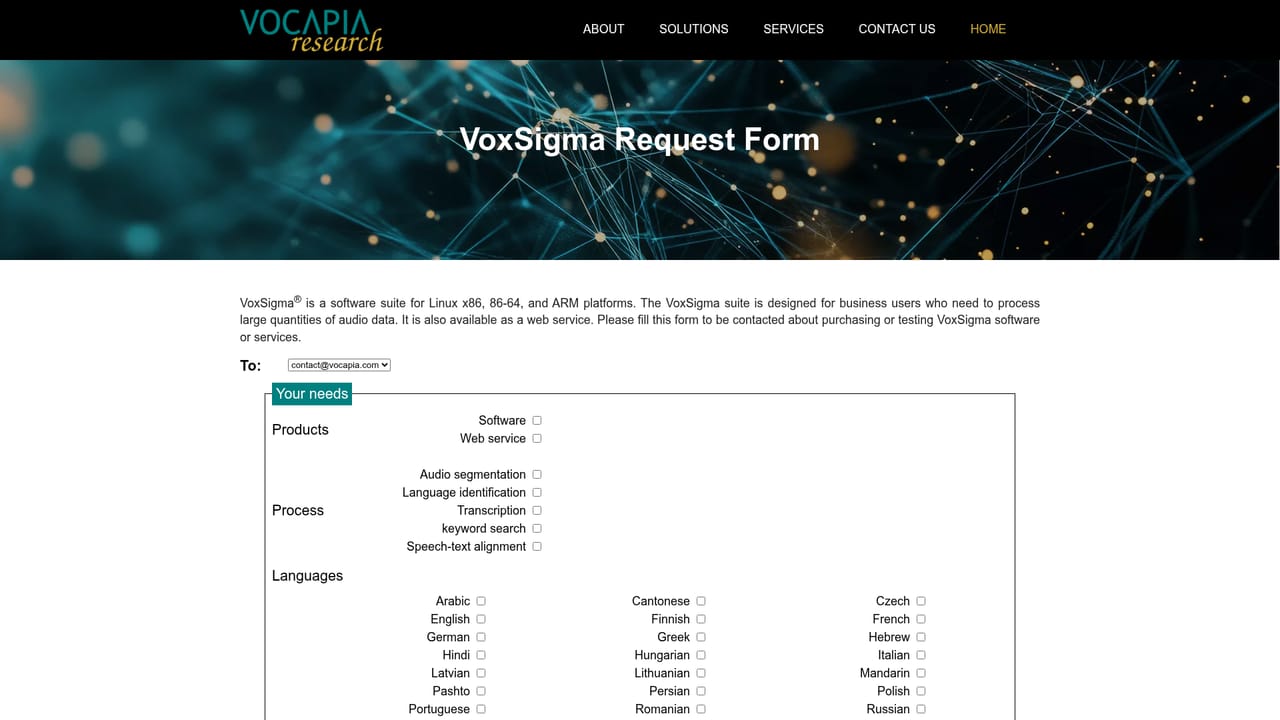
A support request form is published on the site, alongside an FAQ page covering product and deployment questions and a contact form for commercial enquiries. The homepage does not describe response times or support tiers.
Learn moreVoxSigma is offered through two integration routes: on-premise licensing for installation inside customer infrastructure, and a REST API plus a GUI web service for hosted processing. The site does not list third party connectors.
Learn moreVoxSigma bundles audio segmentation, language identification, speaker diarization, large vocabulary transcription, keyword search and speech-text alignment. Transcription covers 30 plus languages and dialects, language identification covers 100, and output is annotated XML with speaker labels, time codes, confidence scores and punctuation. Multichannel and multilingual documents are supported, alongside batch processing for large archives.
Learn more AI Angels400+ customizable AI girlfriends for NSFW chat, voice calls, and roleplay
 Candy AIExperience the future of companionship with AI friends who chat, role-play, and connect with you on a human level.
 ourdream.aiA vast AI roleplay platform with millions of characters for chat, images, video and voiceAI Angels400+ customizable AI girlfriends for NSFW chat, voice calls, and roleplayCandy AIExperience the future of companionship with AI friends who chat, role-play, and connect with you on a human level.ourdream.aiA vast AI roleplay platform with millions of characters for chat, images, video and voice


