Pricing
Plans start at $20 per company each month, with options for a bring-your-own-AI connection and a hosted agent. Current details are on the pricing page.
Learn moreHosted MCP server linking QuickBooks Online to Claude and ChatGPT

DeepLedger is a hosted MCP server that gives Claude, ChatGPT and other AI agents read and write access to QuickBooks Online, with duplicate checks, an audit worklog and a human approval portal for uncertain entries.
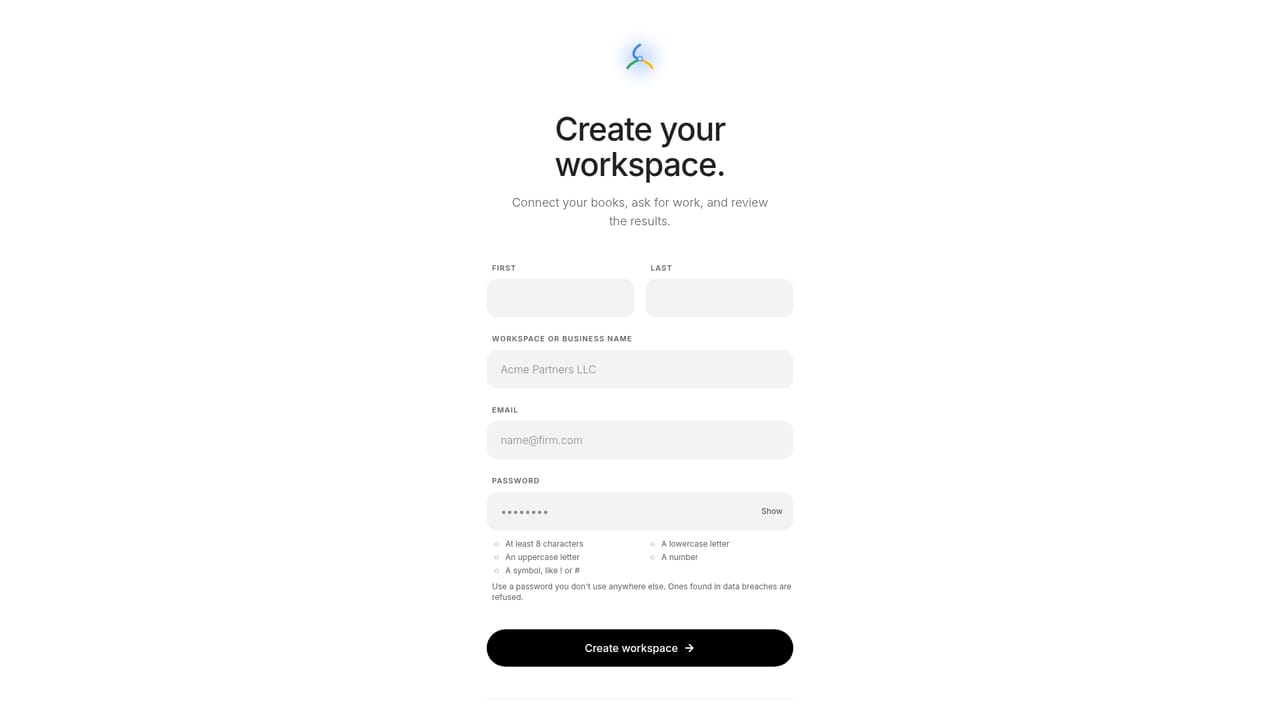
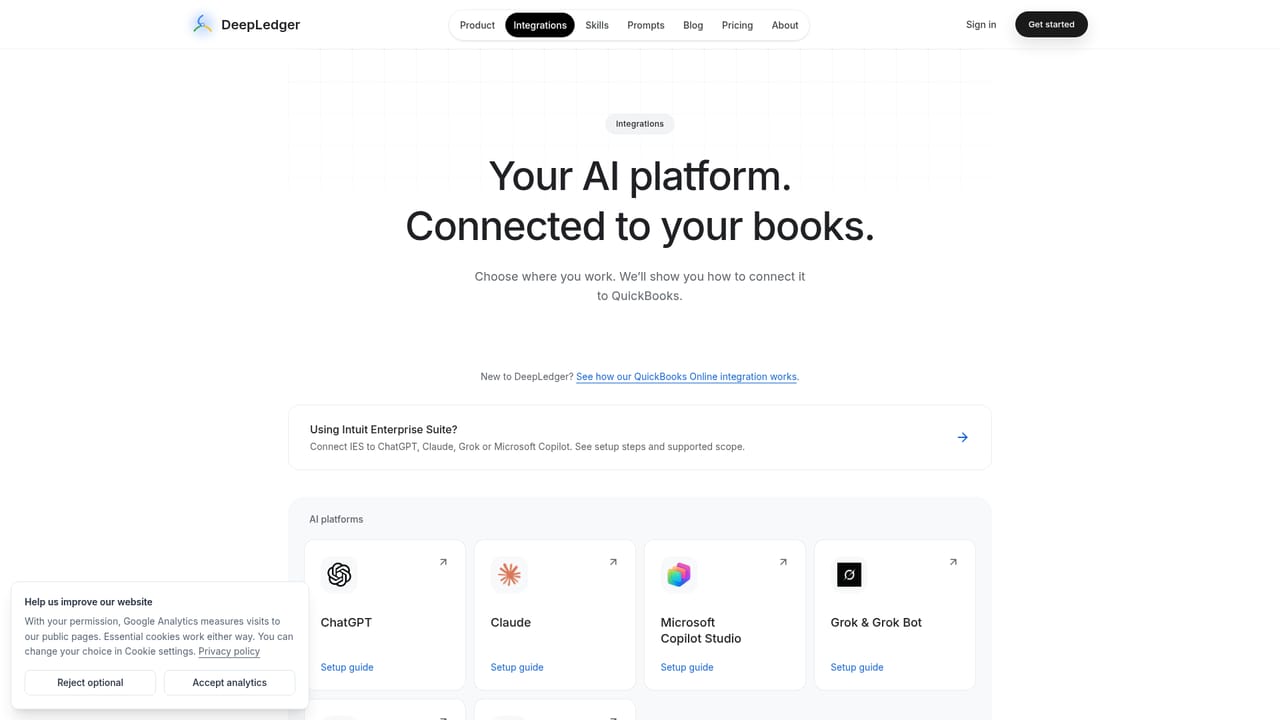
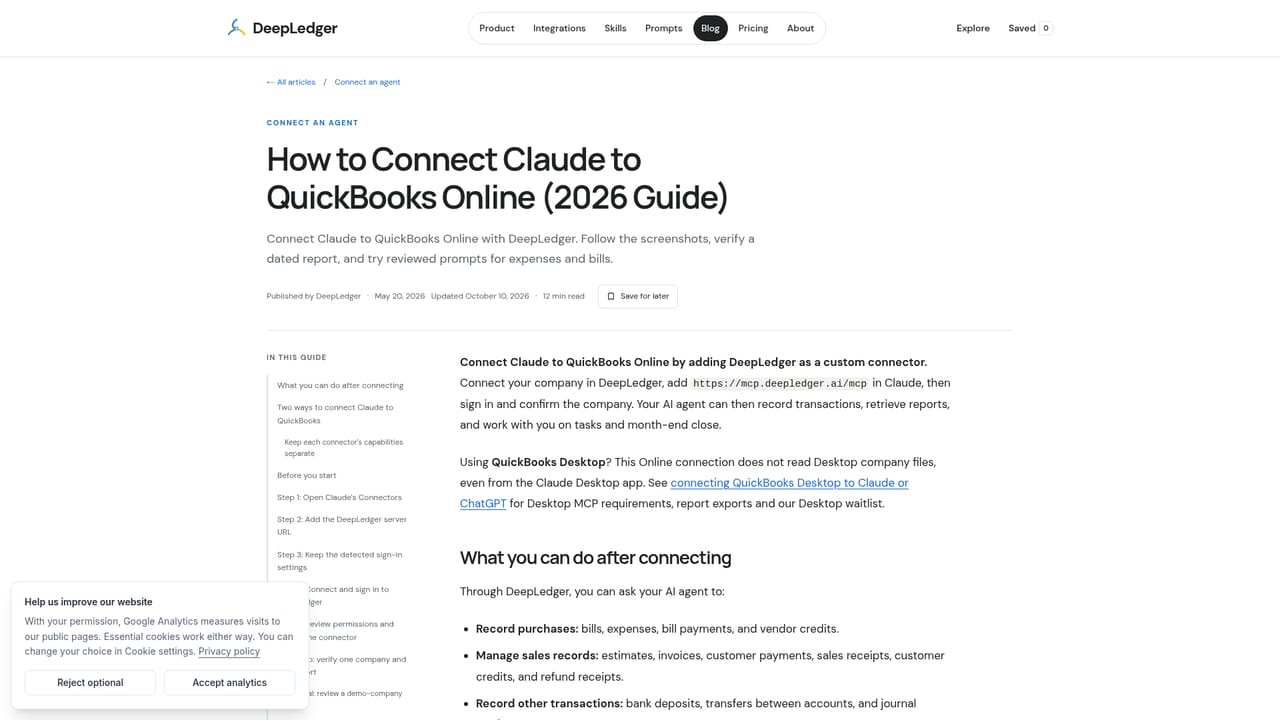
DeepLedger is a hosted MCP server that sits between QuickBooks Online and the AI assistants a finance team already uses. Instead of exporting spreadsheets or scraping screens, an agent such as Claude or ChatGPT gets a permissioned connection to the live books and can both read and write. The product exposes 20 QuickBooks tools covering bills, invoices, payments, expenses, deposits, journal entries, transfers, reports and attachments. Setup is built around a single public URL. A user connects their QuickBooks company inside DeepLedger through Intuit OAuth, then adds the MCP address as a custom connector or app in the AI platform and signs in. No Intuit developer app is required, and no QuickBooks password is shared. From there, requests are made in plain English, such as recording a vendor bill with a given due date, finding a transaction or running a report. Server-side checks look for duplicates and open documents before supported writes are recorded. The distinguishing idea is exception-based review. When the agent is unsure how to treat an entry, it does not guess. It opens a task containing its reasoning and proposed treatment, and a human approves, corrects or hands it back in a sign-off portal. Approved work is posted to QuickBooks and the task closes with the resulting transaction reference. A DeepLedger worklog runs alongside QuickBooks Online's own audit history, and connections can be revoked. The audience is accounting firms handling several QuickBooks companies, bookkeepers who prefer reviewing exceptions to keying entries, small-business owners supervising their own books, and developers who need a hosted accounting tool layer for an AI workflow. Compatibility extends past chat assistants to Copilot Studio, Grok, Gemini, Perplexity, Cursor, Claude Code, LangChain, CrewAI and Ollama, each with its own setup guide. Among alternatives, it competes less with traditional bookkeeping automation suites and more with self-built QuickBooks MCP servers, offering a managed option with guardrails already in place. It is tied to QuickBooks Online, so teams on other ledgers will not find coverage here.
Plans start at $20 per company each month, with options for a bring-your-own-AI connection and a hosted agent. Current details are on the pricing page.
Learn moreThe site offers step-by-step setup guides for each platform and a complete QuickBooks MCP server guide. No support channels are listed on the homepage.
Learn moreConnects QuickBooks Online to ChatGPT, Claude, Microsoft Copilot Studio, Grok, Gemini, Perplexity, Codex, Cursor, Hermes Agent, Claude Code, GitHub Copilot, LangChain, LangGraph, CrewAI and Ollama.
Learn more20 QuickBooks tools for bills, invoices, payments, expenses, deposits, journal entries, transfers, reports and attachments. Includes duplicate and open-document checks, review tasks for uncertain entries, an approval portal and a worklog.
Learn more


