DiagramGPT by Eraser

Turn a text prompt into a polished technical diagram in seconds

Intermediate API
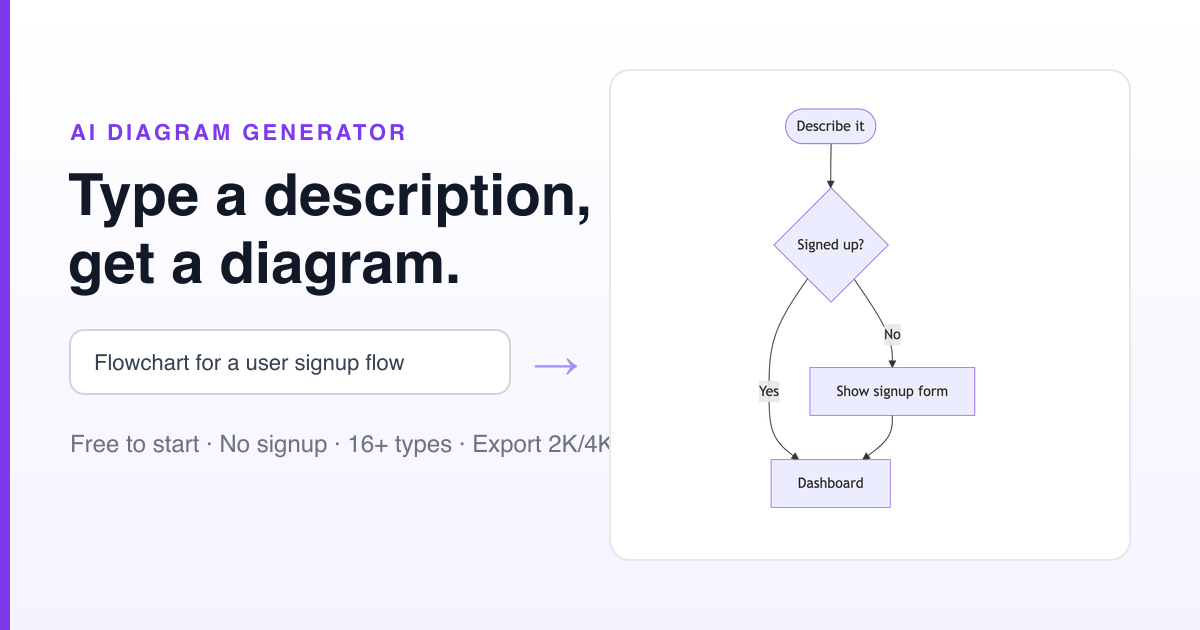
Screenshot of DiagramGPT by Eraser, Turn a text prompt into a polished technical diagram in seconds

What is DiagramGPT by Eraser?

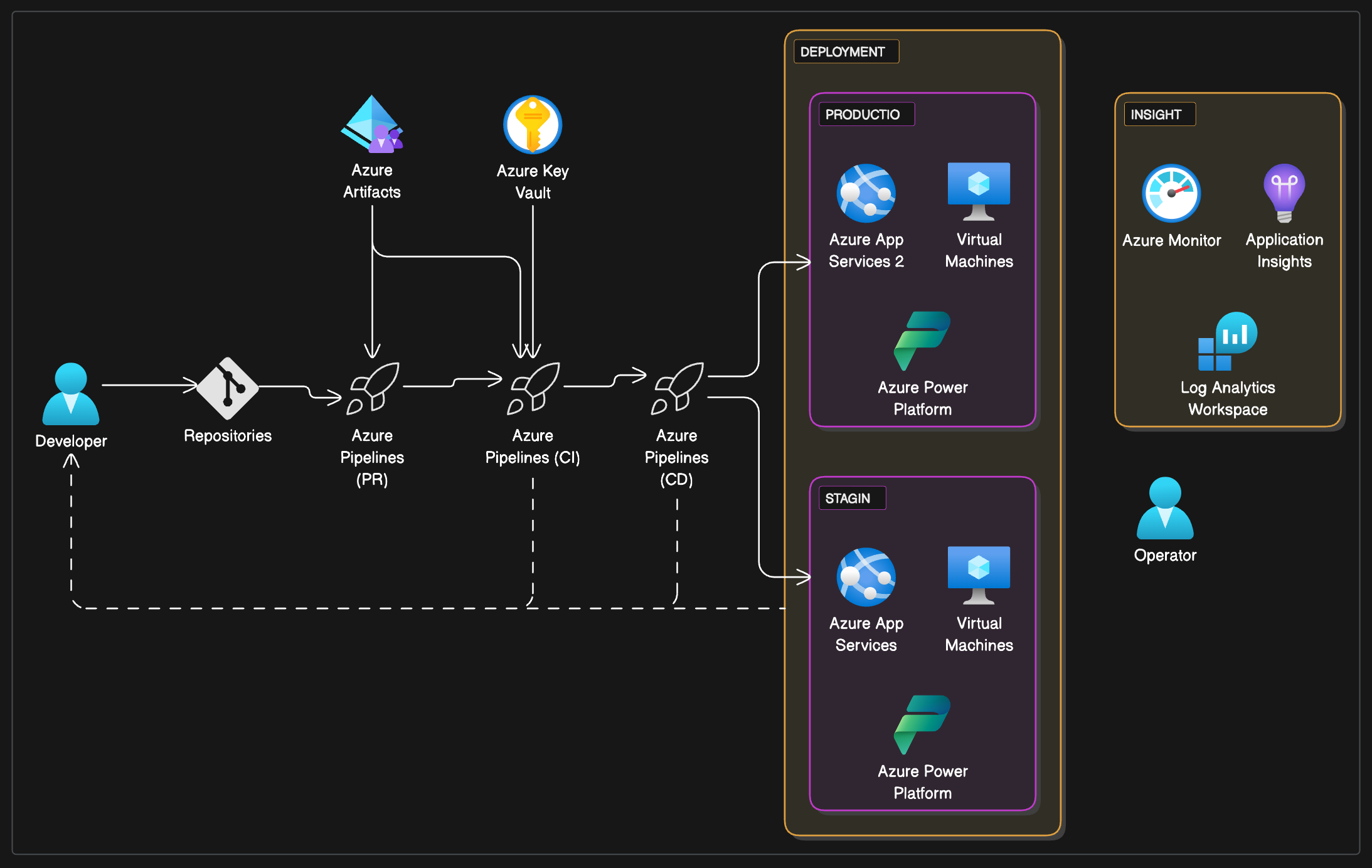
DiagramGPT by Eraser is an architecture diagram tool that turns a text prompt into a polished technical diagram in seconds. DiagramGPT by Eraser converts a written prompt into flowcharts, entity relationship diagrams, cloud architecture diagrams, sequence diagrams and BPMN charts, then lets you save the result into Eraser and refine it with diagram-as-code editing.

DiagramGPT is a text to diagram generator built by Eraser, a documentation and diagramming tool aimed at engineering teams. A plain language prompt describing a system, a process or a database produces a finished diagram, and the tool presents it together with the underlying diagram-as-code syntax so the result can be checked rather than taken on faith. Eraser states that the generator runs on OpenAI models. Five diagram types are supported: flowcharts, entity relationship diagrams, cloud architecture diagrams, sequence diagrams and BPMN diagrams. Eraser also publishes a much longer list of specialised generators that cover the same ground in more depth, including AWS, Azure, GCP, Kubernetes and Terraform architecture, C4 and context diagrams, UML and class diagrams, org charts, swimlanes, user journeys, threat models and network topologies. The product suits software engineers, architects, security reviewers and technical writers who need a diagram to explain a decision but do not want to spend an afternoon dragging boxes. The homepage invites users to add context before generating. Files such as images, draw.io and Visio exports and PDFs can be attached, and the tool can read from GitHub or GitLab repositories or connect to cloud platforms, CMDBs and enterprise architecture tools including AWS, Azure, GCP and ServiceNow. These deeper inputs require a free sign up. A generated diagram can be saved and opened in Eraser for further editing, where changes are made through the diagram-as-code syntax rather than purely by hand. Against general purpose image generators that produce decorative output, DiagramGPT is deliberately narrow: it targets notation-heavy technical drawings where boxes, arrows and labels need to mean something. Eraser also offers an API for paid plan tiers and an MCP server, so coding agents in Claude, Cursor, VS Code or ChatGPT can create, search, read, update and export diagrams directly.

How do you use DiagramGPT by Eraser?

  1. 1Open DiagramGPT and look at the sample outputs
    The generator page loads with a prompt field and a set of example requests such as a retry with backoff sequence diagram, a flowchart in Python code or a startup org chart. Running the samples shows how much detail a prompt needs to produce a usable result.
  2. 2Write your prompt and pick the diagram type
    Describe the system or process in plain language and choose the matching format: flowchart, entity relationship diagram, cloud architecture diagram, sequence diagram or BPMN. Iterate on the wording if the layout or labels come back wrong.
  3. 3Add files, repositories or connected systems as context
    For a diagram grounded in real systems, attach images, draw.io or Visio files or PDFs, connect a GitHub or GitLab repository, or link cloud platforms, CMDBs and enterprise architecture tools. This step requires a free account.
  4. 4Choose Save and Edit Diagram
    Saving sends the generated diagram into Eraser, where the layout and content can be adjusted using the diagram-as-code syntax. Review the notation before sharing it with a wider team.
  5. 5Generate a diagram from an agent through the MCP server
    Teams that want diagrams created inside Claude, Cursor, VS Code or ChatGPT can connect the Eraser MCP server and let the agent create, search, read, update or export diagrams, within the AI credit limits of the plan.

Pros and cons

Pros

  • Acceptance is broad on the input side: prompts, uploaded files, draw.io and Visio exports, PDFs, Git repositories and cloud or CMDB connections can all feed the generator.AI
  • Diagrams land as editable diagram-as-code rather than a flat image, so the structure stays reviewable and versionable in Eraser.AI
  • The generator covers both business process notation (BPMN, swimlanes, process maps) and technical notation (ERD, sequence, C4, cloud architecture).AI
  • An MCP server lets coding agents in Claude, Cursor, VS Code or ChatGPT create, read, update and export diagrams, which fits automated documentation workflows.AI
  • Two diagrams can be generated before any account is created, so the output quality can be judged quickly.AI

Cons

  • Only five diagram types are listed in the generator's FAQ, so anyone needing other notation has to look for a specialised Eraser generator instead.AI
  • Deeper context options such as file attachments, Git and cloud connections require signing up, which blurs the line between the free trial and the actual product.AI
  • The stated free allowance of two diagrams is very small for evaluating consistency across several prompts or diagram types.AI
  • API access is restricted to Starter, Business and Enterprise plans, so automation is not available on lower tiers.AI
  • Refining a saved diagram means learning Eraser's diagram-as-code syntax, which is a steeper path than direct manipulation for occasional users.AI

How much does DiagramGPT by Eraser cost?

Free trial

Two diagrams can be generated without signing in. Using file attachments, Git repositories, cloud platforms, CMDBs and enterprise architecture tools as context requires a free sign up. The homepage states no time limit for the trial.

Learn more

Support

The homepage provides an FAQ covering editing, diagram types, origins of the tool, API access and the MCP server. Teams with a specific diagramming workflow to automate can schedule a demo through Eraser's enterprise contact route.

Integrations

File attachments including images, draw.io, Visio and PDFs; GitHub and GitLab repositories; cloud platforms, CMDBs and enterprise architecture tools including AWS, Azure, GCP and ServiceNow. An MCP server connects Claude, Cursor, VS Code and ChatGPT, and an API is available on paid tiers.

Features

Prompt to diagram generation across five core types (flowchart, ERD, cloud architecture, sequence, BPMN), with a long catalogue of specialised generators for AWS, Azure, GCP, Oracle Cloud, VMware, Cisco, Kubernetes, Terraform, C4, UML, class, deployment, CI/CD, threat model, org chart and user journey diagrams. Generated output opens in Eraser for diagram-as-code editing. Optional context from uploads, Git repositories and connected enterprise systems.

Learn more

Frequently asked questions about DiagramGPT by Eraser

  • Does DiagramGPT by Eraser offer a free trial?
    Two diagrams can be generated without signing in. Using file attachments, Git repositories, cloud platforms, CMDBs and enterprise architecture tools as context requires a free sign up. The homepage states no time limit for the trial.
  • Does DiagramGPT by Eraser have an API?
    Yes, DiagramGPT by Eraser offers an API.
  • How do you use DiagramGPT by Eraser?
    The walkthrough on this page covers 5 steps: 1. Open DiagramGPT and look at the sample outputs 2. Write your prompt and pick the diagram type 3. Add files, repositories or connected systems as context 4. Choose Save and Edit Diagram 5. Generate a diagram from an agent through the MCP server.
  • What platforms does DiagramGPT by Eraser support?
    DiagramGPT by Eraser is available on Web App.
  • What does DiagramGPT by Eraser integrate with?
    File attachments including images, draw.io, Visio and PDFs; GitHub and GitLab repositories; cloud platforms, CMDBs and enterprise architecture tools including AWS, Azure, GCP and ServiceNow. An MCP server connects Claude, Cursor, VS Code and ChatGPT, and an API is available on paid tiers.
  • What are the limitations of DiagramGPT by Eraser?
    Only five diagram types are listed in the generator's FAQ, so anyone needing other notation has to look for a specialised Eraser generator instead. Deeper context options such as file attachments, Git and cloud connections require signing up, which blurs the line between the free trial and the actual product. The stated free allowance of two diagrams is very small for evaluating consistency across several prompts or diagram types.

Status

StatusActive
Views0
Outbound clicks0
Added10/21/2026

Platforms

Web App

Pricing

FreeFreemiumSubscription