Free trial
No credit card is required to start: 5 free credits are included, and the free Developer tier stays available with watermark and 2K limits.
Learn moreType a description, get a professional diagram in seconds
Own DG Diagram-Generator? Verify ownership to get a dofollow link
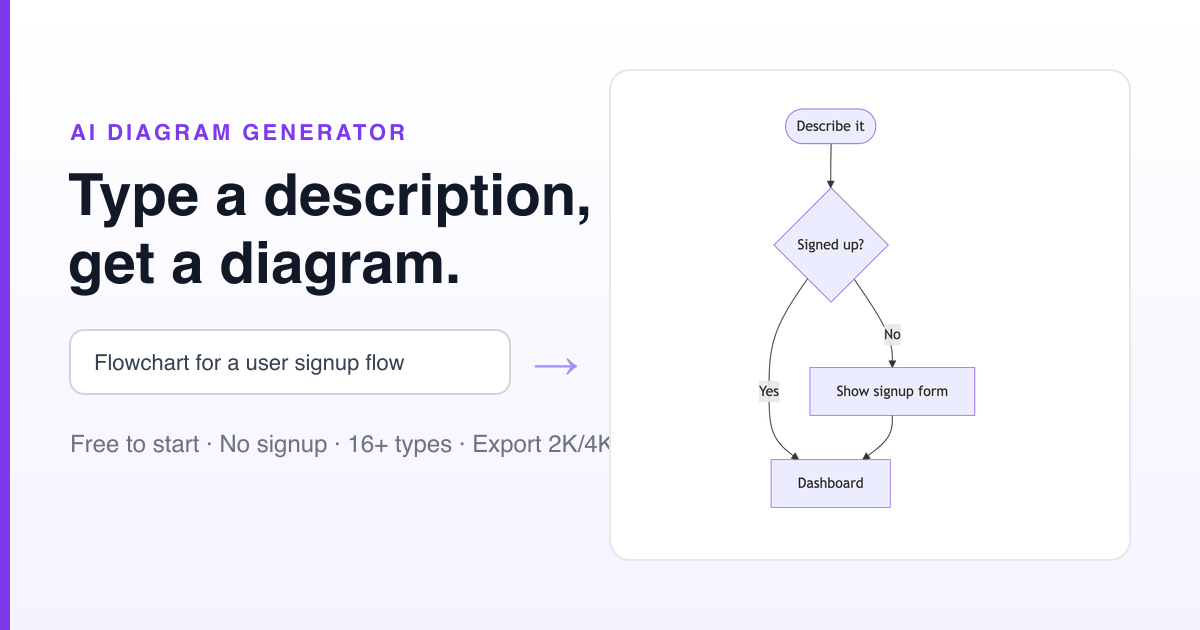
DG Diagram-Generator is an architecture diagram tool. A chat driven diagram tool that researches a topic and renders flowcharts, UML, mind maps, Sankey and other visuals, with editable Mermaid output or a high resolution image and a choice of eleven visual styles.
DG Diagram-Generator is a browser based tool that turns a written prompt into a finished visual. The workflow is conversational: you describe the system, process or topic you want to show, and an agent researches the subject, plans the layout and renders the result. The company advertises sixteen or more diagram types in one editor, covering flowcharts, sequence, class, state, Gantt, timeline, mind map, network, ER, UML, Venn, Sankey, AWS architecture, Lewis structures, org charts, quadrant and funnel charts. Output comes in two forms. Logic Mode produces editable Mermaid code suited to documentation and version control, while Pro Mode renders a high resolution image for slides, reports and presentations. In practice the tool is aimed at people who need to communicate structure rather than draw it by hand. Engineers can paste a spec or PRD and get an architecture sketch; analysts can ask for a market map or a supply chain flow; teachers and students can build mind maps and timelines without touching a canvas. Refinement happens in the same chat: instructions such as recolouring a node, inserting an extra step or re-rendering at a larger size are handled as follow up messages, and the agent can switch between Mermaid and rendered image mid-conversation. Two details separate it from drag and drop diagram editors. First, Pro Mode can pull live web data, so a request about a current supply chain or cloud outage returns a diagram built from fetched sources rather than generic shapes. Second, a style picker applies one of eleven visual treatments (Modern Tech, Editorial, Blueprint, Hand-drawn, 3D Isometric, Cyberpunk, Academic and others) while keeping the underlying logic intact. Every diagram can be exported as Mermaid, Markdown, SVG, PNG or PDF. The product is in public beta and runs on a credit model, with a few free credits to start and paid tiers that raise resolution and remove watermarks. It suits teams that already live in chat and documents; anyone who needs precise pixel level control of a canvas will still prefer a classical diagramming suite.
No credit card is required to start: 5 free credits are included, and the free Developer tier stays available with watermark and 2K limits.
Learn moreDeveloper is free with 5 one-time Pro credits, Logic Mode, all diagram types, 2K maximum resolution and a watermark on Pro Mode. Starter costs $9 per month for 100 Pro credits, no watermark, a commercial licence and a private gallery. Professional costs $35 per month for 400 credits and 4K generation. Yearly billing saves 17 percent.
Learn moreSixteen or more diagram types in one editor, including flowchart, sequence, class, state, Gantt, timeline, mind map, network, ER, UML, Venn, Sankey, AWS, Lewis, org chart, quadrant and funnel. Logic Mode outputs editable Mermaid; Pro Mode renders images up to 4K. Eleven visual styles, search grounded research and chat based refinement round out the set.
 AI Angels400+ customizable AI girlfriends for NSFW chat, voice calls, and roleplay
 Candy AIExperience the future of companionship with AI friends who chat, role-play, and connect with you on a human level.
 ourdream.aiA vast AI roleplay platform with millions of characters for chat, images, video and voiceAI Angels400+ customizable AI girlfriends for NSFW chat, voice calls, and roleplayCandy AIExperience the future of companionship with AI friends who chat, role-play, and connect with you on a human level.ourdream.aiA vast AI roleplay platform with millions of characters for chat, images, video and voice