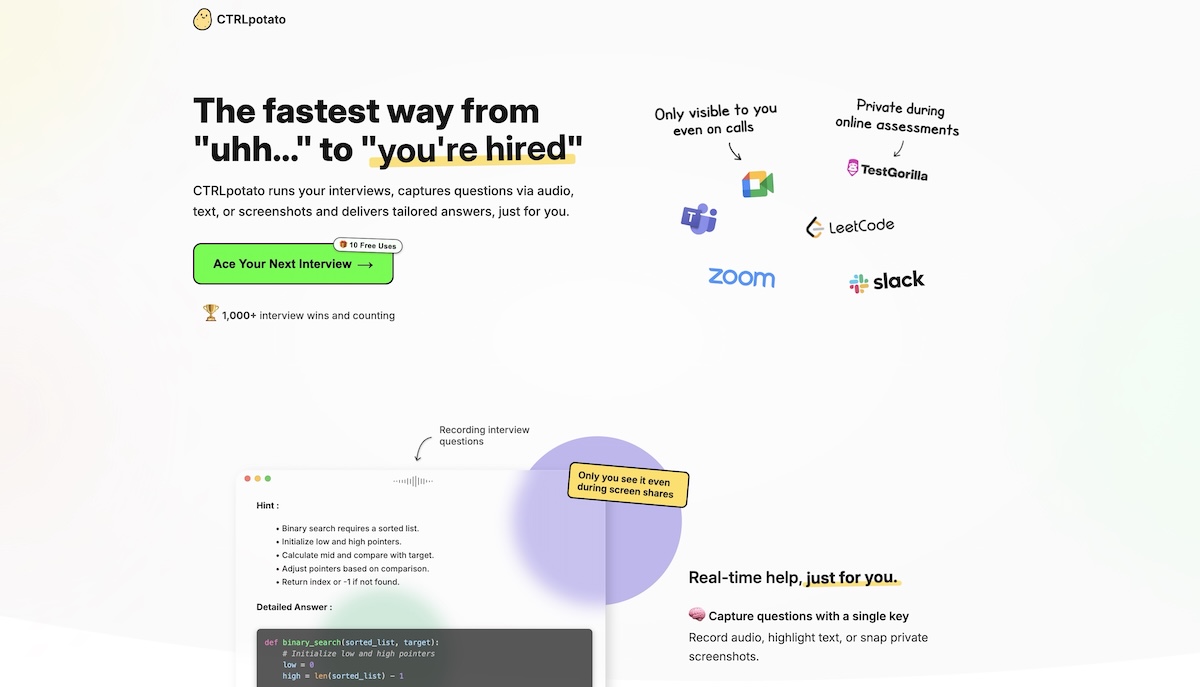
Free trial
The Free plan costs $0, needs no credit card and covers the full flow, with 15 minutes of live transcription and parts of responses blurred.
Learn moreHidden Mac coding assistant you operate from your phone
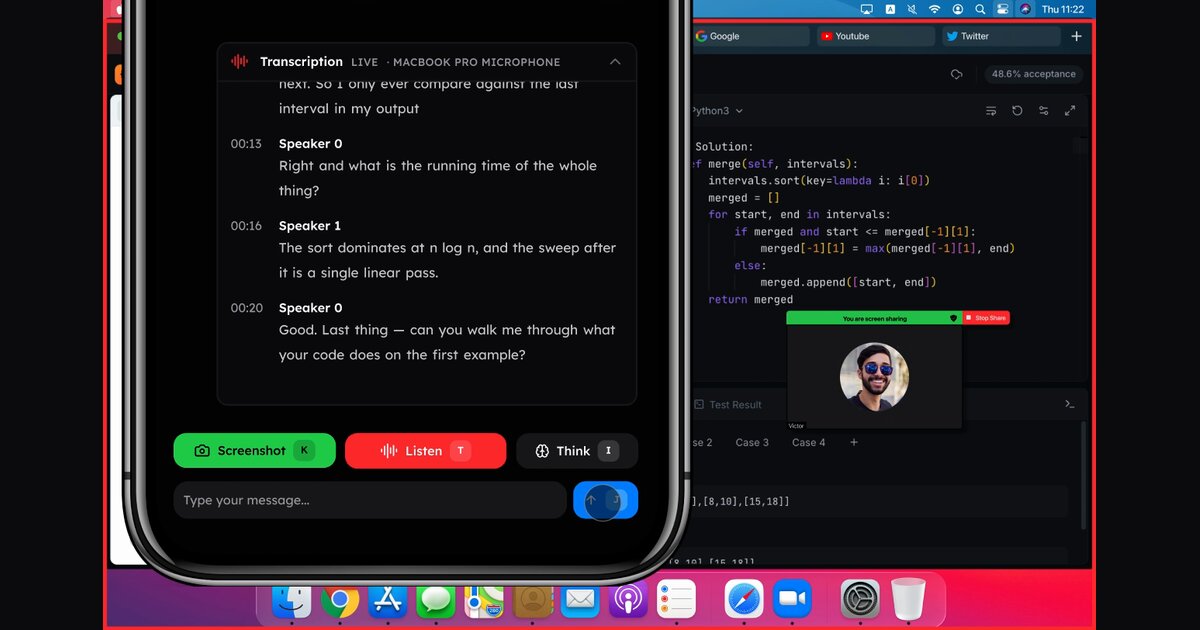
LeetPilot is a hidden macOS coding assistant controlled from a phone or second device. It captures screen and call audio remotely, runs code in a sandbox, and returns answers and diagrams in a browser. Free tier and a $49 per month Pro plan.
LeetPilot is an AI coding assistant built around one design choice: nothing about it appears on the computer being used. A small desktop app is installed once, hidden, and from then on it runs with no window, no dock icon and no tray entry. Instead of keyboard shortcuts or an overlay, the user signs in to leetpilot.com on a phone, tablet or second laptop and triggers every action from there. The vendor says it has 1,728 students and engineers as users. In practice the flow has three parts. A tap on the second device makes the computer capture its own screen, and several shots can be stacked for a question that does not fit on one screen. A listening mode transcribes both sides of a call live, so follow-up questions have context. The answers then appear in the browser on the helper device. Because LeetPilot reads whatever is on screen, it works with web pages, shared code editors or plain text files rather than integrating with specific sites. Several helper devices can stay in sync at once. Answers for coding questions are checked in an inbuilt code runner before they are shown. The runner covers Python, Java, C, C++, C#, Go, Rust, Kotlin, Swift, Scala, Dart, Ruby, JavaScript, TypeScript and SQL, and the demo on the homepage shows it catching a bug and rerunning a fix. System design, object-oriented design and schema questions come with a diagram. Behavioural and general questions are also supported, and transcription covers major languages including English, Chinese, Japanese, Korean, French, German, Spanish and Portuguese. The product targets students and engineers preparing for or sitting technical interviews and timed assessments. Its main point of difference from other assistants is the concealment model: it rejects global shortcuts and overlay windows entirely. That same feature is the biggest consideration for buyers, since employers and assessment platforms commonly prohibit outside assistance, so use may violate the rules of the session. Compared with visible copilots and general chat tools, LeetPilot trades convenience for a remote, two device workflow, and the homepage lists a free tier and a single paid Pro plan.
The Free plan costs $0, needs no credit card and covers the full flow, with 15 minutes of live transcription and parts of responses blurred.
Learn moreFree plan at $0 with an end to end trial, 15 minutes of live transcription, full quality screenshots and partly blurred responses. Pro is $49 per month with unlimited answers, multiple helper devices and all languages. Pro is paid once per period with no automatic charge when the plan ends.
Learn morePro includes support within 24 hours. The homepage lists no other support channels.
No integrations are listed. It reads whatever is on screen, so it works with any website, shared editor or text file without plugging into specific tools.
Hidden desktop app with no window, dock icon or tray, remote screenshot and audio capture from a phone, live two sided transcription, an inbuilt code runner for 15 languages, diagrams for design questions, and multiple synced helper devices.
 AI Angels400+ customizable AI girlfriends for NSFW chat, voice calls, and roleplay
 Candy AIExperience the future of companionship with AI friends who chat, role-play, and connect with you on a human level.
 ourdream.aiA vast AI roleplay platform with millions of characters for chat, images, video and voiceAI Angels400+ customizable AI girlfriends for NSFW chat, voice calls, and roleplayCandy AIExperience the future of companionship with AI friends who chat, role-play, and connect with you on a human level.ourdream.aiA vast AI roleplay platform with millions of characters for chat, images, video and voice