Pricing
The homepage does not list prices. It states that Divi AI is included with Divi Pro and links to a pricing section plus annual and standard checkout pages, so current plan costs have to be confirmed there.
Learn moreAI website builder for Divi that designs, writes and illustrates pages

Divi AI is a copywriting tool. Divi AI embeds generative design, copywriting, image and code tools inside the Divi visual builder for WordPress. It can build full sites from a prompt through Quick Sites, keep output on brand with saved AI styles, and edit generated pages like any other Divi layout.
Divi AI is an AI layer built directly into Elegant Themes' Divi website builder for WordPress. Rather than sitting in a separate chat window, it lives inside Divi's visual builder, so the same assistant that drafts your copy can also place it in a section, pick the typography, and drop in a matching hero image. The pitch is a single tool covering four jobs that normally need four people: layout design, copywriting, image generation and custom code. The headline feature is generation at site scale. Divi Quick Sites takes a description of the business, decides which pages a site of that type needs, and builds the whole thing with consistent global styles and dynamic templates. Smaller jobs are handled the same way: you can ask for one page, one section, or a single module, and the output arrives fully editable in the visual builder. Divi AI also stores custom AI styles built from your brand colors and fonts, so later generations stay on brand instead of drifting. A newer AI Agent accepts plain-language requests across the site, including creating and publishing pages, managing menus, Theme Builder templates and Theme Options without visiting wp-admin. Text and image tools sit alongside the layout engine. The writing side composes titles, paragraphs and longer posts, rewrites or restyles existing copy, and can propose its own prompts when you are out of ideas. On the image side it generates pictures from text, uses reference images to carry a composition or style onto new subject matter, changes styles with presets, edits selected regions, and extends images beyond their frame. Because generation is context aware (site name, description, current page content), output tends to fit the page it lands on. The code assistant is fine-tuned on the Divi module codebase, which gives it an edge over general models for custom CSS and module customization. This is a tool for people already committed to Divi or willing to be. Designers and agencies get speed on layout and asset production; small business owners get a credible site without hiring a team. Anyone outside the WordPress and Divi ecosystem will find nothing here for them.
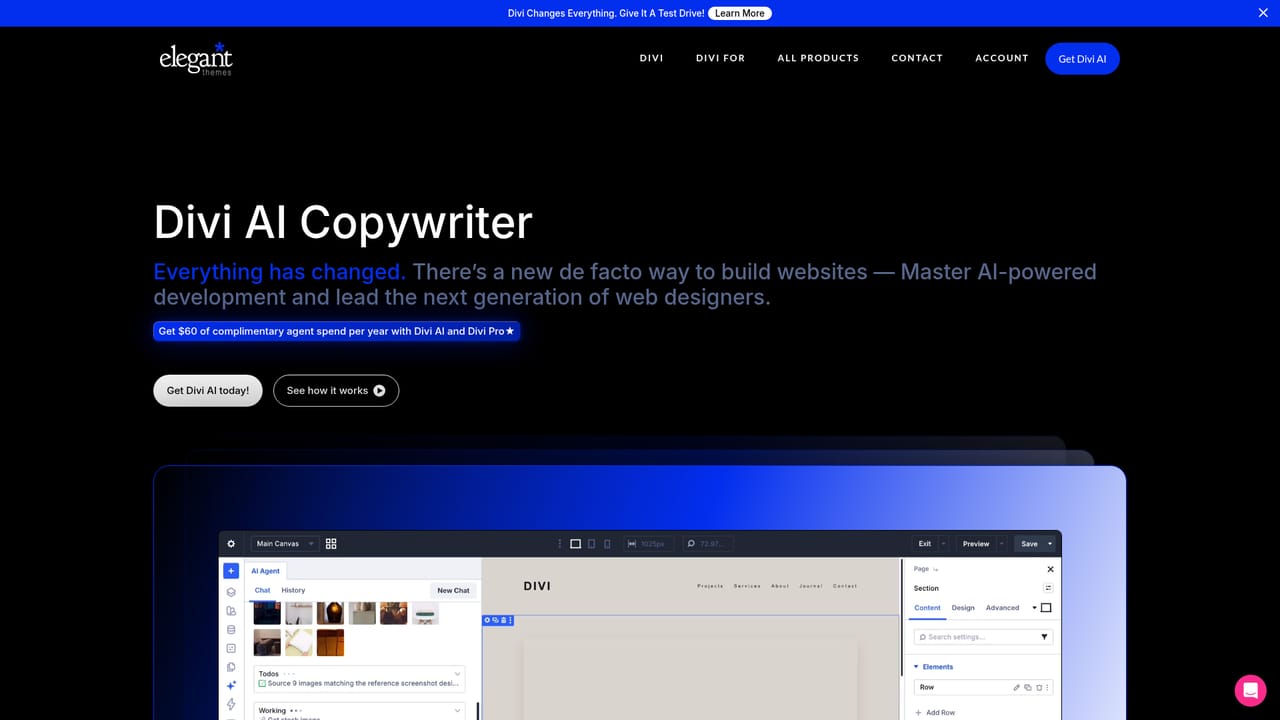
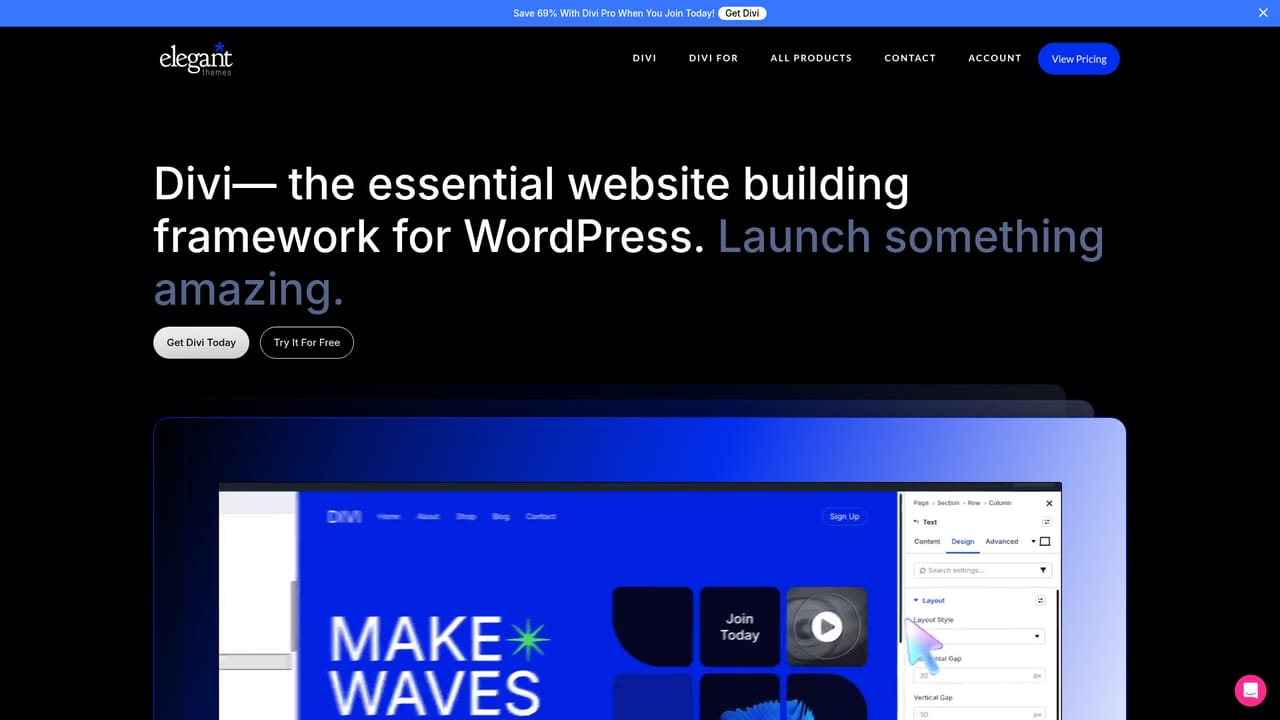
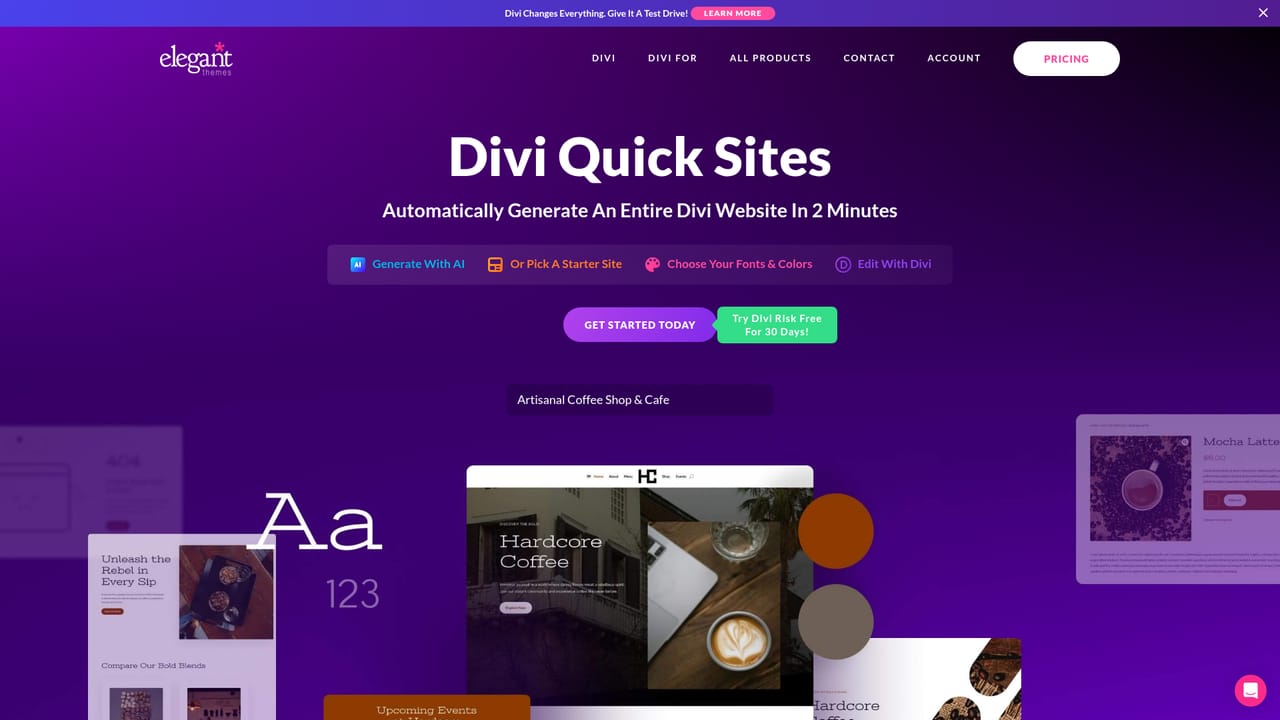
The homepage does not list prices. It states that Divi AI is included with Divi Pro and links to a pricing section plus annual and standard checkout pages, so current plan costs have to be confirmed there.
Learn moreThe AI Agent answers Divi questions inside the builder using Divi documentation and internal knowledge. Elegant Themes also runs a help centre, a support page and a status page for account and technical issues.
Learn moreDivi AI is built into the Divi theme and visual builder for WordPress rather than offered as a standalone app, and it draws on site name, description and page context.
Covers full site and page generation through Divi Quick Sites, single section and module generation, saved brand styles, AI copywriting and rewriting with advanced prompt options, text to image plus reference-based and inpainting edits, outpainting, a code assistant tuned on the Divi module codebase, and an AI Agent that works across pages, menus, templates and Theme Options.
Learn more AI Angels400+ customizable AI girlfriends for NSFW chat, voice calls, and roleplay
 Candy AIExperience the future of companionship with AI friends who chat, role-play, and connect with you on a human level.
 ourdream.aiA vast AI roleplay platform with millions of characters for chat, images, video and voiceAI Angels400+ customizable AI girlfriends for NSFW chat, voice calls, and roleplayCandy AIExperience the future of companionship with AI friends who chat, role-play, and connect with you on a human level.ourdream.aiA vast AI roleplay platform with millions of characters for chat, images, video and voice


