Free trial
A 7 day free trial is available with no credit card required. It includes one chatbot, 20 message credits, 400,000 characters and 1 lead form. There is no free plan beyond the trial.
Learn moreChatGPT-powered support chatbot trained on your site and docs

Doks.ai builds a ChatGPT-powered support chatbot from your website, docs or knowledge base, answers visitor questions in their own language, and captures leads or escalates to a human agent inside the same chat window. Setup takes minutes and retraining is free, though there is no free plan, only a 7 day trial.
Doks.ai is a conversational support chatbot that answers visitor questions using content pulled from your own website, documentation, knowledge base or help desk. The premise is simple: instead of sending users to a search bar or a ticket form, you embed a chat widget that has already read your material and can respond in natural language. The vendor claims the bot resolves between 40 and 70 percent of incoming support tickets on its own, which is the number most buyers will weigh against the setup effort. Training is the core of the product. You feed the bot with website URLs, an XML sitemap, pasted text or uploaded documents, and there is no stated cap on how many documents you can add. Training typically finishes in one to two minutes depending on data volume, and a Retrain AI button in the Manage section re-crawls sources at no extra cost when your content changes. Prompts and attributes are editable in a Playground area, so you can set the bot name, personality, response style and preferred language. By default the bot replies in whatever language the question was asked in, and it runs on GPT-3.5 Turbo, with GPT-4 listed as coming soon. Beyond answering questions, Doks.ai handles lead capture and escalation. Several form templates (lead generation, help desk ticket, sales lead, offline form, book a demo, contact us) can be triggered inside the chat window, and the fields themselves are configurable. When a conversation needs a human, users can reach an agent or file a ticket without leaving the chat. Deployment is a script snippet pasted into the site head, or a floating button and custom trigger button for documentation pages. A GitBook connection and light or dark themes are included, and brand colours and avatars can be adjusted on paid plans. The tool suits support and documentation teams at software companies and any organisation with a large self-service knowledge base. It competes with general purpose chatbot builders, but its focus is narrower: ingesting existing support content rather than orchestrating multi-channel workflows. The lack of a free plan and a text-only ingestion pipeline are the main trade-offs to consider.
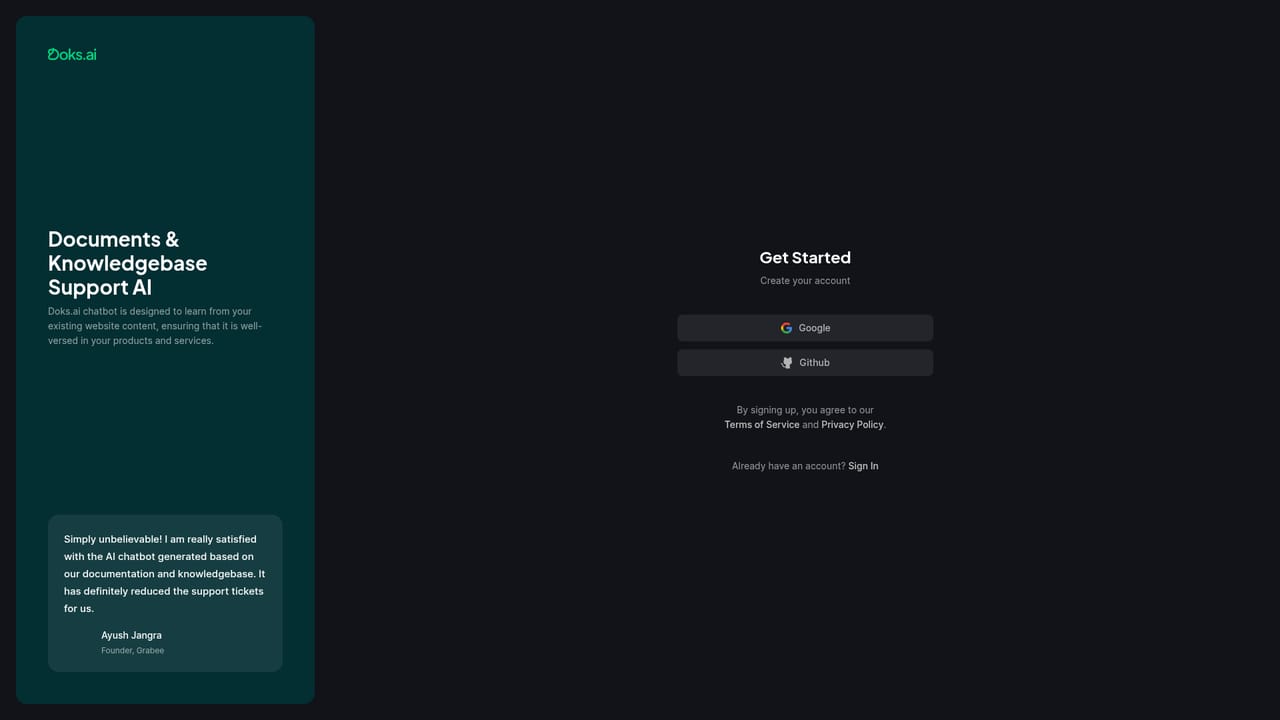
A 7 day free trial is available with no credit card required. It includes one chatbot, 20 message credits, 400,000 characters and 1 lead form. There is no free plan beyond the trial.
Learn morePricing is subscription based with message credits, where 1 credit equals one GPT-3.5 Turbo message and plan credits are pooled across all projects. The homepage does not list plan prices. Brand customisation is for paid plans, white-label is Enterprise only, and no refunds are offered.
Learn moreQuestions can be sent to support@doks.ai. Documentation appears as an on-page FAQ covering setup, training, credits, languages and embedding. No live chat or phone support is described.
The homepage mentions a GitBook connection and ingestion of website URLs, XML sitemaps and uploaded files. It also references an API for integration, but no further named integrations are listed.
Training from URLs, XML sitemaps, text or uploaded documents; no document limit; retraining at no extra cost; editable base prompt, personality and language; floating and custom trigger embeds; lead and help desk ticket forms inside chat; human escalation and demo booking; GitBook connection; UI themes, brand colours and avatars; usage tracking; markdown support.
 AI Angels400+ customizable AI girlfriends for NSFW chat, voice calls, and roleplay
 Candy AIExperience the future of companionship with AI friends who chat, role-play, and connect with you on a human level.
 ourdream.aiA vast AI roleplay platform with millions of characters for chat, images, video and voiceAI Angels400+ customizable AI girlfriends for NSFW chat, voice calls, and roleplayCandy AIExperience the future of companionship with AI friends who chat, role-play, and connect with you on a human level.ourdream.aiA vast AI roleplay platform with millions of characters for chat, images, video and voice


