Free trial
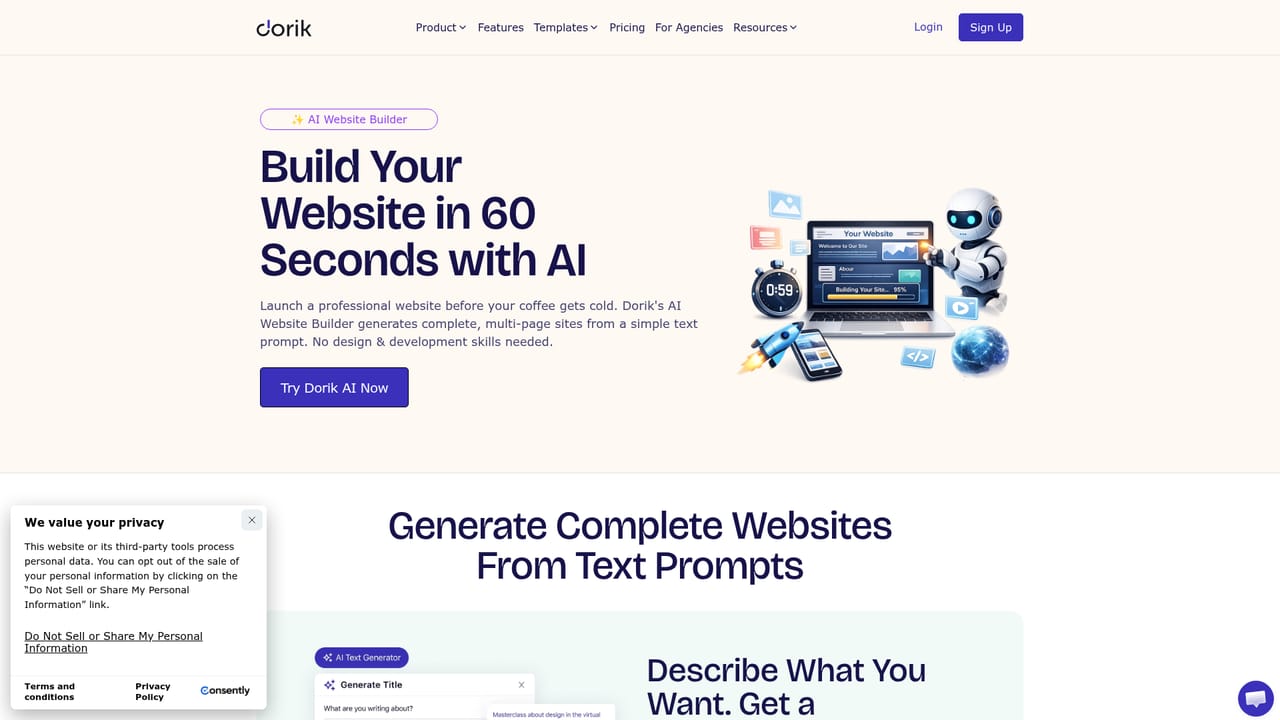
The site advertises a 7-day free trial with no credit card required, and the hero section invites users to try Dorik AI free without a card. Plan limits and what the trial includes are not stated on the homepage.
Learn moreDescribe your business, get a full multi-page site in under a minute

Dorik AI turns a one-sentence business description into a multi-page website with copy and images, then hands it to Dorik's visual no-code editor. It bundles GPT-4 copywriting, Dall-E image generation, AI color and font styling, version history, hosting, CMS and SEO in one platform.
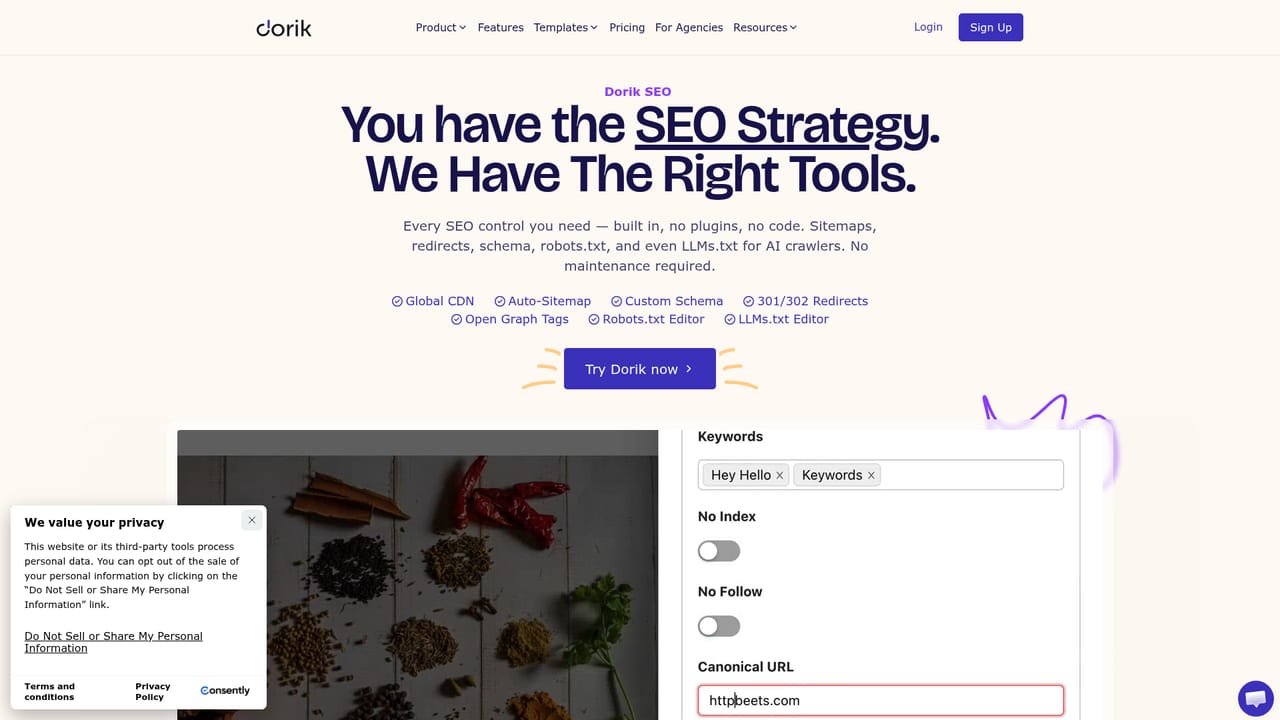
Dorik AI is the generation layer inside the Dorik website builder. You give it a single sentence about your business, and it returns a complete site: pages, layout, written copy and images, aimed at your industry. Dorik claims the first draft arrives in under 60 seconds. Everything the generator produces lands in Dorik's visual editor, so the output is a starting point you can reshape rather than a locked template. The AI is not one feature but a set of them. Website generation produces multi-page sites from a prompt. A text generator built on GPT-4 writes headings, paragraphs and detail copy, with tone controls that steer the voice of the result. An image generator powered by Dall-E creates hero images and illustrations inside the builder, which removes the usual detour to a stock library. AI Quick Style proposes full color palettes and font pairings, and can swap a site's scheme in one click. If a section or a whole page misses, you regenerate it, and every AI version is saved automatically so an earlier draft can be restored. The practical loop is prompt, review, adjust, publish. Dorik handles hosting on AWS and DigitalOcean with a global CDN, free SSL from Let's Encrypt, custom domains, password-protected pages, forms, native SEO settings, payments through Stripe, PayPal and Gumroad, and an Airtable-backed CMS. Clean unminified HTML, CSS and JS can be exported if you outgrow the platform. Dorik AI suits founders, freelancers and small agencies who need a credible site fast and would rather refine than build from blank. It competes with other prompt-to-site tools, and Dorik itself publishes comparisons with Webflow, Framer, Durable and Renderforest. Against Webflow or Framer it trades fine-grained design control for speed; against one-shot generators it wins on what comes after generation, since the editor, CMS and hosting are the same product.
The site advertises a 7-day free trial with no credit card required, and the hero section invites users to try Dorik AI free without a card. Plan limits and what the trial includes are not stated on the homepage.
Learn moreSupport is handled through the Dorik help centre, which publishes integration and e-commerce guides, alongside a status page for platform uptime. The homepage points to help resources but does not describe response times or channel options.
Learn moreForms connect to Zapier, MailChimp and Airtable, payments run through PayPal, Stripe and Gumroad, and a native Airtable integration backs CMS content. Shopify and Ecwid integrations are documented in the help centre.
Learn morePrompt-to-website generation covering pages, layout, copy and images, plus GPT-4 text generation with tone controls, Dall-E image and illustration generation, one-click AI Quick Style palettes and font pairs, section-level regeneration, and automatic version history. The surrounding platform adds hosting and CDN, free SSL, custom domains, forms, payments, native SEO, a CMS, analytics and clean code export.
Learn more AI Angels400+ customizable AI girlfriends for NSFW chat, voice calls, and roleplay
 Candy AIExperience the future of companionship with AI friends who chat, role-play, and connect with you on a human level.
 ourdream.aiA vast AI roleplay platform with millions of characters for chat, images, video and voiceAI Angels400+ customizable AI girlfriends for NSFW chat, voice calls, and roleplayCandy AIExperience the future of companionship with AI friends who chat, role-play, and connect with you on a human level.ourdream.aiA vast AI roleplay platform with millions of characters for chat, images, video and voice


