Free trial
The free generator is the trial: one watermarked 720px headshot at no cost and without payment details, positioned by the vendor as a preview of the paid service.
Learn moreFree AI headshots for LinkedIn and CVs, generated from one selfie

Dr. Headshot is an avatar presentation tool. A no-cost, no-signup AI headshot generator from Dr. Headshot that converts one selfie into a watermarked 720px professional avatar. Useful as a quick preview for LinkedIn or CV photos, but the real quality sits behind the paid plans starting at 29 euros.
Dr. Headshot's free headshot generator is a browser tool that turns a single uploaded selfie into a professional-looking avatar. The workflow is deliberately short: upload a clear photo, pick an outfit and a gender option, let the AI render the result, then download it. The whole cycle takes seconds rather than the hours a studio shoot would need, and no account setup or credit card is requested to use the free tier. The output is aimed at people who need something presentable quickly: a LinkedIn profile picture, a CV photo, or an image for a business website. Dr. Headshot's own copy positions the free generator as a testing ground rather than a finished product, and the comparison table backs that up. Free results arrive at standard 720px resolution, carry a watermark, use one studio background and a limited outfit set, and are licensed for personal use only. The company does not store uploaded photos and says they are deleted after processing, which matters for anyone uneasy about sending a face image to a third party. The obvious comparison is Dr. Headshot's own premium service, which starts from 29 euros and returns 100+ variations at 2K+ resolution, more backgrounds and outfits, no watermark, commercial rights and a one to two hour turnaround. Against other free avatar generators, the appeal here is the narrow focus on headshots and the fact that it is a funnel into a paid product with a stated 4.8 rating across 6,673+ reviews and a money-back guarantee. Buyers should treat the free tier as a preview: it shows whether the model renders their face convincingly before any money changes hands. The site also runs a separate corporate offering for teams that need consistent company headshots.
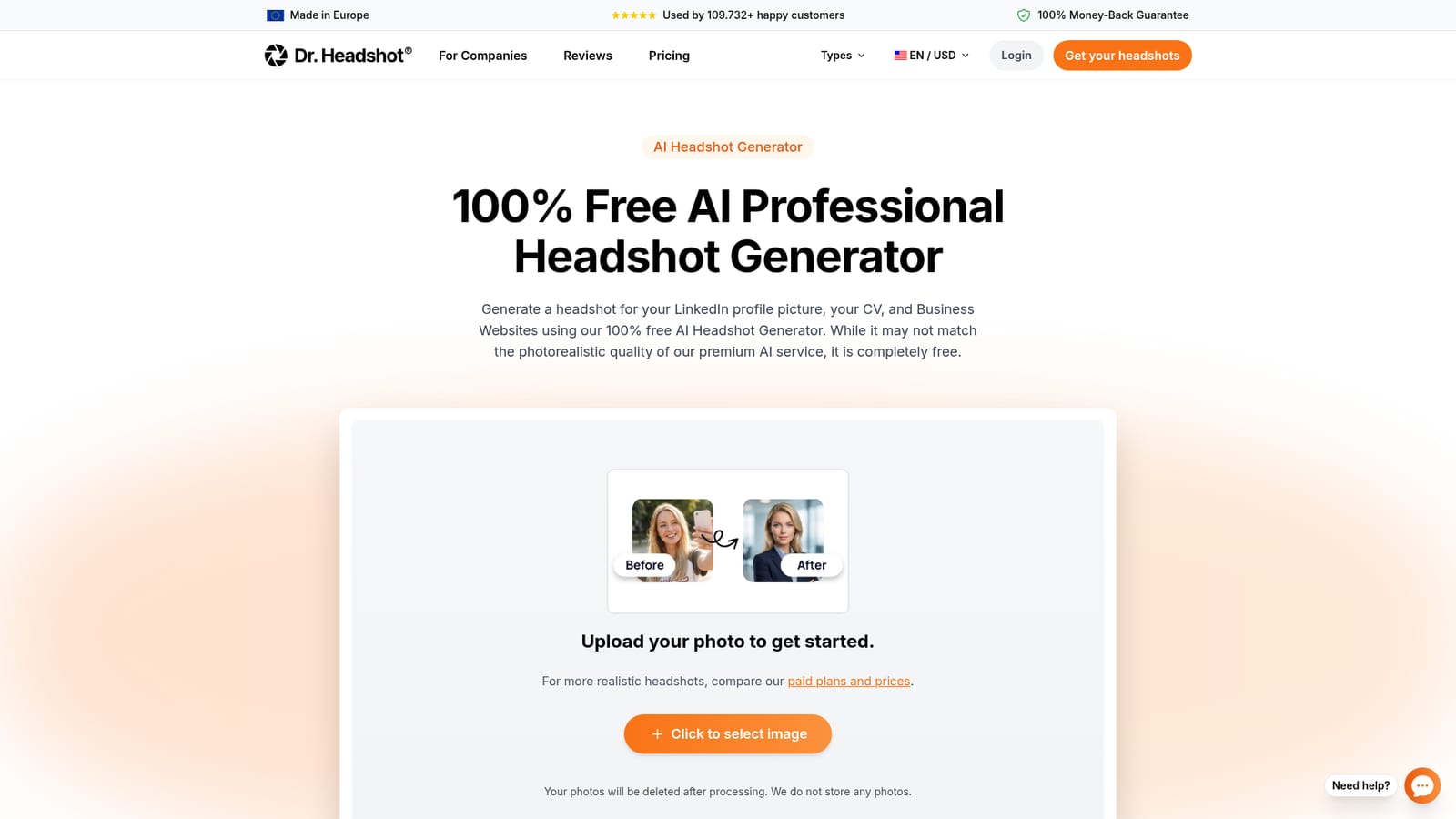
The free generator is the trial: one watermarked 720px headshot at no cost and without payment details, positioned by the vendor as a preview of the paid service.
Learn moreThe generator itself is free and needs no credit card. Dr. Headshot's premium headshot service is a separate paid product starting at 29 euros, offering 100+ photos at 2K+ resolution, no watermark and commercial usage rights.
Learn moreUpload one selfie, select an outfit and gender, and receive a generated headshot within seconds. Free output is 720px with a watermark, one studio background, a limited outfit set and personal use rights. Photos are not stored after processing.
 AI Angels400+ customizable AI girlfriends for NSFW chat, voice calls, and roleplay
 Candy AIExperience the future of companionship with AI friends who chat, role-play, and connect with you on a human level.
 ourdream.aiA vast AI roleplay platform with millions of characters for chat, images, video and voiceAI Angels400+ customizable AI girlfriends for NSFW chat, voice calls, and roleplayCandy AIExperience the future of companionship with AI friends who chat, role-play, and connect with you on a human level.ourdream.aiA vast AI roleplay platform with millions of characters for chat, images, video and voice


