Free trial
A free trial is offered with no credit card required, per the homepage. It routes to the app login where you can test course generation before choosing a plan.
Learn moreTurn PDFs and slide decks into multilingual AI courses with talking AI actors
Own Immersive Fox? Verify ownership to get a dofollow link

Immersive Fox is an avatar presentation tool that turns PDFs and slide decks into multilingual AI courses with talking AI actors. An AI training platform that turns PDFs and decks into narrated, multilingual courses with AI actors, adaptive learning and quizzes.
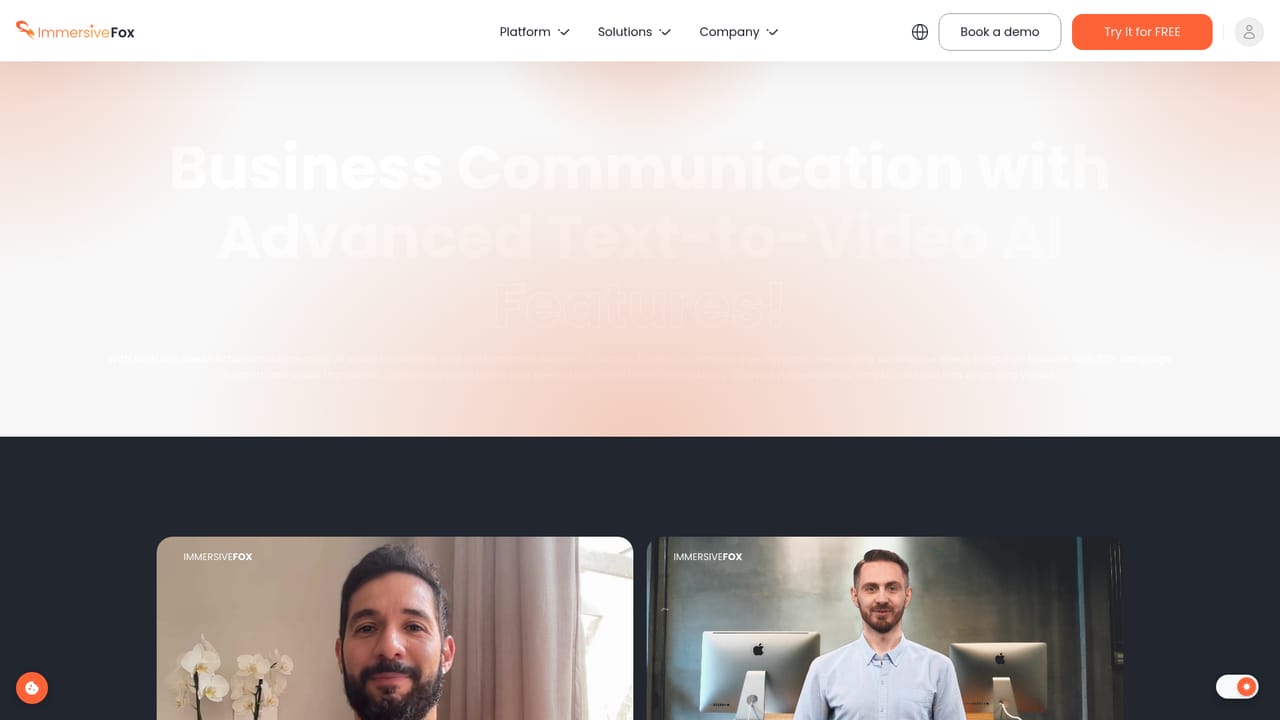
Immersive Fox is an AI training platform that converts existing documents into structured, voice narrated video courses. Upload a PDF or PPTX file and the system generates lessons, adds an AI actor as the on screen presenter, layers in quizzes and adaptive learning logic, then publishes the result to teams or students. The stated aim is to remove cameras, crew and studio time from corporate learning production, and to do it in a browser rather than a video editor. The workflow is deliberately short: drag in a document, generate a course, edit and preview, then publish. Presenters can be built from a photo, a video clip or text, or picked from a library of more than 40 ready made AI actors, which matters for organizations that need a consistent face across a long curriculum. Content is delivered in 57+ languages, and the company says the localization adapts cultural context alongside the wording. The adaptive layer watches how a learner performs and shifts content, pace and difficulty to match, while quizzes provide instant feedback after each question. The product is aimed at corporate L&D, HR onboarding, compliance and academic teams, plus agencies and LMS providers that produce training on behalf of clients. A separate use case is personalized video for outreach: one customer, a CRM provider, reports a 26 percent lift in email campaign performance using tailored videos. References on the site include a University of Helsinki deployment across 57 languages and a psychologist training series built from a single recorded actor instead of ten separate sessions. Seen against general purpose avatar video tools, Immersive Fox leans on the course structure rather than clip generation, so the value is in lesson sequencing, quizzes and learner analytics rather than raw video polish. Against authoring suites like Articulate or Captivate it trades template depth and manual control for speed from existing documents. Pricing tiers, export formats and data handling terms are not published on the homepage, so those need to be confirmed directly before committing a team.

A free trial is offered with no credit card required, per the homepage. It routes to the app login where you can test course generation before choosing a plan.
Learn moreConverts PDFs and PPTX files into structured video courses with AI actors, quizzes and adaptive learning. Includes 40+ stock AI actors, custom actor creation from photo, video or text, delivery in 57+ languages with cultural adaptation, learner performance analytics, and one click sharing and export for academic use.
Learn more AI Angels400+ customizable AI girlfriends for NSFW chat, voice calls, and roleplay
 Candy AIExperience the future of companionship with AI friends who chat, role-play, and connect with you on a human level.
 ourdream.aiA vast AI roleplay platform with millions of characters for chat, images, video and voiceAI Angels400+ customizable AI girlfriends for NSFW chat, voice calls, and roleplayCandy AIExperience the future of companionship with AI friends who chat, role-play, and connect with you on a human level.ourdream.aiA vast AI roleplay platform with millions of characters for chat, images, video and voice


