Headshottr

AI headshots trained on your own photos, delivered in about an hour

Beginner
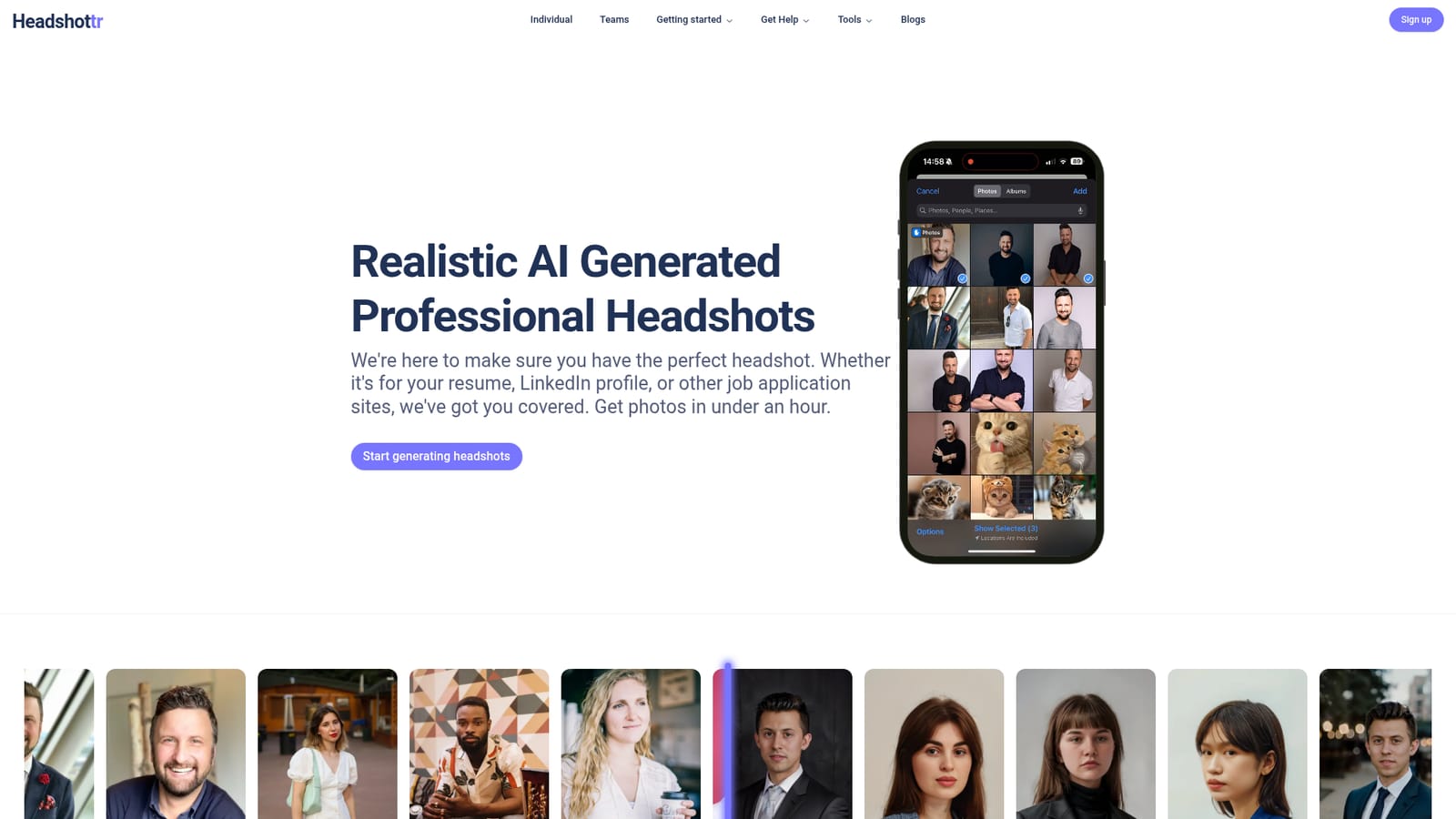
Screenshot of Headshottr, AI headshots trained on your own photos, delivered in about an hour

What is Headshottr?

Headshottr generates professional AI headshots from at least 10 uploaded photos, training a model on your likeness and returning 30 to 230 images depending on tier, typically within about an hour. It targets job seekers and professionals who want LinkedIn or resume portraits without a studio session.

Headshottr is an AI headshot service aimed at people who need a polished professional portrait without booking a studio session. The workflow is deliberately narrow: you supply a set of photos of yourself, the service trains a model on your appearance, and it generates a batch of new headshots in business-appropriate outfits and poses. The company says results typically arrive in about an hour on its standard tier, which puts it in the same bracket as other AI portrait generators but with a shorter promised turnaround. In practice, the upload step is the part that decides quality. Headshottr asks for at least 10 photos of the same person and states plainly that it regenerates you from the ground up rather than pasting your face onto a stock body, a distinction the company leans on heavily against faceswap-style competitors. Output counts scale with price: the Entry Level tier returns 30 to 60 photos across 5 outfits, the Manager tier returns 90 to 120 photos across 10 outfits, and the Executive tier returns 200 to 230 photos across 20 outfits with a longer generation window. Every tier lists 24/7 support. The audience is straightforward: job seekers refreshing a resume or LinkedIn picture, freelancers and consultants who want a consistent professional image, and small teams that would rather pay a fixed fee than coordinate a photographer. Images are intended for social profiles and career sites. Headshottr also offers one-on-one help picking source photos on request, which matters more here than in most tools because a weak upload set produces weak output. Where it sits among alternatives: cheaper than a traditional studio shoot, faster than many AI headshot services on paper, and simpler than general-purpose image generators that require prompt work and manual retouching. The tradeoff is control. You pick a tier, not a lighting setup, and the range of looks is whatever the outfits and poses in that tier produce. Buyers who need art direction or brand-specific styling should look elsewhere; buyers who need a credible headshot by tomorrow are the target here.

How do you use Headshottr?

  1. 1Create an account
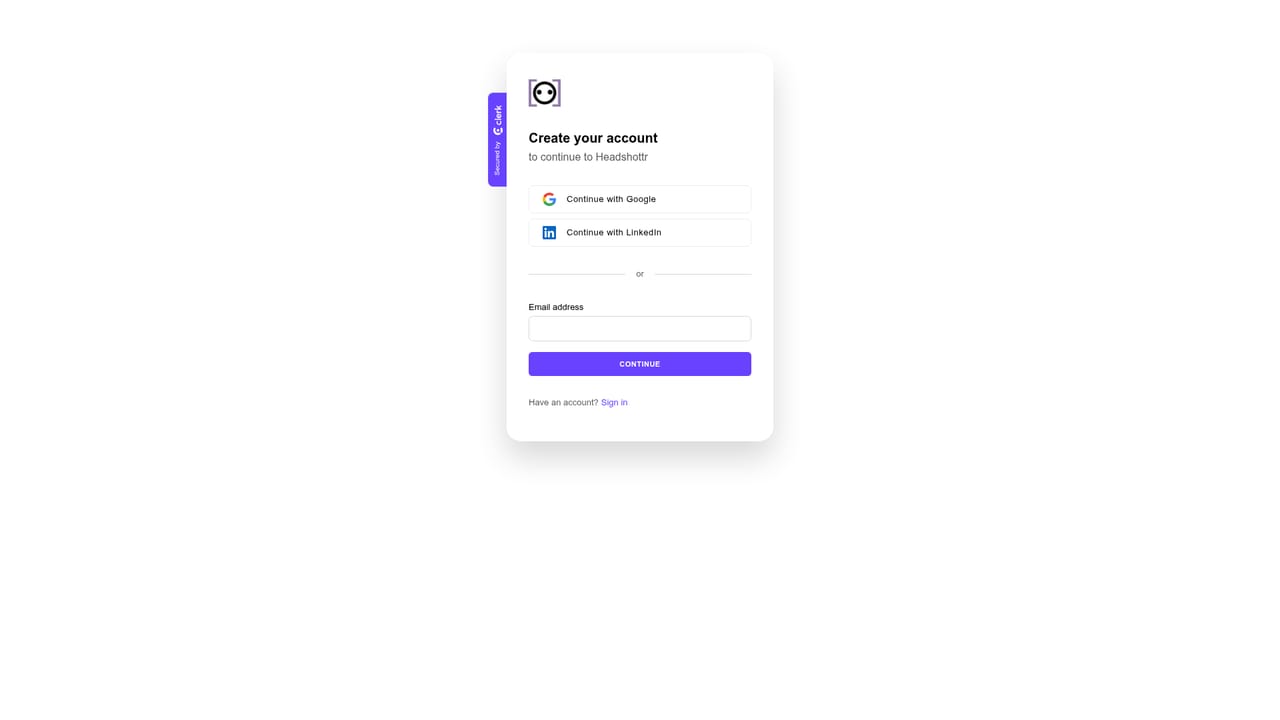
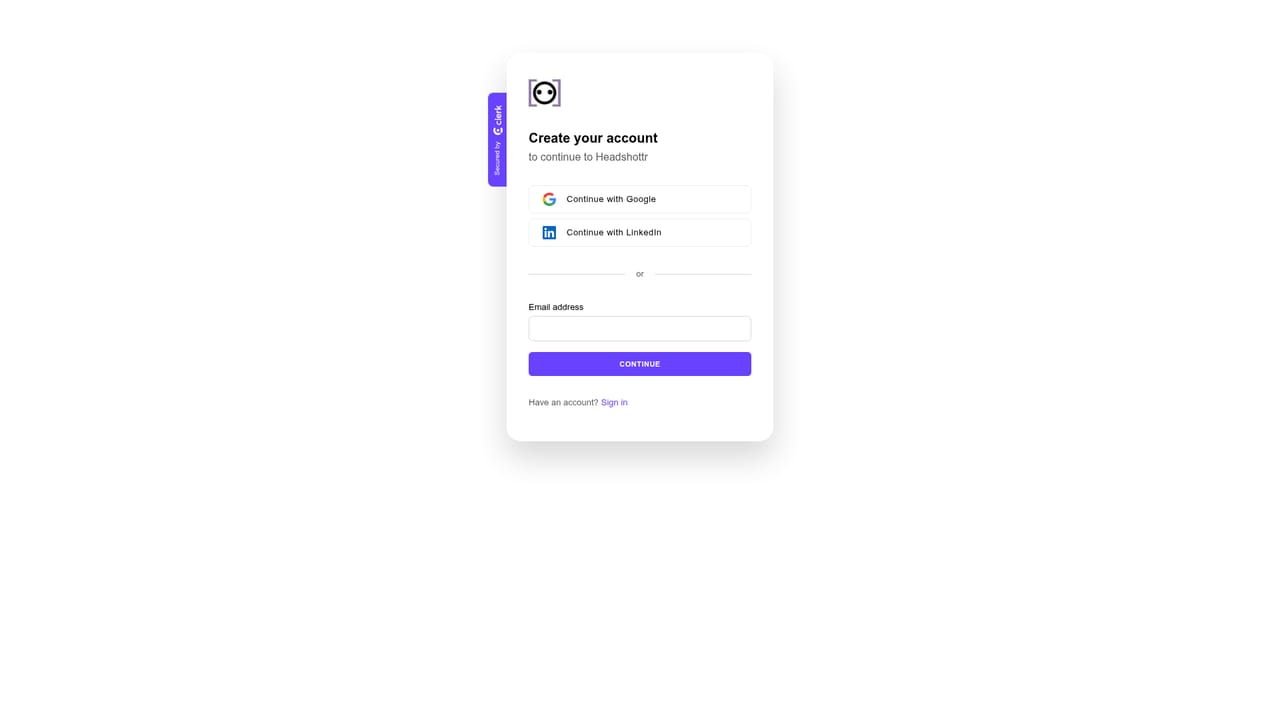
    Sign up with an email address to open a Headshottr account. Orders and delivered photos are tied to this account, so use one you check regularly.
    Headshottr — Create an account
  2. 2Pick a plan
    Choose Entry Level, Manager, or Executive. The difference is photo count, outfit variety, generation time, and price, so match the tier to how many options you want to review.
    Headshottr — Pick a plan
  3. 3Upload at least 10 photos
    Submit a set of photos of yourself in varied lighting and angles. Upload quality drives output quality, and Headshottr will help you select images if you ask support.
    Headshottr — Upload at least 10 photos
  4. 4Read the photo selection guidance
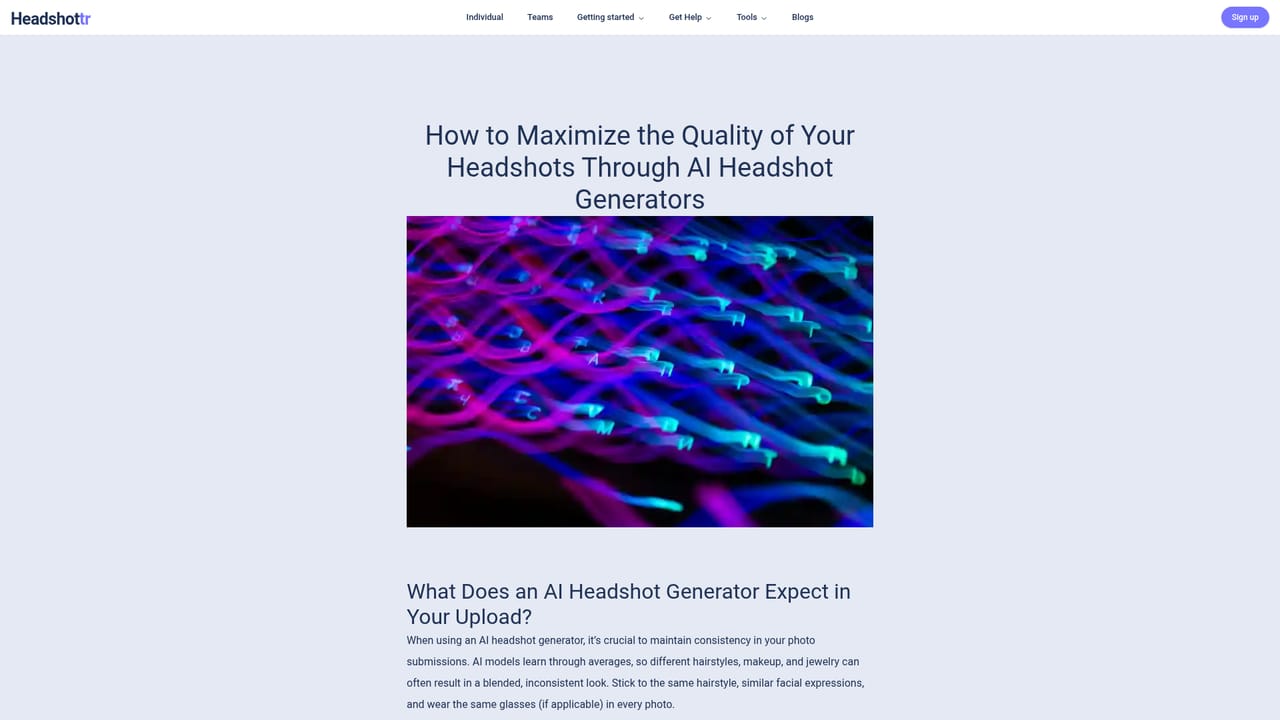
    Before uploading, review the blog guidance on which pictures produce good results. Clear, well-lit, unobstructed shots of your face and torso work best as training material.
    Headshottr — Read the photo selection guidance
  5. 5Wait for generation
    Headshottr trains a model on your appearance and generates the batch, quoted at roughly 45 minutes to an hour depending on tier. No action is needed while this runs.
  6. 6Download and apply to LinkedIn
    Collect your photos and use them on LinkedIn, your resume, and other profiles. Aim for a square 1:1 crop on LinkedIn to avoid awkward framing.
    Headshottr — Download and apply to LinkedIn

Pros and cons

Pros

  • Turnaround is quoted at under an hour for standard tiers, which is quick for this categoryAI
  • Output volume is generous, ranging from 30 photos on the cheapest tier to 230 on the top tierAI
  • Regenerates your likeness rather than swapping a face onto stock bodies, per the company's own descriptionAI
  • On-request one-on-one help choosing source photos, which addresses the main failure point for AI headshotsAI
  • Clear tier structure with outfit and pose counts listed up front, so buyers know what they getAI

Cons

  • No free trial or sample generation is offered on the homepage, so the $19 entry tier is the cheapest way to test output qualityAI
  • Requires at least 10 usable photos of yourself, a real barrier for anyone without a decent existing photo libraryAI
  • No stated resolution, file format, or delivery details beyond a FAQ heading, which makes it hard to judge print suitabilityAI
  • Creative control is limited to tier selection: no choosing backgrounds, lighting, or specific outfit stylesAI
  • The Executive tier costs $59 for more photos and a longer wait, but the homepage gives no quality guarantee beyond a best chance at a perfect photoAI

How much does Headshottr cost?

Pricing

Three one-time tiers are listed on the homepage: Entry Level at $19 for 30 to 60 photos, 45 minute generation, and 5 outfits; Manager at $39 for 90 to 120 photos, 1 hour generation, and 10 outfits; Executive at $59 for 200 to 230 photos, longer generation, and 20 outfits. All tiers include 24/7 support.

Learn more

Support

Support runs 24/7 according to the homepage, with email contact at support@headshottr.com. On request, the team will work one-on-one to choose the source photos most likely to produce strong results, and a full refund is offered where guidelines were followed and the customer is still unsatisfied.

Features

The core feature is a model trained on at least 10 uploaded photos of you, followed by generation of new headshots in multiple outfits and poses. Generation is quoted at under an hour on the standard tier, images are licensed for social and career profiles, faceswaps are explicitly avoided, and one-on-one photo selection help is available on request. Data is not sold and orders can be deleted on request.

Frequently asked questions about Headshottr

  • How much does Headshottr cost?
    Three one-time tiers are listed on the homepage: Entry Level at $19 for 30 to 60 photos, 45 minute generation, and 5 outfits; Manager at $39 for 90 to 120 photos, 1 hour generation, and 10 outfits; Executive at $59 for 200 to 230 photos, longer generation, and 20 outfits. All tiers include 24/7 support.
  • How do you use Headshottr?
    The walkthrough on this page covers 6 steps: 1. Create an account 2. Pick a plan 3. Upload at least 10 photos 4. Read the photo selection guidance 5. Wait for generation 6. Download and apply to LinkedIn.
  • What platforms does Headshottr support?
    Headshottr is available on Web App.
  • What are the limitations of Headshottr?
    No free trial or sample generation is offered on the homepage, so the $19 entry tier is the cheapest way to test output quality. Requires at least 10 usable photos of yourself, a real barrier for anyone without a decent existing photo library. No stated resolution, file format, or delivery details beyond a FAQ heading, which makes it hard to judge print suitability.

Status

StatusActive
Views0
Outbound clicks0
Added10/22/2026

Platforms

Web App

Pricing

Paid