Free trial
The page description says to start free today, but the homepage does not explain the free allowance or its limits.
Learn moreOne prompt box for dozens of AI video and image models

LumeFlow AI is a web platform that gathers many AI video and image models, including Seedance, Kling, Sora 2, Veo 3.1 and Nano Banana, behind one prompt interface with text-to-video, image-to-video, lip sync and effects tools.
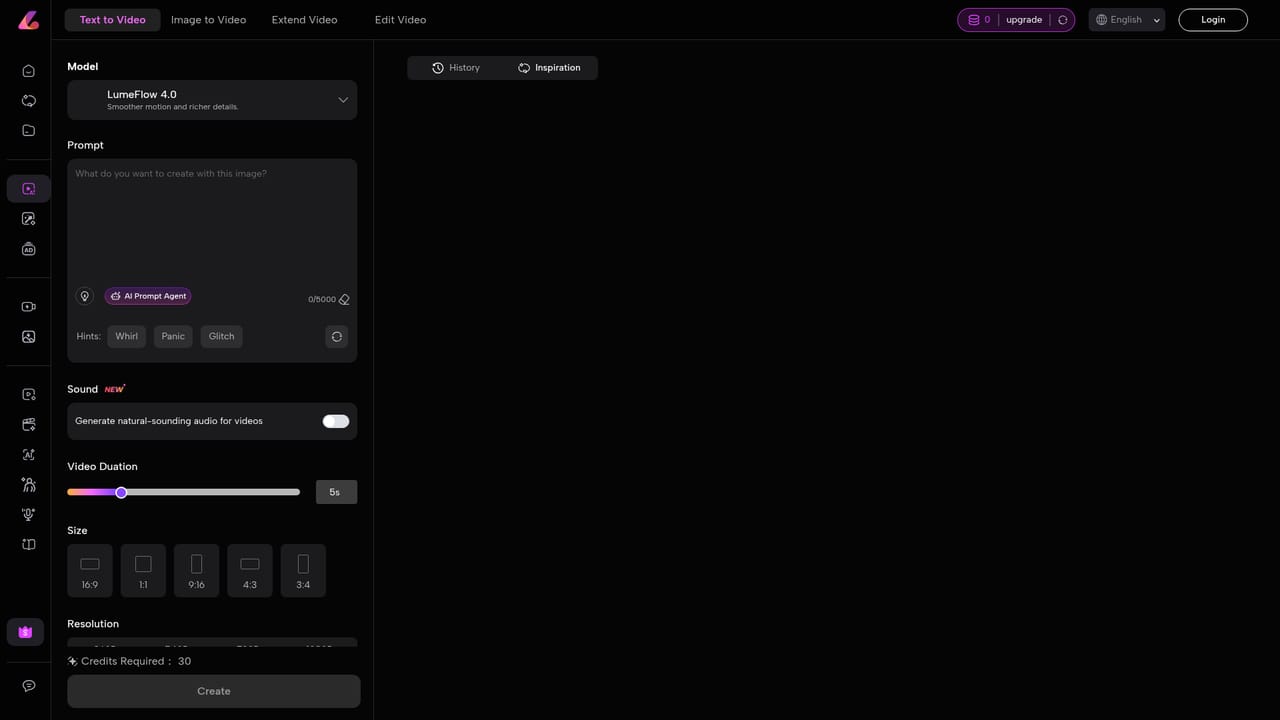
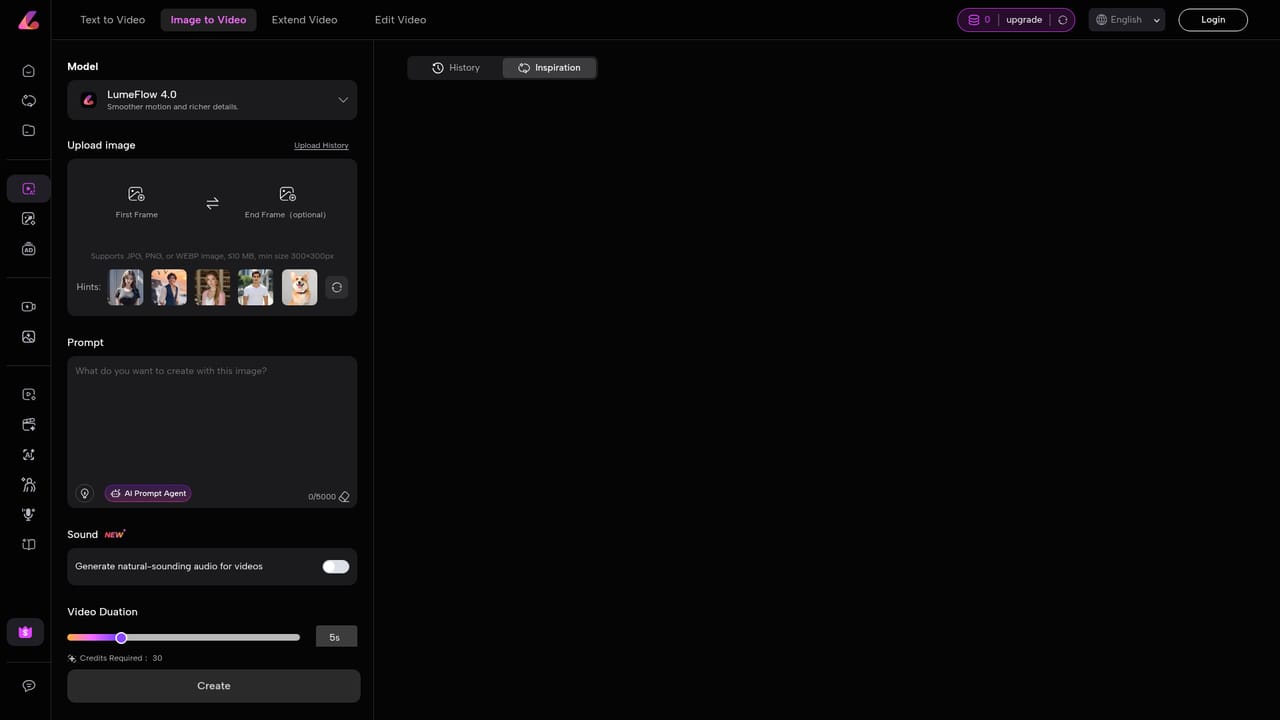
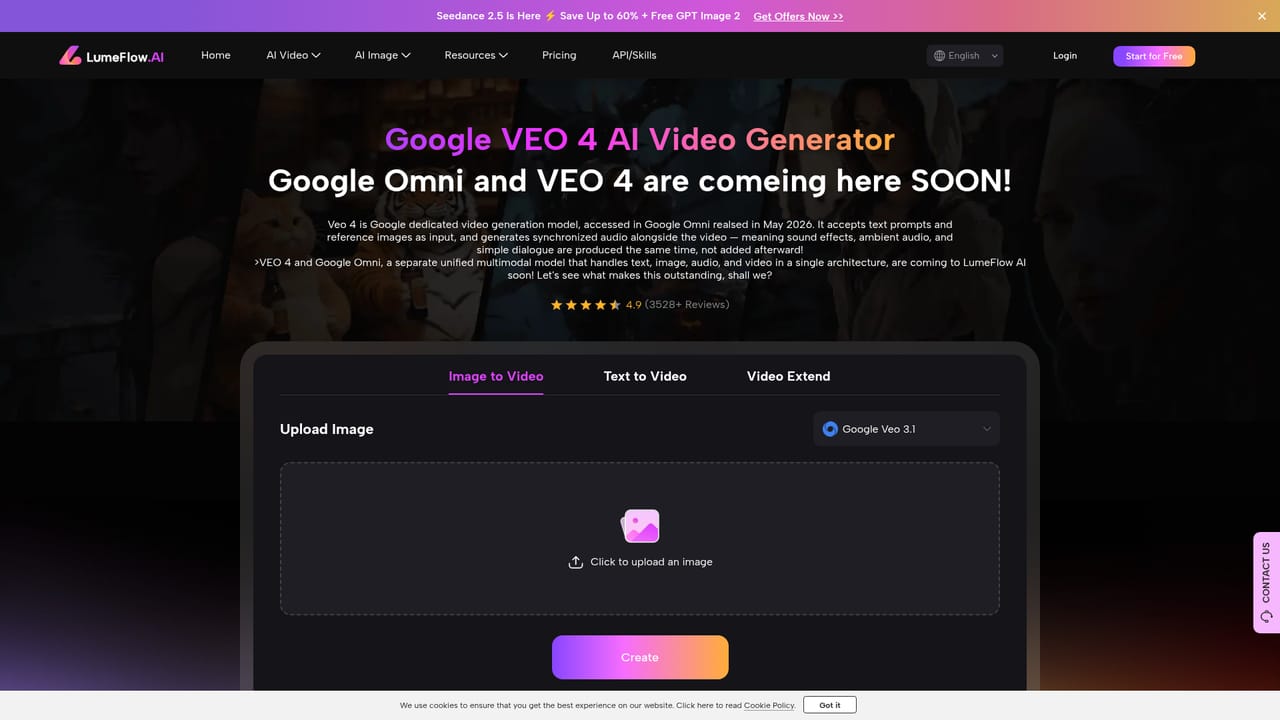
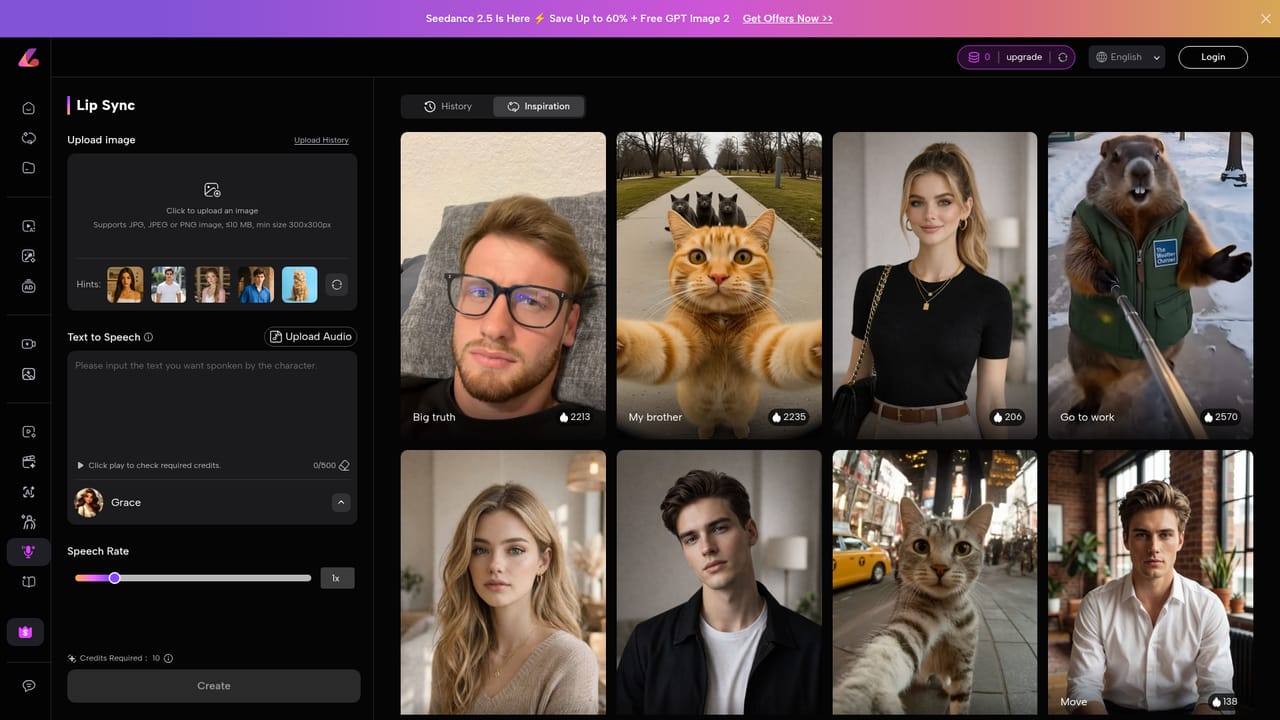
LumeFlow AI is a browser-based creation hub that puts many generative models behind a single prompt box. Instead of keeping separate accounts for each video or image engine, users choose a mode (image to video, text to video or AI image) and then pick a model from a long list. The video lineup includes Seedance 2.5, Happy Horse, Kling, Wan, Pixverse, Hailuo, Sora 2, Vidu, Google Veo 3.1 and the platform's own LumeFlow model, each with a dedicated landing page on the site. The image side follows the same pattern, listing ChatGPT Image 2.5, Nano Banana 2, Nano Banana, Flux Kontext Max and Pro, Seedream 4.0 and Kling 01. Around the core generators sit task tools such as mimic motion, lip sync, video effects and one-click image effects (a JoJo manga style, group shot, text removal and similar presets). Separate pages target common jobs: movie trailers, animation, dance clips, video ads, Instagram Reels, YouTube videos and UGC-style footage. In practice, a session starts with a description of up to 5,000 characters, optionally paired with an uploaded reference image. The user selects a model, submits, and receives a generated clip or picture. The sample prompts shown on the homepage are long and specific, covering camera angle, lighting, mood and aspect ratio, which suggests that output quality depends heavily on how carefully the prompt is written. The site markets itself to people with no editing background, so marketers, social media creators, small businesses and hobbyists are the clearest audience. Among alternatives, LumeFlow AI competes with other multi-model aggregators more than with single-engine apps. Its value is trying several engines from one place and one account, not fine control over a timeline. Anyone who needs frame-accurate editing will still want a separate video editor for finishing work.
The page description says to start free today, but the homepage does not explain the free allowance or its limits.
Learn moreThe homepage does not list prices or plan details. Its meta description invites visitors to start free, and a separate pricing page exists on the site.
Learn moreText-to-video, image-to-video, text-to-image and image-to-image generation across many models, plus mimic motion, lip sync, AI video effects, preset image effects such as text removal, and use-case pages for ads, Reels, trailers and UGC.
Learn more


